Create your next Sales Pitch with the professional Sales Pitch Presentation Template. This PowerPoint template is designed around Sales Pitch and Presentation Deck concepts. This means that the user can quickly use the presentation to provide a compelling speech with high-quality visual assets and later handle the deck as an auto explanatory brochure of the sales speech.
Modern marketing teams create sales presentations and decks to help their sales team promote and offer their product/services. Visual collateral is an indispensable material for an efficient and effective sales process. The marketing team can compile the required Marketing Mix in an easy-to-use presentation for the sales team. The sales team can rely on the copy used by the marketing team and handle a constantly updated version of their offerings to their prospects and customers.
An effective sales pitch is a conversation where the sales team listens to the buyer, asks real meaningful questions, and offers a solution to change their reality positively.
The Sales Pitch Presentation Template is designed around seven best practices of the modern Sales Pitch:
- Customer Research – Understand the customer and its needs.
- Talk to the right person – Identify and be in touch with the decision-maker.
- Do the sales homework – Answer customers’ questions proactively and with solutions to their problems.
- Address Potential Sales Objections – Budget, Authority, Need, and Time a.k.a. BANT.
- Let your customer speak – Follow your script but pay attention to your customer.
- Call To Action – Define Next Steps.
- Reference a Referral – Let your positive experience with previous customers speak for you.
Impress your prospects and customers with a professional Sales Pitch Presentation. Alternatively, you can download other sales pitch templates and presentation slides to prepare your sales presentation with creative and visual slides.
What’s inside this template
Example presentation scenarios
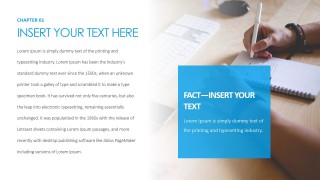
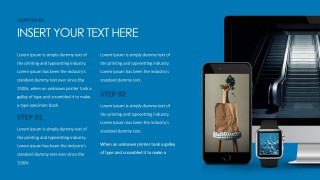
- A sales manager can use the table of contents and chapter slides to keep a discovery-to-proposal meeting organized while presenting a product or service offer.
- A marketing team can prepare a sales enablement deck by replacing the chapter copy, fact callouts, and proposal cards with approved messaging for the sales team.
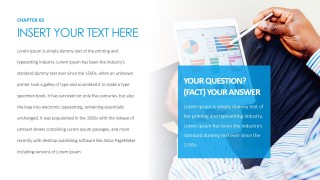
- An account executive can use the Q&A panel and statistic callout slides to address buyer objections, frame supporting evidence, and move the discussion toward a decision.
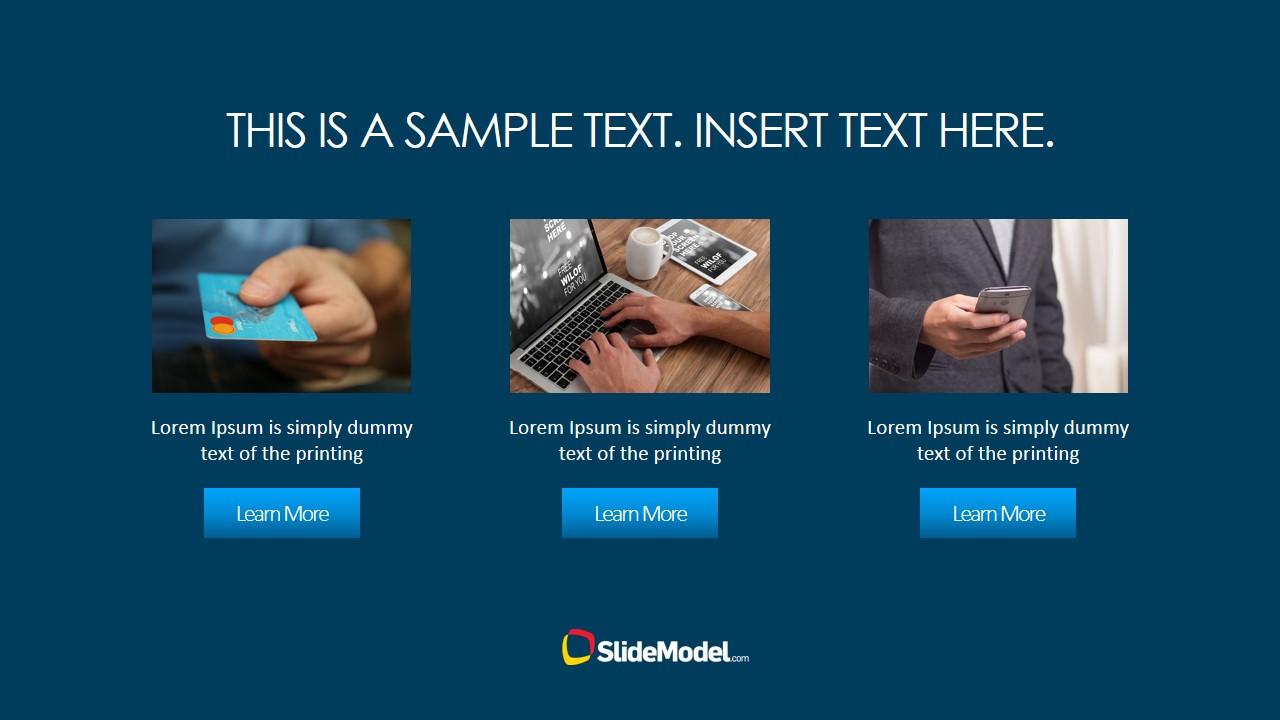
- A founder or business development lead can use the conclusion, quote, and three-card offering slide to summarize value, show options, and request a next step.
Features
- 100% editable presentation template
- Compatible with Microsoft PowerPoint and Google Slides
- 16:9 aspect ratio slides
- Scalable vector shapes, icons and illustrations
- AI-Ready for Microsoft Copilot and Claude
- Instant access and download
Frequently asked questions
Q: How should the presenter structure the pitch with this deck?
A: Start with the cover and table of contents to set expectations, then use the chapter slides as short selling points rather than long reading sections. Reserve the Q&A panel for buyer concerns, the statistic callout for proof, and the conclusion slide for the next step. The three-card slide works best as a choice architecture for packages, services, or actions.
Q: Who is this template best suited for in a sales process?
A: This template fits sales teams, account executives, founders, and marketing teams creating a reusable prospect presentation. It is strongest when the offer needs explanation across several talking points, not just a one-page teaser. The chapter format, question slide, proof callout, and closing cards support meetings where the presenter must guide and respond.
Q: Why does the design use photo backgrounds with blue information panels?
A: The photo backgrounds create a business context while the blue panels separate the message from the image, giving the presenter clear focal points. This is useful in a sales pitch because each slide can carry one headline, one proof point, or one buyer question. The repeated panel style also makes the deck feel consistent across chapters.
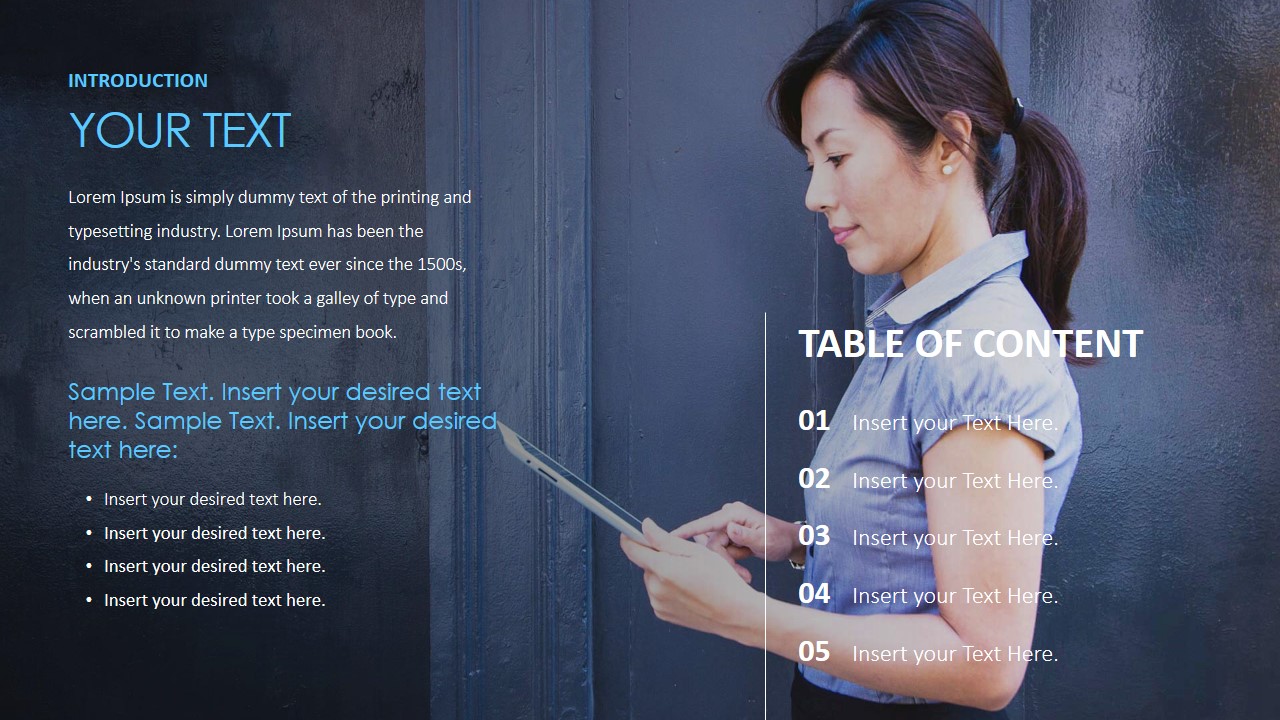
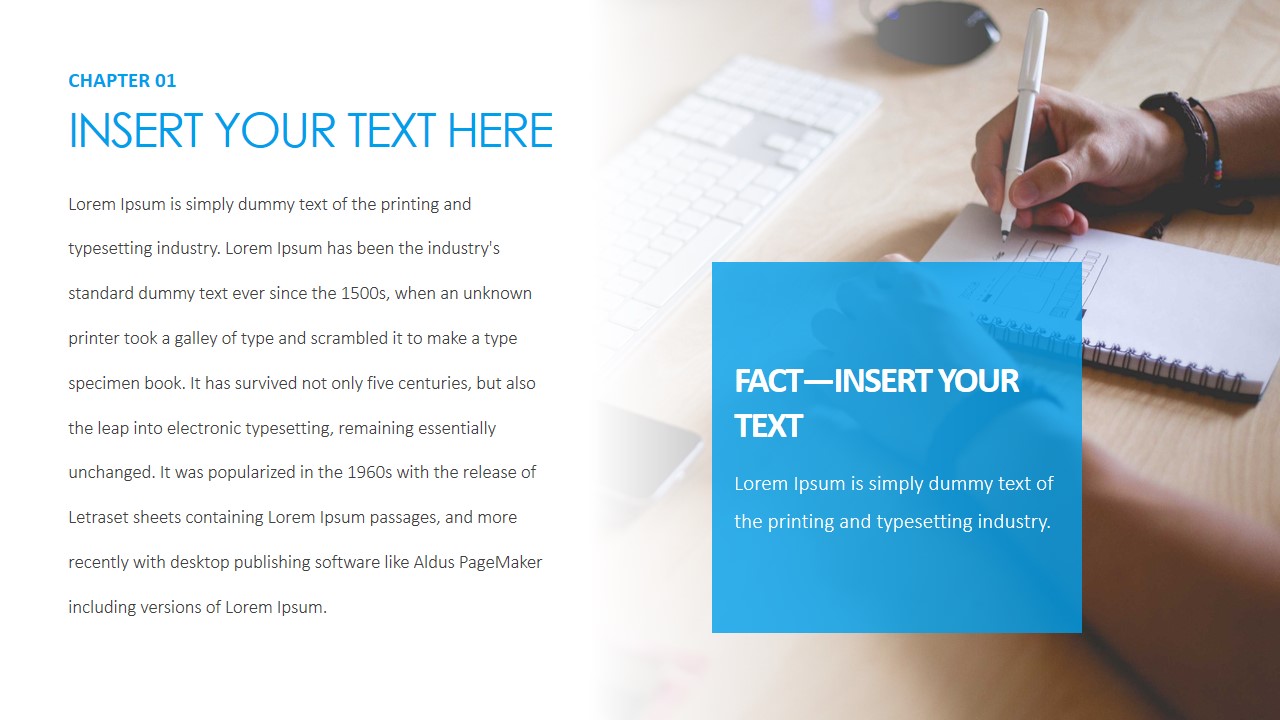
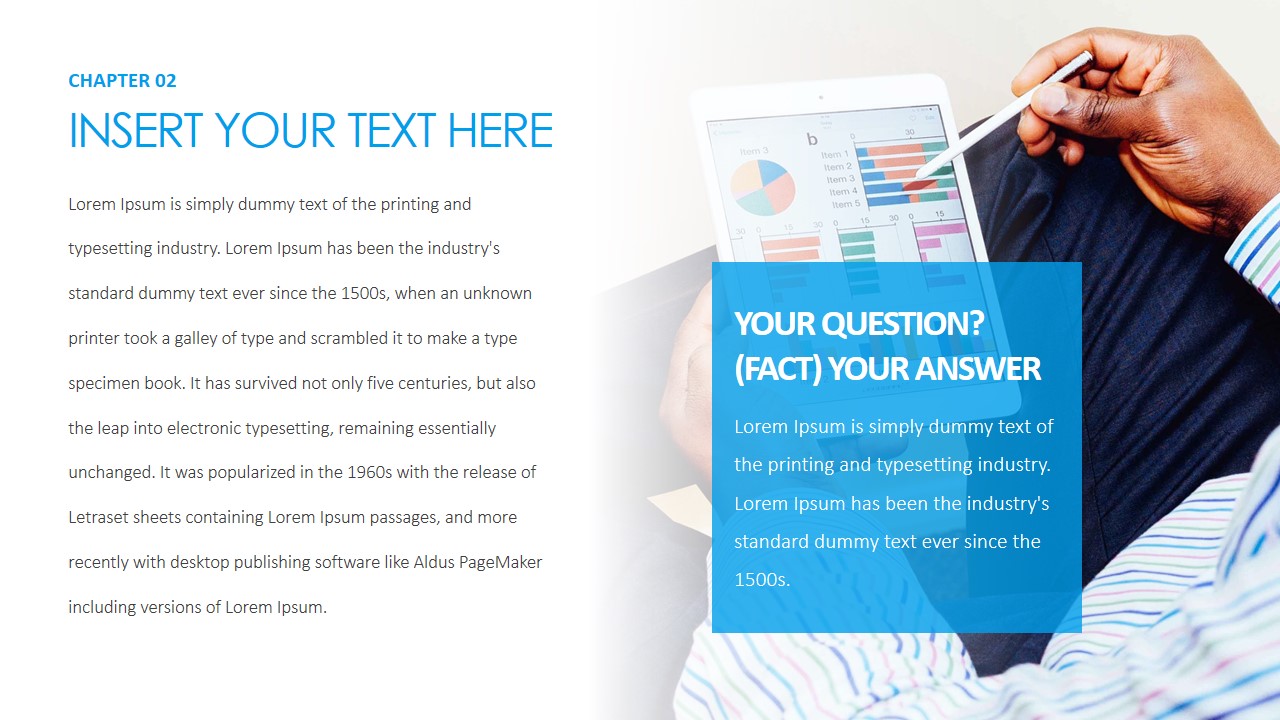











Sales Pitch Presentation Template
14-slide sales pitch presentation template with chapter content, Q&A panels, statistic callouts, and proposal cards
Sales Pitch Presentation Template is a 14-slide deck for sales and marketing teams preparing prospect conversations. Visible layouts include a cover slide, table of contents, chapter content slides, a Q&A panel, statistic callout, conclusion slide, quote slide, and proposal card layout. It is designed for Microsoft PowerPoint and Google Slides.
- Category
- Business PowerPoint Templates
- Rating


 Loading...
- Aspect ratio
- 16:9, 4:3
- Item ID
- 4183-01
- Colors
 Microsoft PowerPoint
  Microsoft Copilot
  Claude for PowerPoint
 Other formats supported
Subscribe today and get immediate
access to download our PowerPoint templates.