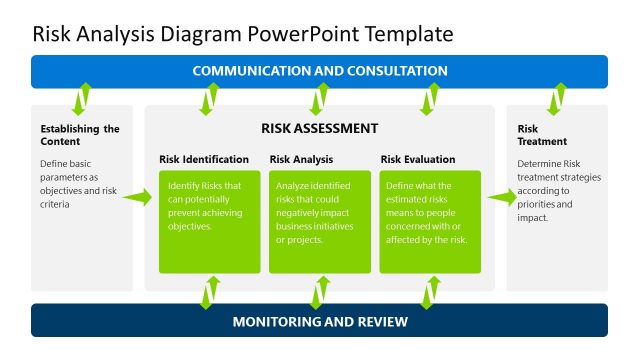
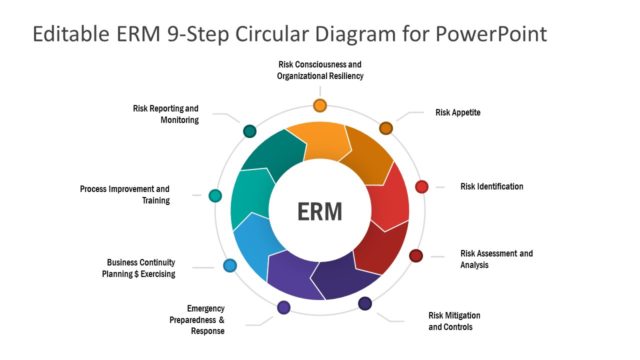
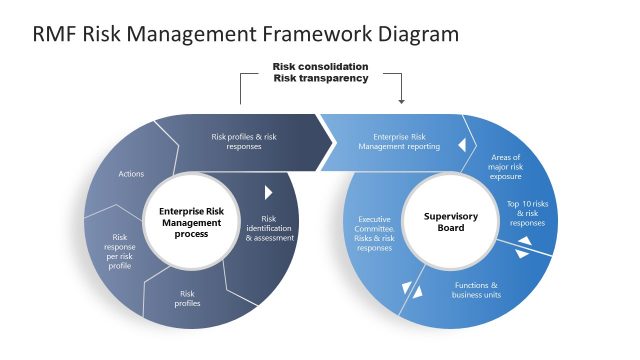
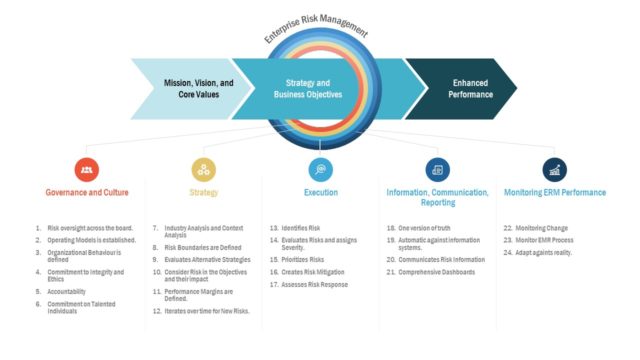
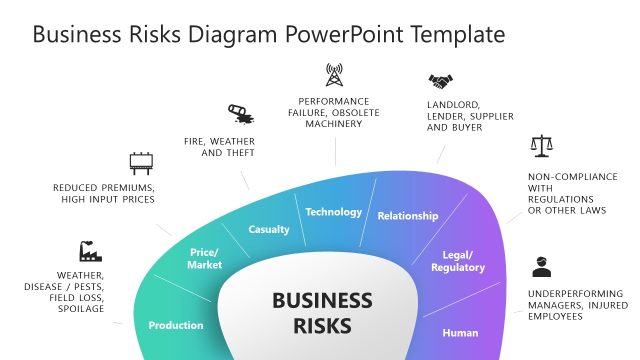
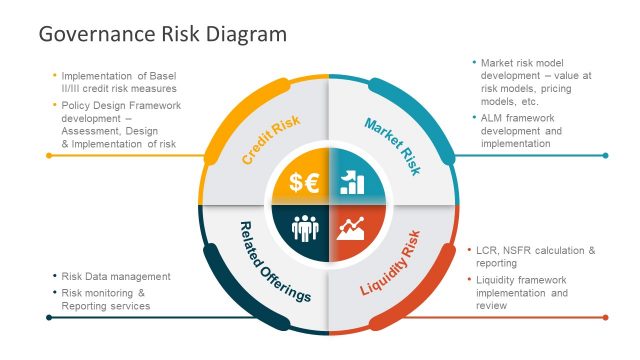
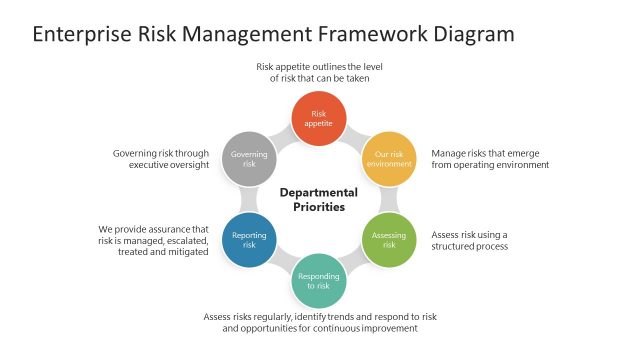
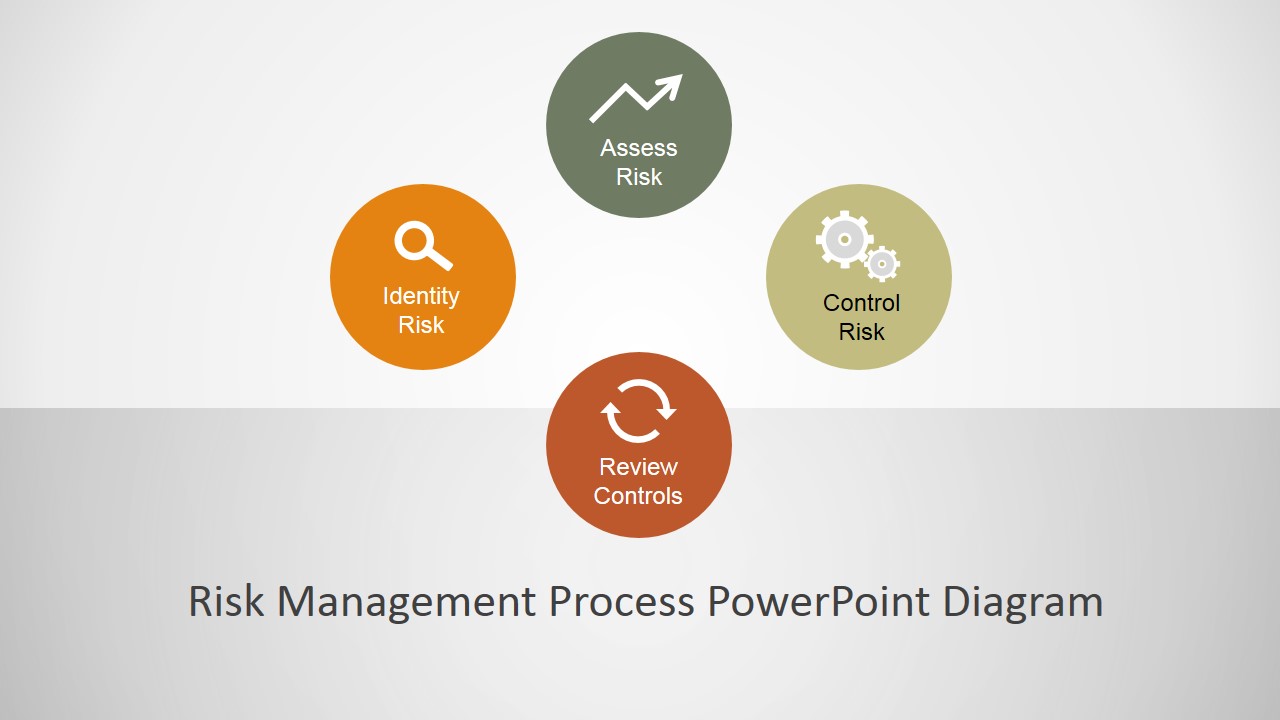
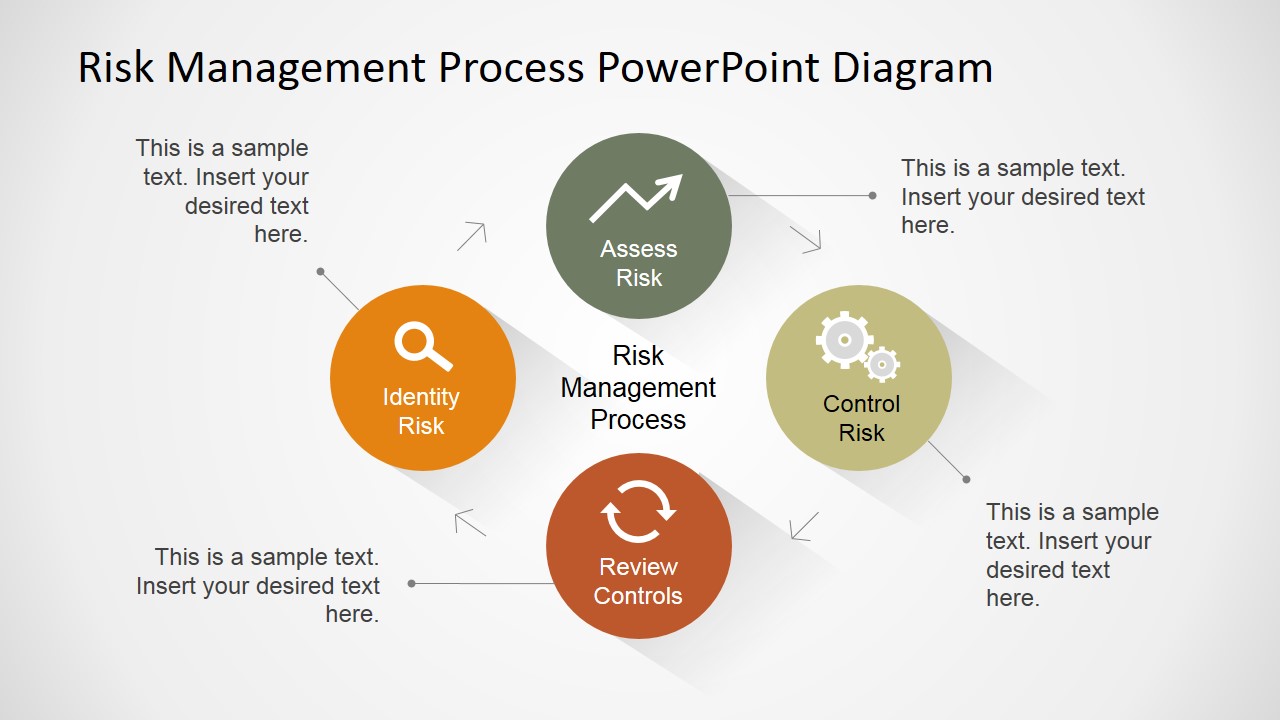
Risk Management Process PowerPoint Diagram is a professional and modern presentation with the four stages diagram of Risk Management. The Risk management practices consist of the identification, assessment and prioritization of risks, followed with the application of resources to minimize, or mitigate, the impact of occurrence, and control the probability of unfortunate events.
Risk Management as a practice is a major discipline standardized by several organizations governing the Project Management and Engineering Practices.
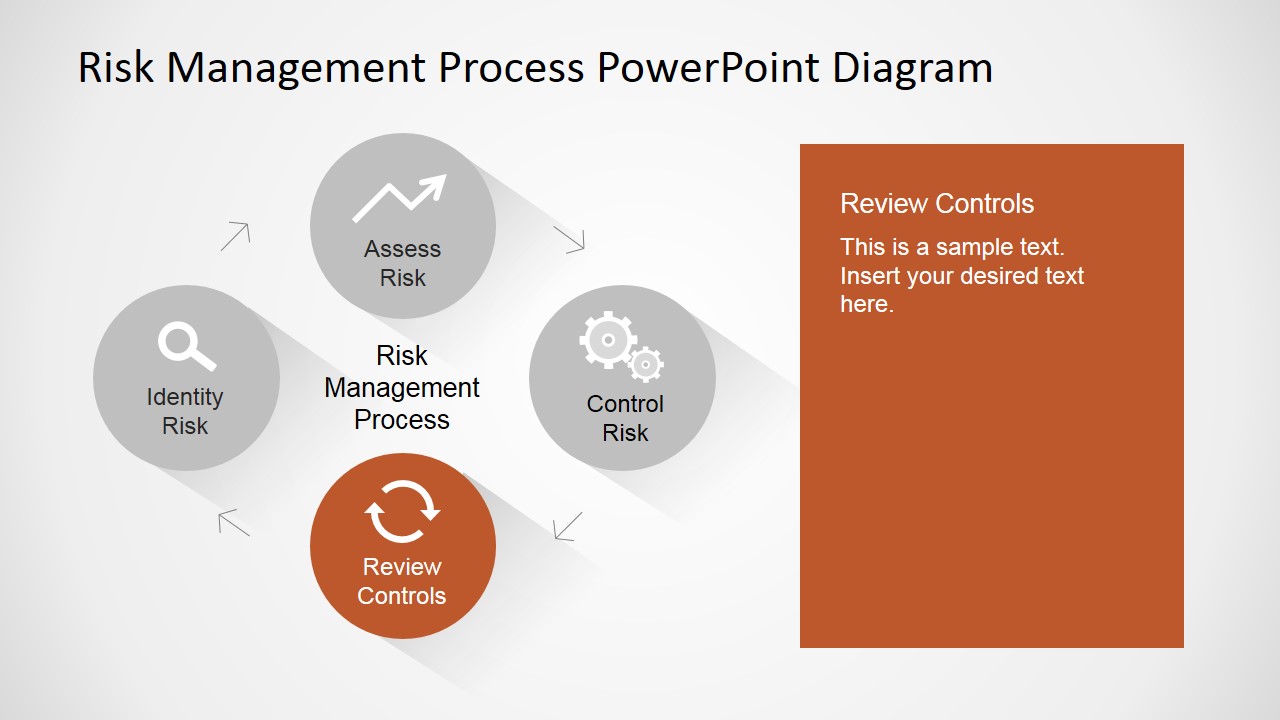
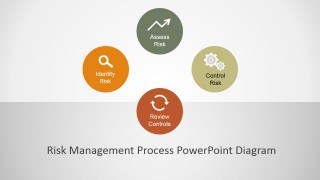
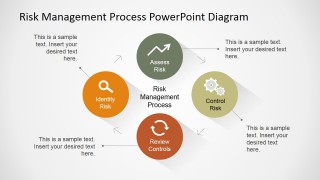
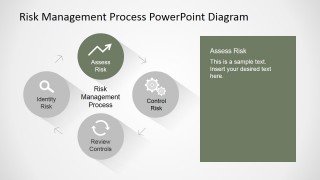
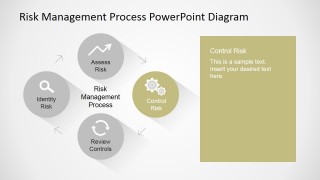
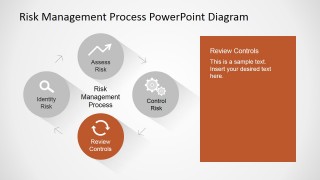
The Risk Management Process described in this Diagram consists of the four main stages:
- Identify Risk: consists of the practice of reviewing , analyzing and listing the existing risks to the project, plan or endeavour under analysis.
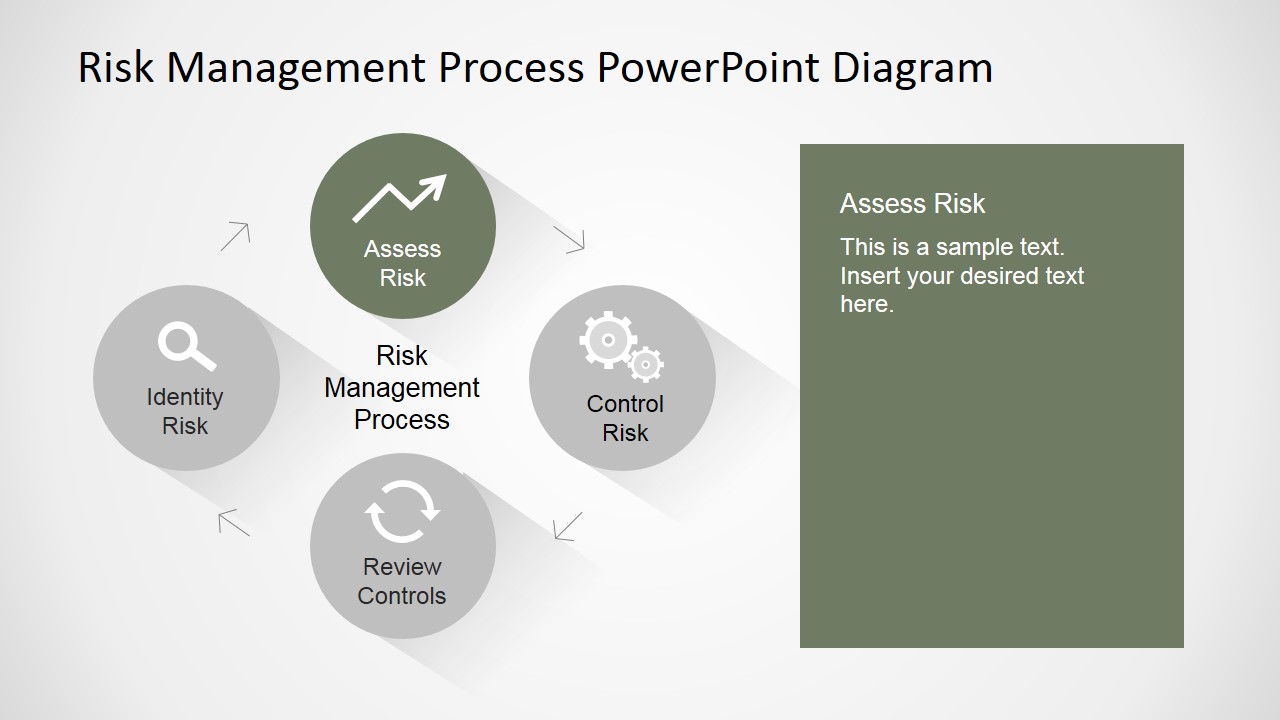
- Assess Risk: Risk Assessment consists on determining the occurrence probability of each identified risk, calculate the impact of its occurrence, and determine a weighted average (that depends specifically on the kind of project,plan or endeavour) to be able to compare them to each other.
- Control Risk: After this risk scoring activity is executed in the previous step, the management team will be able to prioritize the risks and take decisions over how to use resources against threats. The management team will be able to decide to accept or mitigate the risks. For those that need to be mitigated, Mitigation plans will be created, and resource will be allocated to execute them.
- Review Controls: Each of the risk will be monitored and controlled by the management team. Each mitigation plan will be updated with the additional information gathered over execution and new plans will be built for new risks. This stage continues the cycle, moving forward again into Risk Identification.
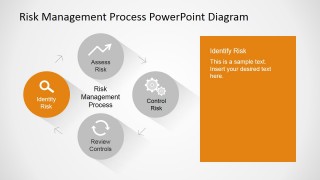
The Risk Management Process PowerPoint Diagram provides an individual slide for each step, for the presenter to fill with its Risk Management content.
Every shape, clipart and icon is created with PowerPoint objects, allowing the user to fully customize its appearance within this template or if it is migrated to existing templates.
Impress your audience with this modern and professional Risk Management Process PowerPoint Diagram.
What’s inside this template
Example presentation scenarios
- A project manager can use the circular process diagram to brief a steering committee on how risks move from identification to assessment, control, and review.
- An engineering lead can use the step spotlight slides to explain which team owns each stage of a technical risk mitigation process.
- A PMO presenter can use the overview callout slide to standardize risk review language across programs and show the full cycle in one view.
- A consultant can use the color-coded panels to walk a client team through risk workshop outputs and separate findings by process stage.
Features
- 100% editable presentation template
- Compatible with Microsoft PowerPoint and Google Slides
- 16:9 aspect ratio slides
- Scalable vector shapes, icons and illustrations
- AI-Ready for Microsoft Copilot and Claude
- Instant access and download
Frequently asked questions
Q: How should a presenter structure the explanation with this risk process diagram?
A: Start with the full circular diagram to establish that risk management is continuous, not a one-time checklist. Then use the four spotlight slides to explain one stage at a time. Keep each panel focused on actions, owners, and decisions so the audience understands how Identify Risk leads into assessment, control, and review.
Q: Who is this template best suited for in a business presentation?
A: This template fits project managers, risk managers, engineering leads, and PMO teams who need to teach or align stakeholders around a standard risk process. It works best when the discussion is about workflow, responsibilities, and governance steps, rather than numerical risk scoring or financial exposure analysis.
Q: Why use a circular process metaphor for risk management?
A: The circular layout communicates that risk work repeats as projects change and new information appears. Muted icons on the spotlight slides keep the full cycle visible while directing attention to the current stage. This design helps audiences see both the sequence and the feedback loop from Review Controls back to Identify Risk.


Risk Management Process PowerPoint Diagram
6-slide process diagram template for risk management cycles, stage callouts, and mitigation discussions
Risk Management Process PowerPoint Diagram is a 6-slide presentation template for explaining a four-stage risk cycle. It includes a cover, circular process diagram, callout overview, and individual spotlight slides for Identify Risk, Assess Risk, Control Risk, and Review Controls. It is designed for project, engineering, and operations teams using Microsoft PowerPoint or Google Slides.
- Category
- Process Diagrams
- Rating

 Loading...
- Aspect ratio
- 16:9, 4:3
- Item ID
- 6573-01
- Colors
 Microsoft PowerPoint
  Microsoft Copilot
  Claude for PowerPoint
 Other formats supported
Subscribe today and get immediate
access to download our PowerPoint templates.