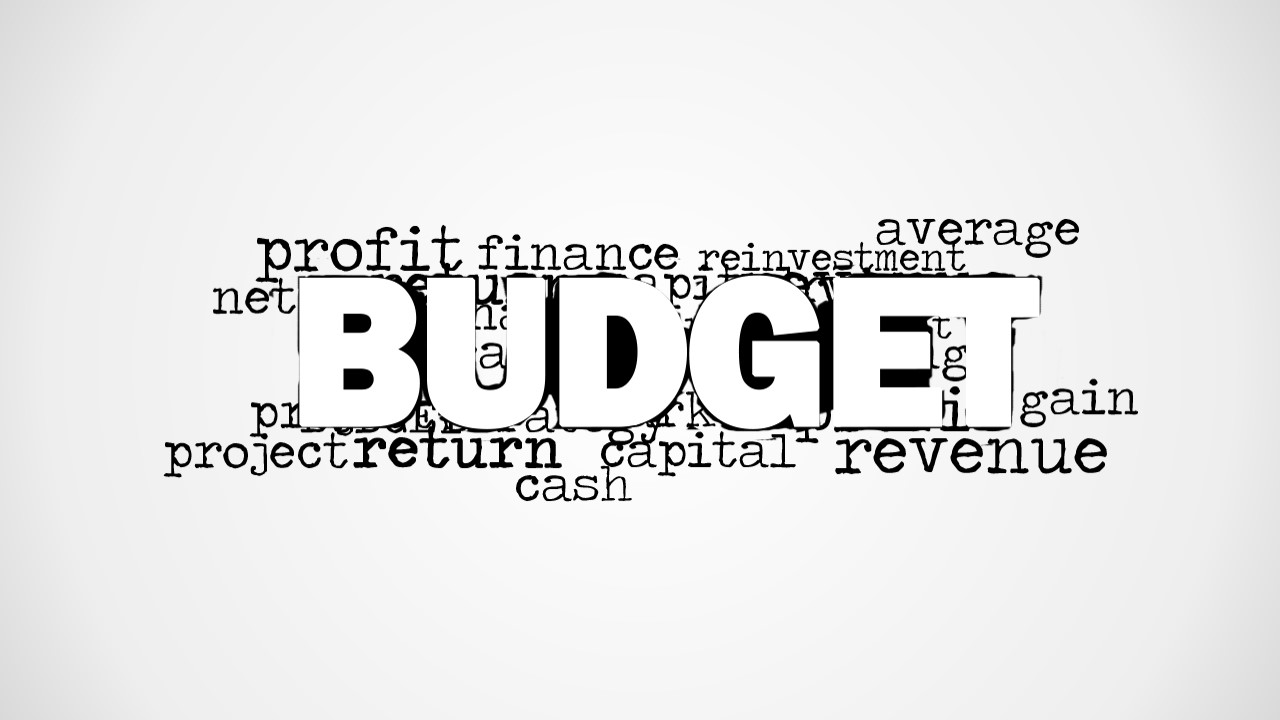
Make business presentations with minimal graphics and text using the Budget Word Cloud Picture for PowerPoint. The creative tag cloud design contains the word Budget on top of the slide and other relevant keywords for budget presentations.
Budgeting is a key component of every business. It ensures that the organization has the necessary financial and physical resources in order to operate efficiently and effectively. By estimating the amount of resources needed for a particular budget, the management team can allocate resources within range of the estimate. In this case, the team can decide to free up funds for other projects or areas. Budgets give purpose to revenues, such as assigning fixed and variable expenses to manufacturing costs.
The PowerPoint template is useful in time-bound presentations. The ready collection of words on the slide designs allows the presenter to choose the most important points for discussion. The selection is made easier since the size of the words correspond to its degree of relevance to the main word. Another use for the slides is as fillers during question and answer segments of the presentation. As the words are already on the slides, the audience can pick out terms for discussion.
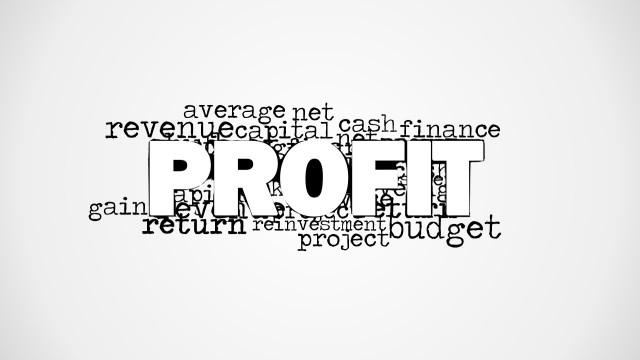
At the center of the slide is the word Budget in block capital letters. Behind the main word is a collection of relevant terms in black, typewriter-themed letters that are emphasized by the white or gray presentation background. Some of these words are profit, finance, reinvestment, average, project, return, cash, capital, and revenue.
The Budget Word Cloud Picture for PowerPoint is perfect for introducing the concept of budget. The presenter can edit the position or arrangement of the PowerPoint graphics depending on his need or preference. Any modification will not affect the image resolution of the design. The presenter can choose to download other Word Cloud PowerPoint Templates from the SlideModel Gallery.
What’s inside this template
Example presentation scenarios
- A finance manager can use the centered budget word cloud to open an annual planning meeting and focus the audience on cash, revenue, capital, and return before showing detailed numbers.
- A department leader can use the blank white canvas as a divider between budget assumptions and decision items, keeping the meeting flow clean and uncluttered.
- A consultant can use the grayscale word cloud as a discussion prompt during a cost-control workshop, asking participants to identify which budget terms require action.
- A business instructor can use the word cloud picture to introduce budgeting vocabulary before moving into examples of expense allocation or revenue planning.
Features
- 100% editable presentation template
- Compatible with Microsoft PowerPoint and Google Slides
- 16:9 aspect ratio slides
- Scalable vector shapes, icons and illustrations
- AI-Ready for Microsoft Copilot and Claude
- Instant access and download
Frequently asked questions
Q: How should a presenter use the word cloud so it supports the message instead of becoming decoration?
A: Use the large BUDGET word as the anchor, then select three or four surrounding terms to drive the talk track. For example, connect cash, revenue, capital, and return to the decisions the audience must make. This keeps the word cloud interactive while preventing the presenter from reading every term on the slide.
Q: Who is this template best suited for in a budget presentation?
A: This template fits finance managers, department heads, consultants, and trainers who need a short visual opener rather than a full financial model. It works best before detailed budget slides, during a workshop introduction, or as a Q&A prompt where the audience can choose which finance terms to discuss.
Q: Why does the word cloud format work for introducing budget topics?
A: The word cloud turns budgeting into a vocabulary map before the presentation moves into numbers. The oversized BUDGET label establishes the main subject, while smaller terms such as cash, profit, return, and revenue show connected concepts. That visual metaphor helps audiences see budgeting as a network of decisions, not a single line item.


Budget Word Cloud Picture for PowerPoint
2-slide presentation template with budget word cloud graphics for finance and cash planning topics
Budget Word Cloud Picture for PowerPoint is a 2-slide presentation template for financial discussion starters in Microsoft PowerPoint and Google Slides. The visible set uses a centered budget word cloud, grayscale background treatment, and blank white divider-style canvas for introducing budget, cash, profit, revenue, capital, and finance topics.
- Category
- Pictures
- Rating


 Loading...
- Aspect ratio
- 16:9, 4:3
- Item ID
- 8309-01
- Colors
 Microsoft PowerPoint
  Microsoft Copilot
  Claude for PowerPoint
 Other formats supported
Subscribe today and get immediate
access to download our PowerPoint templates.