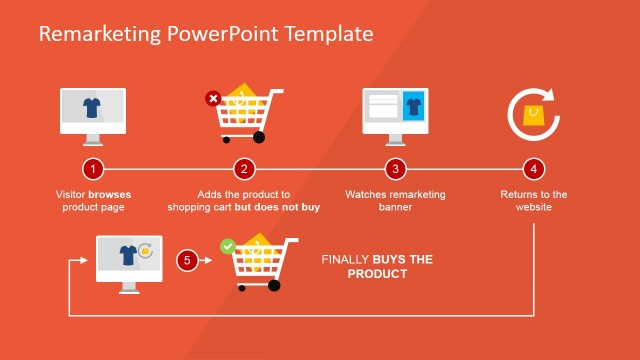
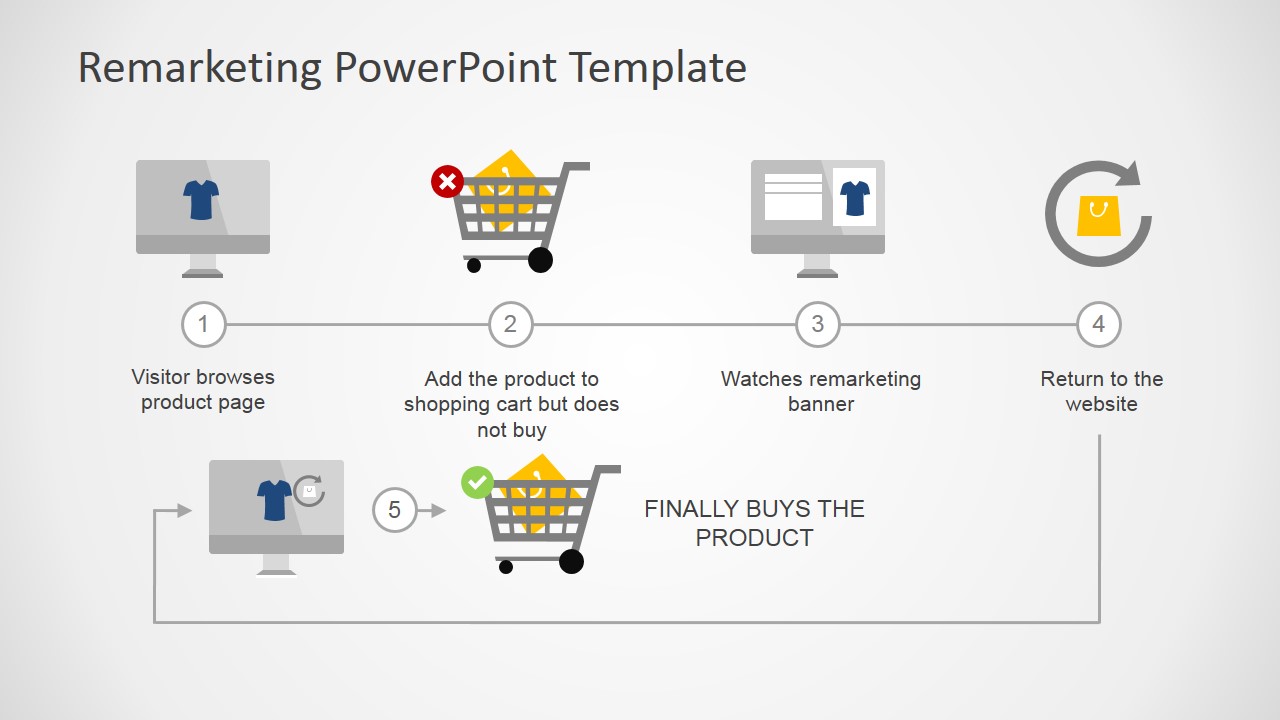
Remarketing Diagrams for PowerPoint – Create an impressive remarketing presentation with Slidemodel’s “Remarketing Diagrams for PowerPoint.” This PowerPoint template demonstrates the essential steps for online product remarketing. The template is perfect for showcasing a brilliant remarketing strategy in a detailed yet concise presentation. The icons and images in the template are editable and can be presented in every possible way according to user preference.
Product remarketing is an online marketing strategy targeted towards people who already possess interest in a certain product, service or brand. It vouches on the principle that when a customer shows interest in a product and doesn’t buy initially, all the customer need is a little push or a little persuasion. Remarketing is the best next step to search engine optimization. This strategy starts with the customer or potential customer’s visit in the website. The website will naturally have all the mechanism to direct the customer to the product that perks his or her interest. However, there are times when a customer wouldn’t pursue the purchase on first visit or first few visits.
There are varied reasons for it such as distraction, just plainly forgetting the transaction, not decided yet, still comparing with other brands or have a specific schedule when to purchase. Product remarketing is an automated system based on internet cookies from visiting certain websites. When a customer visits a website, his computer is electronically marked by that website. This mark is now carried by the customer’s computer. When he or she visits a different website that has a product advertisement tool incorporated in the company’s remarketing system such as Google Ads (formerly known as Google AdWords), the ad’s remarketing scheme get activated. The product ad recognizes the “electronic mark” or the cookie in this customer and prompts the ad to show a specific product or brand ad that the customer visited earlier. This remarketing strategy can be performed repeatedly until the customer finally decides to purchase the product.
What’s inside this template
Example presentation scenarios
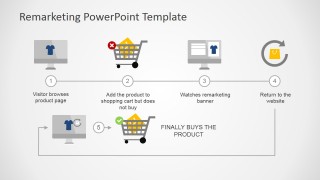
- A digital marketing consultant can use the full process flow to explain how a visitor moves from product-page interest to remarketing exposure and eventual purchase.
- An ecommerce manager can present the cart abandonment slide and return-to-website slide to align teams around recovery messages and retargeting touchpoints.
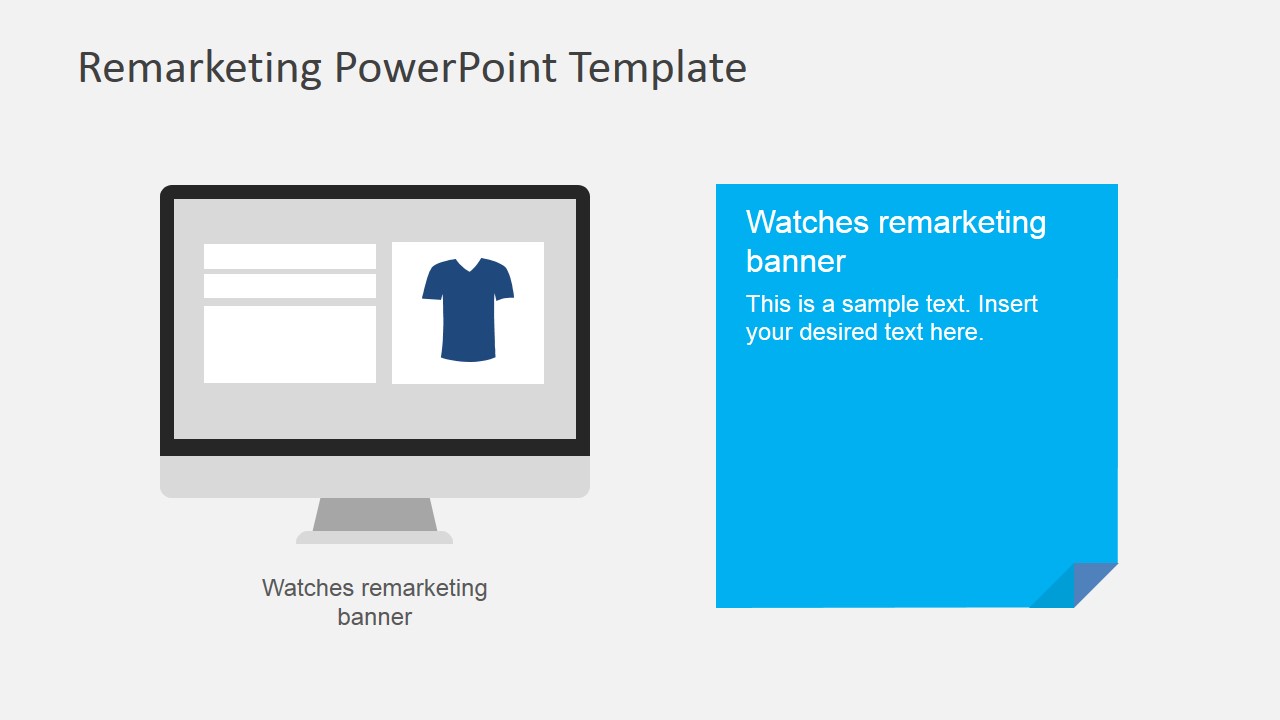
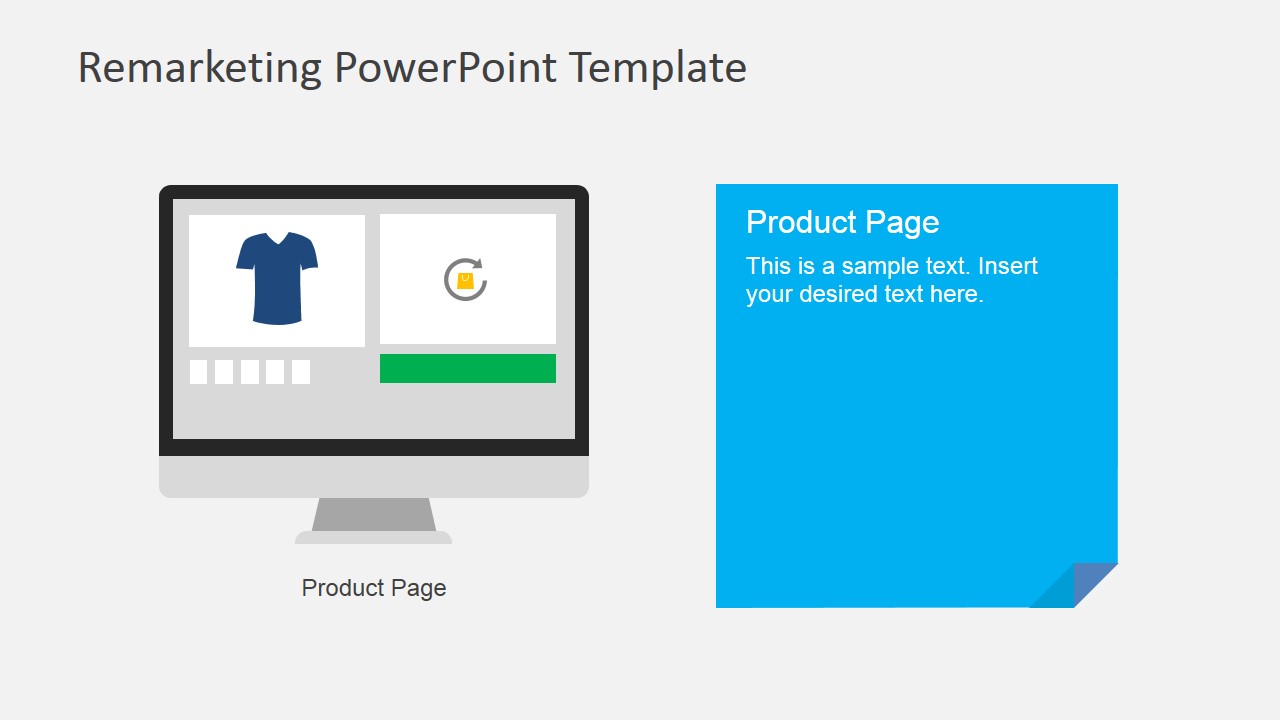
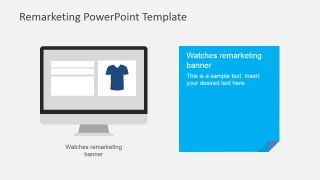
- An advertising agency can use the monitor callout slides to teach a client where banner ads fit after a shopper leaves without buying.
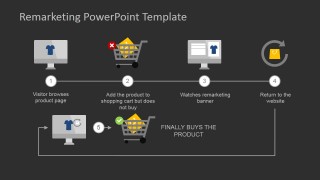
- A growth team can use the dark summary process diagram to close a strategy discussion with a clear view of the complete remarketing loop.
Features
- 100% editable presentation template
- Compatible with Microsoft PowerPoint and Google Slides
- 16:9 aspect ratio slides
- Scalable vector shapes, icons and illustrations
- AI-Ready for Microsoft Copilot and Claude
- Instant access and download
Frequently asked questions
Q: How should a presenter explain the remarketing journey without making it feel too technical?
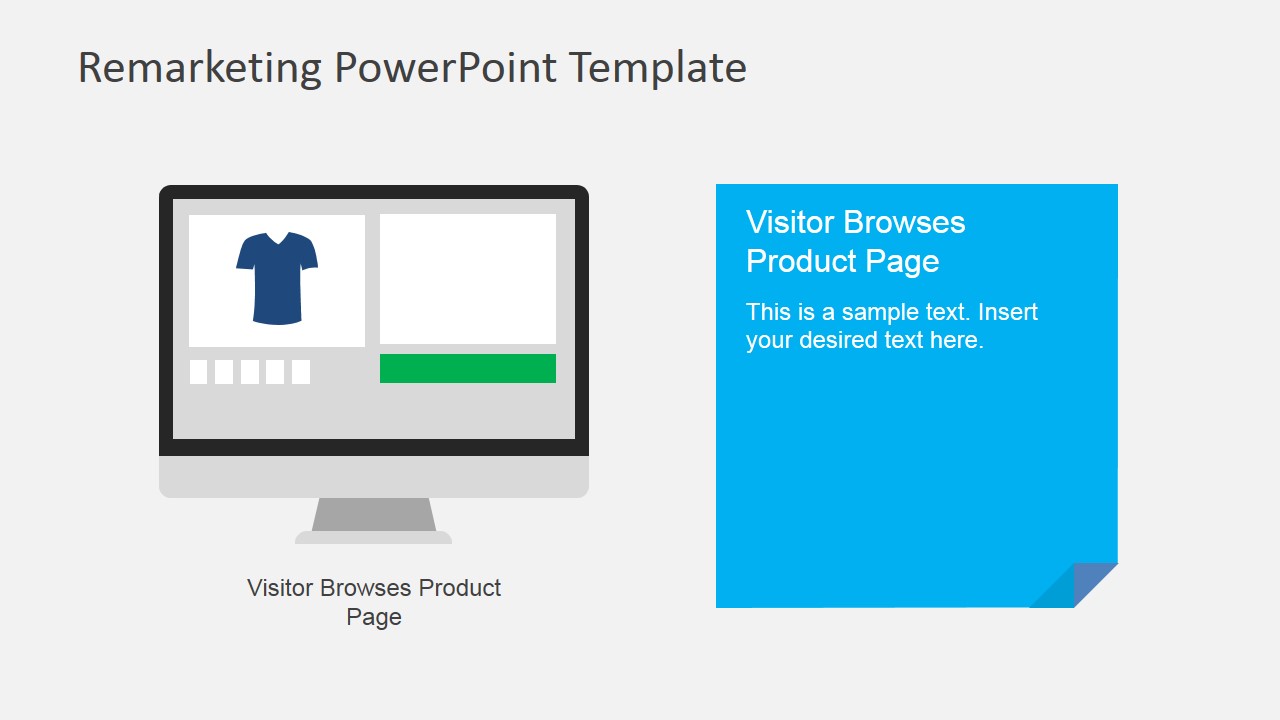
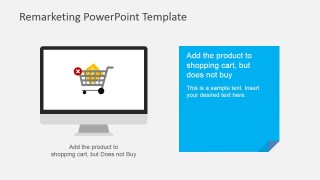
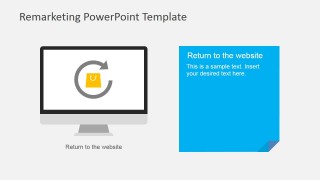
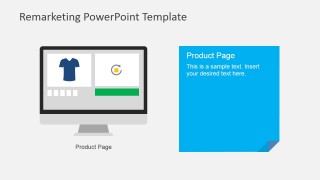
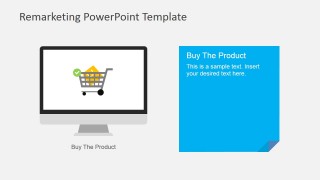
A: Start with Slide 1 as the shopper story, not the advertising system. Describe the product-page visit, cart abandonment, banner exposure, return visit, and purchase as one human decision path. Then use Slides 2-7 to pause on each behavior, replacing the sample copy with plain-language notes about customer intent, trigger timing, and desired action.
Q: Who is this template best suited for, and what message should it carry?
A: This template fits marketers, ecommerce managers, and agencies that need to explain how remarketing follows up with visitors who showed interest but did not buy. It works best when the message is educational or strategic: show the audience where the customer hesitates, where an ad reappears, and how the return visit can lead to conversion.
Q: Why does the template use monitors, carts, arrows, and a loop-like sequence?
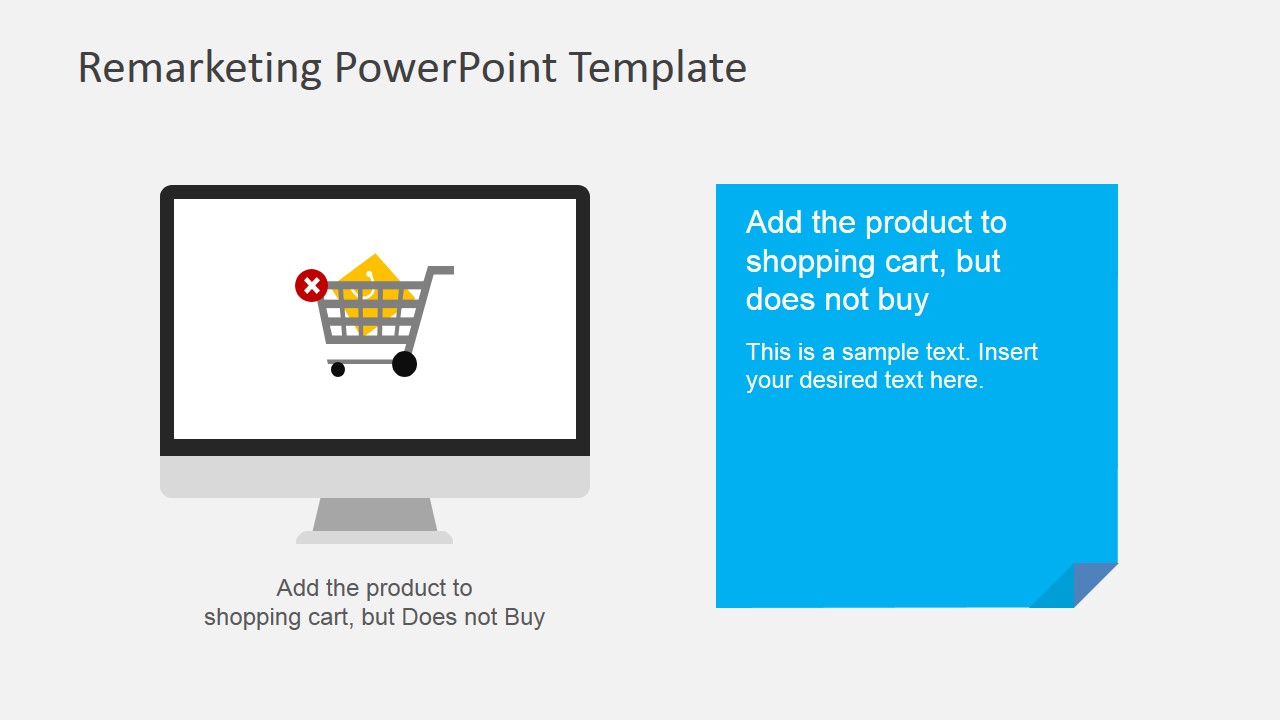
A: The visual metaphor turns remarketing into a path the audience can follow. Monitors represent website sessions, the cart with the red marker shows the break in purchase intent, and the return arrow signals re-entry. This reduces abstract ad technology into recognizable ecommerce moments, making the retargeting logic easier to remember.



Remarketing Diagrams for PowerPoint
8-slide presentation template for remarketing process diagrams, retargeting touchpoints, and product page follow-up
Remarketing Diagrams for PowerPoint is an 8-slide presentation template for explaining online retargeting workflows. It includes a full customer journey process diagram, step callout slides with monitor illustrations, shopping cart abandonment, remarketing banner, return visit, and purchase layouts. Designed for marketers and e-commerce teams in Microsoft PowerPoint and Google Slides.
- Category
- Business PowerPoint Templates
- Rating


 Loading...
- Aspect ratio
- 16:9
- Item ID
- 6665-02
- Colors
 Microsoft PowerPoint
  Microsoft Copilot
  Claude for PowerPoint
 Other formats supported
Subscribe today and get immediate
access to download our PowerPoint templates.