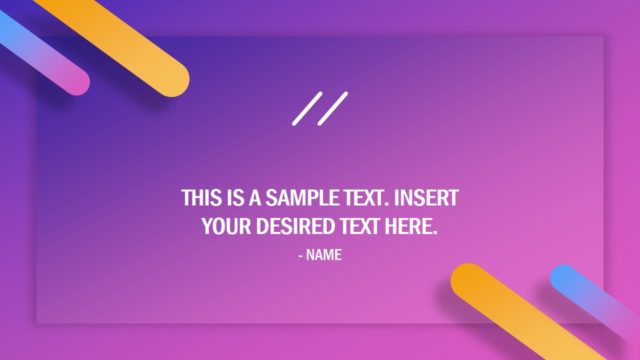
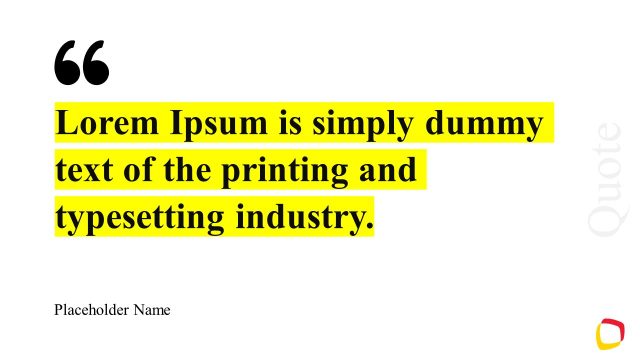
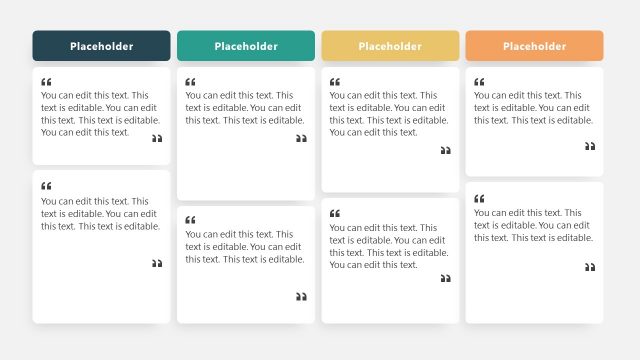
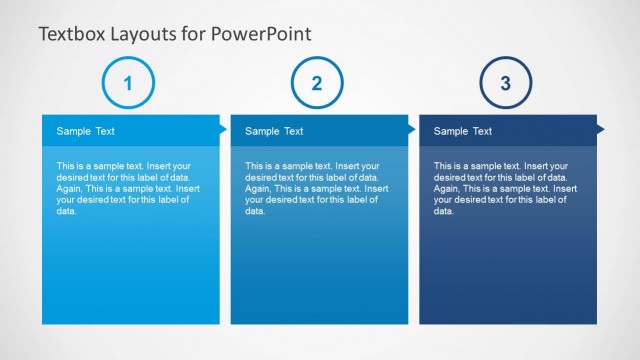
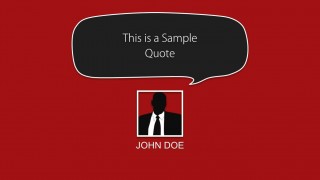
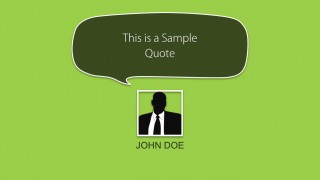
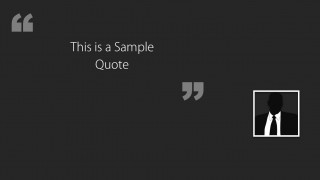
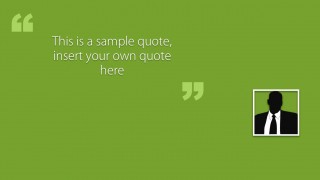
Quote Layouts for PowerPoint is a nice PowerPoint template containing multiple layouts that you can use to cite quotes in a PowerPoint presentations with a custom style and awesome look and feel. The quotes are designed with callouts and space to add an avatar. This template can be used to prepare testimonial slide for presenting yourself or in About Me presentations. You can use the cool quote layout design for PowerPoint to cite authors in a PowerPoint presentation.
What’s inside this template
Example presentation scenarios
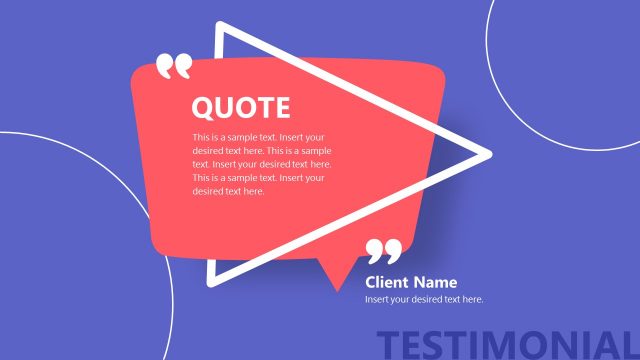
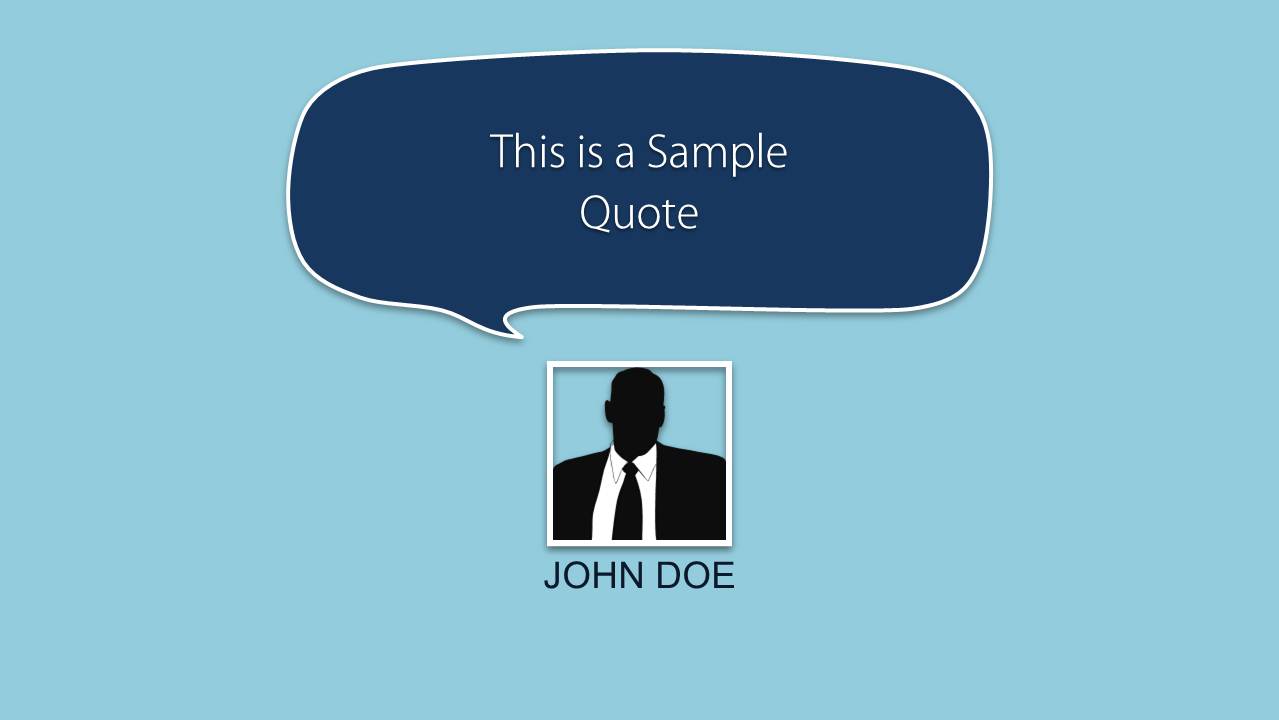
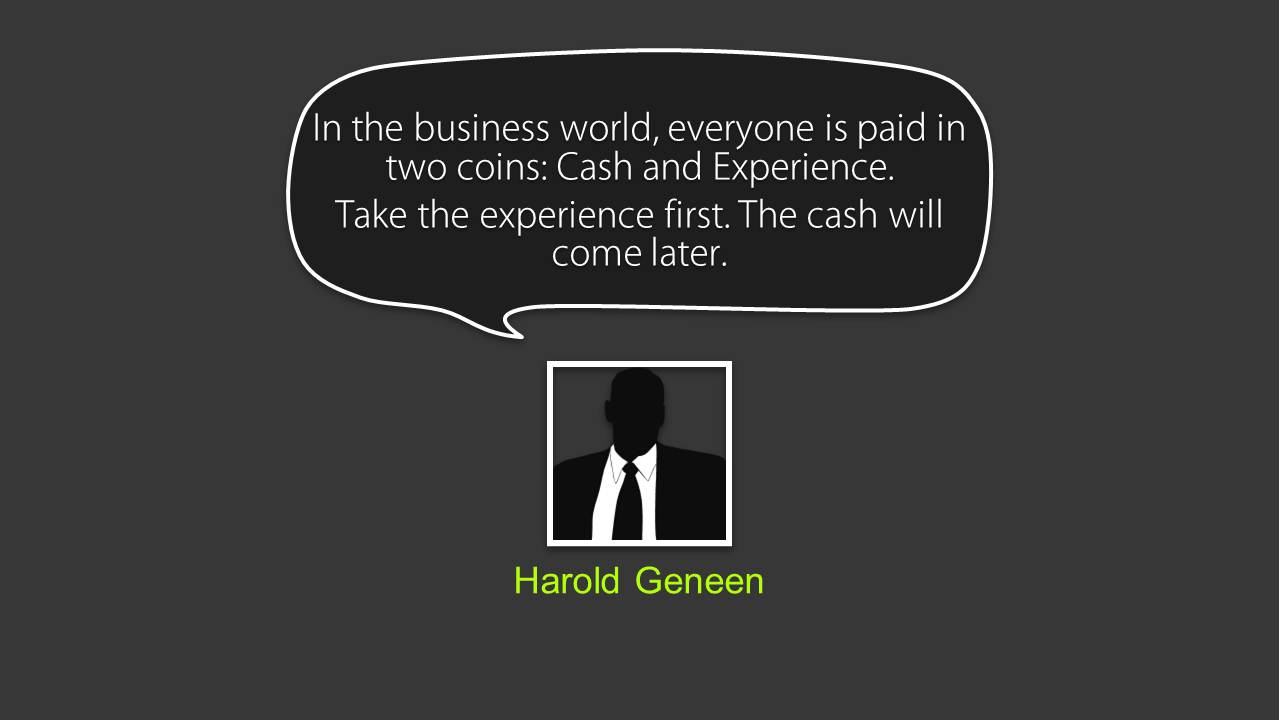
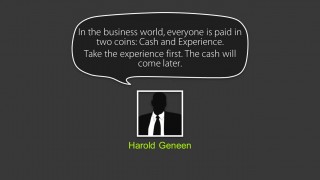
- An educator can use the speech bubble quote layouts to introduce an author citation and keep the speaker name visually connected to the quoted text.
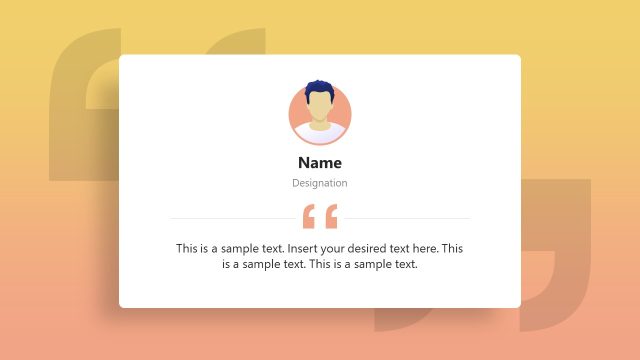
- A marketing presenter can use the portrait placeholder and author caption slides to show customer testimonials during a sales or product credibility section.
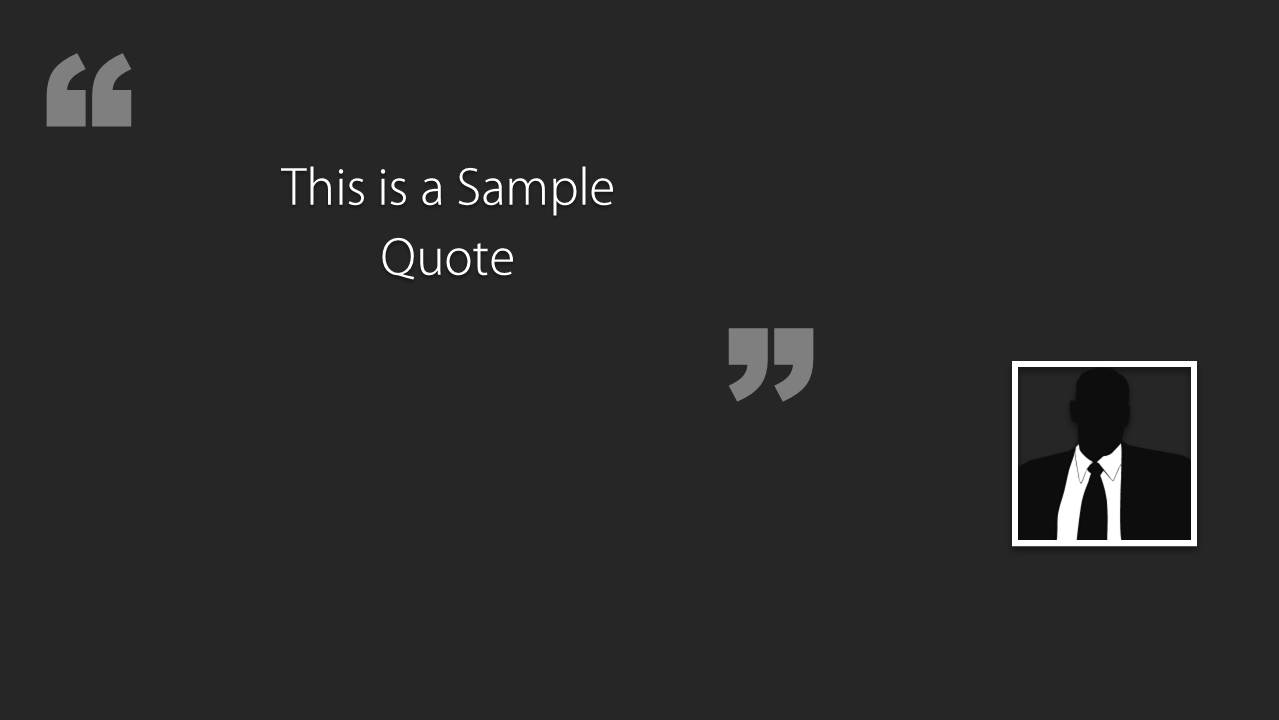
- A consultant can use the dark quotation mark layout to open a recommendation section with a client statement or executive quote.
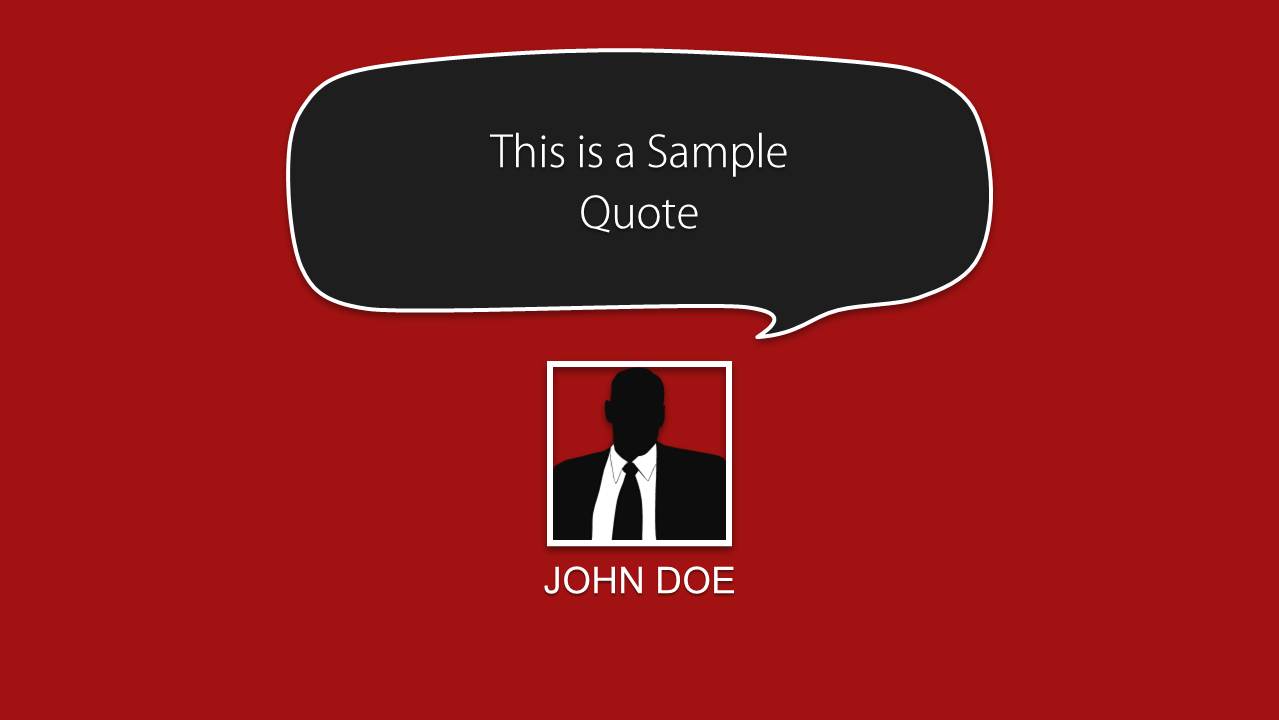
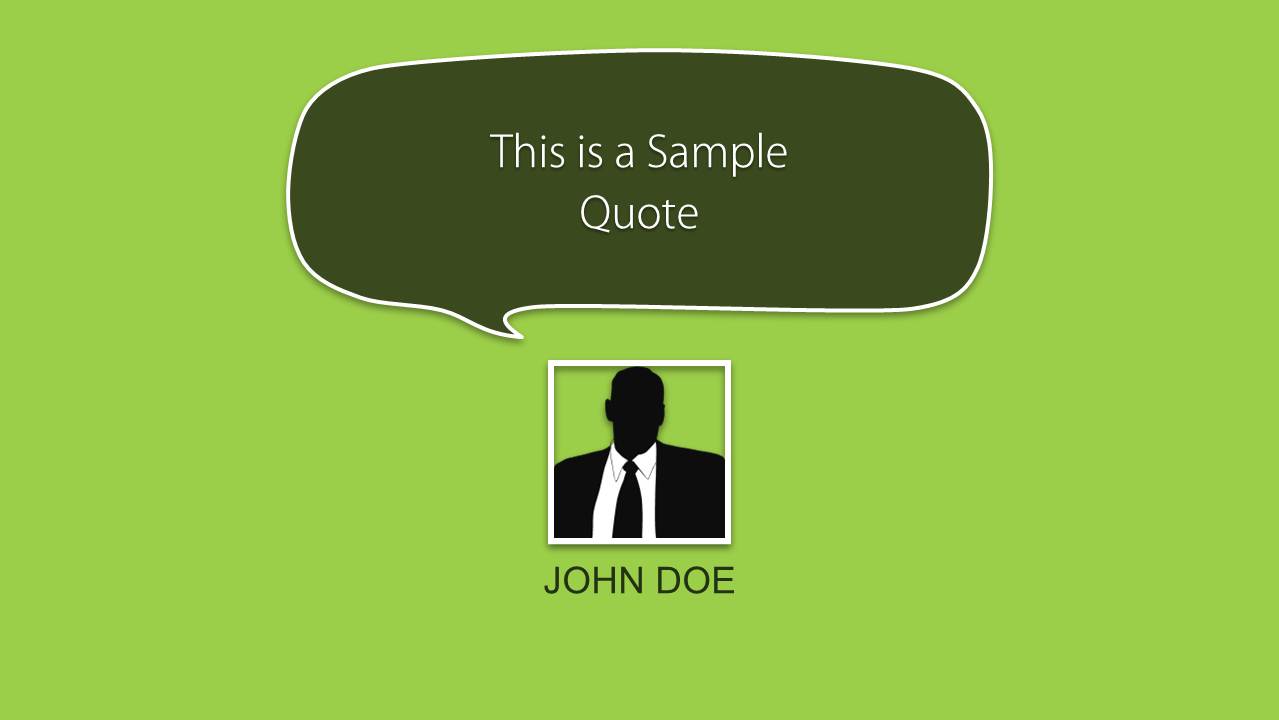
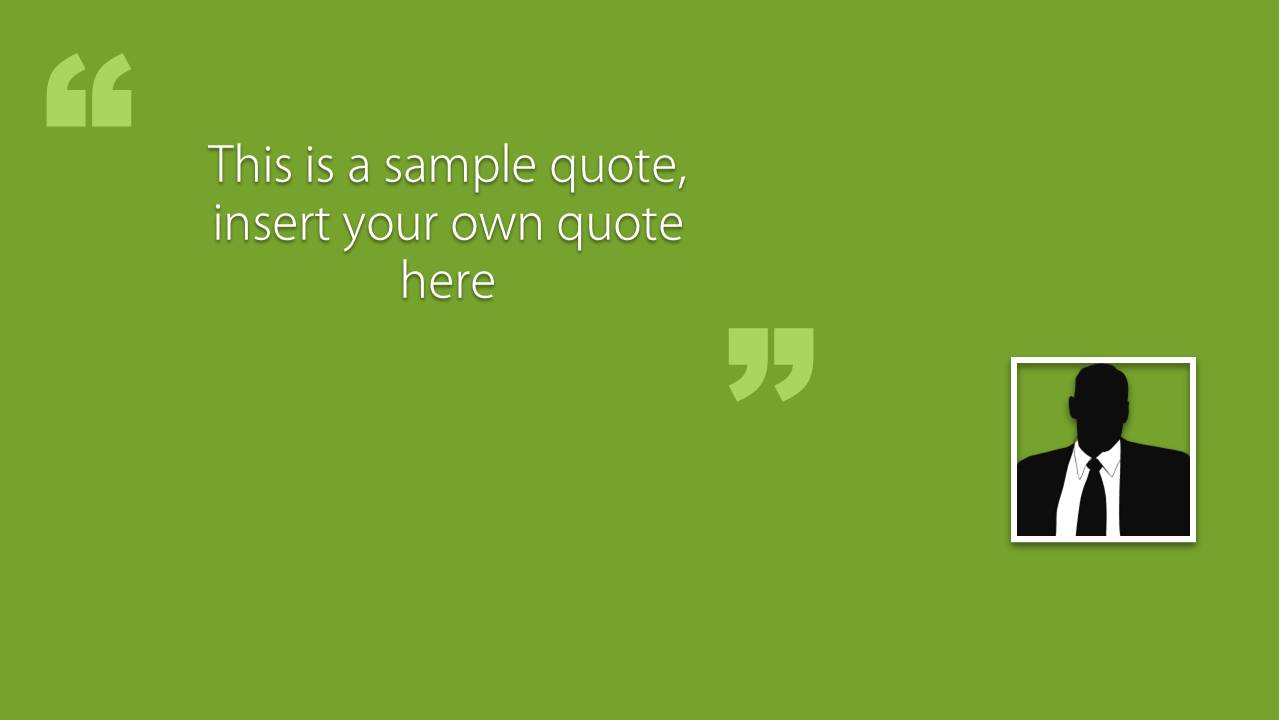
- A founder can use the red or green quote callout slides to present mentor, investor, or user feedback in a concise pitch deck moment.
Features
- 100% editable presentation template
- Compatible with Microsoft PowerPoint and Google Slides
- Scalable vector shapes, icons and illustrations
- AI-Ready for Microsoft Copilot and Claude
- Instant access and download
Frequently asked questions
Q: How should a presenter make a quote slide feel like evidence instead of decoration?
A: Lead with a short quotation and keep the author name close to the portrait or attribution caption. In this template, the speech bubble layouts work best when the quote is one clear thought, not a paragraph. Use the portrait frame to signal the source, then explain why the statement matters to the audience.
Q: Who is this quote layout template best suited for?
A: This template fits presenters who need a clean way to display cited statements, testimonials, or speaker comments without building a full case study. Educators can cite authors, marketers can show customer praise, and consultants can introduce stakeholder feedback. The visible layouts are strongest when attribution is as important as the quote itself.
Q: Why do the speech bubbles and large quotation marks help the message land?
A: The speech bubble metaphor makes the text feel like a spoken statement, while the oversized quotation marks quickly signal that the slide is presenting someone else's words. The portrait frame and name caption add credibility. Together, these elements reduce interpretation time and direct attention to the quote-source relationship.
Quote Layouts for PowerPoint
6-slide presentation template for quote callouts, testimonial captions, and author avatar layouts
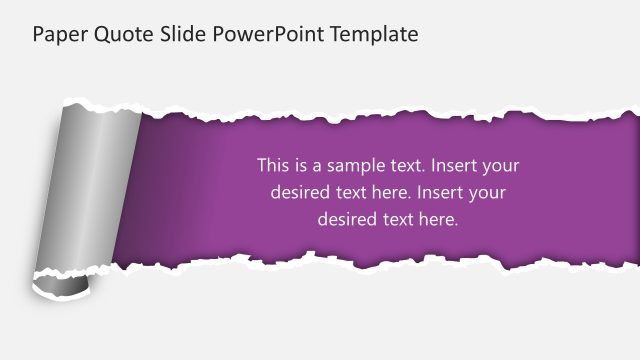
Quote Layouts for PowerPoint is a 6-slide presentation template for displaying cited statements, testimonials, and speaker comments. The deck includes speech bubble quote cards, portrait or avatar placeholders, author name captions, and large quotation mark layouts. It is designed for presenters preparing reference, academic, about me, or customer testimonial slides in Microsoft PowerPoint or Google Slides.


 Loading...
 Microsoft PowerPoint
  Microsoft Copilot
  Claude for PowerPoint
 Other formats supported
Subscribe today and get immediate
access to download our PowerPoint templates.