Slide 5 of 6 from Quote Layouts for PowerPoint
1124-quotes-layout-wide-5
Quote Layout with Image Placeholder for Presentations
- Text Layout
- Quote Block
- Testimonial Slide
- 16:9
- 100% Editable
The Quote Layout with Image Placeholder from the Quote Layouts for PowerPoint template offers a professional slide design ideal for showcasing customer testimonials, academic quotes, or speaker introductions. This slide template features editable shapes and a balanced arrangement that highlights the quote text alongside a portrait image, making it a practical choice for corporate presentations and business presentation slide decks.
What’s on This Slide
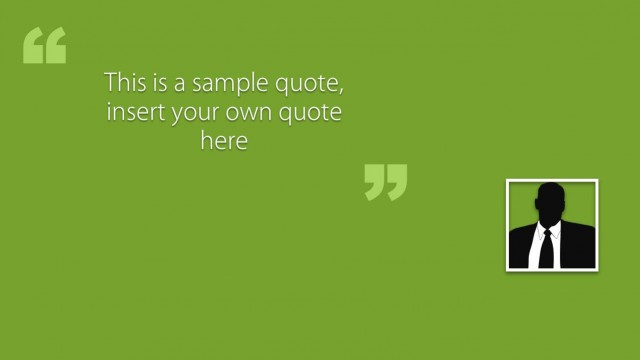
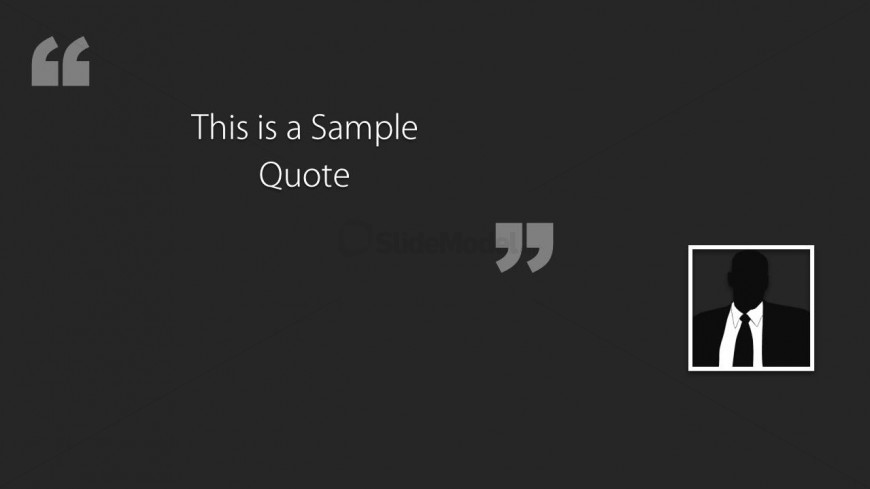
The slide features a dark background with a centered quote text placeholder that reads 'This is a Sample Quote.' The text is positioned prominently in the middle of the slide, utilizing a large, clear font for emphasis. On the right side, there is a square image placeholder designed for a portrait or avatar, which is framed with a thin border. Two large quotation marks are placed at the top left and bottom right corners, enhancing the quote's visual impact. The overall layout is balanced, focusing on the quote and the author's image.
How to Use It
This layout serves to present quotes effectively, making it suitable for testimonials, academic references, or speaker comments. It fits well in a presentation sequence after introducing a topic or before summarizing key points. Real-world applications include showcasing customer testimonials in marketing presentations, highlighting notable quotes in academic settings, or personal introductions in professional contexts. This structure allows for a clear and engaging presentation of quoted material.
Text Placeholders & Capacity
Keep your copy within these limits so it fits without resizing. The quote text slot can hold about 8 words comfortably.
| Placeholder | Count | Max characters (approx.) |
|---|---|---|
| Body paragraph | 1 | 40 |
| Person name | 1 | 20 |
Slide Keywords
Download unlimited PowerPoint templates, charts and graphics for your presentations with our annual plan.
DOWNLOADReturn to Quote Layouts for PowerPoint.