Slide 4 of 6 from Quote Layouts for PowerPoint
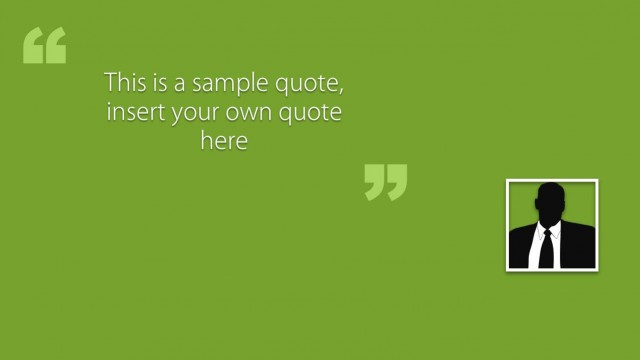
Quote Layout Slide for PowerPoint with Green Background
Quote Layout with Author Placeholder
- Text Layout
- Quote Block
- Context Slide
- 16:9
- 100% Editable
The Quote with Author Image slide from the Quote Layouts for PowerPoint template offers a professional format for showcasing impactful quotes alongside author photos. This slide layout is suitable for business presentations, academic citations, and pitch decks, featuring editable shapes and a clear visual hierarchy that balances text and imagery. It integrates seamlessly into slide decks designed to highlight testimonials or speaker statements using well-structured PowerPoint templates and Google Slides templates.
About This Slide
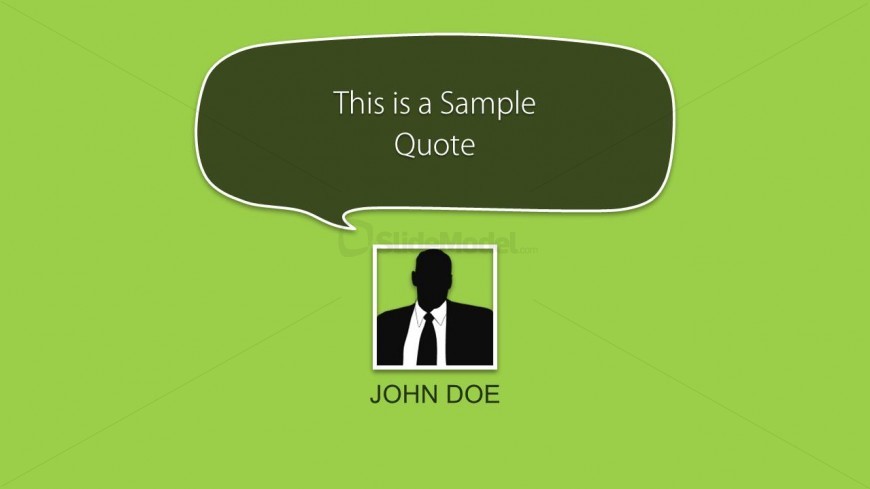
Quote Layout slide with green background and a bubble quote layout in the presentation. The slide is compatible with PowerPoint and Google Slides and contains a photo placeholder and editable elements with a solid green background.
What’s on This Slide
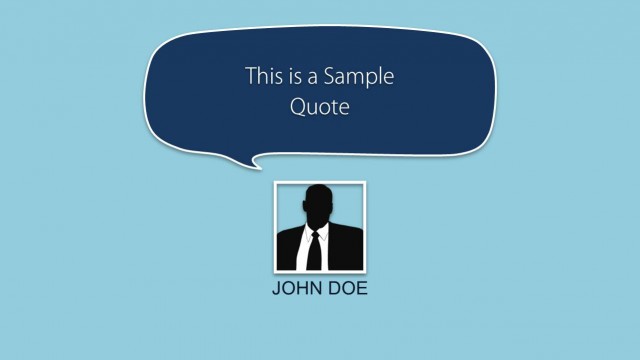
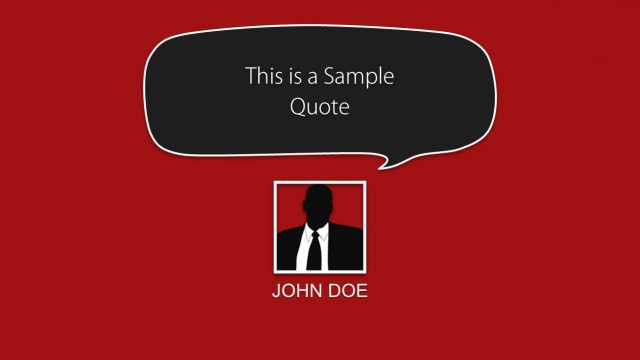
The layout features a green background with a speech bubble positioned at the top center. Inside the bubble, there is a placeholder for a quote, centered and prominently displayed. Below the bubble, a square image placeholder is located on the left side, containing a silhouette of a person. The author's name, 'JOHN DOE,' is placed directly beneath the image placeholder, centered and in a bold font. The overall composition balances the quote and author elements, creating a clear visual hierarchy.
How to Use It
This layout is ideal for presenting quotes from authors or speakers in a presentation. It fits well in a sequence that includes testimonials or cited statements. Use it to highlight impactful quotes in academic or professional contexts, such as speeches, articles, or presentations. This format is particularly effective for engaging audiences with memorable statements attributed to notable figures.
Text Placeholders & Capacity
Keep your copy within these limits so it fits without resizing. The quote body slot can hold about 10-12 words comfortably.
| Placeholder | Count | Max characters (approx.) |
|---|---|---|
| Slide title | 1 | 30 |
| Item body | 1 | 50 |
| Person name | 1 | 20 |
Slide Keywords
Download unlimited PowerPoint templates, charts and graphics for your presentations with our annual plan.
DOWNLOADReturn to Quote Layouts for PowerPoint.