Slide 2 of 6 from Quote Layouts for PowerPoint
1124-quotes-layout-wide-2
Quote Layout with Author Image for Presentations
- Text Layout
- Quote Block
- Testimonial Slide
- 16:9
- 100% Editable
The Quote with Author Image slide from the Quote Layouts for PowerPoint template offers a clear and professional way to showcase testimonials or academic references. This slide layout uses editable shapes and a distinct visual hierarchy to highlight impactful quotes alongside author images, making it suitable for business presentations or educational slide decks. Its design supports effective communication of key statements within corporate presentations or pitch deck templates.
What’s on This Slide
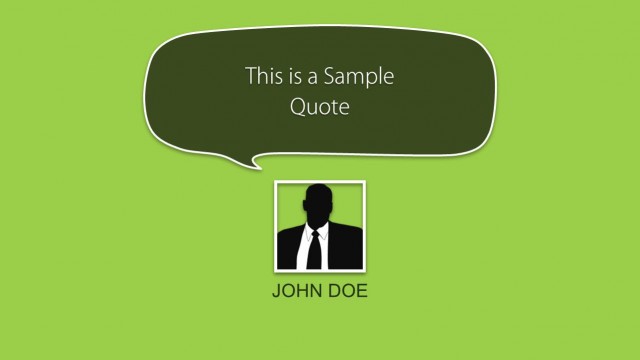
The slide features a prominent speech bubble containing a quote positioned centrally at the top. Below the quote, there is a placeholder for an author image, framed in a square shape. The author's name, Harold Geneen, is displayed in a bright green font beneath the image. The background is a dark gray color, enhancing the visibility of the text and image. The visual hierarchy emphasizes the quote, followed by the author's name and image, creating a clear and organized layout. Text placeholders exist for the quote and author name.
How to Use It
This layout serves to present quotes effectively, making it suitable for testimonials, academic references, or speaker highlights. It fits well in a presentation sequence following introductory slides or context-setting content. This structure is useful for situations where impactful statements need to be showcased, such as in motivational talks, educational presentations, or customer feedback sections. It can be used individually to emphasize a single quote or as part of a series of testimonials.
Text Placeholders & Capacity
Keep your copy within these limits so it fits without resizing. Body slot is tight, roughly 20-25 words each.
| Placeholder | Count | Max characters (approx.) |
|---|---|---|
| Body paragraph | 1 | 120 |
| Person name | 1 | 30 |
Slide Keywords
Download unlimited PowerPoint templates, charts and graphics for your presentations with our annual plan.
DOWNLOADReturn to Quote Layouts for PowerPoint.