Slide 4 of 5 from Quarterly Timeline Template for PowerPoint
6112-05-quarterly-timeline-4
Quarterly Timeline for Project Planning
- Diagram
- Timeline Horizontal
- Timeline Slide
- 16:9
- 100% Editable
The Quarterly Timeline slide from the Quarterly Timeline Template for PowerPoint offers a clear horizontal timeline layout ideal for quarterly business reviews and project updates. This slide template features editable shapes and color-coded sections for each quarter, enhancing clarity in corporate presentations and resource planning slide decks.
What’s on This Slide
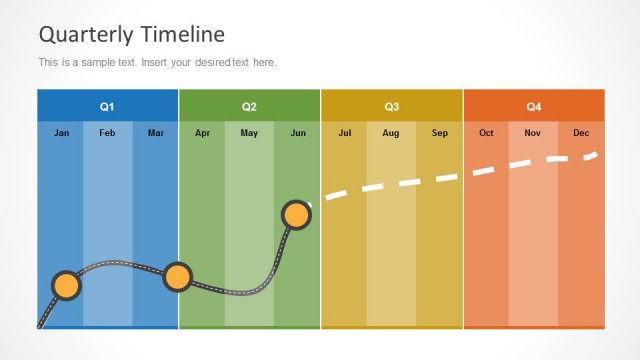
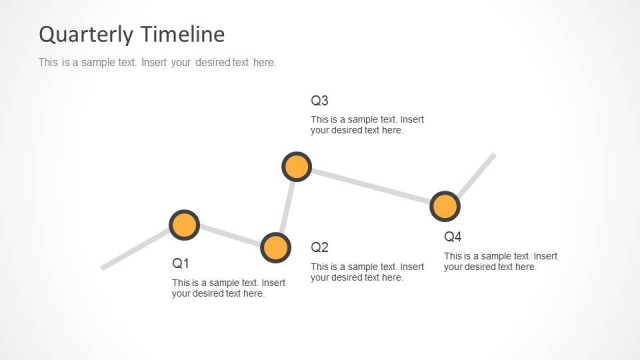
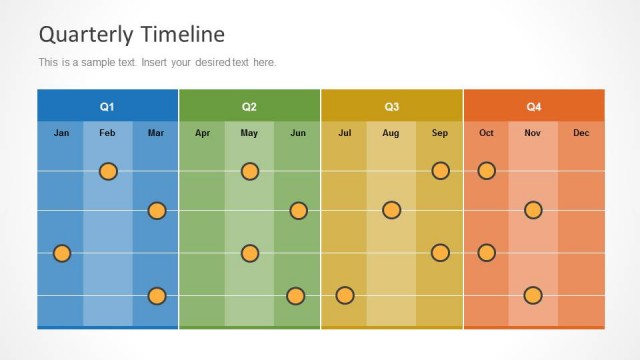
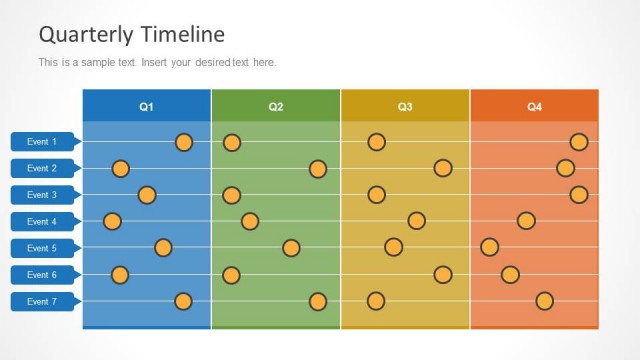
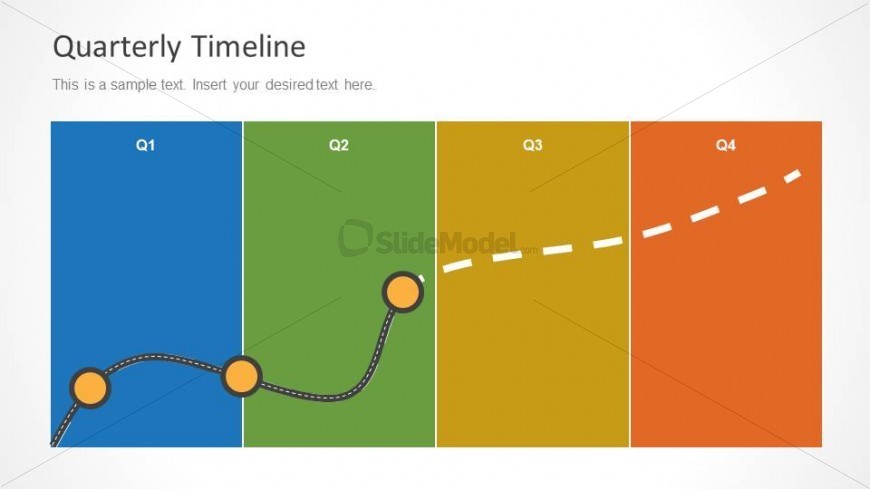
The layout features a horizontal timeline divided into four sections labeled Q1, Q2, Q3, and Q4. Each section has a distinct background color: blue for Q1, green for Q2, yellow for Q3, and orange for Q4. A curved line connects nodes in Q1 and Q2, with a solid circle at the start and a hollow circle at the end. The title is positioned at the top center, and a text placeholder is located below it, aligned left. The overall composition emphasizes the timeline's progression across the quarters.
How to Use It
This layout serves as a quarterly timeline for project planning, illustrating progress and milestones across four quarters. It is suitable for presentations that require a visual representation of timelines, such as quarterly business reviews or project updates. This slide fits well in a sequence following problem identification and before detailed milestone tracking, providing a high-level overview of progress and future goals.
Text Placeholders & Capacity
Keep your copy within these limits so it fits without resizing. Body slots can hold roughly 10-12 words each.
| Placeholder | Count | Max characters (approx.) |
|---|---|---|
| Slide title | 1 | 30 |
| Body paragraph | 1 | 50 |
| Item heading | 4 | 2 |
Slide Keywords
Download unlimited PowerPoint templates, charts and graphics for your presentations with our annual plan.
DOWNLOADReturn to Quarterly Timeline Template for PowerPoint.