Slide 1 of 5 from Quarterly Timeline Template for PowerPoint
PowerPoint Time Management Chart for PowerPoint by Quarter
Quarterly Timeline for Project Planning
- Diagram
- Timeline Horizontal
- Timeline Slide
- 16:9
- 100% Editable
The Quarterly Timeline slide from the Quarterly Timeline Template for PowerPoint offers a clear horizontal timeline layout ideal for quarterly business reviews and project milestone tracking. This slide template features editable shapes and vector icons that help visualize progress across four quarters, making it a practical choice for corporate presentations and resource allocation planning within slide decks.
What’s on This Slide
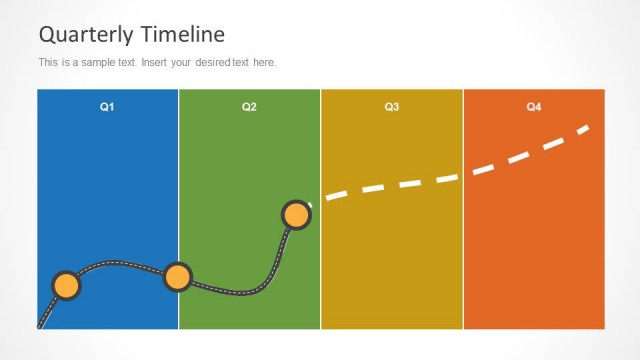
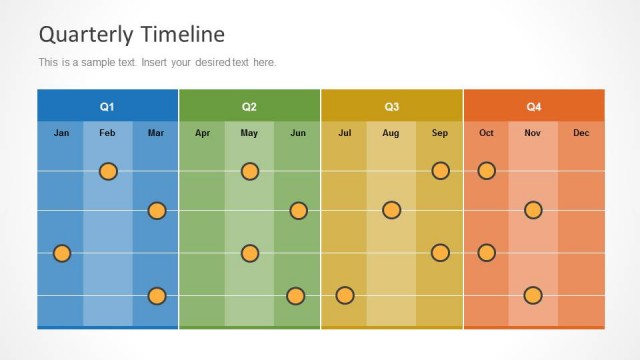
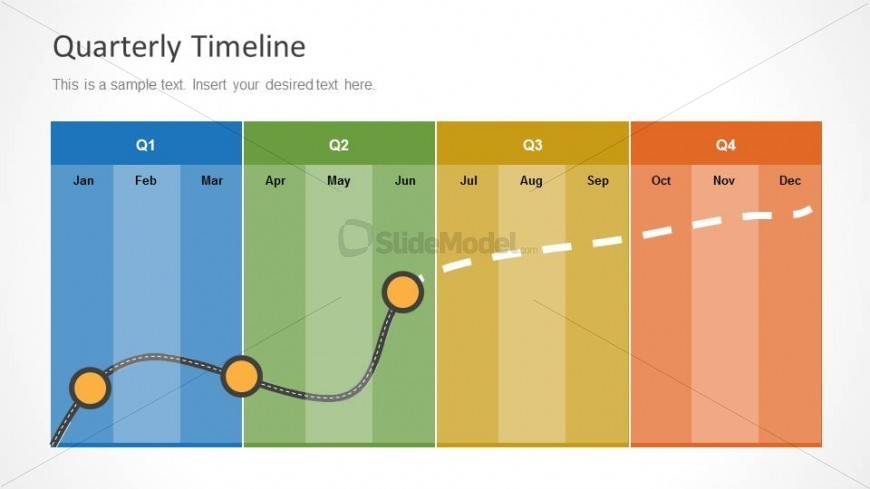
The layout features a horizontal timeline divided into four segments, each representing a quarter. The first quarter is colored blue, the second green, the third yellow, and the fourth orange. Each segment contains three month labels aligned at the top. A wavy line connects circular nodes across the first two quarters, indicating progress. Text placeholders are positioned at the top left for the title and below for additional text. The overall composition is structured and visually distinct, with clear boundaries separating each quarter.
How to Use It
This layout serves as a quarterly timeline for project planning and reporting. It fits well in presentations that outline progress or milestones across four quarters. Ideal for business scenarios such as quarterly business reviews, resource planning, and project updates. The timeline format allows for easy visualization of events and progress over the year, making it suitable for stakeholders needing a clear overview of timelines.
Text Placeholders & Capacity
Keep your copy within these limits so it fits without resizing. Body slots can hold roughly 15-20 words each.
| Placeholder | Count | Max characters (approx.) |
|---|---|---|
| Slide title | 1 | 30 |
| Body paragraph | 1 | 100 |
| Item heading | 12 | 3 |
Slide Keywords
Download unlimited PowerPoint templates, charts and graphics for your presentations with our annual plan.
DOWNLOADReturn to Quarterly Timeline Template for PowerPoint.