Slide 2 of 5 from Quarterly Timeline Template for PowerPoint
Quarterly Work Plan Template for PowerPoint
Quarterly Timeline for Project Planning
- Diagram
- Timeline Horizontal
- Timeline Slide
- 16:9
- 100% Editable
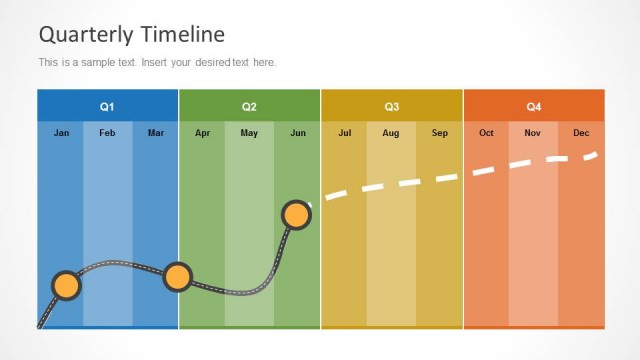
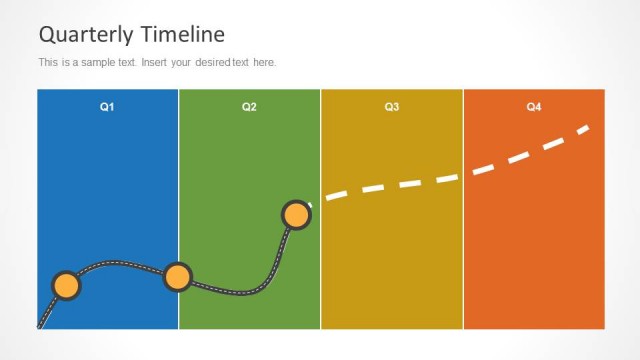
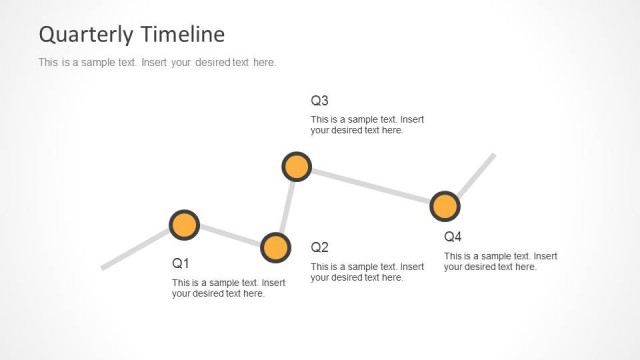
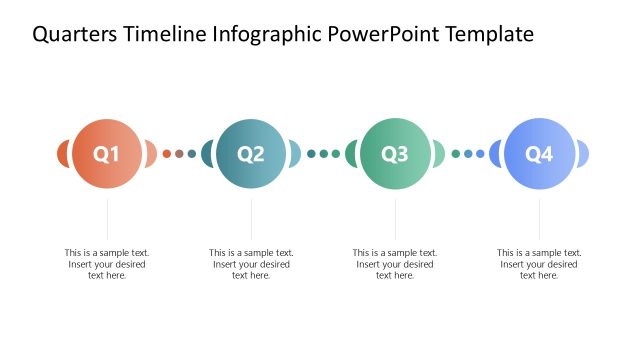
The Quarterly Timeline slide from the Quarterly Timeline Template for PowerPoint offers a clear horizontal timeline layout ideal for quarterly reviews and project timelines. This slide integrates editable shapes and vector icons to visually track events across four quarters, supporting business presentations and pitch deck templates focused on project planning and progress reporting.
About This Slide
Creative Quarterly Work Plan Template design for PowerPoint and Google Slides presentations.
What’s on This Slide
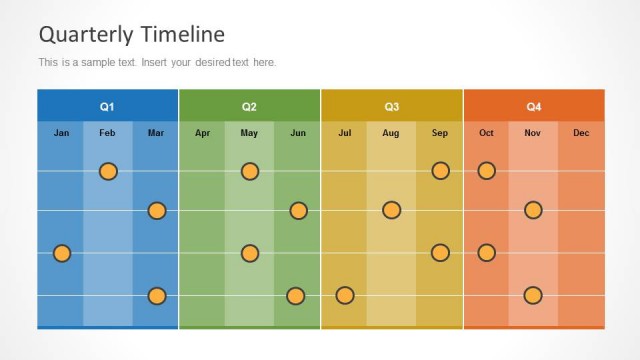
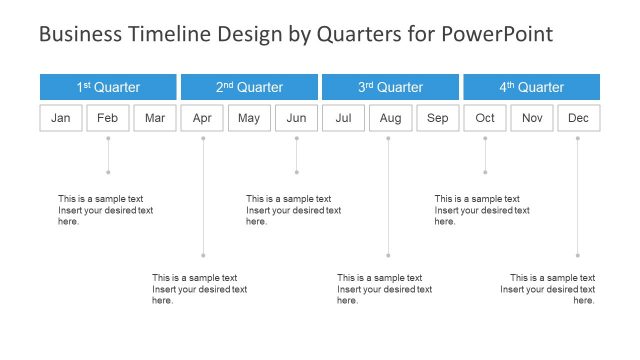
The layout features a horizontal timeline divided into four quarters labeled Q1, Q2, Q3, and Q4. Each quarter has a distinct background color: blue for Q1, green for Q2, yellow for Q3, and orange for Q4. Events are listed vertically on the left, with seven rows labeled Event 1 to Event 7. Circular markers are positioned in the timeline to indicate events across the quarters. Text placeholders are present for the title and additional information, aligned at the top and center of the slide. The overall composition is structured and clear.
How to Use It
This layout serves as a quarterly timeline for tracking events across four quarters. It fits within a presentation sequence that discusses project planning or quarterly reviews. This structure is useful for project managers to visualize timelines, milestones, and resource allocation. It can be applied in business contexts where quarterly progress needs to be reported or planned, such as in quarterly business reviews or project updates.
Text Placeholders & Capacity
Keep your copy within these limits so it fits without resizing. Body slots can accommodate roughly 5-7 words each.
| Placeholder | Count | Max characters (approx.) |
|---|---|---|
| Slide title | 1 | 30 |
| Body paragraph | 1 | 50 |
| Item heading | 7 | 15 |
Slide Keywords
Download unlimited PowerPoint templates, charts and graphics for your presentations with our annual plan.
DOWNLOADReturn to Quarterly Timeline Template for PowerPoint.