Slide 1 of 1 from Quality Management System Circular Diagram for PowerPoint
quality-management-circular-diagram-wide-1
Quality Management System Circular Diagram
- Diagram
- Circular Cycle
- Process Slide
- 16:9
- 100% Editable
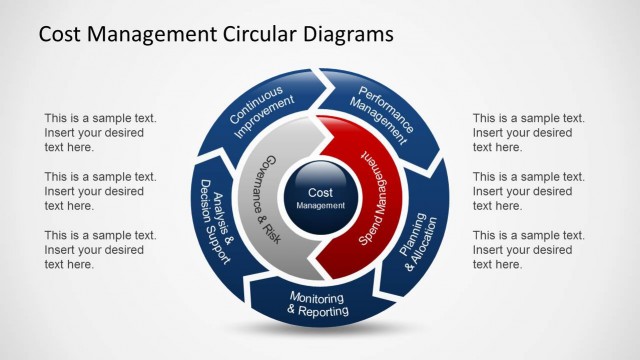
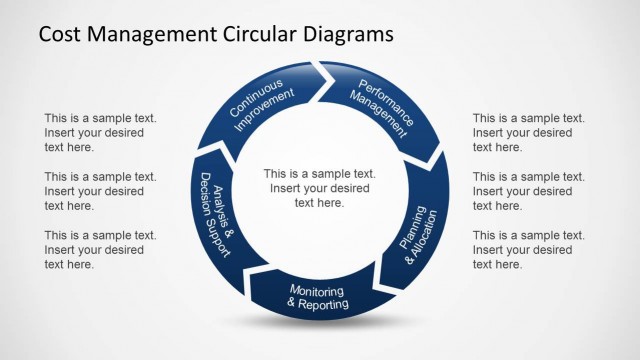
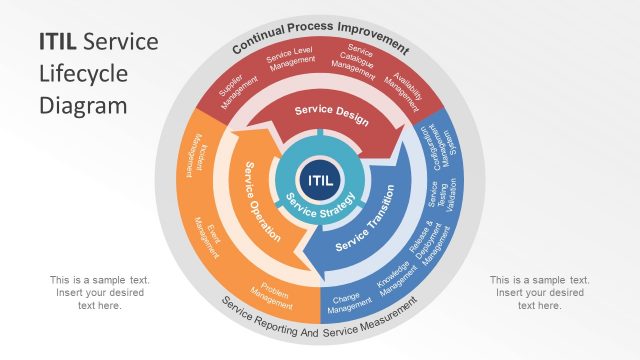
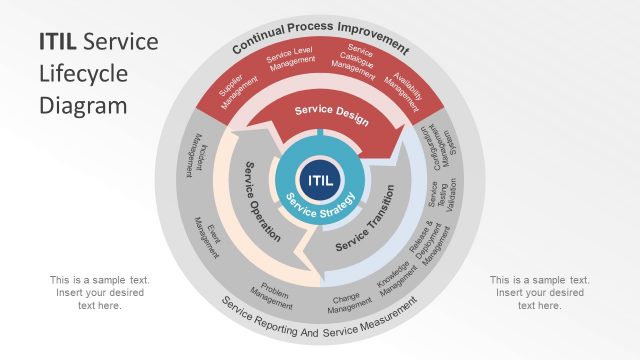
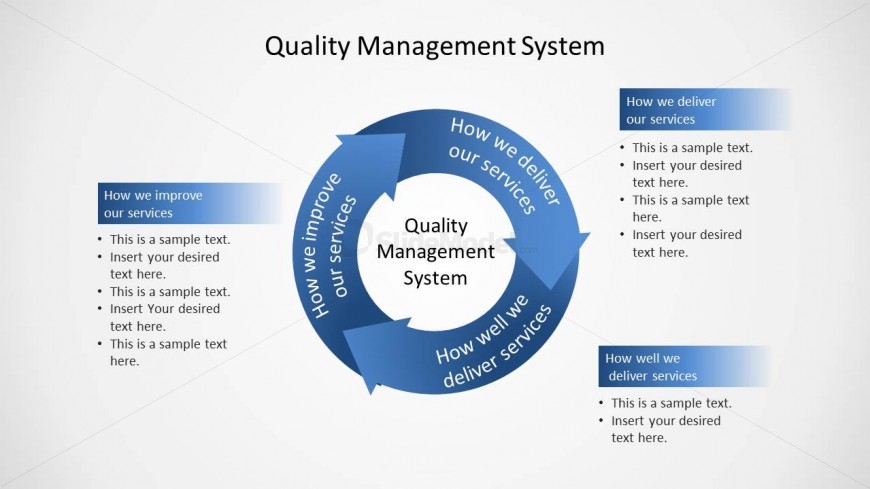
The Quality Management System Circular Diagram slide from the Quality Management System Circular Diagram for PowerPoint template offers a clear visual representation of quality improvement processes. This editable slide features a circular cycle diagram ideal for business presentations and training on total quality management, using vector icons and editable shapes to illustrate service delivery frameworks effectively.
What’s on This Slide
The layout features a circular diagram positioned centrally, with a central node labeled 'Quality Management System.' Surrounding this node are four segments labeled 'How we improve our services,' 'How we deliver our services,' and 'How well we deliver services.' Each segment has a light blue background and contains text placeholders aligned to the left. The segments are connected by arrows indicating flow direction. The overall color scheme consists of light blue and white, creating a clear visual hierarchy with the central node emphasized.
How to Use It
This layout serves as a process flow diagram, illustrating the cyclical nature of a quality management system. It fits well in presentations discussing quality improvement processes or service delivery frameworks. This structure is useful for businesses aiming to outline their quality management strategies or for training sessions focused on total quality management principles. It effectively communicates the interconnectedness of various service aspects in a concise manner.
Text Placeholders & Capacity
Keep your copy within these limits so it fits without resizing. Node body slots can hold roughly 15-20 words each.
| Placeholder | Count | Max characters (approx.) |
|---|---|---|
| Slide title | 1 | 30 |
| Item heading | 4 | 40 |
| Item body | 4 | 100 |
Slide Keywords
Download unlimited PowerPoint templates, charts and graphics for your presentations with our annual plan.
DOWNLOADReturn to Quality Management System Circular Diagram for PowerPoint.