Slide 2 of 4 from Project One Pager PowerPoint Template
Customizable Project One Pager PPT Layout
Project Overview Snapshot Template
- Text Layout
- Other
- Project Overview Slide
- 16:9
- 100% Editable
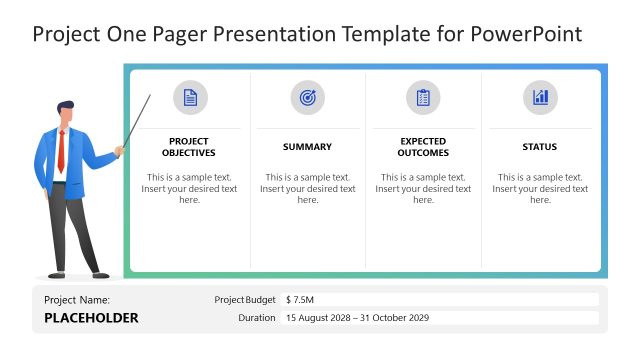
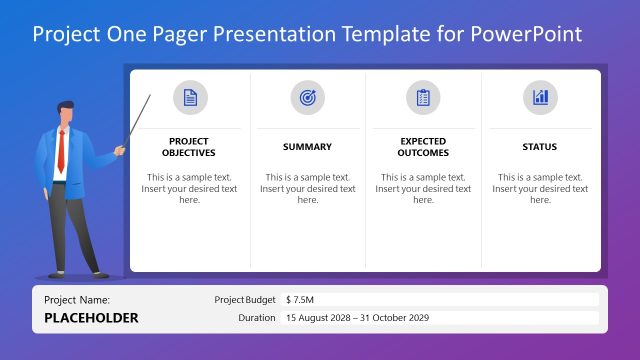
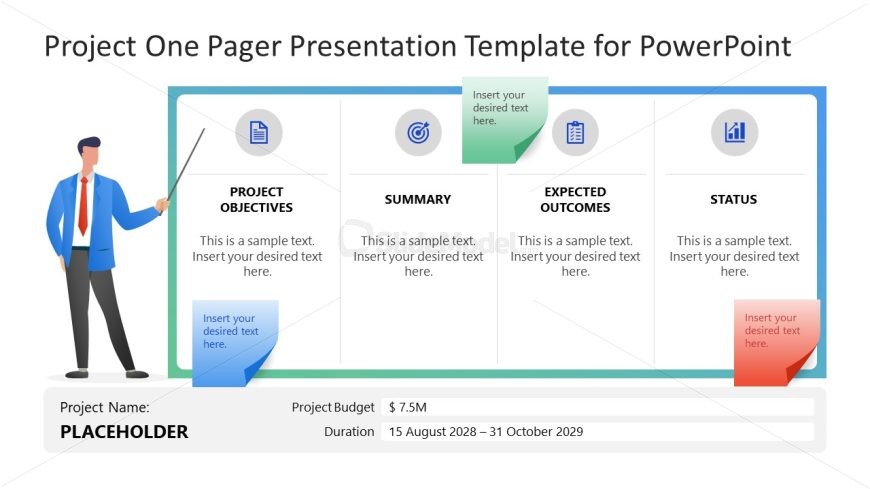
The Project Overview Snapshot slide from the Project One Pager PowerPoint Template offers a structured layout ideal for concise project summaries and stakeholder updates. This slide template features editable shapes and vector icons arranged horizontally to clearly present objectives, summaries, expected outcomes, and status. Suitable for business presentations and project planning, it supports clear communication of project details such as budget and duration within a professional slide deck.
What’s on This Slide
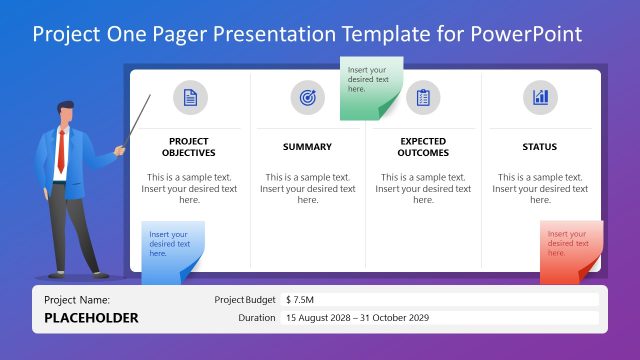
The layout features a horizontal arrangement divided into four sections. The first section on the left is labeled 'PROJECT OBJECTIVES' with a circular icon above it. The second section is labeled 'SUMMARY', the third 'EXPECTED OUTCOMES', and the fourth 'STATUS', each accompanied by respective icons. Below these sections, there are text placeholders for project details, including a project name, budget, and duration, positioned at the bottom. The overall color scheme includes light and dark gradients, with a presenter illustration on the left side, enhancing visual hierarchy.
How to Use It
This layout serves as a project overview snapshot, ideal for summarizing key project elements. It fits well in a presentation sequence after introducing project goals or objectives. This format is suitable for project managers and consultants when providing stakeholders with a concise project summary, budget, and timeline. It can be used in various business contexts, including project planning meetings and status updates.
Text Placeholders & Capacity
Keep your copy within these limits so it fits without resizing. Node body slots can hold approximately 100 characters each.
| Placeholder | Count | Max characters (approx.) |
|---|---|---|
| Slide title | 1 | 40 |
| Item heading | 4 | 30 |
| Item body | 4 | 100 |
| Footer | 1 | 50 |
Slide Keywords
Download unlimited PowerPoint templates, charts and graphics for your presentations with our annual plan.
DOWNLOADReturn to Project One Pager PowerPoint Template.