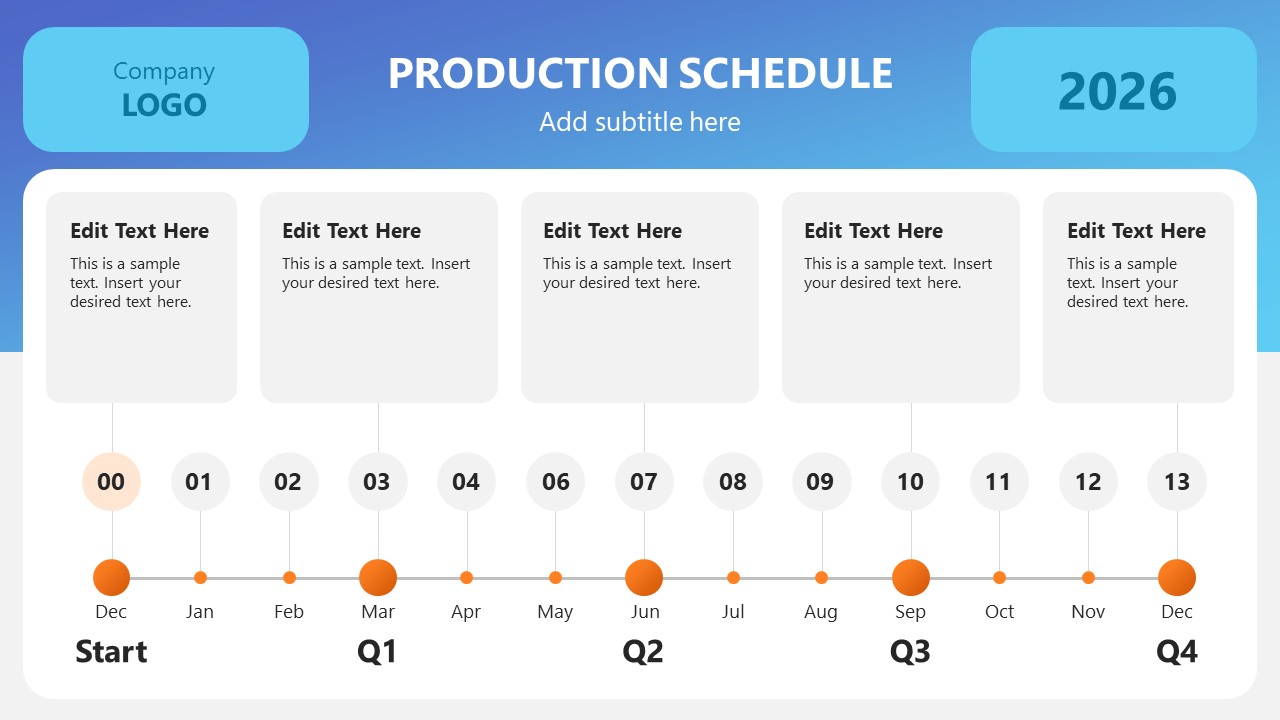
Our Production Schedule PowerPoint Template is an engaging layout for production planning and management presentations. A production schedule is a thorough charter to list the production phases, required materials, deadlines, essential activities, and other related points. By preparing this schedule, professionals can foresee how and when their product will be introduced in the market and the gradual steps toward the final release. Thus, a production schedule is a helpful tool for project managers and entrepreneurs to plan their production in a well-planned way. We have crafted this 100% schedule-timeline slide for our users. The slides can be customized according to the use case and theme requirements.
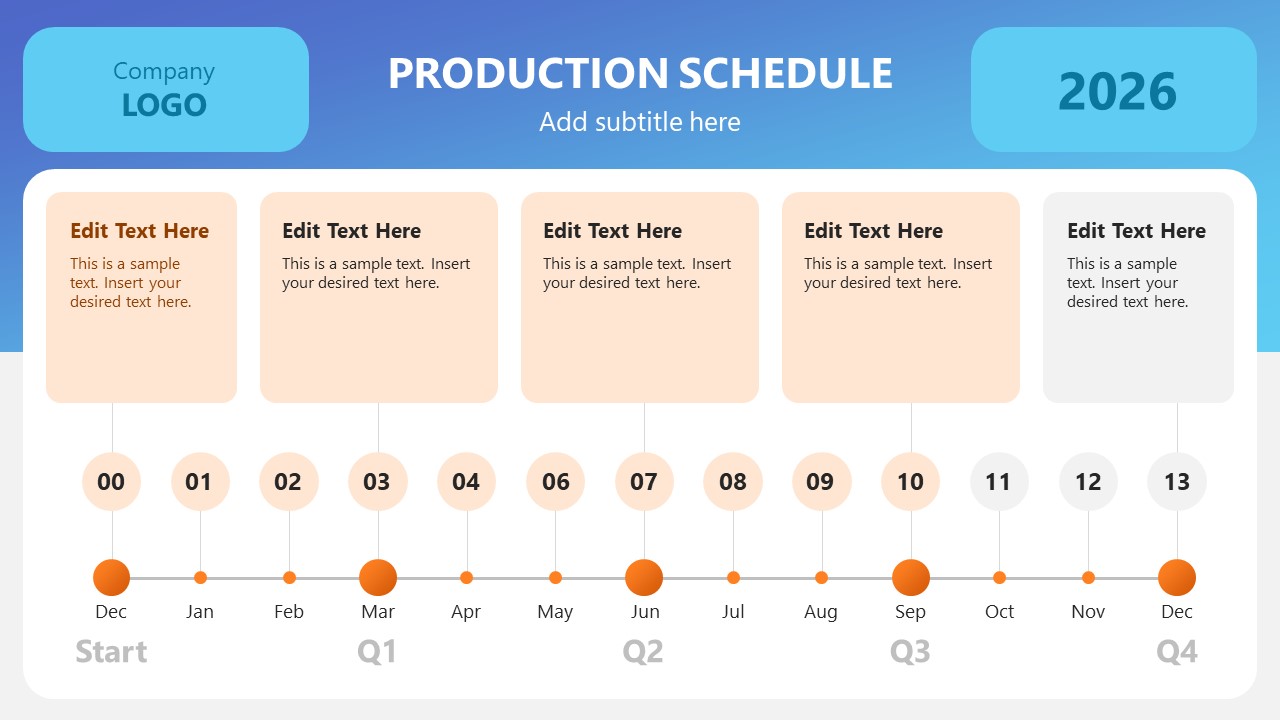
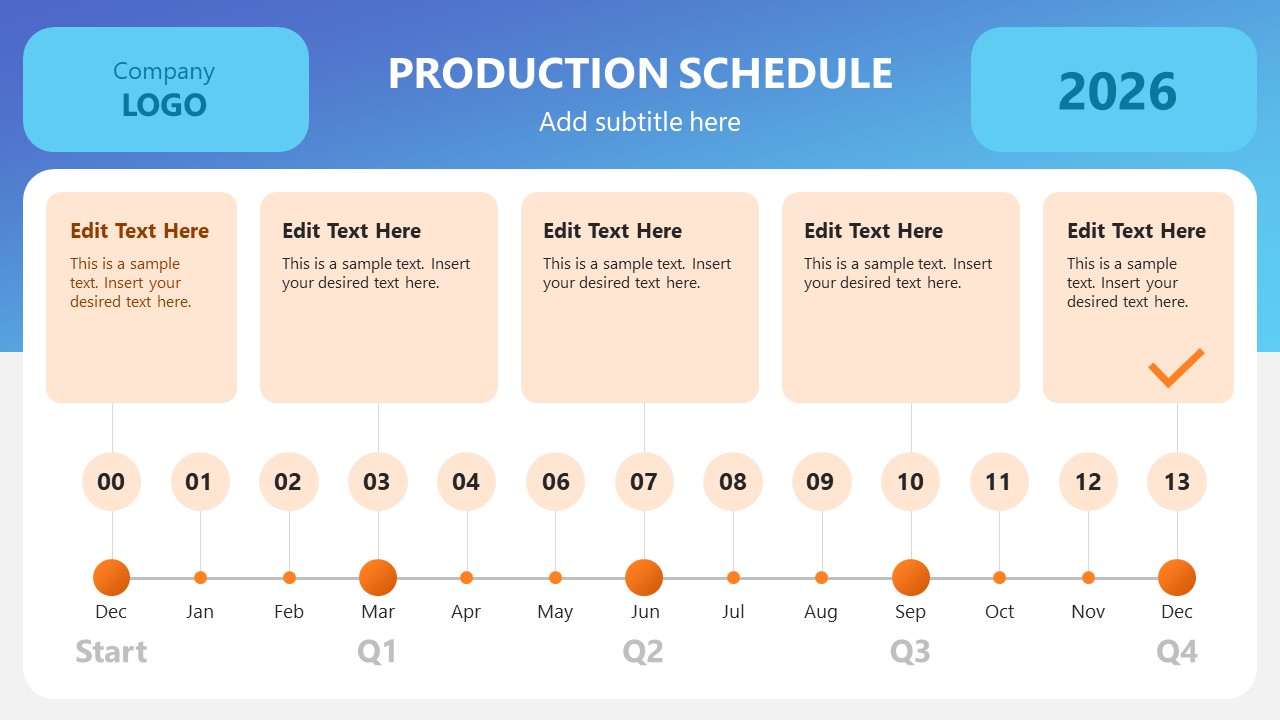
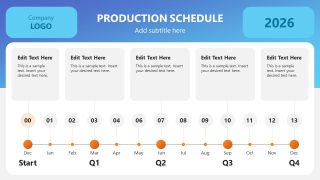
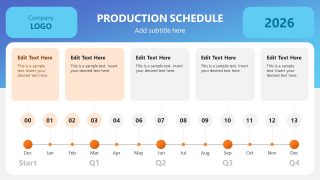
The Production Schedule PowerPoint Template carries six presentation slides. The first slide displays the diagram, while on the following slides, each segment/phase of the schedule is color highlighted for detailed discussion. The schedule chart slide shows two bold boxes in the top segment to add a company logo and mention the year. This bar also provides space to write the presentation title. At the bottom of the slide is a horizontal graduated line indicating the months of the year through small yellow dots. This line divides the whole year into four quarters. From each month marker, a thin line emerges pointing to the sequential numbers. These numbers can depict the activities of involved actions throughout the year. Also, five square text boxes are provided to mention the details of the quarters.
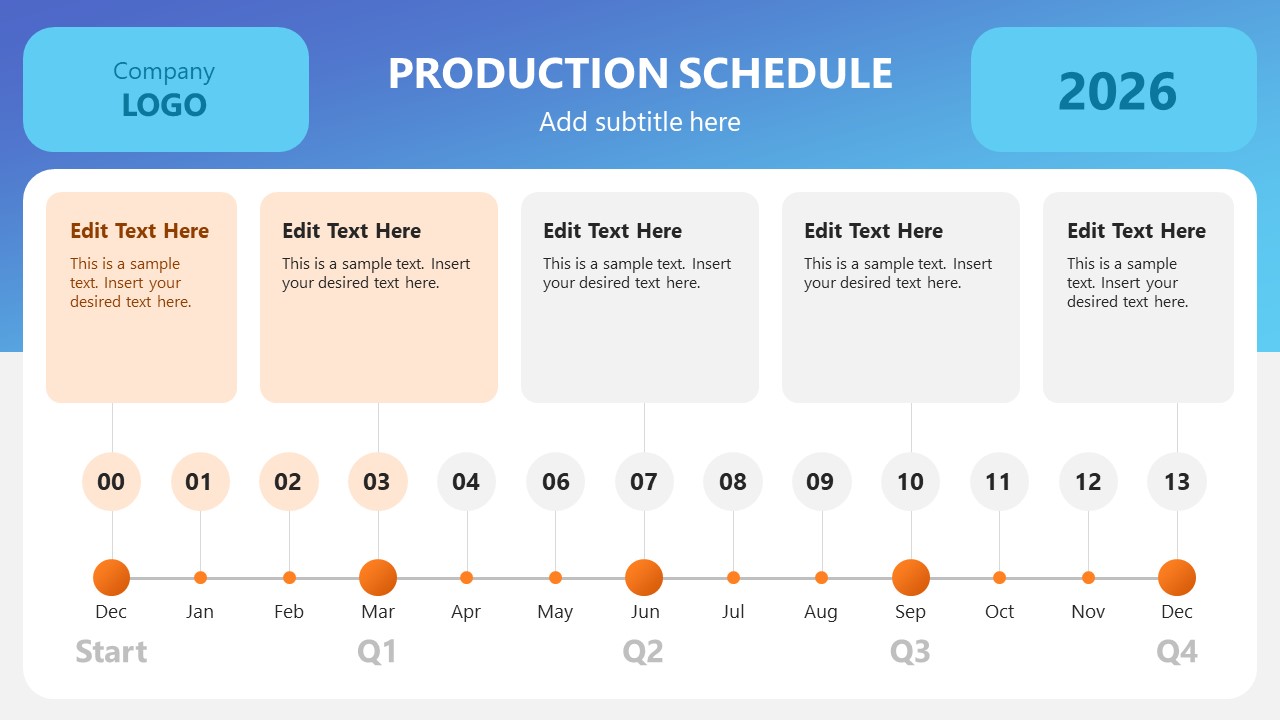
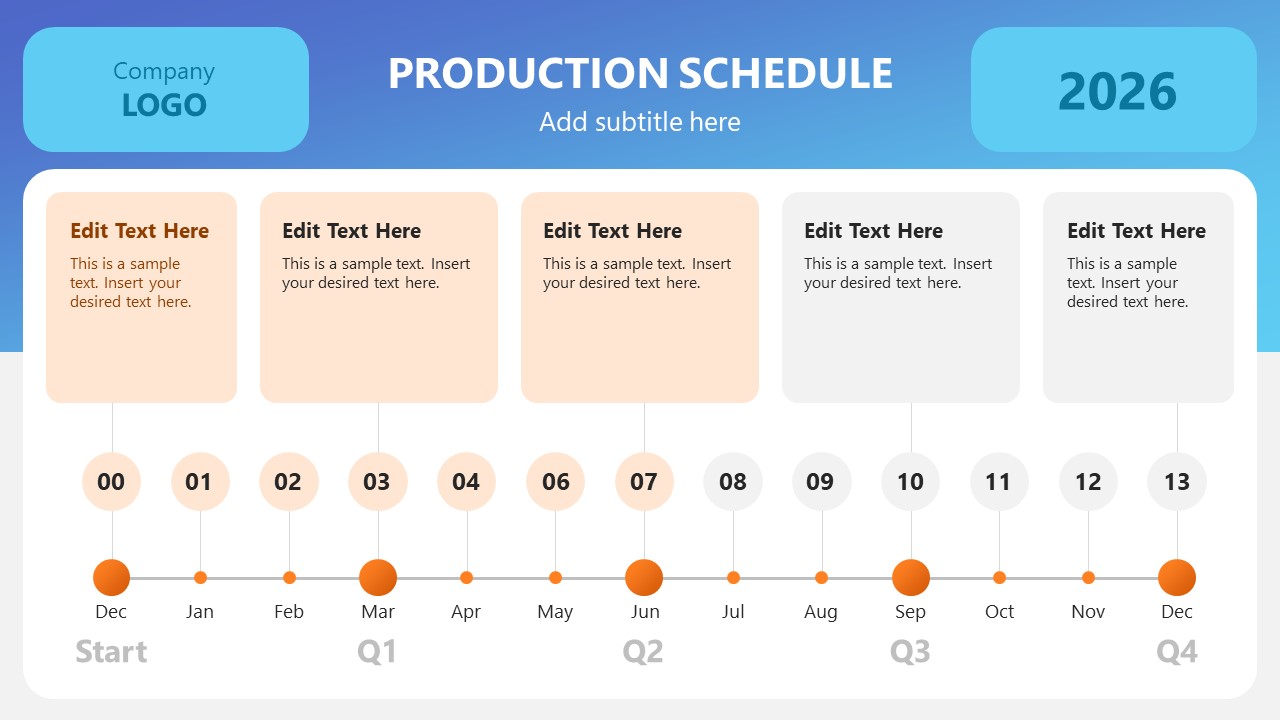
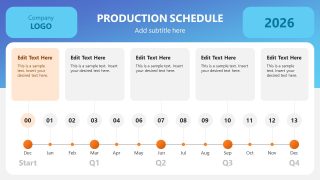
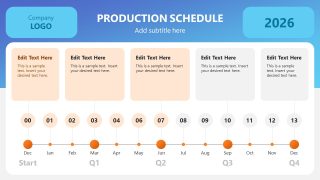
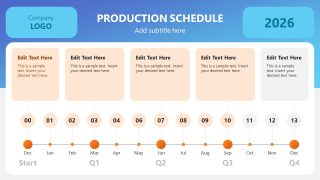
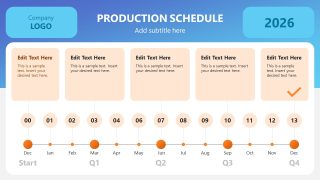
After the first slide, the following color highlights the individual squares to help professionals discuss each quarter in more detail. This effect also creates a positive impression on the audience and keeps them engaged with the topic. In addition to the production schedule, this editable slide template can be used for a timeline and roadmap or annual plan presentations. So, download this PPT template in a click and customize it for your presentation today! Also, check our collection of schedule PowerPoint templates and presentation templates.
What’s inside this template
Example presentation scenarios
- A production manager can use the horizontal annual timeline to explain when each manufacturing phase starts, which quarter it belongs to, and how milestones connect across the year.
- A product manager can present a launch plan by replacing the milestone text cards with research, sourcing, prototyping, testing, and release activities.
- An operations team lead can run a quarterly planning meeting by using the progressive highlight slides to discuss one phase at a time without losing the full-year context.
- A startup founder can brief investors or internal teams on a product rollout using the logo, year, month markers, and final check mark to show a clear execution path.
Features
- 100% editable presentation template
- Compatible with Microsoft PowerPoint and Google Slides
- 16:9 aspect ratio slides
- Scalable vector shapes, icons and illustrations
- AI-Ready for Microsoft Copilot and Claude
- Instant access and download
Frequently asked questions
Q: How should a presenter walk the audience through this production schedule?
A: Start with slide 1 to orient the audience to the full year, quarter labels, and five milestone cards. Then move through slides 2-6 to discuss each highlighted phase in order. Keep each phase explanation tied to its month markers so the audience understands both timing and purpose.
Q: Who is this template best suited for?
A: This template fits presenters who need to explain a year-based production plan without detailed project software views. Project managers, operations leads, product managers, and founders can use it to show major phases, quarterly timing, and completion logic to executives, partners, or cross-functional teams.
Q: Why does the repeated timeline design work for production planning?
A: The repeated timeline creates a stable visual frame while the highlighted milestone cards control attention. Audiences do not have to relearn the layout on each slide. The progression from one highlighted phase to the final check mark acts as a simple completion metaphor for the production plan.

Production Schedule PowerPoint Template
6-slide production schedule presentation template with horizontal timeline and quarterly planning boxes
The Production Schedule PowerPoint Template is a 6-slide 16:9 planning deck for building an annual production timeline. It shows a header with company logo and year, five milestone description cards, month markers, quarter labels, and a final completion check. Project, operations, and product teams can edit it in Microsoft PowerPoint or Google Slides.
- Category
- Timelines & Planning
- Rating

 Loading...
- Aspect ratio
- 16:9
- Item ID
- 21856-01
- Colors
 Microsoft PowerPoint
 Microsoft Copilot
 Claude for PowerPoint
Other formats supported
Subscribe today and get immediate
access to download our PowerPoint templates.