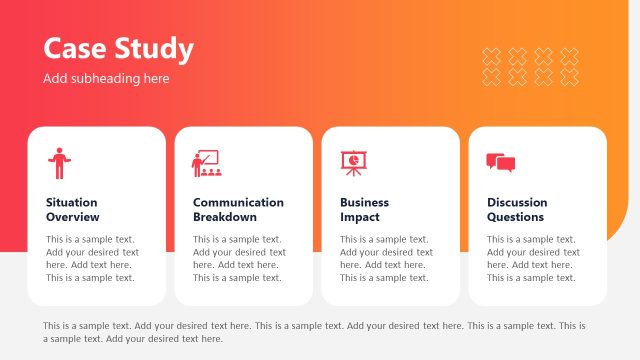
Slide 6 of 11 from Product Training PowerPoint Template
Key Use Cases Slide – Product Training Template Layout
Key Use Cases Slide for Product Training
- Text Layout
- List Blocks
- Context Slide
- 16:9
- 100% Editable
The Key Use Cases slide from the Product Training PowerPoint Template provides a structured layout ideal for showcasing product applications in onboarding and training presentations. This slide template features editable shapes and numbered sections to clearly communicate practical scenarios, supporting effective business presentations and pitch decks with a professional design.
What’s on This Slide
The layout features a top-centered title, 'Key Use Cases,' with a subheading below it. Four numbered sections are aligned horizontally across the middle, each containing a title and a placeholder for text. The sections are visually separated by light circular shapes. A highlighted box at the bottom left contains a statistic, '47% HR onboarding reduced manual work,' with a descriptive text placeholder beneath it. The background has a gradient color scheme transitioning from dark to light, creating a cohesive visual hierarchy.
How to Use It
This layout serves to present multiple key use cases in a clear, organized manner. It fits well in a training presentation to illustrate practical applications of a product. Use this slide to highlight specific scenarios where the product can be beneficial, making it suitable for onboarding sessions or product demonstrations. It effectively communicates essential information while maintaining audience engagement.
Text Placeholders & Capacity
Keep your copy within these limits so it fits without resizing. Node labels can hold up to 30 characters each, while body text can accommodate about 100 characters.
| Placeholder | Count | Max characters (approx.) |
|---|---|---|
| Slide title | 1 | 30 |
| Subtitle | 1 | 50 |
| Item heading | 4 | 30 |
| Item body | 4 | 100 |
| Callout | 1 | 100 |
| Body paragraph | 1 | 200 |
Slide Keywords
Download unlimited PowerPoint templates, charts and graphics for your presentations with our annual plan.
DOWNLOADReturn to Product Training PowerPoint Template.