Slide 11 of 15 from Meetup PowerPoint Template
Use Case Presentation – Meetup PPT Layout
Use Case Slide for Presentations
- Diagram
- Process Flow
- Problem Framing Slide
- 16:9
- 100% Editable
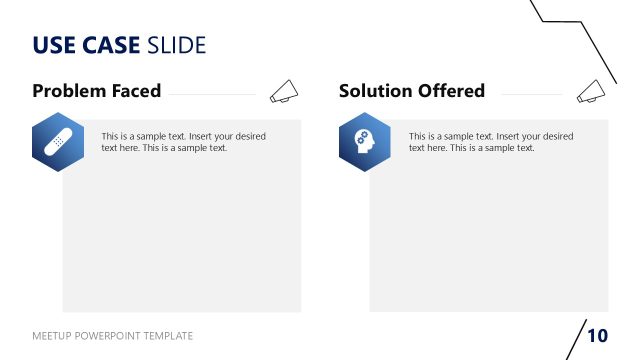
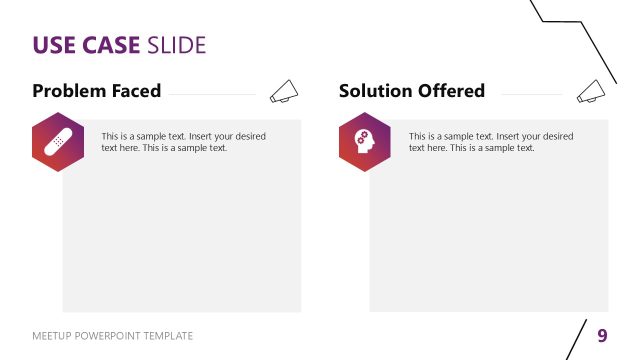
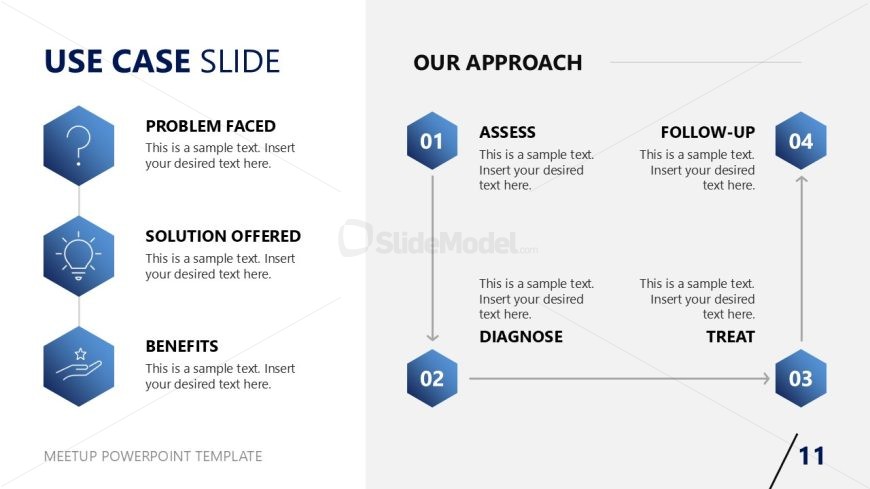
The Use Case Slide from the Meetup PowerPoint Template provides a clear framework for presenting problem-solving narratives in business presentations. Featuring editable shapes arranged in hexagonal diagrams, this slide layout supports structured use case analysis by outlining problems, solutions, and benefits alongside a step-by-step process flow. It is ideal for pitch deck templates and corporate presentations that require organized, visually balanced slide templates to communicate project proposals effectively.
What’s on This Slide
The layout features a left column with three hexagonal shapes stacked vertically, each containing a label: 'PROBLEM FACED', 'SOLUTION OFFERED', and 'BENEFITS'. Each shape has a corresponding text placeholder beneath it. The right column displays a vertical sequence of four hexagonal shapes labeled 'ASSESS', 'DIAGNOSE', 'TREAT', and 'FOLLOW-UP', with numbers indicating their order. Text placeholders accompany each label. The overall composition is balanced, with a light background and dark text, emphasizing clarity and organization.
How to Use It
This layout serves as a structured way to present a use case analysis. It effectively outlines a problem, proposed solution, and benefits on the left, while detailing a sequential approach on the right. This format is suitable for business presentations where a clear problem-solution narrative is needed. It fits well in a sequence following a problem statement slide, leading into a detailed discussion of solutions and methodologies.
Text Placeholders & Capacity
Keep your copy within these limits so it fits without resizing. Body slots can hold roughly 15-20 words each.
| Placeholder | Count | Max characters (approx.) |
|---|---|---|
| Slide title | 1 | 30 |
| Item heading | 3 | 30 |
| Item body | 3 | 100 |
| Item heading | 4 | 30 |
| Item body | 4 | 100 |
Slide Keywords
Download unlimited PowerPoint templates, charts and graphics for your presentations with our annual plan.
DOWNLOADReturn to Meetup PowerPoint Template.