Slide 16 of 24 from Training Session PowerPoint Template
94304-01-training-session-powerpoint-template-16×9-16
Case Study Overview Slide for Training Sessions
- Text Layout
- Other
- Context Slide
- 16:9
- 100% Editable
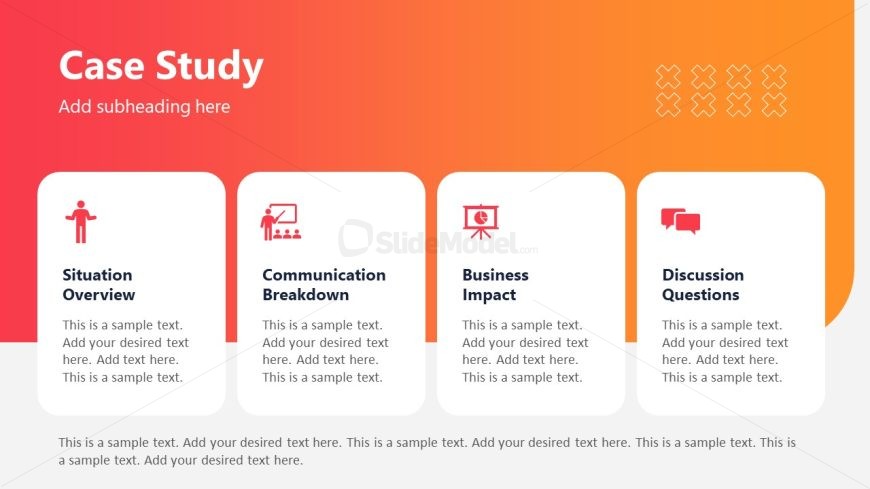
The Case Study Overview slide from the Training Session PowerPoint Template offers a structured layout ideal for summarizing case studies in business presentations. Featuring editable shapes and vector icons, this slide template supports clear communication of key points such as situation overview, communication breakdown, and business impact. It is well suited for educational overviews and discussion facilitation within slide decks designed for training sessions.
What’s on This Slide
The slide features a gradient background transitioning from red to orange. At the top, a large title reads 'Case Study' with a smaller subtitle placeholder below it. Four rectangular sections are aligned horizontally beneath the title, each containing an icon on the left and a heading on the right. The sections are labeled 'Situation Overview,' 'Communication Breakdown,' 'Business Impact,' and 'Discussion Questions.' Each section has a text placeholder for additional content. The icons represent different themes related to the headings, enhancing visual hierarchy.
How to Use It
This layout serves as a structured overview for presenting a case study in a training session. It is suitable for summarizing key aspects of a case study, making it ideal for discussions or educational contexts. The slide can be used to facilitate engagement by prompting audience interaction through discussion questions. It fits well in a sequence following an introduction or problem-framing slide, providing clarity on the case study's components.
Text Placeholders & Capacity
Keep your copy within these limits so it fits without resizing. Node body slots can hold roughly 30-40 words each.
| Placeholder | Count | Max characters (approx.) |
|---|---|---|
| Slide title | 1 | 30 |
| Subtitle | 1 | 50 |
| Item heading | 4 | 30 |
| Item body | 4 | 200 |
Slide Keywords
Download unlimited PowerPoint templates, charts and graphics for your presentations with our annual plan.
DOWNLOADReturn to Training Session PowerPoint Template.


