Slide 5 of 11 from Product Training PowerPoint Template
Getting Started Presentation – Product Training Template
Getting Started Steps for Product Training
- Text Layout
- List Blocks
- Process Slide
- 16:9
- 100% Editable
The Getting Started Steps slide from the Product Training PowerPoint Template offers a clear, step-by-step layout ideal for onboarding processes and training sessions. This slide template features numbered sections with distinct colors and bold numbering to enhance readability, making it suitable for business presentations that require structured instructional content. Its design supports effective communication in corporate presentations and pitch deck templates by providing an organized approach to presenting initial actions or instructions.
What’s on This Slide
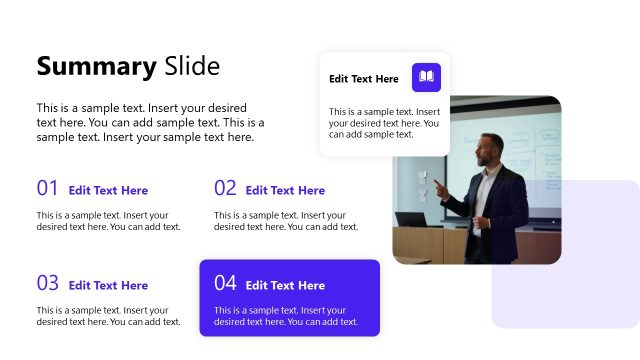
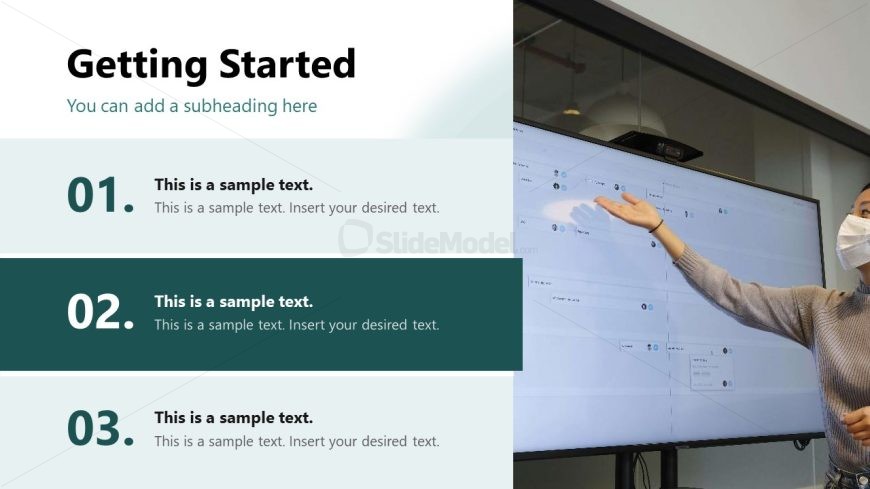
The layout features a top-aligned title stating 'Getting Started' followed by a subheading. Below, three numbered sections are arranged vertically, each containing a sample text placeholder. The first section is light blue, the second is dark green, and the third is light blue again, creating a visual contrast. Each section is clearly separated with consistent spacing. The numbers are bold and positioned to the left of the text, enhancing readability. A person is shown gesturing towards a screen in the background, which adds context to the training theme.
How to Use It
This layout serves as a sequential guide for introducing key steps in a product training process. It is ideal for presentations that require a clear outline of initial actions or instructions. This slide fits well after introductory content, providing a structured approach to onboarding. It can be used in various business scenarios, such as training sessions, workshops, or onboarding programs, where clarity and step-by-step guidance are essential for the audience's understanding.
Text Placeholders & Capacity
Keep your copy within these limits so it fits without resizing. Node body slots can hold roughly 15-20 words each.
| Placeholder | Count | Max characters (approx.) |
|---|---|---|
| Slide title | 1 | 30 |
| Subtitle | 1 | 50 |
| Item heading | 3 | 5 |
| Item body | 3 | 80 |
Slide Keywords
Download unlimited PowerPoint templates, charts and graphics for your presentations with our annual plan.
DOWNLOADReturn to Product Training PowerPoint Template.