Slide 15 of 16 from Procedure Handbook Presentation Template
Conclusion Presentation Slide – Procedure Handbook Layout
Conclusion Slide for Procedure Handbook Presentation
- Text Layout
- Other
- Closing Slide
- 16:9
- 100% Editable
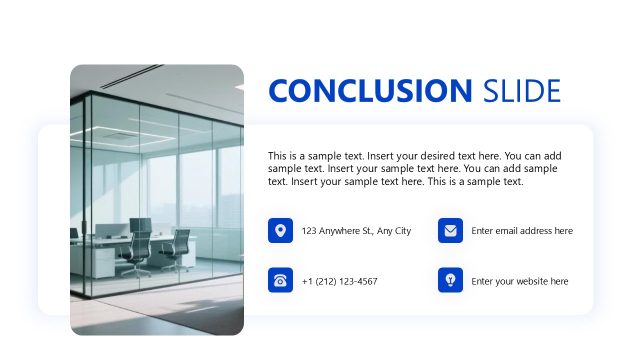
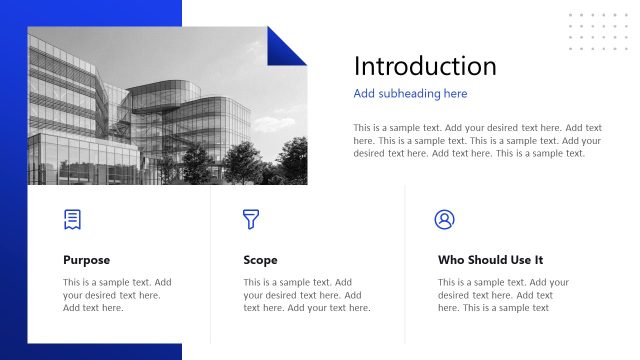
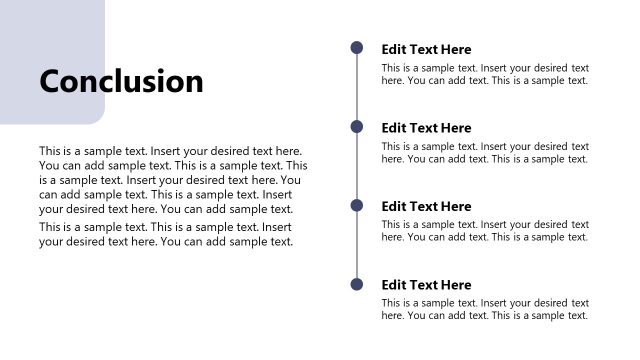
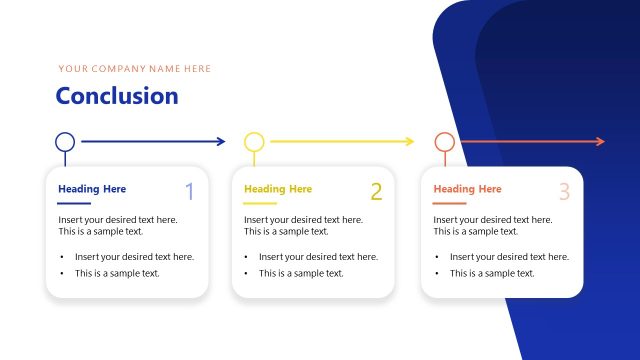
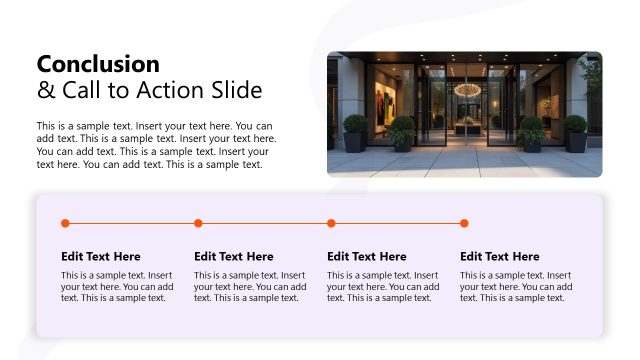
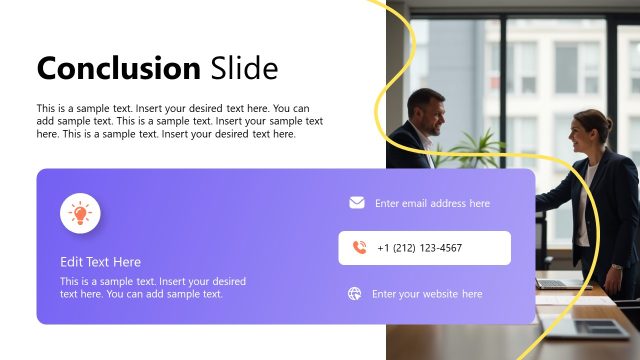
The Conclusion Slide from the Procedure Handbook Presentation Template offers a structured layout ideal for summarizing key points and reinforcing main ideas. This slide design integrates editable shapes and vector icons alongside a prominent image placeholder, enhancing clarity in corporate presentations. Its balanced composition supports effective communication of final recommendations, making it a practical choice for business presentation templates and slide decks focused on procedural content.
What’s on This Slide
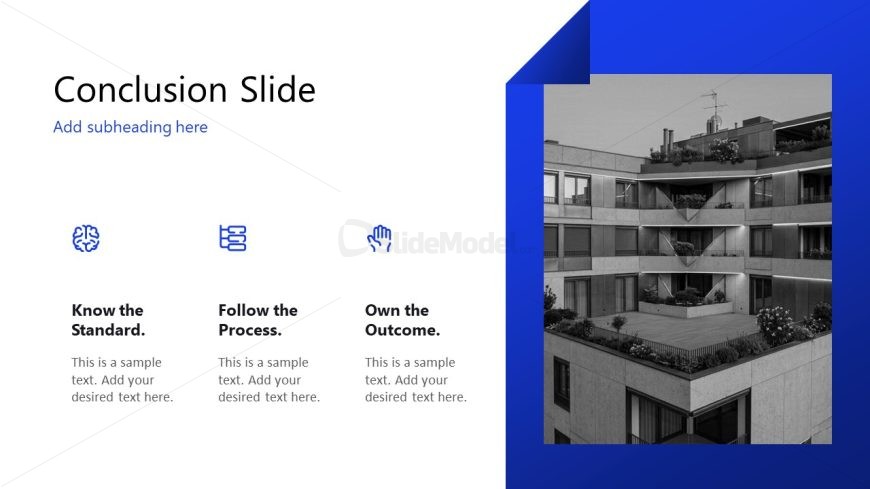
The layout features a large title positioned at the top left, with a subtitle below it. To the left, three icons are arranged vertically, each accompanied by a brief text description below. The icons represent concepts related to the text. On the right side, there is a large image placeholder that occupies most of the vertical space. The overall color scheme includes a blue background with white and light gray elements, creating a clear visual hierarchy. Text placeholders are aligned to the left and right, maintaining balance in the composition.
How to Use It
This layout serves as a conclusion slide, summarizing key points or takeaways. It fits well at the end of a presentation, reinforcing main ideas. In business contexts, it can be used to highlight final recommendations or actions. This structure is effective for concluding discussions on processes or procedures, making it suitable for management or training presentations. It allows for a visual recap of essential information while guiding the audience toward next steps.
Text Placeholders & Capacity
Keep your copy within these limits so it fits without resizing. Node labels can hold about 5 words each, while node bodies can hold around 10 words.
| Placeholder | Count | Max characters (approx.) |
|---|---|---|
| Slide title | 1 | 30 |
| Subtitle | 1 | 40 |
| Item heading | 3 | 25 |
| Item body | 3 | 50 |
Slide Keywords
Download unlimited PowerPoint templates, charts and graphics for your presentations with our annual plan.
DOWNLOADReturn to Procedure Handbook Presentation Template.