Slide 2 of 16 from Procedure Handbook Presentation Template
Procedure Handbook Template PPT Infographics Slide
Introduction Section for Procedure Handbook
- Text Layout
- Other
- Context Slide
- 16:9
- 100% Editable
The Introduction Section with Icons slide from the Procedure Handbook Presentation Template offers a clear layout ideal for business presentations and training sessions. Featuring editable shapes and vector icons, this slide template supports effective communication of key topics and processes within a corporate presentation or pitch deck template.
What’s on This Slide
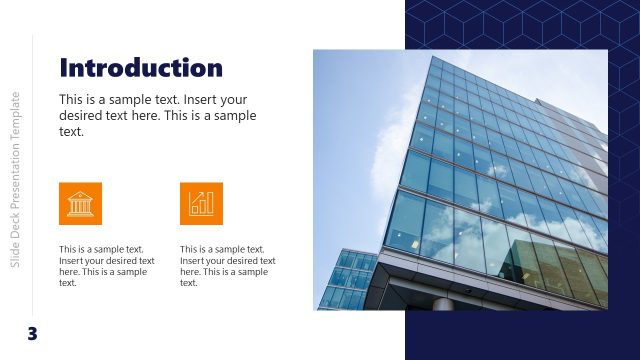
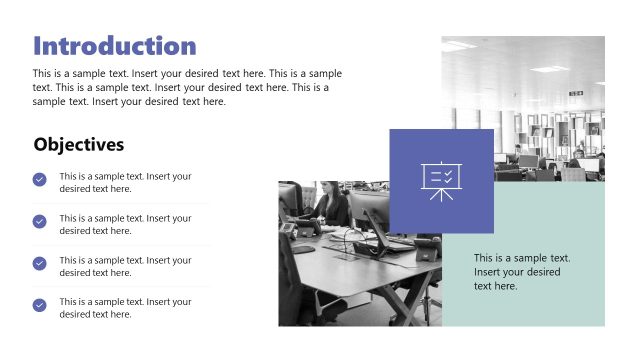
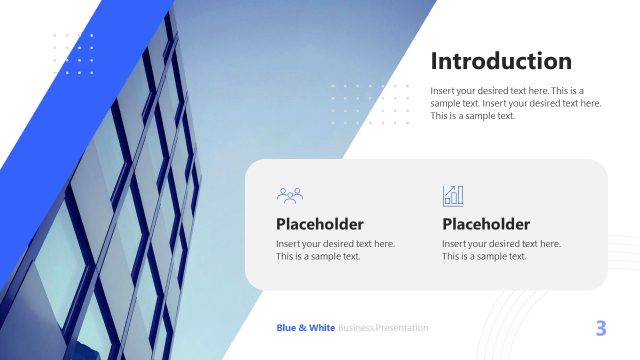
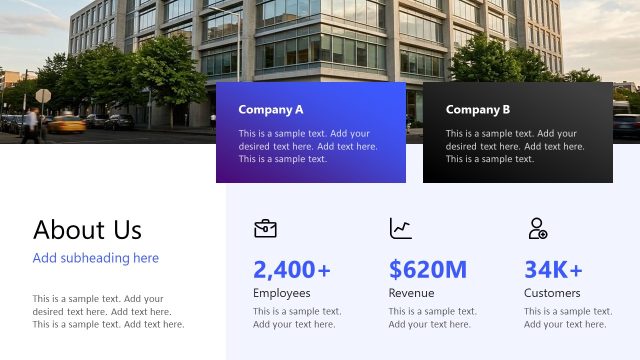
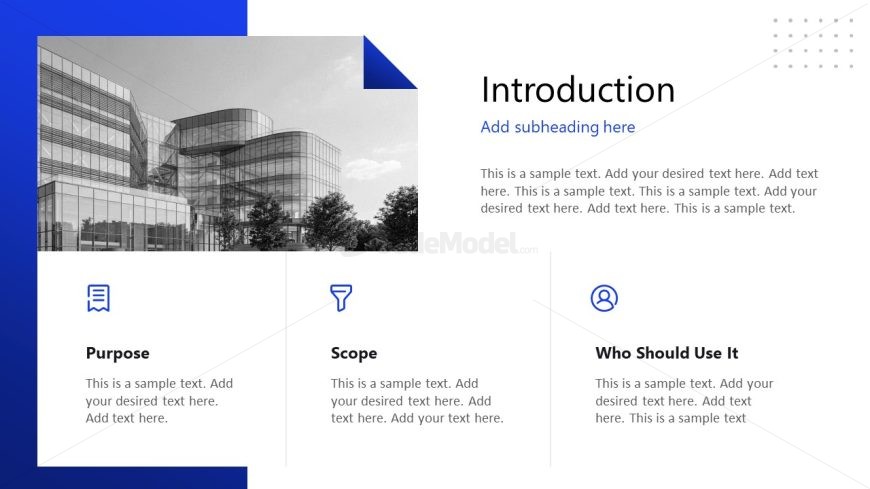
The slide features a left-aligned layout with a blue background and a prominent image placeholder at the top left. Below, three sections are arranged vertically, each containing an icon on the left and text on the right. The icons represent a book, a funnel, and a user, respectively. Each section has a title aligned to the left, followed by sample text placeholders for content. The visual hierarchy emphasizes the section titles, while the icons enhance the thematic representation. The overall composition is clean and organized, with ample white space separating elements.
How to Use It
This layout serves as an introductory section, suitable for outlining key topics such as purpose, scope, and audience. It fits well in a presentation sequence following a title slide, providing context for the audience. This structure is ideal for business scenarios where clear communication of foundational information is necessary, such as onboarding processes or project overviews. It can also be adapted for training sessions or procedural guides, ensuring clarity and focus on essential elements.
Text Placeholders & Capacity
Keep your copy within these limits so it fits without resizing. Node body slots can accommodate approximately 25-30 words each.
| Placeholder | Count | Max characters (approx.) |
|---|---|---|
| Slide title | 1 | 30 |
| Subtitle | 1 | 40 |
| Item heading | 3 | 20 |
| Item body | 3 | 150 |
Slide Keywords
Download unlimited PowerPoint templates, charts and graphics for your presentations with our annual plan.
DOWNLOADReturn to Procedure Handbook Presentation Template.