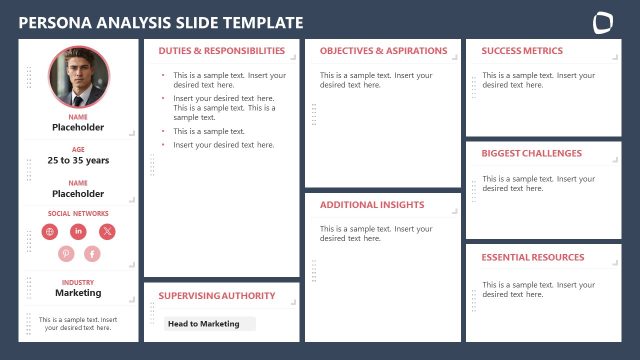
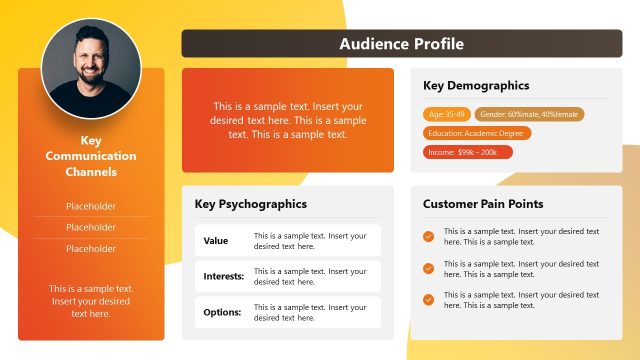
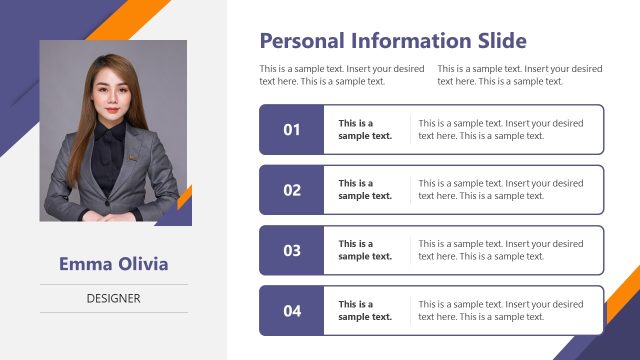
Grab our ready-made User Persona PowerPoint Template to showcase your target buyer’s characteristics and choices in the marketing sessions. A user persona is a virtual representation of the company’s target customer, created through in-depth market research and analysis. Organizations collect and aggregate information into one place. This user persona enables marketers to define the behaviors and expected preferences of the individual accurately. In this way, digital marketers and decision-makers can craft their marketing strategies accordingly to influence the buyer’s purchase decision and guide them into our funnel. This user persona PPT template features 100% editable PowerPoint elements. Professionals, digital marketers, email marketers, and other data specialists can use this template to present a clear user persona to the audience. The template has two slides with a professional design and color palette.
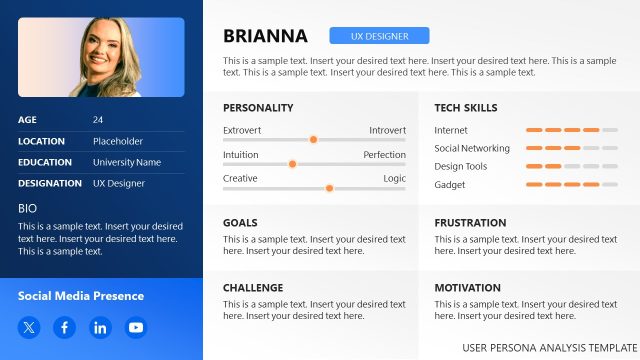
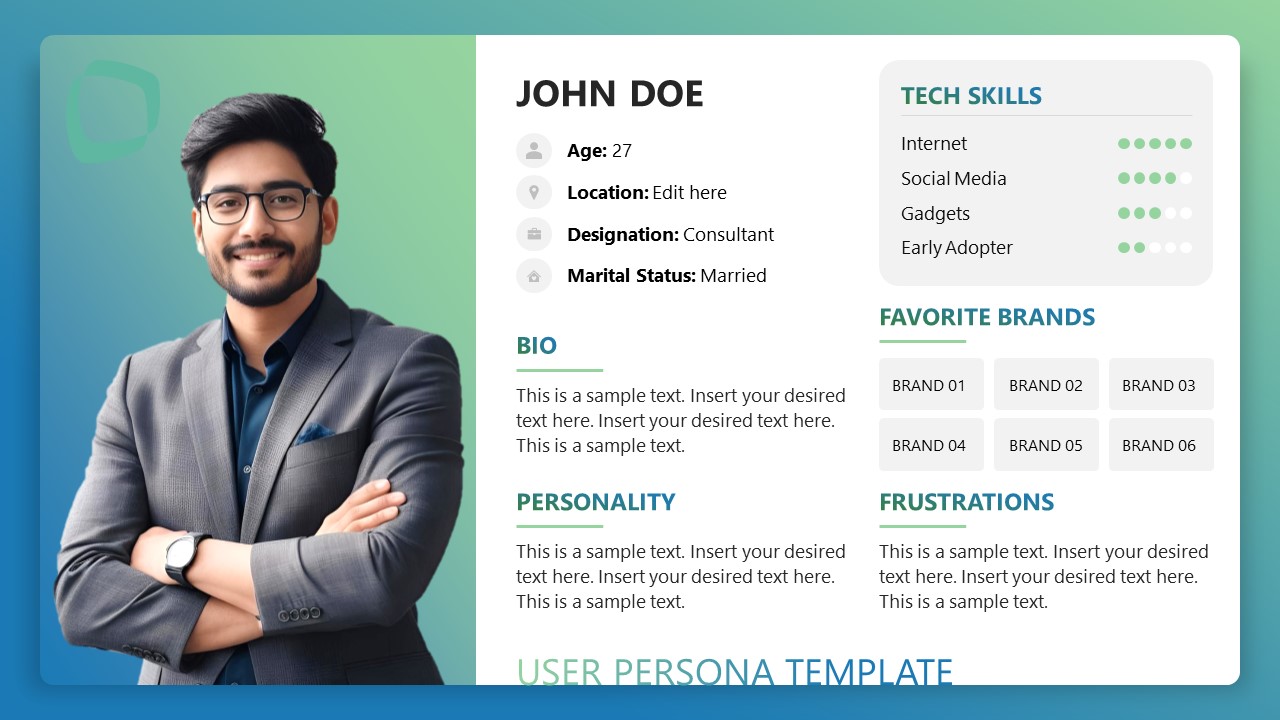
The first slide of the User Persona PowerPoint template features a box set against a gradient background. The box displays two segments, where the left one features the user persona’s profile picture, and on the right, you can highlight different attributes. In addition, you can also check our other buyer persona PPT templates to check for a different design. You can showcase the following information:
- Name, age, demographics, designation, and marital status.
- One-line bio of the user.
- Personality type by editing the placeholder text.
- Technical skills are often represented using dotted progress bars to indicate the level of expertise in a specific skill.
- Buttons to mention the names of favorite brands.
- Frustrations of the user are addressed in your marketing campaigns, encouraging them to make a purchase.
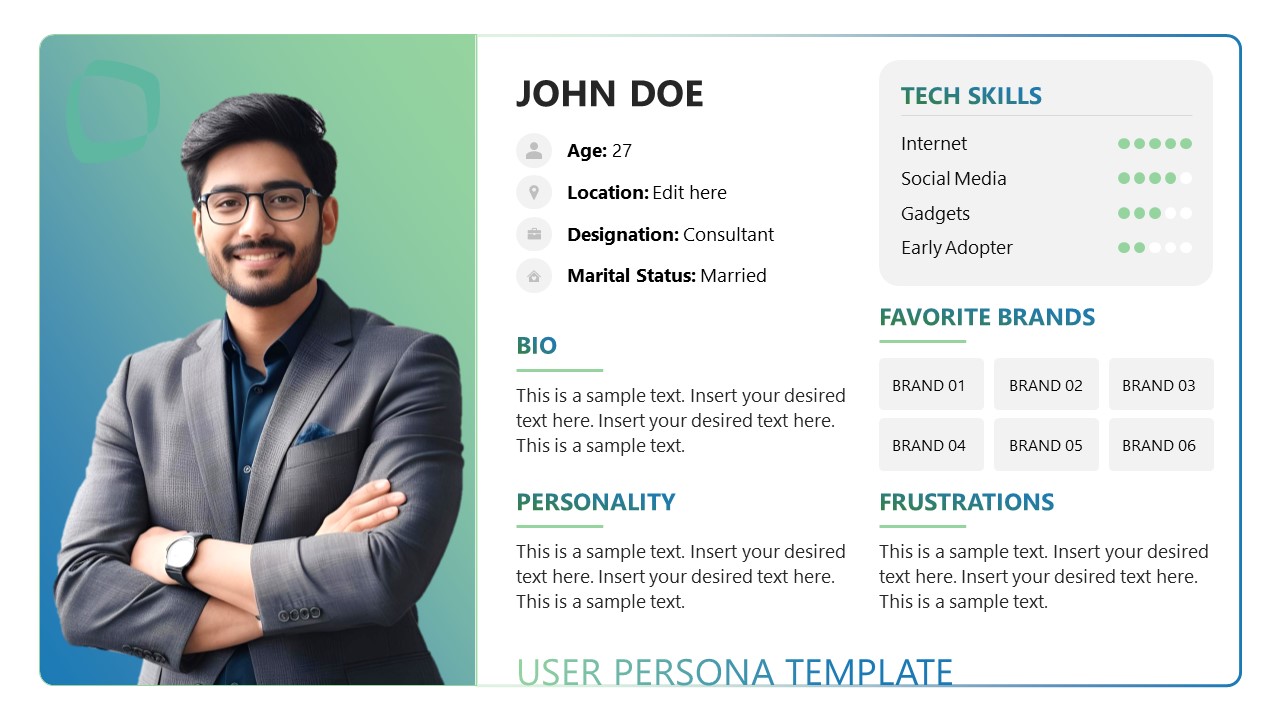
The second slide has similar elements but contains a white background. You can adjust the template elements to suit your theme and preferences. Alternatively, we have an extensive collection of one pager PPT templates for you. Download the user persona template layout and edit it for your executive meetings!
What’s inside this template
Example presentation scenarios
- A digital marketing manager can use the persona card to brief a campaign team on customer demographics, preferred brands, tech comfort, and buying frustrations before planning messaging.
- A product manager can present the bio, personality section, and skill ratings to align designers and engineers on who they are building for and what adoption barriers matter.
- A UX researcher can summarize interview or survey findings with the portrait panel, demographic fields, and frustrations block during a stakeholder readout.
- A sales enablement lead can use the favorite brand grid and personality notes to explain how a buyer thinks, compares options, and responds to positioning.
Features
- 100% editable presentation template
- Compatible with Microsoft PowerPoint
- 16:9 aspect ratio slides
- Scalable vector shapes, icons and illustrations
- AI-Ready for Microsoft Copilot and Claude
- Instant access and download
Frequently asked questions
Q: How should a presenter turn this persona layout into a clear marketing message?
A: Start with the name and demographic fields to make the persona concrete, then explain the bio and personality in plain language. Use the tech skills ratings and favorite brand grid as evidence for channel and messaging choices. Close with the frustrations block, because it connects the profile to campaign actions and product decisions.
Q: Who is this user persona template best suited for?
A: This template fits teams that need to summarize one target customer quickly, such as digital marketers, product managers, UX researchers, and sales enablement leaders. It is strongest when the goal is not deep statistical analysis, but a shared customer snapshot that guides copy, feature priorities, positioning, or sales conversations.
Q: Why does the profile card format work well for persona communication?
A: The design uses a familiar identity-card metaphor: photo on the left, key facts and motivations on the right. That structure helps audiences recognize the persona as a person, not a list of data points. Separate blocks for skills, brands, and frustrations also keep behavior, preferences, and barriers easy to scan.
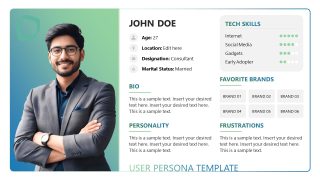
User Persona PowerPoint Template
2-slide PowerPoint presentation template for user persona profiles, skill ratings, and brand preferences.
The User Persona PowerPoint Template is a 2-slide marketing presentation template for building a target customer profile in Microsoft PowerPoint. It includes a profile photo panel, demographic attribute list, skill rating card, favorite brand grid, and bio, personality, and frustrations text blocks for persona research discussions.
- Category
- Marketing
- Rating

 Loading...
- Aspect ratio
- 16:9
- Item ID
- 23017-01
- Colors
 Microsoft PowerPoint
 Microsoft Copilot
 Claude for PowerPoint
Other formats supported
Subscribe today and get immediate
access to download our PowerPoint templates.