Our Pizza Slides PowerPoint Template is an engaging diagram slide that illustrates a freshly baked pizza. These PowerPoint slides can be used directly in food, pizza creation, & restaurant presentations or metaphorically for showing the segments of a concept, process, & relative proportions of multiple factors. Pizza charts are commonly used to replace pie charts representing equal segmentation and contribution. For instance, it can indicate the equally important stages of a process. In contrast, different slices of pizza can represent a variable percentage and thus help present the statistical values and distribution of data. We have designed this 100% editable pizza diagram compatible with all PowerPoint versions, Google Slides, and Keynote.
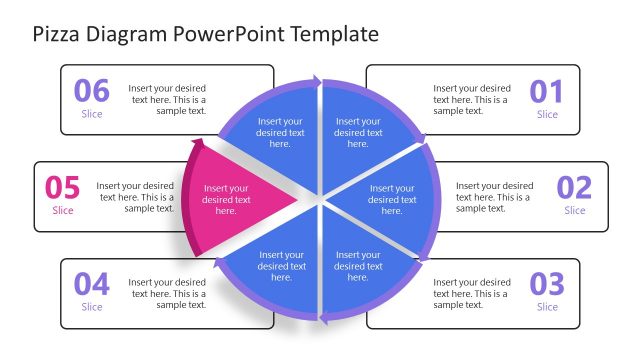
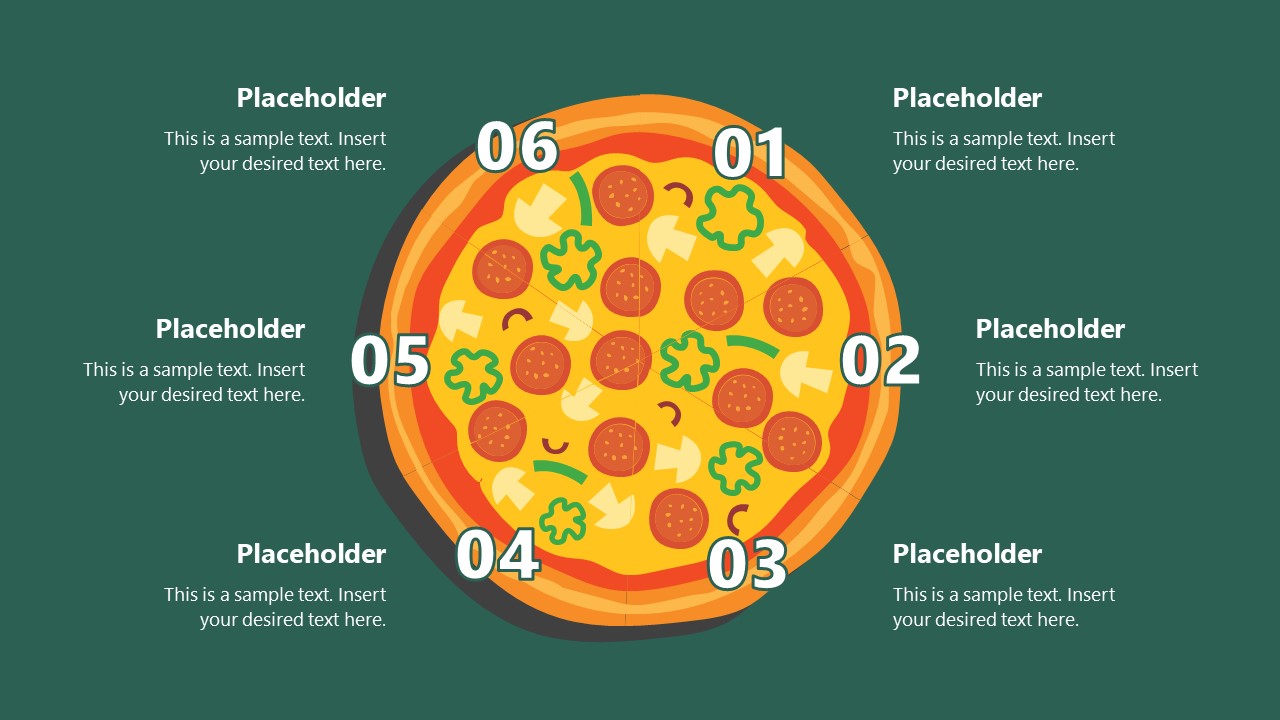
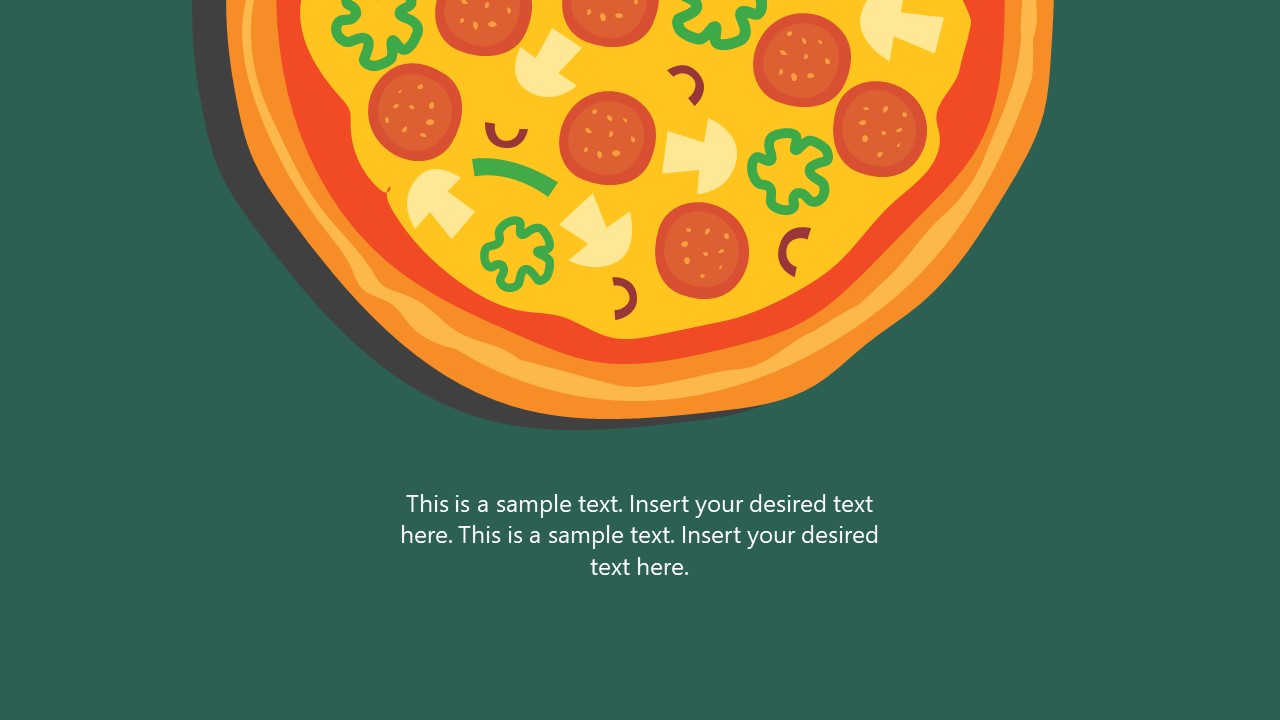
The Pizza Slides PowerPoint Template carries a realistic pizza diagram with slides, i.e., it shows a crust, green vegetables, mushrooms, sauces, and bread in a proper structure. The first slide mentions the title of the presentation displaying the pizza diagram on one side. The next slide marks the six equal triangles of the pizza attached to the text boxes side by side. Users can explain their process steps or relative proportions. Similarly, the following slide indicates the side of the pizza with an editable text box. These figures can also be used on marketing brochures and social media posts of restaurants and cooking shows. The last slide has a pizza cut into six pieces, and six different human hands pick the slices. Users can metaphorically associate this illustration with teamwork or collaboration. So, professionals can grab and conveniently use this best PPT template for their use cases and create engaging presentations. Download and try it now!
What’s inside this template
Example presentation scenarios
- A restaurant owner can introduce a new menu concept by using the title slide for the concept name and the pizza callout slide for the signature offer.
- A marketing manager can explain six equal campaign components with the numbered pizza wheel diagram and assign one message to each slice.
- A workshop facilitator can show group participation by closing with the hands-and-slices illustration to represent shared contribution across a team.
- An operations lead can present a simple six-step process with the circular pizza segmentation layout, replacing abstract process icons with a familiar food metaphor.
Features
- 100% editable presentation template
- Compatible with Microsoft PowerPoint and Google Slides
- 16:9 aspect ratio slides
- Scalable vector shapes, icons and illustrations
- AI-Ready for Microsoft Copilot and Claude
- Instant access and download
Frequently asked questions
Q: How should a presenter use the pizza metaphor without making the message feel too casual?
A: Treat the pizza as a structural device, not just decoration. Put one clear idea on each slice in the six-part wheel, then explain why those parts belong together. Keep labels short and business-focused. Use the food theme to make segmentation memorable while keeping the spoken explanation specific and practical.
Q: Who is this template best suited for?
A: This template fits presenters who need a friendly way to explain parts of a whole, especially in food, restaurant, training, and workshop settings. It works well for menu concepts, team roles, contribution models, and simple process stages. It is less appropriate for dense financial reporting or technical analysis.
Q: Why does the sliced pizza design help explain segmentation and collaboration?
A: A pizza is an instantly understood metaphor for dividing a whole into parts. The numbered wheel makes each segment easy to follow, while the final slide with multiple hands turns the same object into a teamwork image. That shift helps the presenter move from explaining components to showing shared ownership.




Pizza Slides PowerPoint Template
4-slide presentation template with pizza segmentation diagrams and teamwork illustrations for food and process concepts
Pizza Slides PowerPoint Template is a 4-slide food-themed presentation template for explaining segmented ideas with pizza visuals. It includes a cover illustration, six-part circular wheel diagram, pizza callout slide, and shared-slices teamwork scene. Built for restaurant, food concept, marketing, and process presentations in Microsoft PowerPoint and Google Slides.
- Category
- Diagrams
- Rating

 Loading...
- Aspect ratio
- 16:9
- Item ID
- 21955-01
- Colors
 Microsoft PowerPoint
 Microsoft Copilot
 Claude for PowerPoint
Other formats supported
Subscribe today and get immediate
access to download our PowerPoint templates.