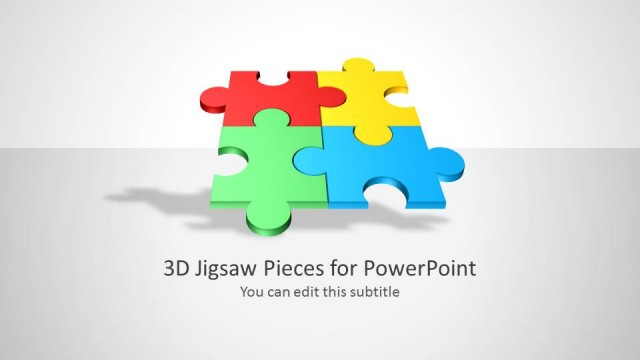
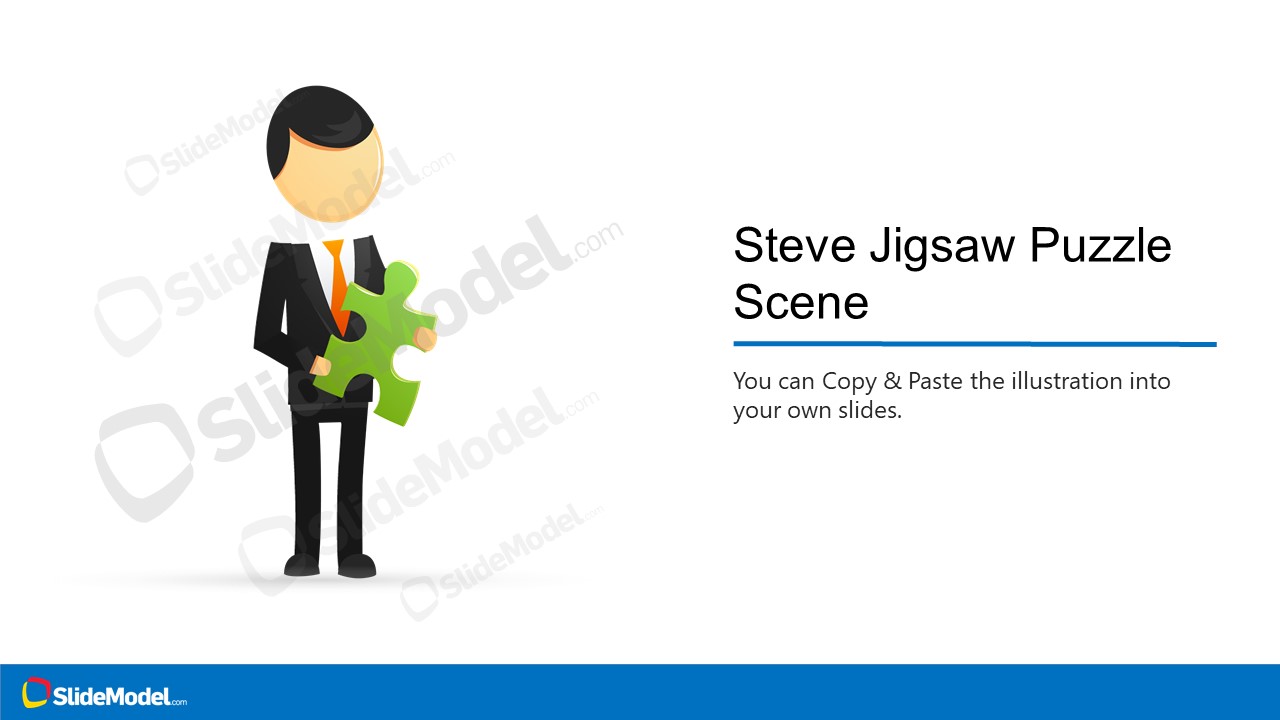
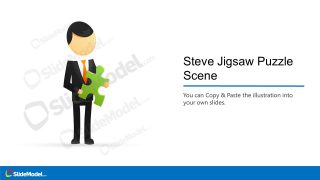
The Person Jigsaw Puzzle Scene Illustration of a male cartoon character (Steve) for PowerPoint. It shows a business professional holding a puzzle piece. This clipart illustration is a useful presentation design for taking valuable inputs from the audience. A jigsaw puzzle is a useful analogy of knowledge and reasoning. You can communicate key pieces of information using a scene of the person holding a jigsaw puzzle.
What’s inside this template
Example presentation scenarios
- A workshop facilitator can use the title scene to invite audience input and frame each comment as a missing jigsaw piece in the group discussion.
- A consultant can use the character holding the puzzle piece to introduce a problem-solving framework before moving into a client strategy or operating model slide.
- A project manager can use the copy-and-paste instruction slide as a starting point for adding the illustration to an existing status deck about dependencies or team contributions.
- A trainer can use the icon-based customization checklist to explain how a concept graphic will be adapted across a learning module or internal communication deck.
Features
- 100% editable presentation template
- Compatible with Microsoft PowerPoint and Google Slides
- 16:9 aspect ratio slides
- Scalable vector shapes, icons and illustrations
- AI-Ready for Microsoft Copilot and Claude
- Instant access and download
Frequently asked questions
Q: How should I use the jigsaw piece metaphor without making the slide feel decorative only?
A: Connect the puzzle piece to one precise message before presenting the slide. Label the missing contribution, key insight, dependency, or decision in the nearby text area, then use the character as a visual anchor. The metaphor works best when the audience can immediately understand what piece is needed and why it matters.
Q: Who is this illustration best suited for in a business presentation?
A: This template fits facilitators, consultants, trainers, and managers who need a friendly visual cue for participation, reasoning, or alignment. It is especially useful at the start of a workshop, during a strategy discussion, or when introducing a concept that depends on individual inputs fitting into a larger plan.
Q: Why does a person holding the puzzle piece communicate differently than a puzzle diagram alone?
A: The character adds a human role to the puzzle metaphor. Instead of showing an abstract missing piece, the scene implies ownership, contribution, and action. That makes the message easier to link to a team member, stakeholder, facilitator, or customer who brings an important input to the solution.




Person Jigsaw Puzzle Scene Illustration
3-slide presentation template with editable jigsaw puzzle character illustration and icon-based customization notes
Person Jigsaw Puzzle Scene Illustration is a 3-slide presentation template with a male business character holding a green jigsaw piece. It includes a title scene, an icon-based customization checklist, and a copy-paste instruction slide for presenters who need a visual metaphor for inputs, reasoning, or missing information in Microsoft PowerPoint and Google Slides.
- Category
- People & Silhouettes
- Rating

 Loading...
- Aspect ratio
- 16:9
- Item ID
- 970004-01
- Colors
 Microsoft PowerPoint
  Microsoft Copilot
  Claude for PowerPoint
 Other formats supported
Subscribe today and get immediate
access to download our PowerPoint templates.