The Periscope PowerPoint Template is a collection of high-quality graphics to illustrate function of device. This device is used in submarines to view what is going on above and below water surface. The periscope was also used in gun turrets and other armed vehicles during WWI. The PowerPoint of periscope includes 5 slides of periscope for submarine. These slides illustrate submarine and periscope from different angles under the water. The periscope basically uses two mirrors that bounce reflection from one place to another. This reflection helps peek above water surface. A similar concept could be applied to business and management presentations to prepare for unforeseen events.
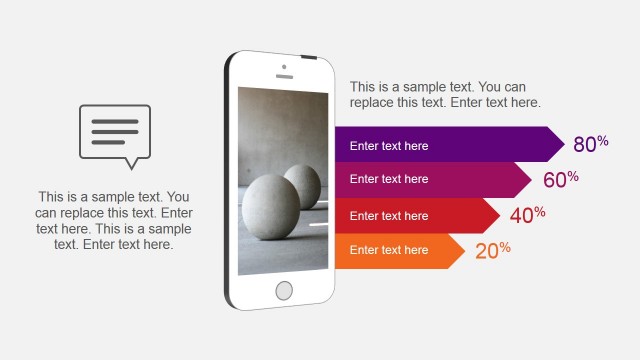
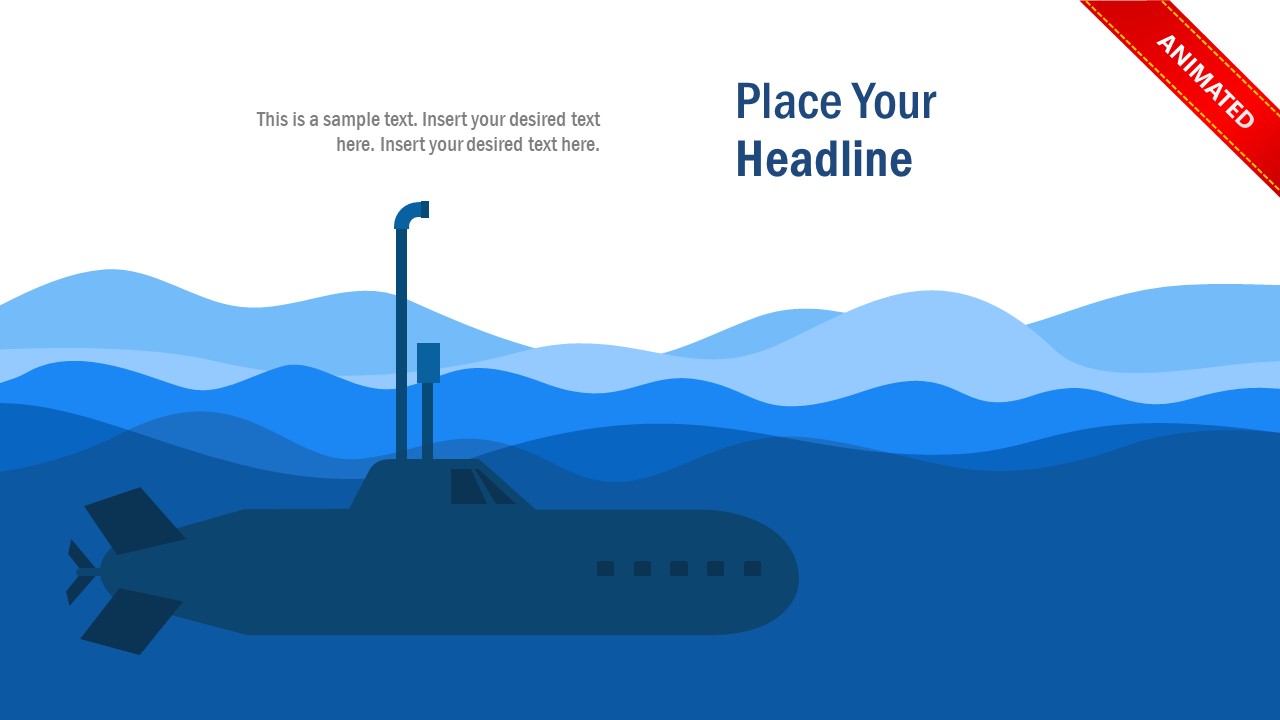
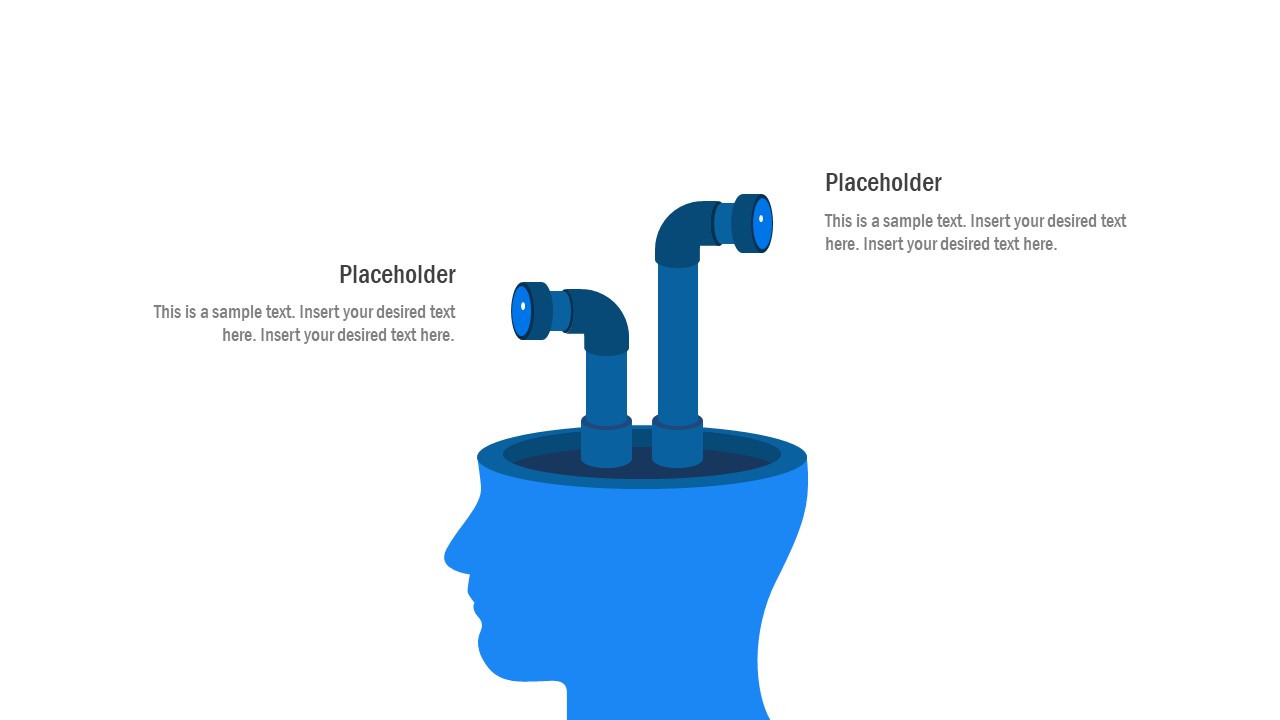
The PowerPoint template of periscope contains 7 slide designs including creative animations. Here, the animated slides present moving ocean waves with rising periscope and submarine. Another slide displays the view from periscope showing submarine on opposite side. This slide could be used to describe potential risks, threats, or opportunities. Therefore, users can replace the submarine clipart image with relevant graphics. The additional two slides of periscope PowerPoint use shape on human head silhouette and smartphone. These slides are useful for illustrating vision and analysis of key information.
The Periscope PowerPoint Template provides two animated slides and 5 flat vector illustrations to convey a message. Originally, these slides have a blue and white color theme, but layouts can be customized easily. The users can apply a range of animations, color fills, backgrounds, etc.
What’s inside this template
Example presentation scenarios
- A strategy consultant can use the submarine scene and periscope view to explain how a client should monitor external threats and identify opportunities before competitors react.
- A risk manager can use the numbered list layouts to group early warning signals, mitigation priorities, or watchlist items into clear discussion points for executives.
- A product manager can use the smartphone periscope slide to present customer research, app-based insights, or digital observation as part of a discovery briefing.
- A trainer or educator can use the head silhouette slide to explain perception, situational awareness, or analytical thinking with a memorable visual metaphor.
Features
- 100% editable presentation template
- Compatible with Microsoft PowerPoint and Google Slides
- 16:9 aspect ratio slides
- Scalable vector shapes, icons and illustrations
- Ready with Animations & Transitions in PowerPoint
- AI-Ready for Microsoft Copilot and Claude
- Instant access and download
Frequently asked questions
Q: How should a presenter use the periscope metaphor without making the message feel decorative?
A: Start by naming what the audience needs to observe, such as risks, market signals, or hidden opportunities. Use the submarine scene to set context, the numbered list slides to organize the findings, and the periscope view to focus attention on the most important signal. Keep each placeholder tied to a decision or action.
Q: Who is this template best suited for in a business presentation?
A: It fits presenters who need to explain observation, foresight, or scanning behavior rather than a standard status report. Consultants, strategists, product managers, and risk teams can use the ocean and periscope layouts to make abstract monitoring work more concrete for executives, workshop groups, or cross-functional stakeholders.
Q: Why does the periscope visual improve communication for vision and analysis topics?
A: A periscope suggests looking beyond an immediate field of view, which makes it a strong metaphor for foresight, hidden risks, and situational awareness. The circular periscope view creates a focal point, while the numbered list layouts convert that metaphor into a practical structure for explaining what the audience should watch.





Periscope PowerPoint Template
7-slide presentation template with periscope illustrations, ocean scenes, and vision metaphor layouts
The Periscope PowerPoint Template is a 7-slide presentation template built around submarine and periscope metaphors for vision, monitoring, risks, and opportunities. It includes a cover scene, submarine ocean layout, numbered list, circular periscope view, head silhouette, and smartphone layout for business, strategy, or analysis presentations in PowerPoint and Google Slides.
- Category
- Shapes
- Rating

 Loading...
- Aspect ratio
- 16:9
- Item ID
- 20332-01
- Colors
 Microsoft PowerPoint
 Microsoft Copilot
 Claude for PowerPoint
Other formats supported
Subscribe today and get immediate
access to download our PowerPoint templates.