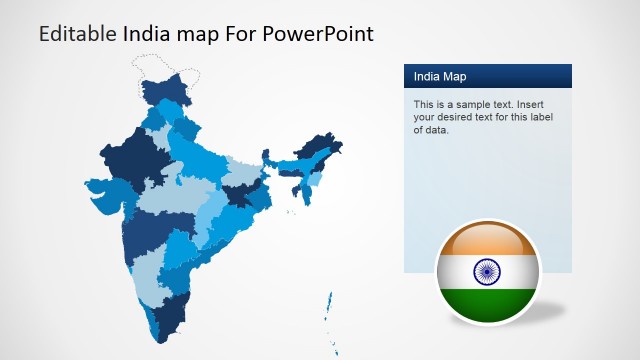
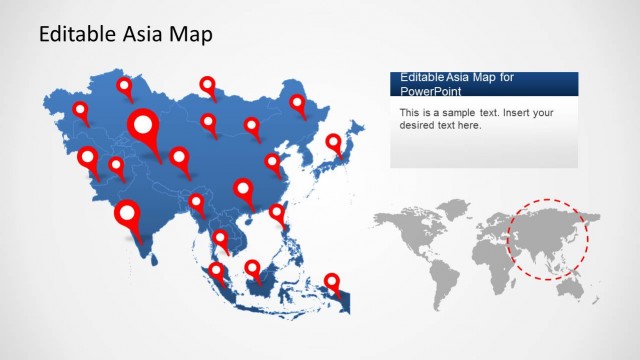
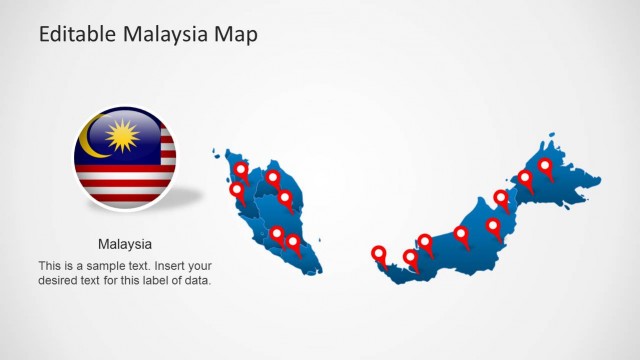
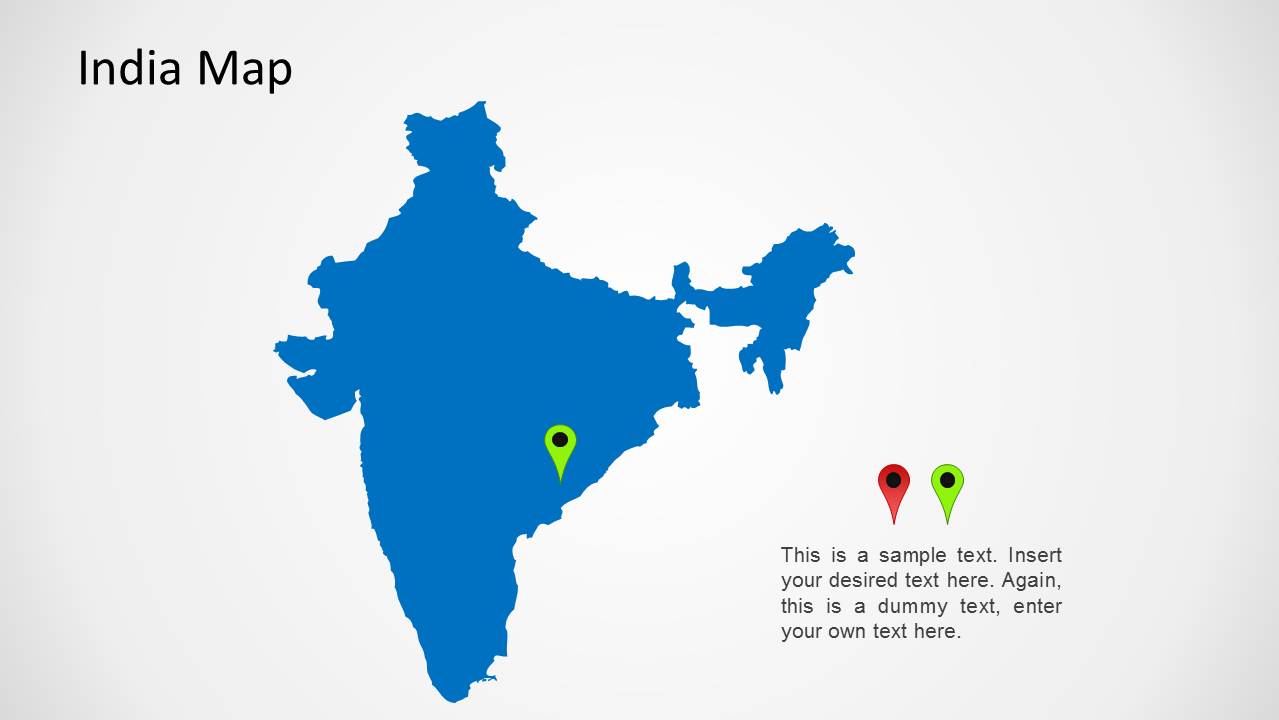
India Map for PowerPoint is a presentation design map template for Microsoft PowerPoint containing a map of India that you can use in your presentations. This India map template was created as a PowerPoint shape so you can easily edit the map properties and change the map background and effect options like shadows and styles.
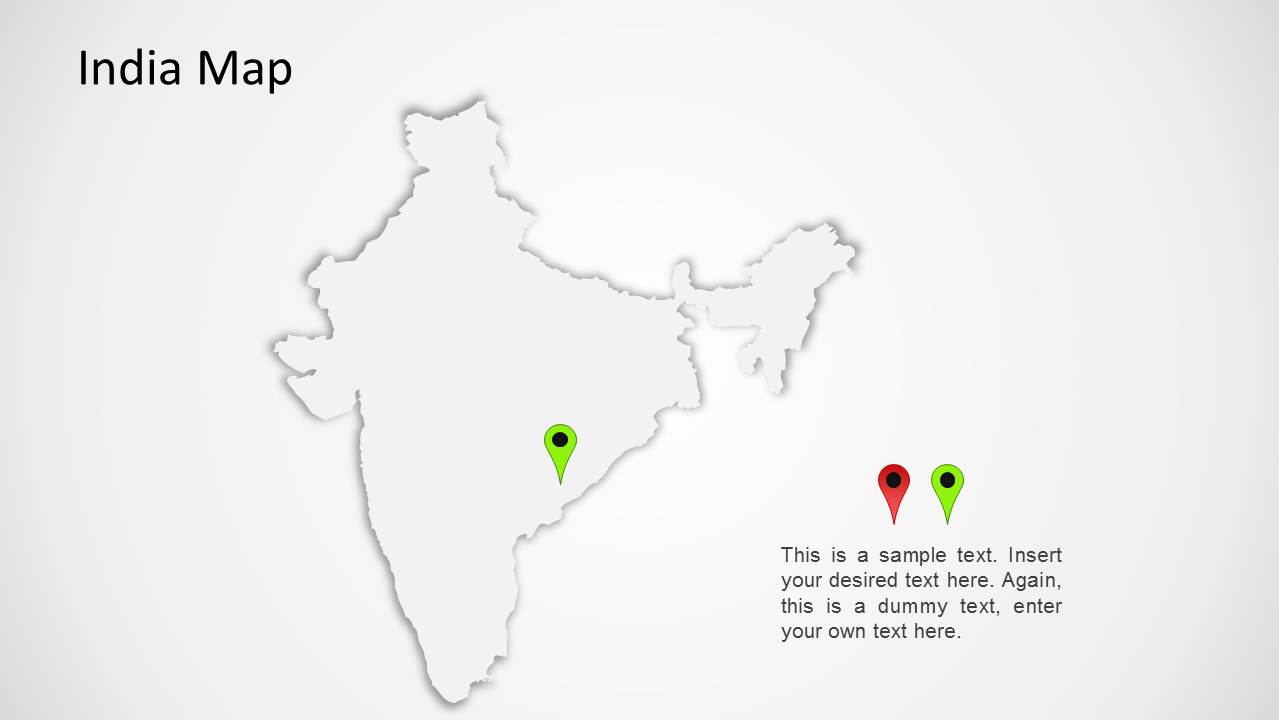
India Map template for Microsoft PowerPoint comes with five map slides with different colors and effects. You can easily copy and paste the map into your own PowerPoint presentations for example to make a sales presentation report. Alternatively you can download other map templates for PowerPoint including countries and regions like editable BRIC Maps for PowerPoint.
What’s inside this template
Example presentation scenarios
- A sales manager can present India territory coverage by using the India map and location pin to identify a target region while the callout text summarizes account priorities.
- A consultant can explain market entry assumptions for India with the colored country map as the focal point and the side text area for key notes.
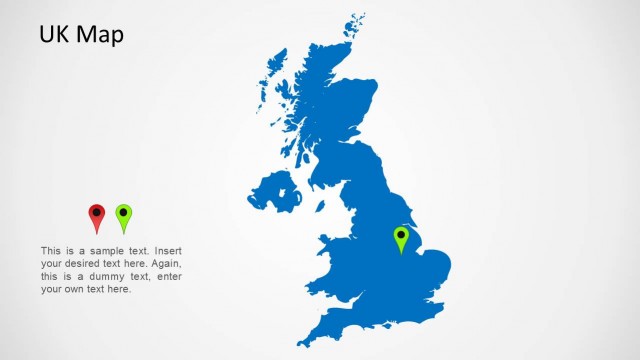
- An operations leader can show a distribution hub or field location by placing emphasis on the map marker and using the pin icon pair to compare site types.
- An educator can introduce India in a geography or international business lesson by using the map silhouette and short callout paragraph to frame the discussion.
Features
- 100% editable presentation template
- Compatible with Microsoft PowerPoint
- 16:9 aspect ratio slides
- Scalable vector shapes, icons and illustrations
- AI-Ready for Microsoft Copilot and Claude
- Instant access and download
Frequently asked questions
Q: How should a presenter make the location message clear with this map template?
A: Start with one geographic point per slide. Use the large India map to establish context, keep the green location pin as the visual anchor, and place only the most important note in the callout area. If the presentation covers several offices or territories, duplicate the map slide and assign one location story to each copy.
Q: Who is this template best suited for?
A: This template fits presenters who need a country-level India visual rather than a detailed state-by-state analysis. Sales, consulting, operations, and education presenters can use it to introduce market presence, a priority region, a delivery location, or a geography topic without building a map slide from scratch.
Q: Why use a simple India silhouette with pin markers instead of a detailed map?
A: The simplified silhouette keeps attention on the presenter s chosen location rather than on map details. The pin metaphor is easy for audiences to interpret: it signals where the conversation is centered. The repeated layout also supports comparison because only the color, marker position, and callout message need to change.



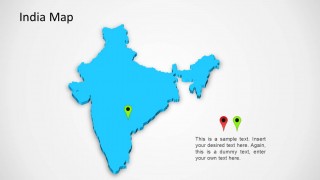
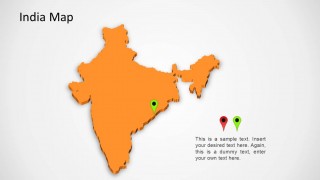
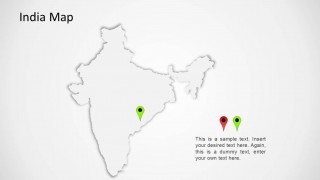
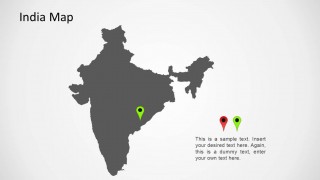
India Map for PowerPoint
5-slide India map presentation template with location pins and regional callout text layouts.
India Map for PowerPoint is a 5-slide Microsoft PowerPoint map template in 16:9 format. It includes editable India country map layouts, location pin markers, text callout areas, and alternate color treatments. It is suited for business, sales, operations, education, and market presentations focused on India.
- Category
- Maps
- Rating


 Loading...
- Aspect ratio
- 16:9
- Item ID
- 1175-in
- Colors
 Microsoft PowerPoint
  Microsoft Copilot
  Claude for PowerPoint
 Other formats supported
Subscribe today and get immediate
access to download our PowerPoint templates.