Slide 1 of 3 from PAIP Notes Model PowerPoint Template
PAIP Notes Model PPT Vertical Diagram Template
PAIP Notes Model Overview Slide
- Diagram
- Matrix Quadrant
- Concept Explanation Slide
- 16:9
- 100% Editable
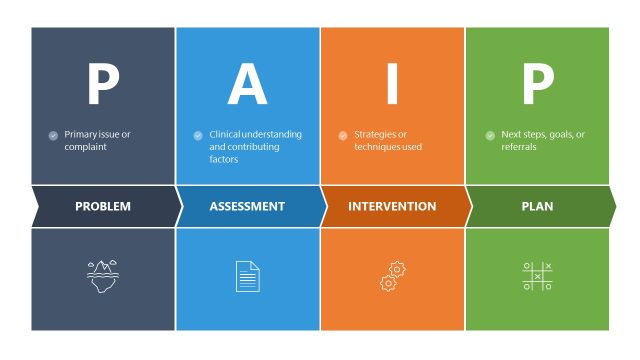
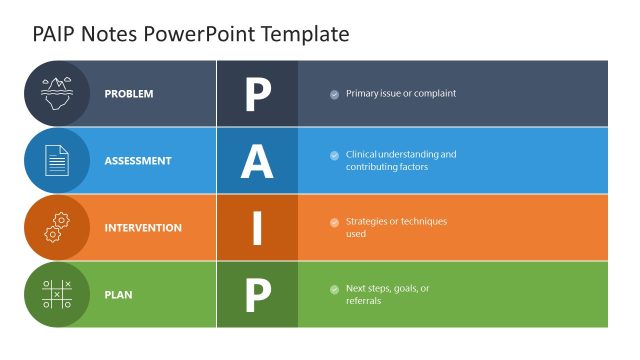
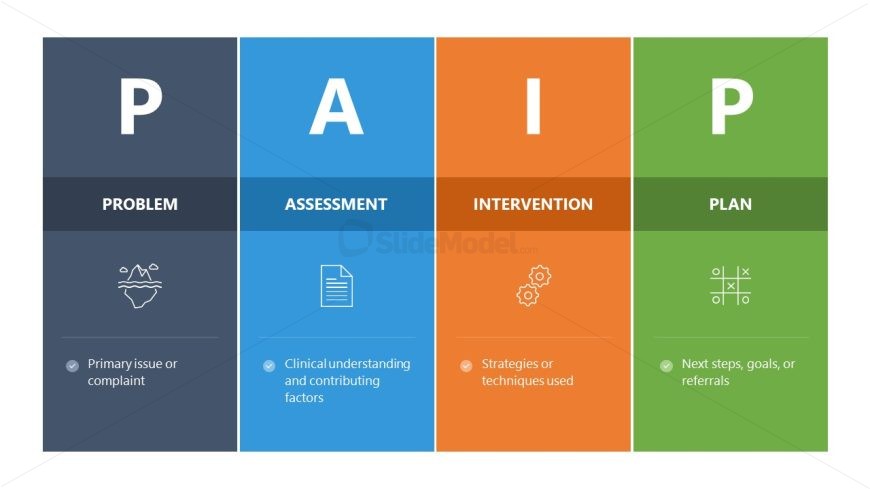
The PAIP Notes Model Overview slide from the PAIP Notes Model PowerPoint Template presents a clear diagrammatic matrix to explain problem-solving frameworks. This slide layout uses distinct colors and icons to differentiate components like Problem, Assessment, Intervention, and Plan, making it suitable for business presentations and training sessions. Its design supports effective communication of assessment strategies and planning processes using editable shapes and vector icons within professional slide templates.
What’s on This Slide
The layout features four distinct sections arranged horizontally. Each section has a large capital letter representing a component of the PAIP model: P for Problem, A for Assessment, I for Intervention, and P for Plan. The sections are colored differently, with a dark blue for Problem, light blue for Assessment, orange for Intervention, and green for Plan. Below each letter, there are corresponding icons and brief text placeholders aligned at the bottom, describing each component. The overall design emphasizes clarity and separation of the model's elements.
How to Use It
This layout serves as an overview of the PAIP Notes Model, ideal for introducing the framework in presentations. It fits well at the beginning of a discussion on problem-solving strategies, providing a clear visual reference. This structure can be used in business contexts to outline assessment processes or intervention strategies. It is particularly useful in training sessions or workshops focused on problem resolution and planning.
Text Placeholders & Capacity
Keep your copy within these limits so it fits without resizing. Node body slots can hold about 10-12 words each.
| Placeholder | Count | Max characters (approx.) |
|---|---|---|
| Slide title | 1 | 30 |
| Item heading | 4 | 20 |
| Item body | 4 | 50 |
Slide Keywords
Download unlimited PowerPoint templates, charts and graphics for your presentations with our annual plan.
DOWNLOADReturn to PAIP Notes Model PowerPoint Template.