Slide 1 of 3 from PIE Notes Model PowerPoint Template
Editable PIE Notes Model PPT Template
PIE Notes Model Overview Slide
- Diagram
- Matrix Quadrant
- Concept Explanation Slide
- 16:9
- 100% Editable
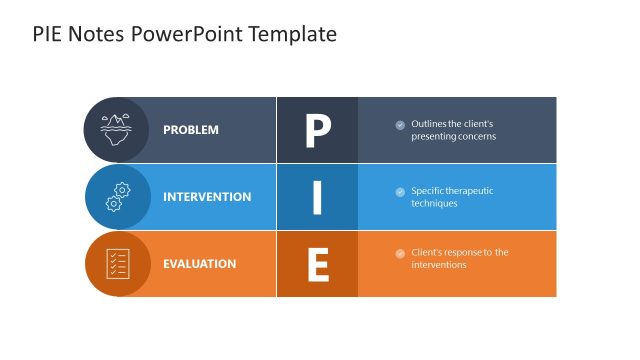
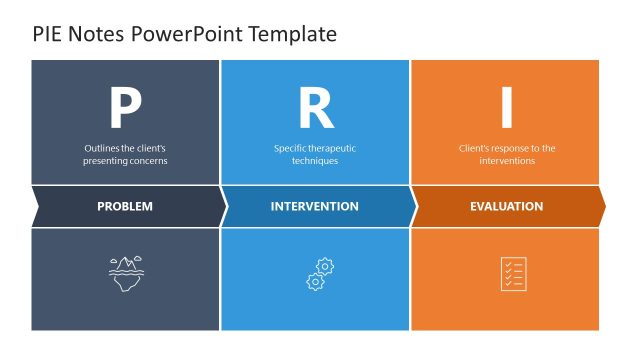
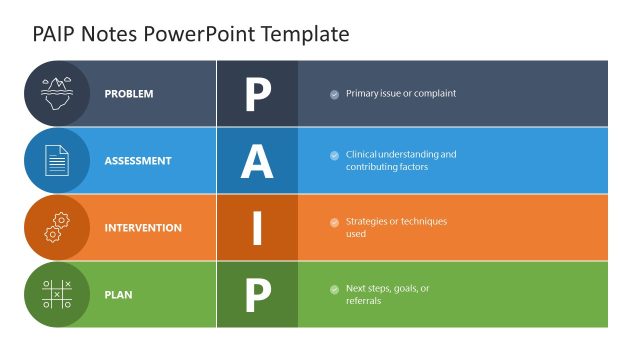
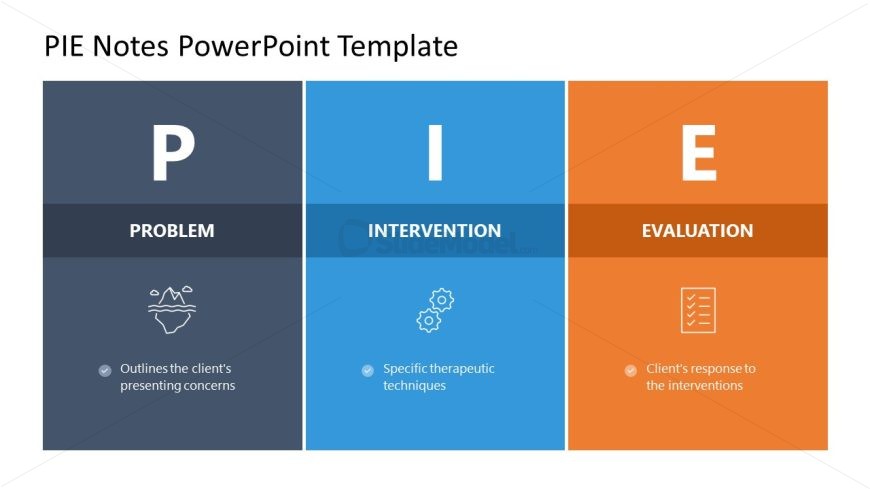
The PIE Notes Structure slide from the PIE Notes Model PowerPoint Template offers a clear, three-part matrix layout ideal for business presentations and training sessions. This slide uses editable shapes and vector icons to visually separate problem identification, intervention, and evaluation concepts, making it a practical choice for corporate presentations and pitch deck templates that require structured concept explanation.
What’s on This Slide
The layout consists of three equal sections labeled P, I, and E, arranged horizontally. Each section features a bold letter at the top, with corresponding titles below. The left section is dark blue, the middle is light blue, and the right is orange. Below the titles, there are icon placeholders and text placeholders aligned left, providing descriptions for each section. The visual hierarchy emphasizes the letters and titles, while icons add a graphical element. The overall composition is clean and structured, facilitating clear communication.
How to Use It
This layout functions as a model overview, suitable for introducing the PIE framework in a presentation. It fits well at the beginning of a discussion on problem identification, intervention strategies, and evaluation methods. This structure is useful in business contexts where clear categorization of concepts is essential, such as in training sessions or client presentations. It can also serve as a reference point for subsequent detailed discussions on each component.
Text Placeholders & Capacity
Keep your copy within these limits so it fits without resizing. Node body slots can accommodate roughly 10-12 words each.
| Placeholder | Count | Max characters (approx.) |
|---|---|---|
| Slide title | 1 | 30 |
| Item heading | 3 | 15 |
| Item body | 3 | 50 |
Slide Keywords
Download unlimited PowerPoint templates, charts and graphics for your presentations with our annual plan.
DOWNLOADReturn to PIE Notes Model PowerPoint Template.