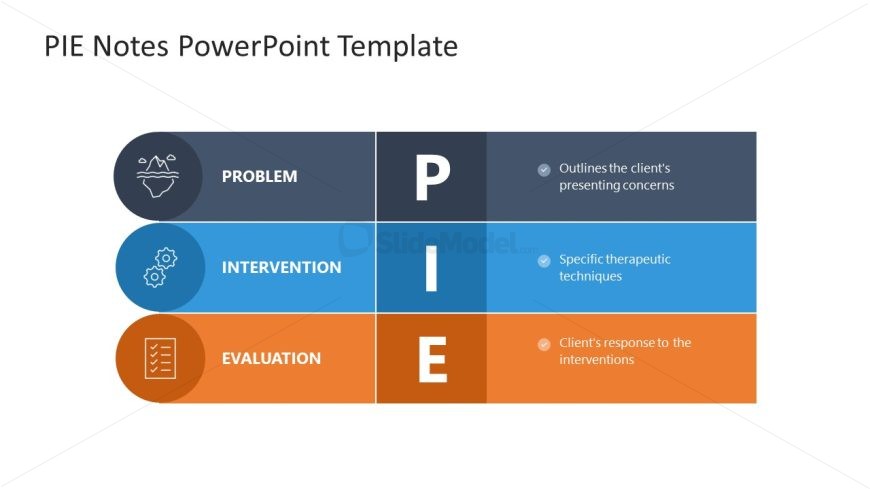
Slide 2 of 3 from PIE Notes Model PowerPoint Template
Customizable PIE Notes Model Template Design
PIE Notes Structure Overview
- Diagram
- Matrix Quadrant
- Problem Framing Slide
- 16:9
- 100% Editable
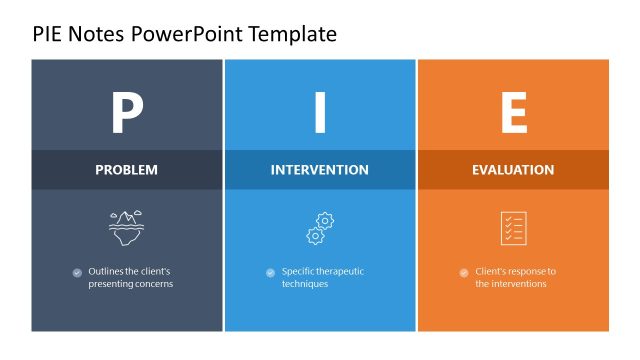
The PIE Notes Structure slide from the PIE Notes Model PowerPoint Template offers a clear diagram layout ideal for client assessments and project evaluations. This slide uses editable shapes and vector icons to visually separate problem, intervention, and evaluation sections, supporting concise communication in business presentations and therapeutic interventions.
What’s on This Slide
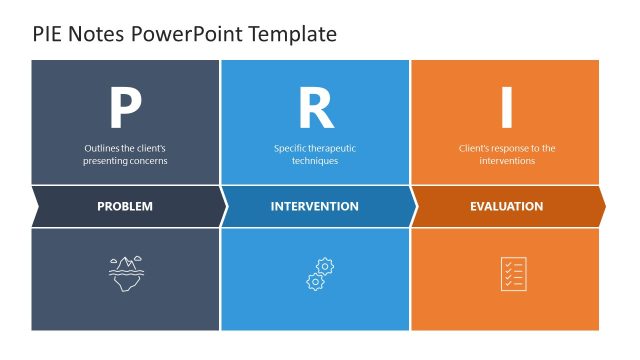
The layout features three horizontal sections, each containing a title and an icon. The top section is labeled 'PROBLEM' with a mountain icon, the middle section is 'INTERVENTION' with a gear icon, and the bottom section is 'EVALUATION' with a checklist icon. Each section has a corresponding letter (P, I, E) in a large font to the right. The sections are color-coded: dark blue for 'PROBLEM', light blue for 'INTERVENTION', and orange for 'EVALUATION'. Text placeholders exist below each title, aligned left, with bullet points indicating key information. The overall composition is structured and visually distinct.
How to Use It
This layout serves as a structured overview of the PIE Notes model, ideal for presenting problems, interventions, and evaluations in a clear format. It fits well in a presentation sequence after introducing a problem and before discussing solutions. This structure is useful in business contexts such as client assessments, therapeutic interventions, or project evaluations, where clarity in problem-solving processes is essential. It allows for concise communication of complex ideas in a straightforward manner.
Text Placeholders & Capacity
Keep your copy within these limits so it fits without resizing. Node body slots can accommodate roughly 10-15 words each.
| Placeholder | Count | Max characters (approx.) |
|---|---|---|
| Slide title | 1 | 30 |
| Item heading | 3 | 15 |
| Item body | 3 | 50 |
Slide Keywords
Download unlimited PowerPoint templates, charts and graphics for your presentations with our annual plan.
DOWNLOADReturn to PIE Notes Model PowerPoint Template.