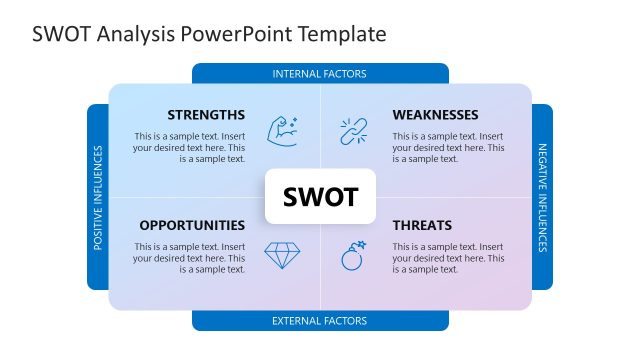
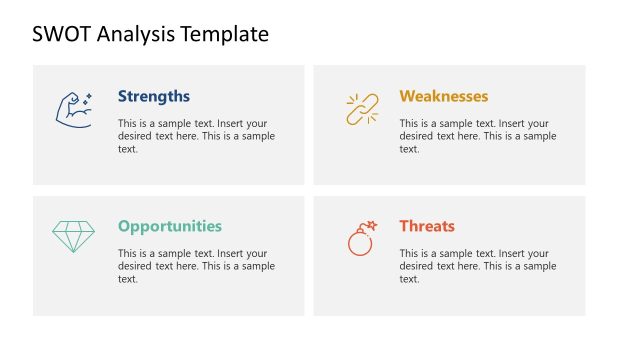
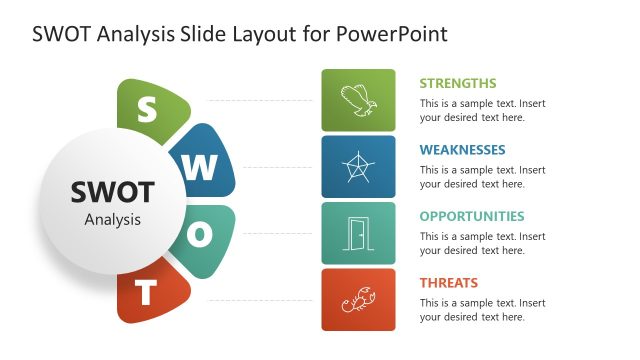
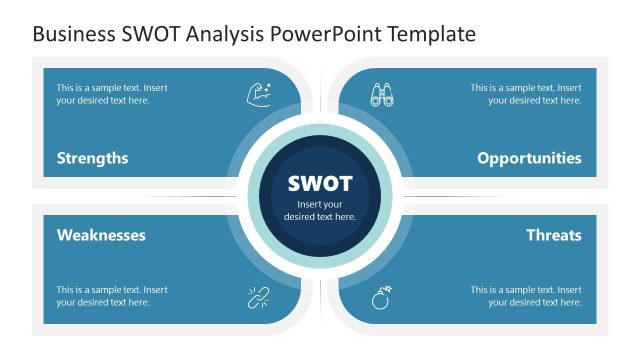
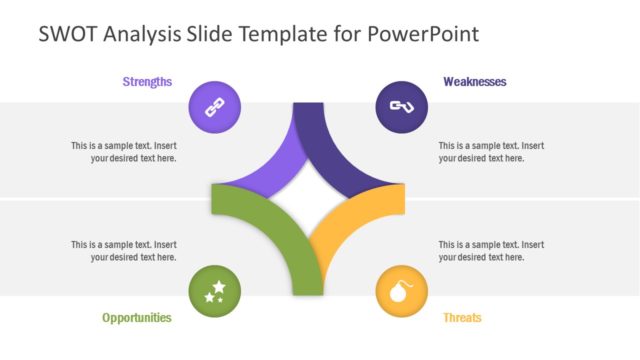
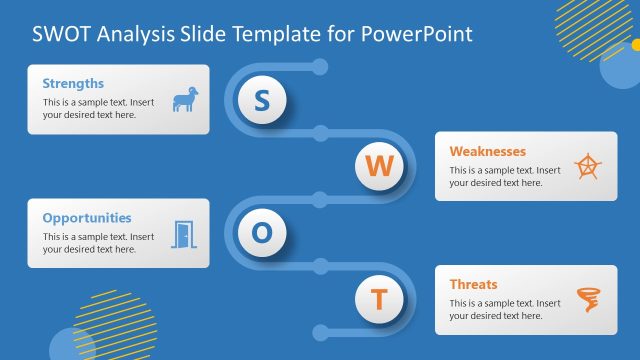
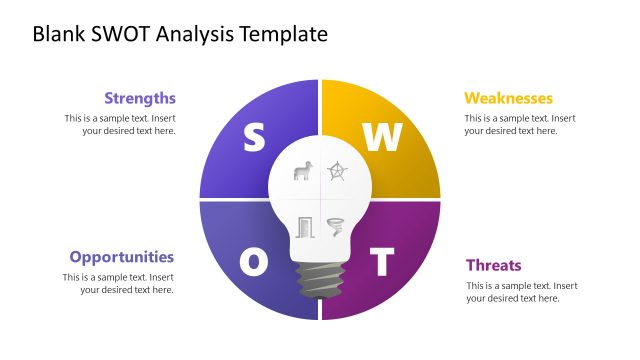
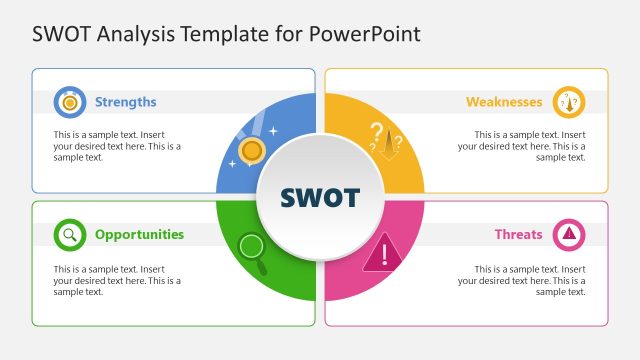
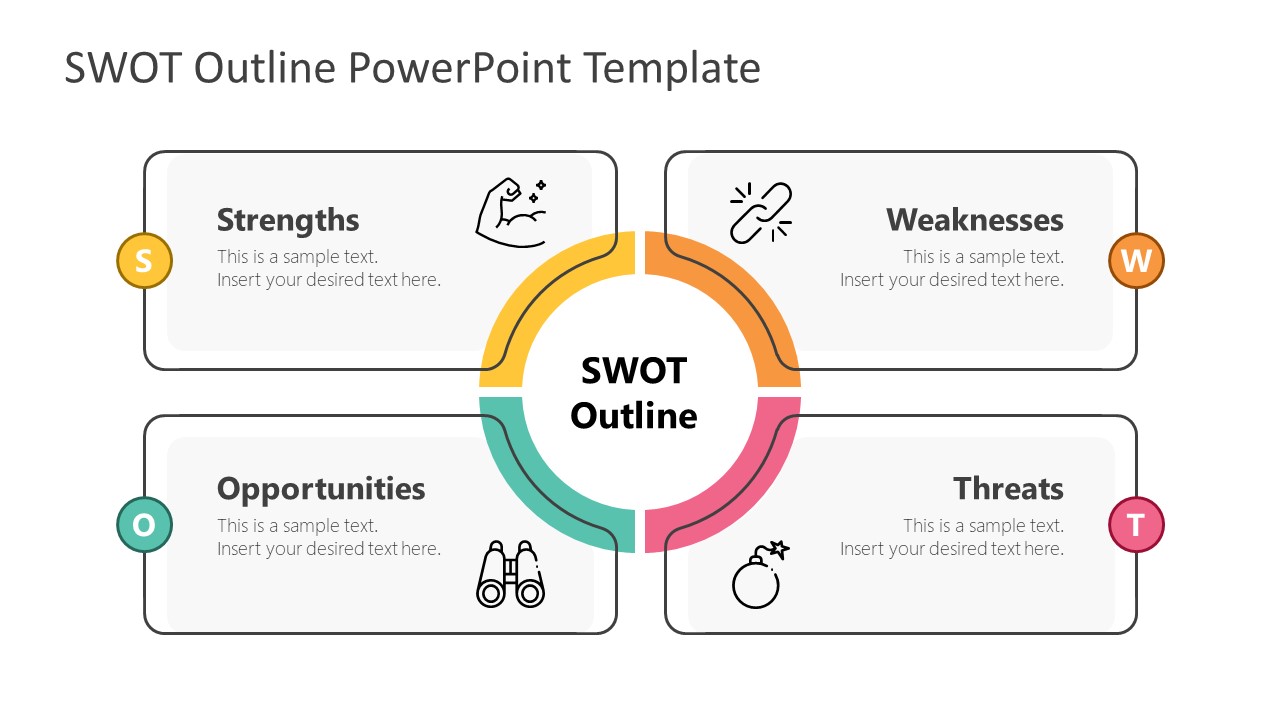
The Outline SWOT Analysis PowerPoint Template is a line style illustration of business analysis tool. This new design of SWOT template will give a modern look to your business presentation. SlideModel offers an Outline SWOT diagram in two PowerPoint background options along with 4 additional slides highlighting its four factors. The slide transition effects on these four slides create an animated zoom-in effect. It helps focus on each factor in detail while keeping the central idea intact.
SWOT analysis is the most common yet powerful tool in business analysis process. It identifies the internal and external elements that affect business growth. The internal factors are strengths and weaknesses. Whereas, external factors are opportunities and threats. The companies use SWOT analysis to understand processes from different perspectives. Starting off by presenting all factors that affective a company in positive and negative ways. Moreover, the TOWS analysis, a variation of SWOT could be used for actionable comparisons. For example, measuring the positive aspects such as how company can take advantage of opportunities by utilizing its strengths.
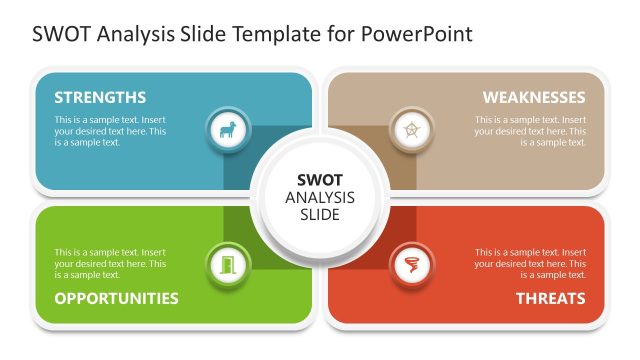
The Outline SWOT Analysis PowerPoint Template contains clipart icons representing all four factors of SWOT. The use of symbols engages audience in graphics while effectively communicating all key points. This presentation of SWOT use arm muscles for strength, weak-link for weaknesses, binoculars for opportunities, and bomb for threats. You can use the slides of all four factors in reverse for TOWS template presentation. A simple and sleek design will appeal to audiences in all industries. You can download an outline SWOT PowerPoint Template to explain each factor and its impact in-depth.
What’s inside this template
Example presentation scenarios
- A strategy consultant can use the four-quadrant SWOT overview to align executives on the main internal and external factors before recommending next steps.
- A marketing manager can present the Strengths and Opportunities detail slides to show where brand advantages connect with market openings.
- A project manager can use the Weaknesses and Threats slides to structure a risk discussion with stakeholders and assign mitigation topics.
- A startup founder can use the dark overview slide and factor detail slides to prepare an investor-facing strategic snapshot without overloading one slide.
Features
- 100% editable presentation template
- Compatible with Microsoft PowerPoint and Google Slides
- 16:9 aspect ratio slides
- Scalable vector shapes, icons and illustrations
- AI-Ready for Microsoft Copilot and Claude
- Instant access and download
Frequently asked questions
Q: How should a presenter structure the SWOT discussion with this template?
A: Start with the four-quadrant overview so the audience sees the complete SWOT frame before details. Then move through the factor slides in the same order: Strengths, Weaknesses, Opportunities, and Threats. Keep each note block to one idea, and use the icons as memory anchors rather than repeating the full text aloud.
Q: Who is this SWOT template best suited for?
A: This template fits presenters who need to explain a strategic situation clearly to managers, clients, or project stakeholders. Business analysts, consultants, founders, and marketing teams can use it when the goal is to compare internal conditions with external market factors and turn a broad discussion into four focused conversation areas.
Q: Why does the outline ring and icon system help the analysis?
A: The circular SWOT ring keeps the four factors connected visually, while each detail slide zooms into one segment without losing the original structure. The muscle, chain, binoculars, and bomb icons act as simple metaphors for capability, limitation, opportunity scanning, and risk, helping the audience recall the role of each factor.


Outline SWOT Analysis PowerPoint Template
6-slide presentation template for outline SWOT analysis with quadrants and factor detail slides
Outline SWOT Analysis PowerPoint Template is a 6-slide diagram set for presenting strengths, weaknesses, opportunities, and threats. It includes a four-quadrant SWOT overview, a dark-background overview, and separate detail slides for each factor with outline icons, text notes, and colored arc accents for Microsoft PowerPoint and Google Slides.
- Category
- Diagrams
- Rating


 Loading...
- Aspect ratio
- 16:9
- Item ID
- 20737-02
- Colors
 Microsoft PowerPoint
 Microsoft Copilot
 Claude for PowerPoint
Other formats supported
Subscribe today and get immediate
access to download our PowerPoint templates.