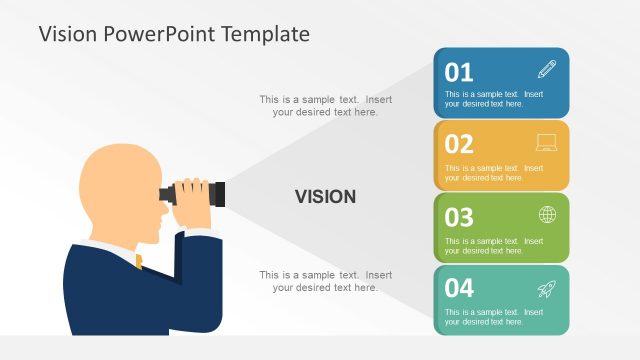
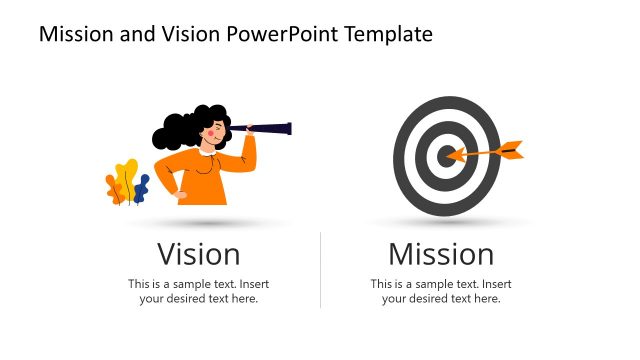
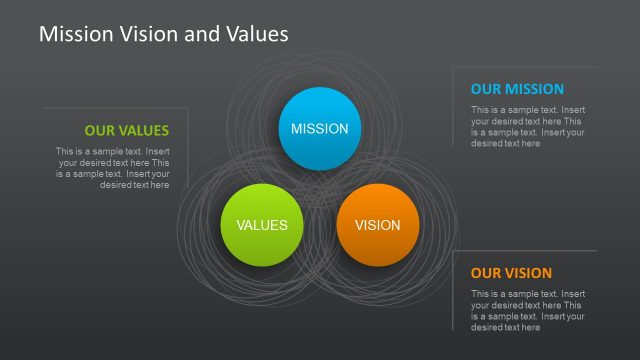
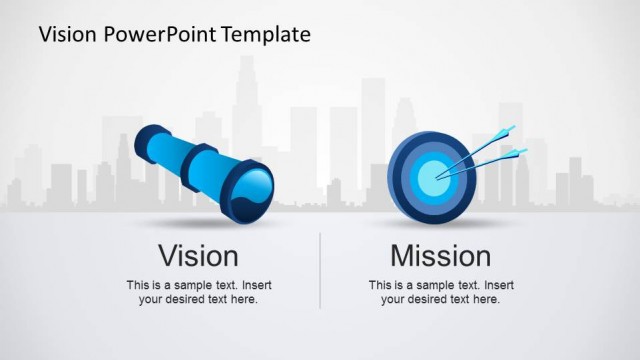
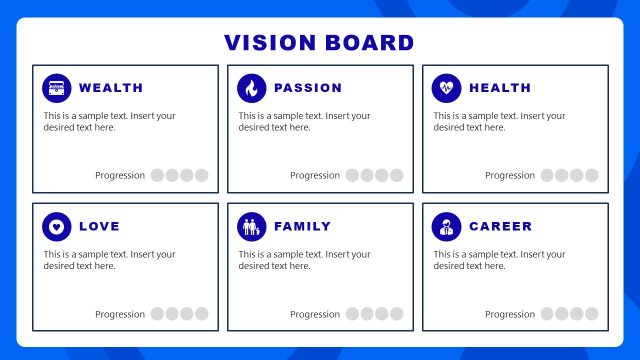
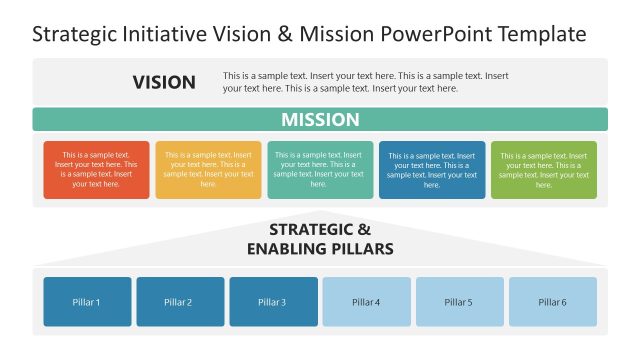
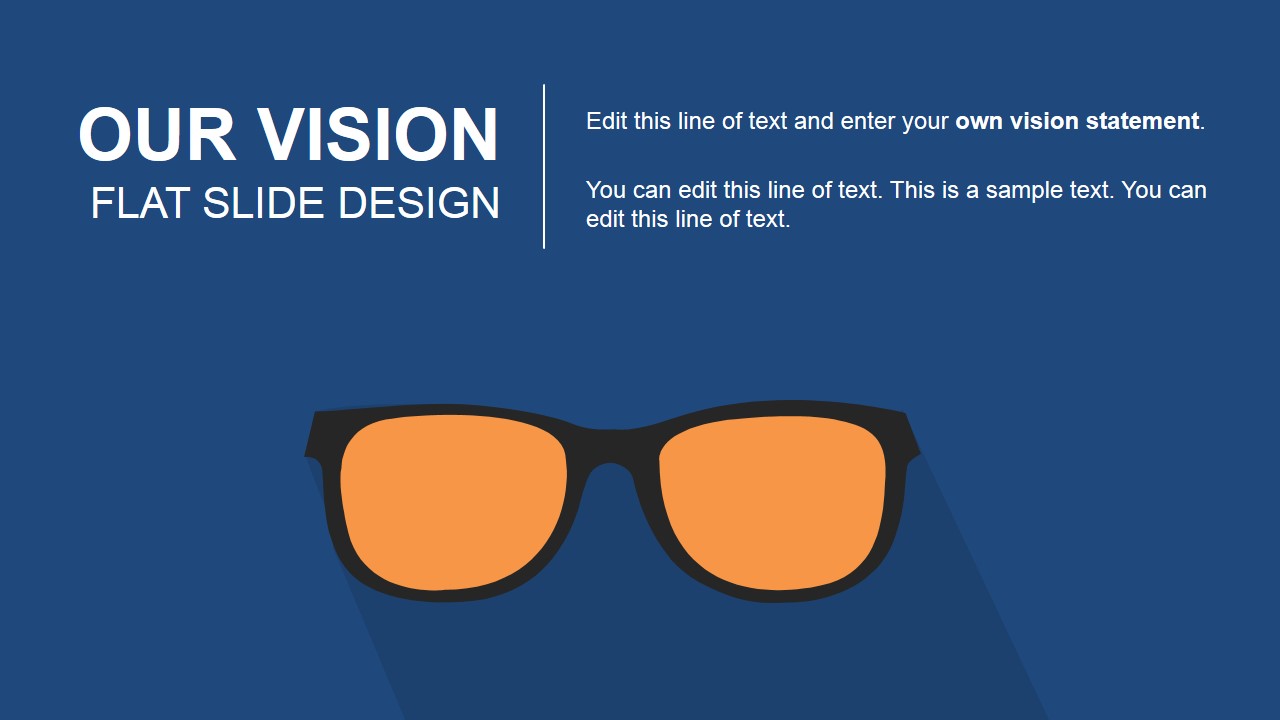
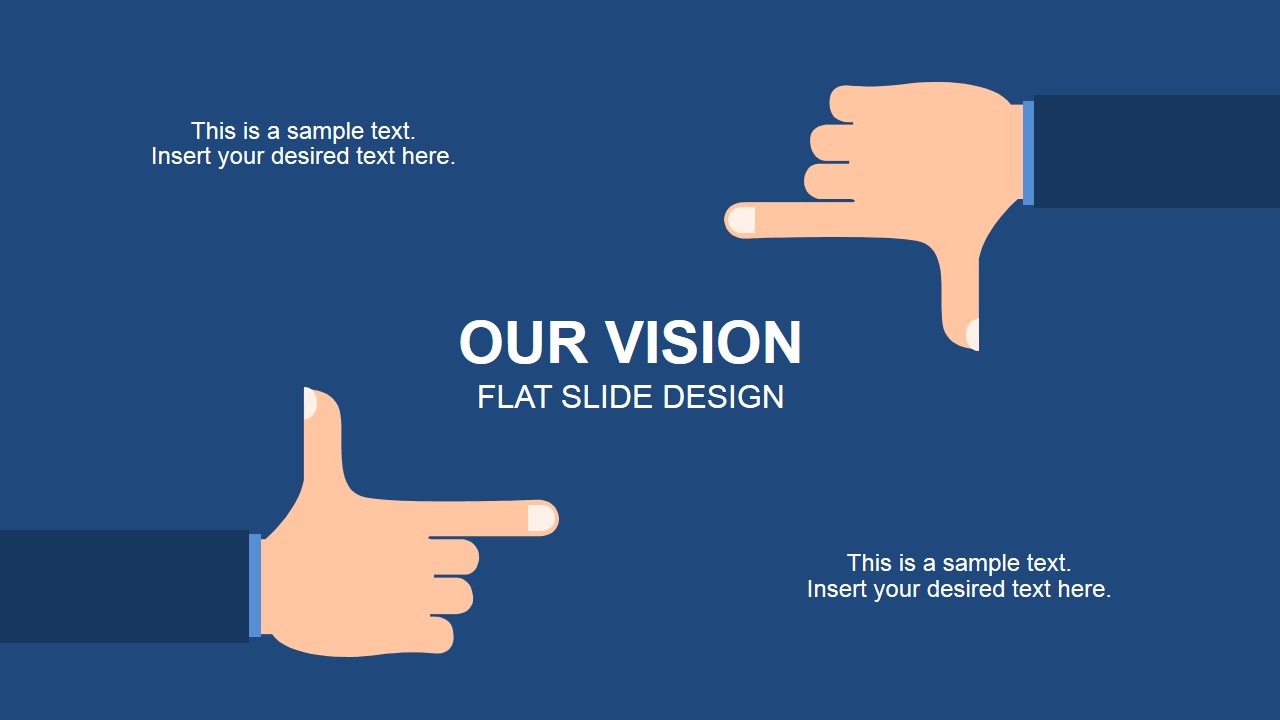
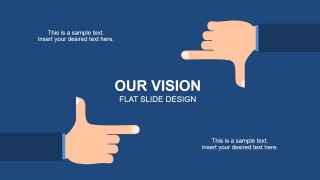
Our Vision Flat Slide Design for PowerPoint is a creative PowerPoint template design that you can use to decorate your presentations on company vision statement or create business PowerPoint presentations with a Our Vision slide describing your vision statement and then continue presenting the corporate mission and corporate values. This PowerPoint template has four unique slide designs with flat styles that you can use to present your corporate vision and it has a frames lens flat illustration as a metaphor of vision and flat framing hands in one of the other slides with the vision word in the center of the slide.
Alternatively you can download the Our Mission PowerPoint template with a flat design or check our free PowerPoint template slides.
What’s inside this template
Example presentation scenarios
- A CEO can use the eyeglasses cover and vision statement slide to open an all-hands meeting and explain the company's long-term direction.
- An HR leader can use the word cloud slide to connect a new vision statement with values such as trust, leadership, people, and innovation.
- A founder can use the framing-hands slide during an investor or partner introduction to show the core vision in a simple visual frame.
- A strategy team can use the lens illustration slide to align managers around a refreshed mission, vision, and goal-setting discussion.
Features
- 100% editable presentation template
- Compatible with Microsoft PowerPoint and Google Slides
- 16:9 aspect ratio slides
- Scalable vector shapes, icons and illustrations
- AI-Ready for Microsoft Copilot and Claude
- Instant access and download
Frequently asked questions
Q: How should a presenter make the vision statement feel concrete with this template?
A: Start with the eyeglasses cover to introduce the idea of clarity, then place the vision statement in one short sentence on the statement slide. Use the framing-hands slide for the core message only, not a long explanation. Finish with the word cloud to connect the statement to values and behaviors.
Q: Who is this template best suited for in a business presentation?
A: This template fits executives, founders, HR leaders, and strategy teams who need to introduce or restate a company vision in a short internal or external presentation. It works best when the goal is alignment around purpose, values, and direction rather than detailed planning, financial reporting, or operational tracking.
Q: Why do the eyeglasses and framing hands work for a vision message?
A: The visuals use direct metaphors for seeing, focusing, and framing priorities. The eyeglasses make the vision feel like a lens for decisions, while the hands frame the statement as the idea the audience should remember. The word cloud then broadens the message into related values without adding dense paragraphs.




Our Vision Flat Slide Design for PowerPoint
4-slide vision statement presentation template with eyeglasses metaphor and corporate word cloud layouts
Our Vision Flat Slide Design for PowerPoint is a 4-slide business template for presenting a company vision statement. It includes a title cover with an eyeglasses metaphor, a vision statement slide with lens artwork, a hand-framing concept slide, and a vision word cloud. It is made for Microsoft PowerPoint and Google Slides.
- Category
- Business PowerPoint Templates
- Rating


 Loading...
- Aspect ratio
- 16:9
- Item ID
- 6864-02
- Colors
 Microsoft PowerPoint
  Microsoft Copilot
  Claude for PowerPoint
 Other formats supported
Subscribe today and get immediate
access to download our PowerPoint templates.