Slide 1 of 3 from Orange Data-Driven Chart Concept for PowerPoint
Orange Slide Design Dashboard for PowerPoint
Data Dashboard with Charts for Presentations
- Chart
- Dashboard Composite
- Kpi Reporting Slide
- 16:9
- 100% Editable
The Data Dashboard with Charts slide from the Orange Data-Driven Chart Concept for PowerPoint template offers a clear layout for presenting KPIs and financial summaries. This slide template includes editable shapes and vector icons to visualize business performance effectively, making it suitable for corporate presentations and pitch deck templates that require precise data reporting.
About This Slide
Orange dashboard design for PowerPoint presentations is a simple PPT template dashboard slide design that you can use to prepare Microsoft PowerPoint presentation.
What’s on This Slide
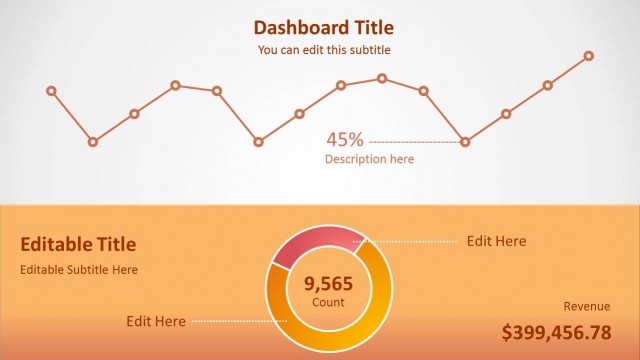
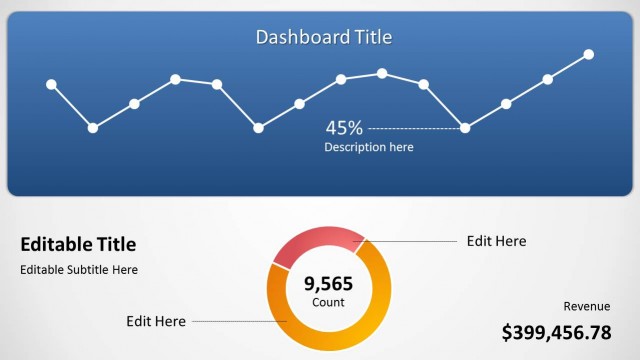
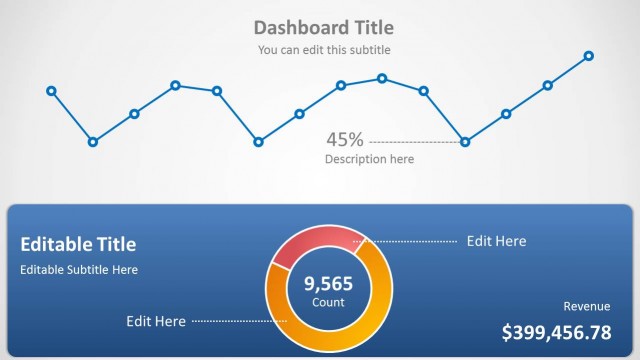
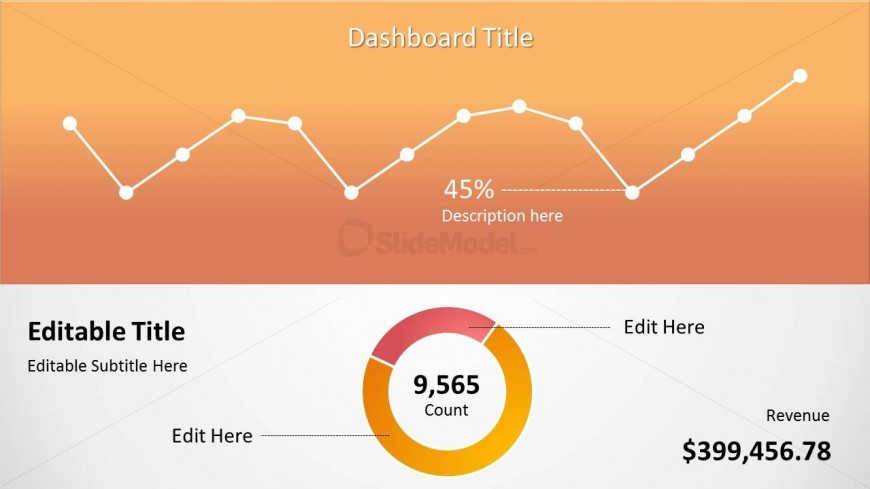
The slide features a two-part layout. The top section displays a line chart with a gradient orange background, showing a series of data points connected by lines. Above the chart, there is a title placeholder aligned to the center, and a percentage value with a description placeholder underneath. The bottom section contains a circular doughnut chart in orange and white, with a count label prominently displayed in the center. Below this, there are editable title and subtitle placeholders aligned left, along with a revenue label on the right. The overall composition is balanced with clear visual hierarchy.
How to Use It
This layout serves as a data dashboard, ideal for presenting key performance indicators and trends. It fits well in a presentation sequence after introducing a topic or problem, allowing for a data-driven analysis. This structure is suitable for business reviews, performance tracking, or financial summaries, where visual data representation is crucial. The layout can be used individually to highlight specific metrics or combined with other slides for comprehensive reporting.
Text Placeholders & Capacity
Keep your copy within these limits so it fits without resizing. Body slots can accommodate roughly 5-8 words each.
| Placeholder | Count | Max characters (approx.) |
|---|---|---|
| Slide title | 1 | 30 |
| Body paragraph | 1 | 50 |
| Item body | 1 | 10 |
| Item body | 1 | 10 |
| Item body | 1 | 15 |
Slide Keywords
Download unlimited PowerPoint templates, charts and graphics for your presentations with our annual plan.
DOWNLOAD