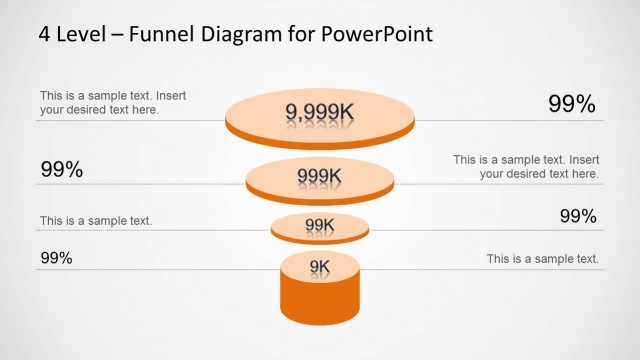
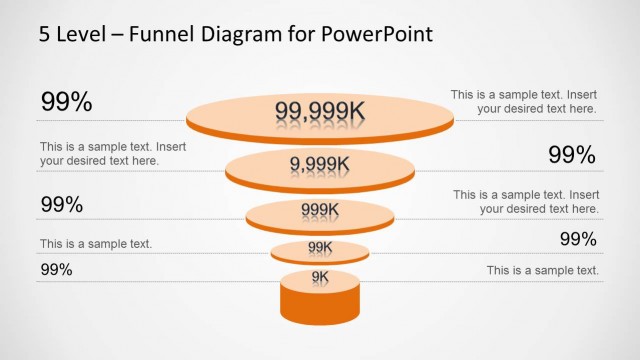
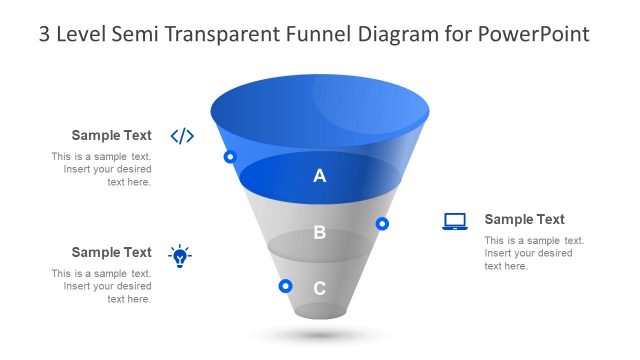
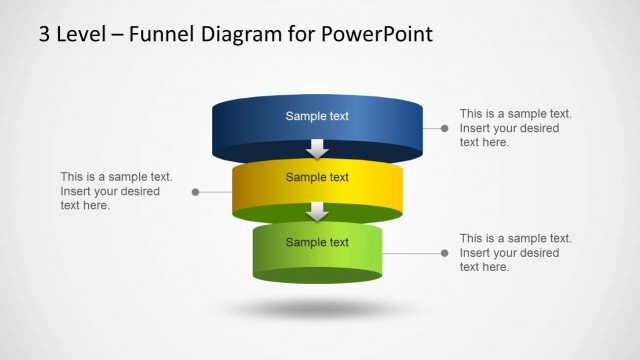
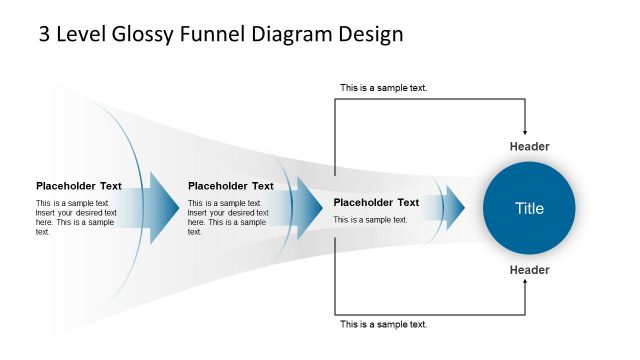
Orange 3 Level Funnel Diagram for PowerPoint is a template with multiple, customizable funnel diagrams.
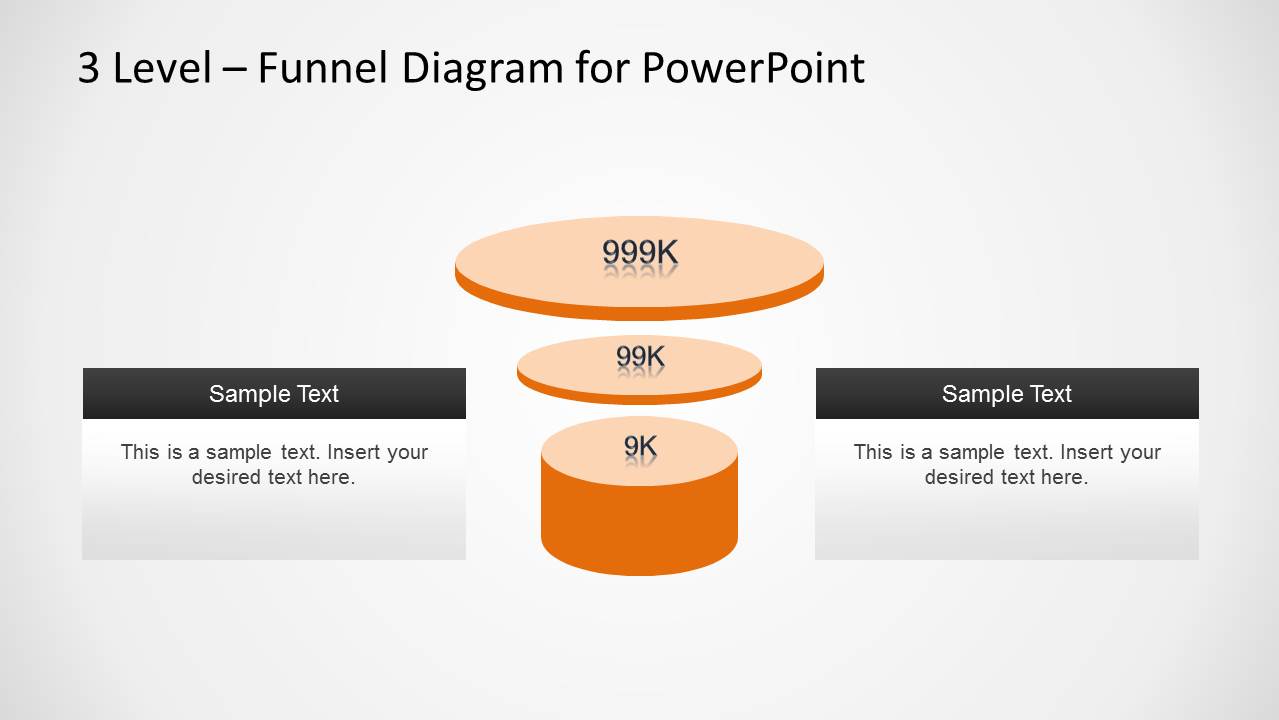
With this template you can easily create 3D Funnel Diagrams in PowerPoint, with custom content. The sample layouts provide ample space for adding text and optionally images, to further enhance the look of the readymade funnel diagrams.
Also see our collection of PowerPoint templates for making Funnel Analysis and Funnel Diagrams.
What’s inside this template
Example presentation scenarios
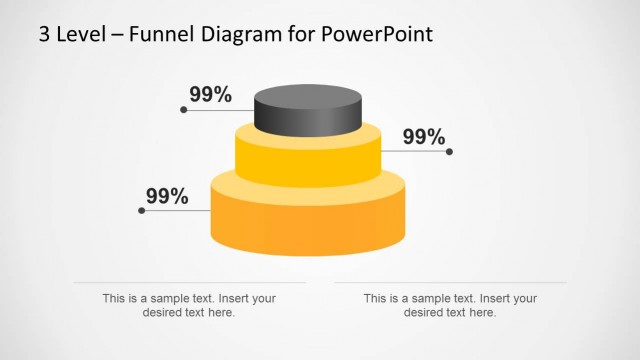
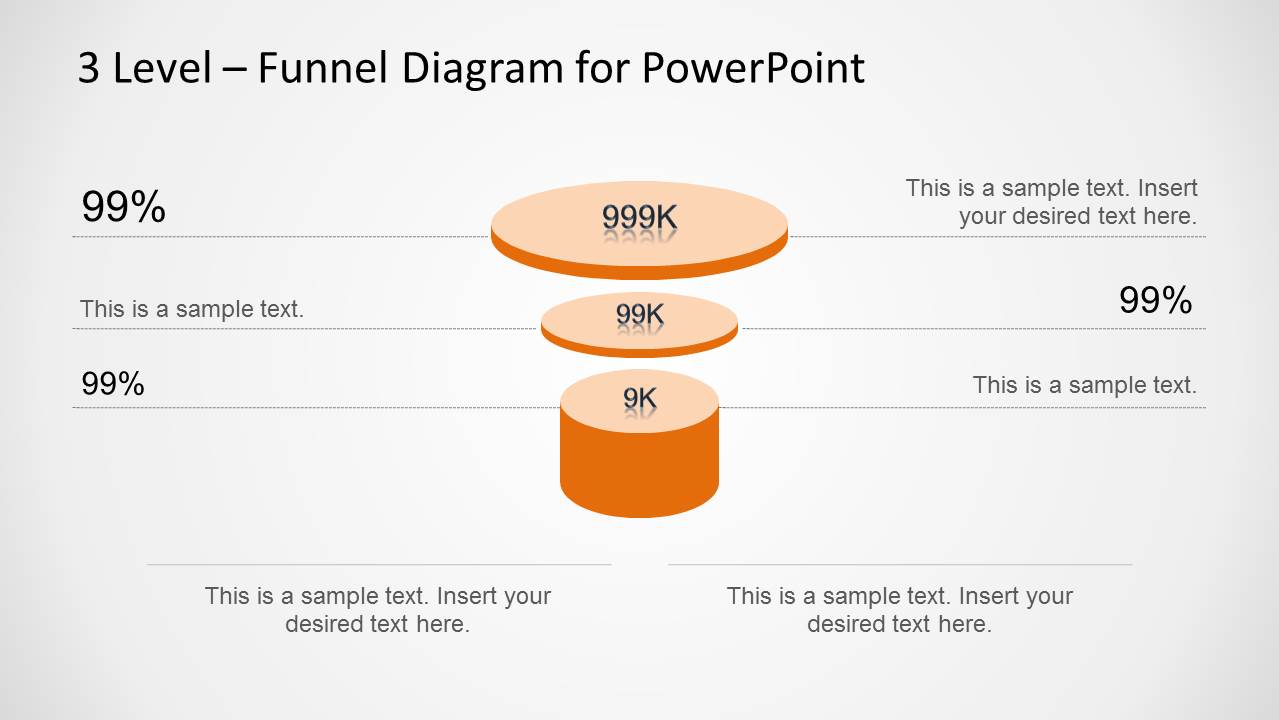
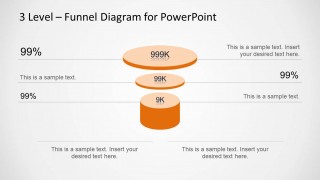
- A sales manager can use the percentage callout funnel to explain how prospects move from a broad lead pool to a smaller qualified opportunity set.
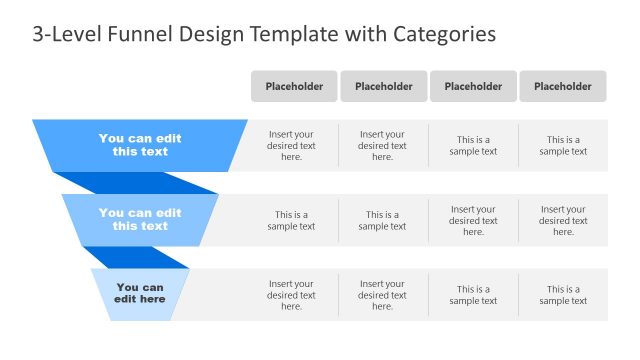
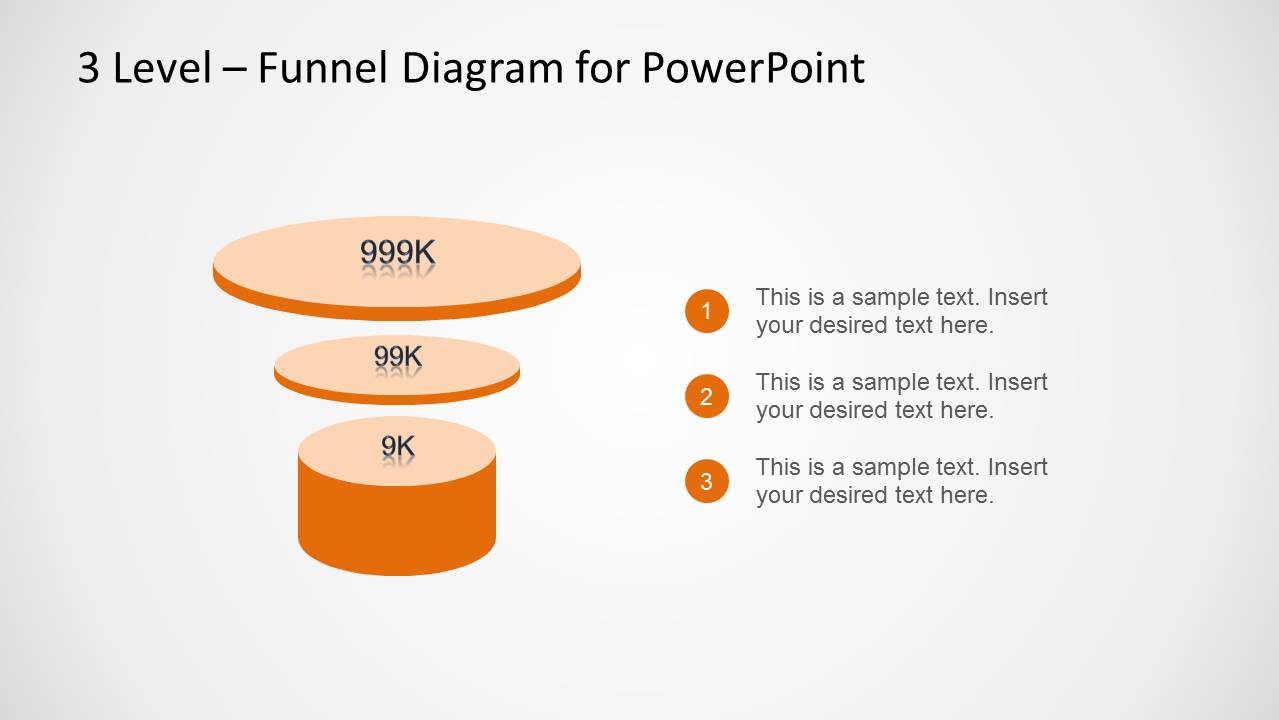
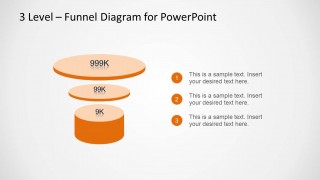
- A marketing presenter can use the numbered three-step legend to define awareness, consideration, and conversion stages for a campaign review.
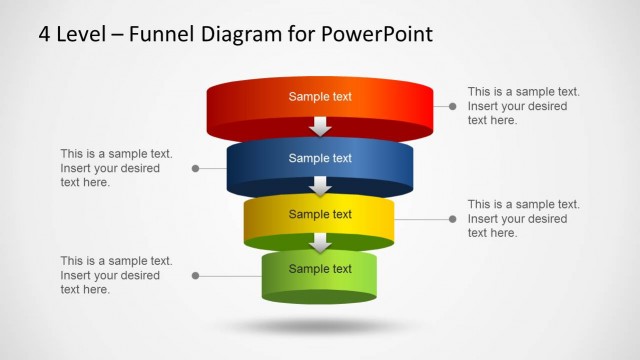
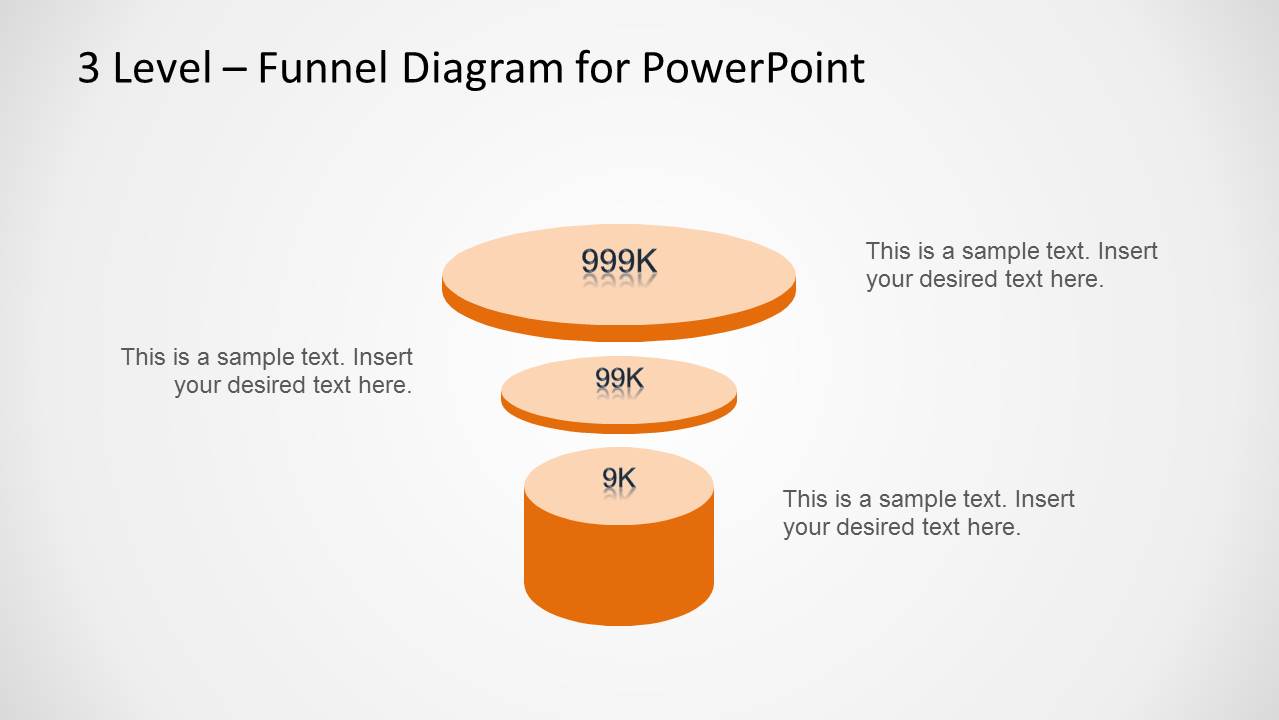
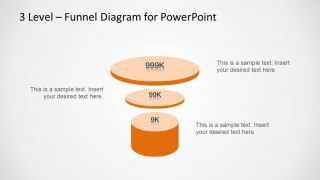
- A business analyst can use the centered funnel with side callouts to describe filtering criteria and the meaning of each stage in a process analysis.
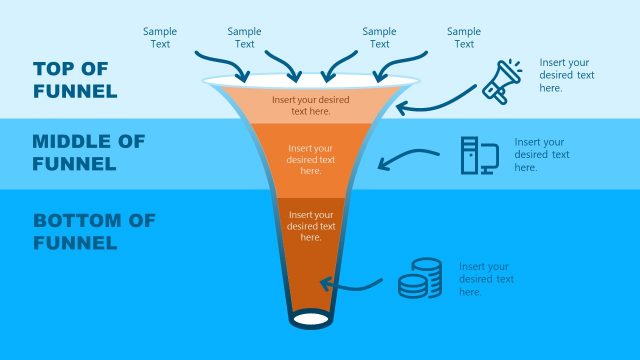
- A consultant can use the caption-card layout to compare two stakeholder messages while keeping the three-level funnel as the central visual reference.
Features
- 100% editable presentation template
- Compatible with Microsoft PowerPoint and Google Slides
- Scalable vector shapes, icons and illustrations
- AI-Ready for Microsoft Copilot and Claude
- Instant access and download
Frequently asked questions
Q: How should a presenter explain the funnel without overloading the slide?
A: Start with the top disk as the largest population, then move downward one stage at a time. Use the visible metric labels for the big numbers and keep each surrounding callout to one decision, condition, or audience behavior. The numbered legend slide works well when the audience needs definitions before seeing performance discussion.
Q: Who is this funnel template best suited for?
A: This template fits sales, marketing, consulting, and business analysis presenters who need to explain a simple three-stage narrowing process. It is best when the story is about movement from many items to fewer qualified items, such as leads, prospects, accounts, applicants, issues, or opportunities.
Q: Why use a 3D funnel metaphor for this message?
A: The stacked circular funnel makes scale and narrowing immediately visible without requiring a dense chart. The orange depth effect draws attention to the final stage, while the alternate callout, numbered, and caption layouts let the presenter switch between metrics, definitions, and interpretation without changing the core metaphor.
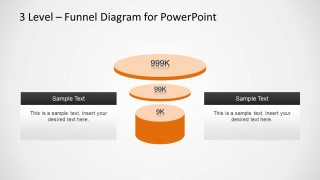
Orange 3 Level Funnel Diagram for PowerPoint
4-slide funnel diagram presentation template for sales funnels and three-step process explanations
Orange 3 Level Funnel Diagram for PowerPoint is a 4-slide diagram template built around a three-level orange funnel. Visible layouts include a funnel with percentage callouts, a centered funnel with side text, a numbered three-step legend, and two caption cards. It is intended for sales, conversion, and process presentations in PowerPoint.

 Loading...
 Microsoft PowerPoint
  Microsoft Copilot
  Claude for PowerPoint
 Other formats supported
Subscribe today and get immediate
access to download our PowerPoint templates.