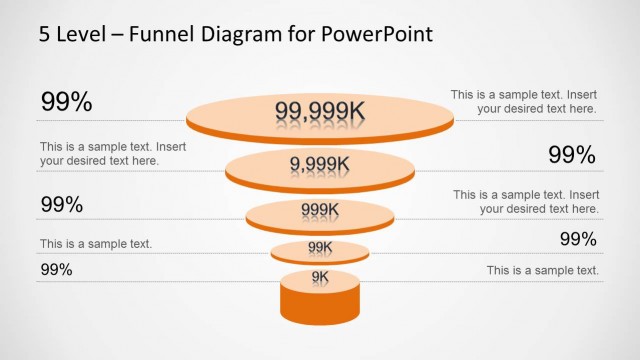
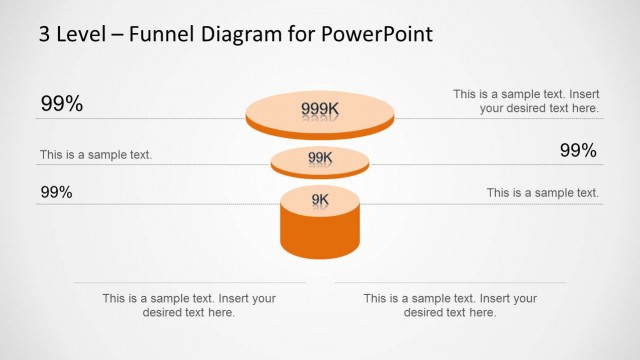
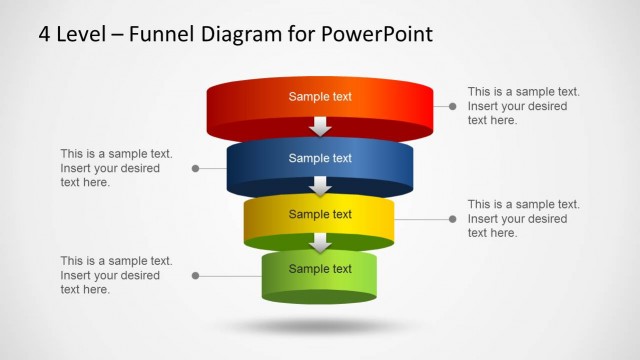
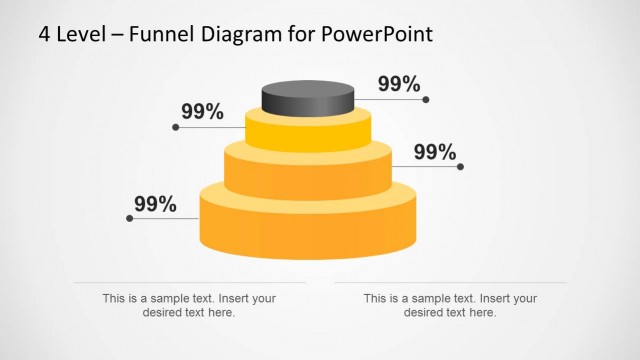
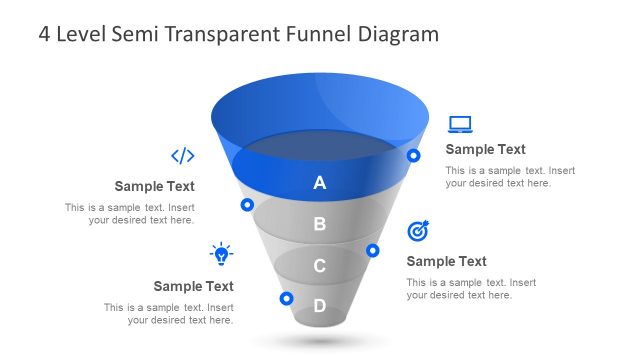
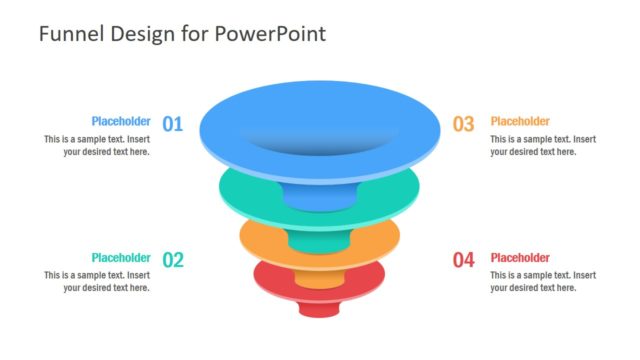
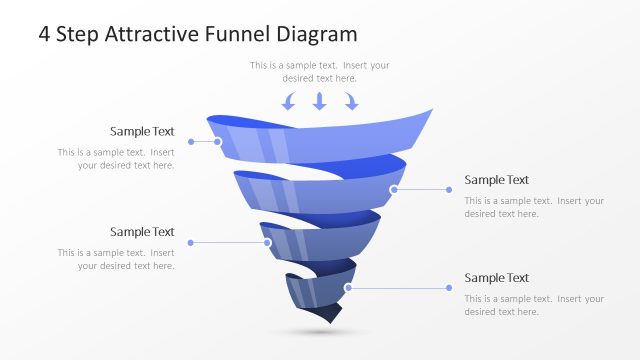
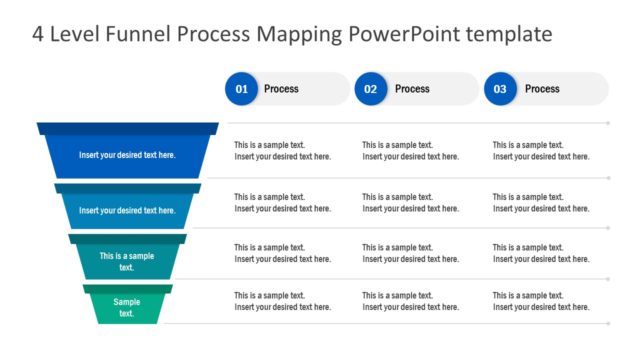
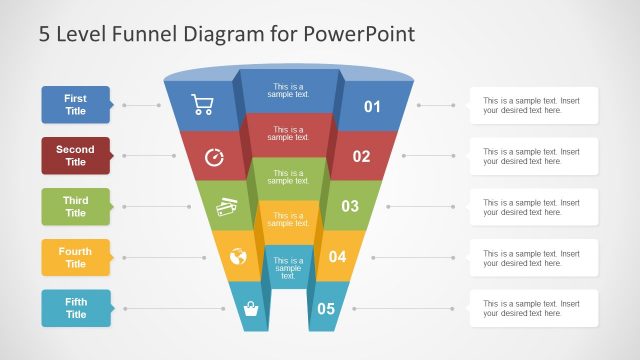
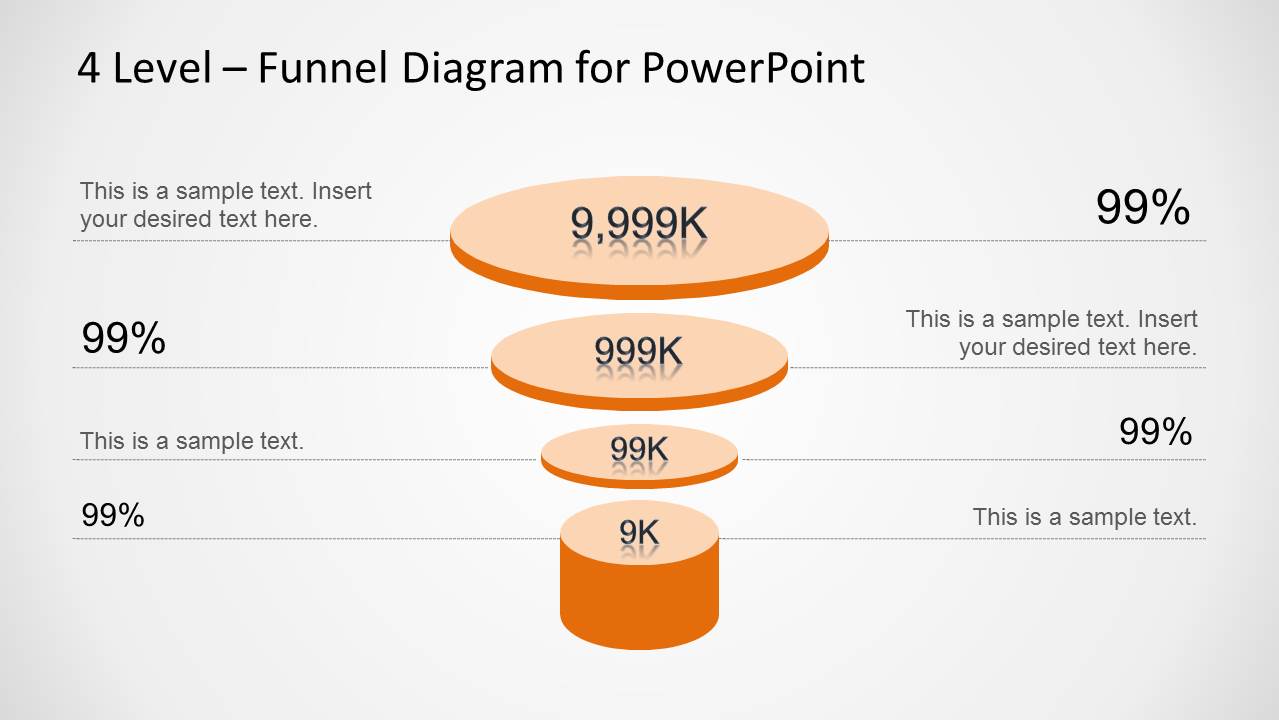
Orange 4 Level Funnel Diagram for PowerPoint is an editable funnel diagram template with a clean look.
This diagram template is highly customizable and can easily accommodate detailed information in an easy to grasp layout that has been professionally crafted to make it convenient for the presenters to edit and for the audience to understand the diagram.
You can also download a similar template for making 5 level funnel diagrams in PowerPoint or see our vast collection of Funnel Analysis Diagram Templates for PowerPoint.
What’s inside this template
Example presentation scenarios
- A sales manager can use the percentage callout funnel to report how prospects move from a broad top stage to a smaller qualified group.
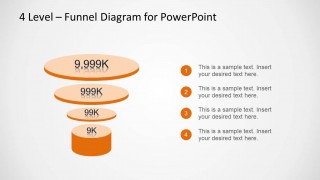
- A marketing lead can use the numbered step list layout to explain a four-step acquisition funnel during a campaign planning meeting.
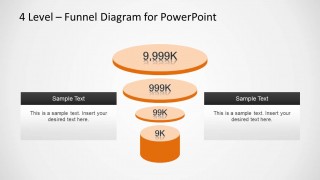
- A consultant can use the side information card layout to compare two major funnel drivers, such as traffic sources and conversion actions, around the central funnel.
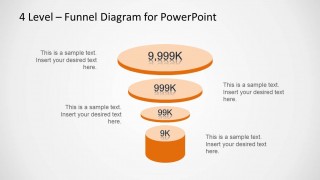
- A startup founder can use the centered callout layout to describe market reach, leads, opportunities, and customers in an investor discussion.
Features
- 100% editable presentation template
- Compatible with Microsoft PowerPoint and Google Slides
- Scalable vector shapes, icons and illustrations
- AI-Ready for Microsoft Copilot and Claude
- Instant access and download
Frequently asked questions
Q: How should a presenter explain the funnel without overcrowding the slide?
A: Use the largest top circle to state the broad starting population, then move downward one level at a time. Keep each callout to one metric or one reason for drop-off. The strongest use is to connect each funnel layer to a decision point, not to fill every open space with text.
Q: Who is this template best suited for?
A: This template fits sales, marketing, and consulting presenters who need to explain a four-stage narrowing process. It works well for lead qualification, customer acquisition, opportunity filtering, and simple pipeline reviews. The visible layouts support both metric-focused reporting with percentages and explanation-focused discussions with numbered steps or side notes.
Q: Why use a stacked circular funnel instead of a flat list?
A: The 3D stacked funnel makes reduction visible before the presenter explains it. Larger upper levels and smaller lower levels create an immediate hierarchy, while orange depth cues separate each stage. This metaphor helps audiences understand that each level filters the previous one, which is clearer than reading four equal bullet points.


Orange 4 Level Funnel Diagram for PowerPoint
4-slide PowerPoint funnel diagram slide template for sales funnel stages, percentages, and step callouts
Orange 4 Level Funnel Diagram for PowerPoint is a 4-slide funnel diagram template with editable orange stack graphics for PowerPoint. The deck shows four-level funnel variants with percentage callouts, surrounding text annotations, a numbered step list, and two side information cards. It suits sales funnel, pipeline, and conversion process explanations.

 Loading...
 Microsoft PowerPoint
  Microsoft Copilot
  Claude for PowerPoint
 Other formats supported
Subscribe today and get immediate
access to download our PowerPoint templates.