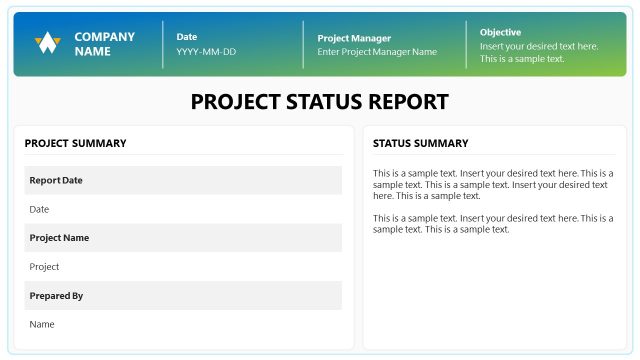
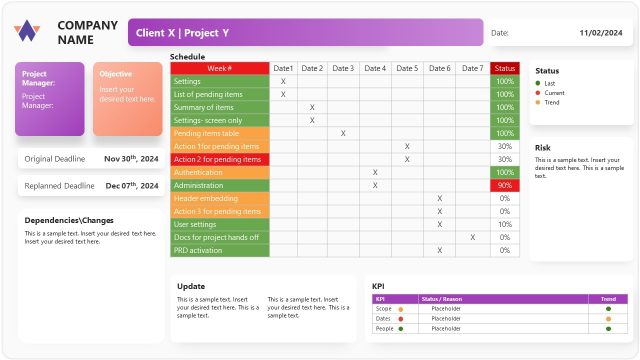
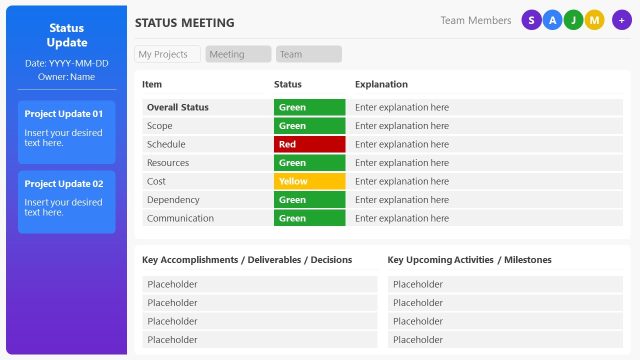
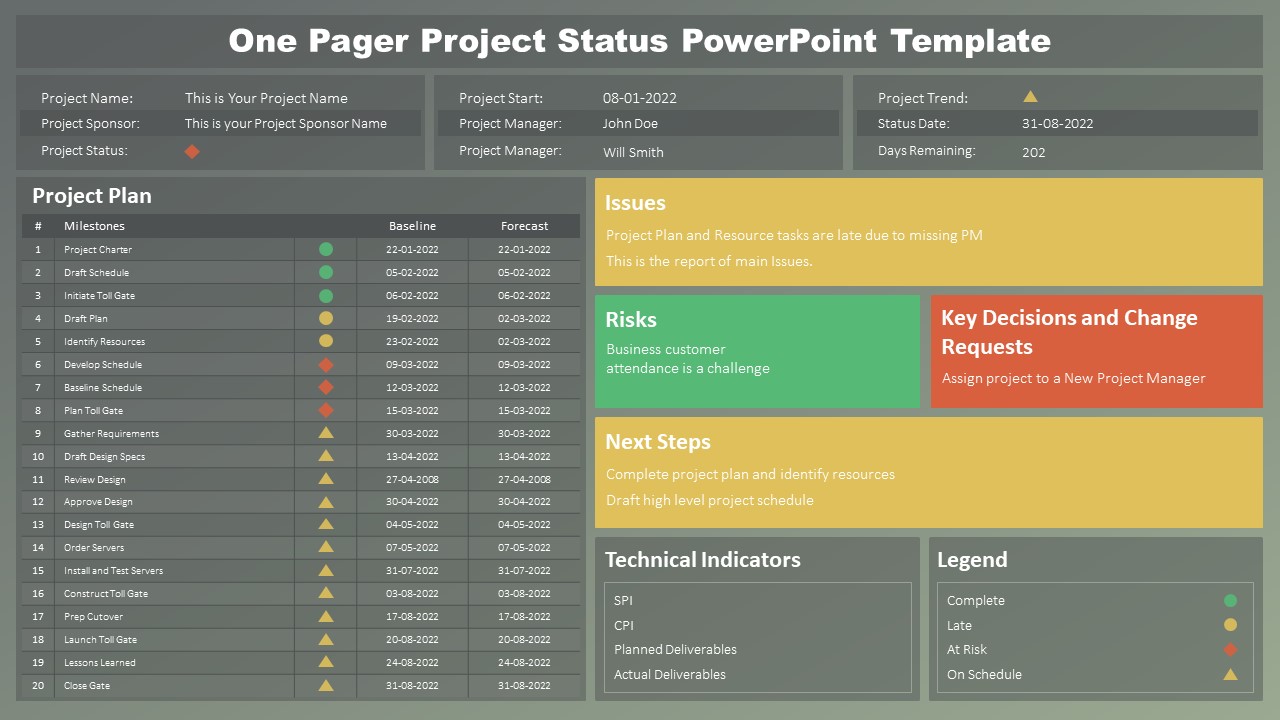
The One Pager Project Status PowerPoint Template is a performance reporting presentation. A project status combines plans, issues, risk factors, and KPIs into one document. This document described the progress of the project at a given time. The purpose of project status reporting is to compare progress against the project plan. The information provided in project status helps decision makers to make further decisions on risks, time, cost, and changes in scope. The project status report template is a grid layout that demonstrates key reporting elements in an organized structure. The grid layout structures project status one pager template for an audience to understand information clearly.
The presentation of project status one pager PowerPoint allows project managers and teams to visualize tasks through graphic indicators. The project plan segment, for example, shows a table with the list of activities. This table contains columns for milestones, baseline, and forecast for different project activities. The color-coded icons such as circle, rhombus, and triangle are the indicators for work complete, late, at risk, or on schedule. Project managers can benefit from downloading project status one pager PowerPoint and use repeatedly throughout project execution. In this way, they can ensure the schedule is well maintained and everyone is on same page with project status.
The One Pager Project Status PowerPoint Template consists of two slides for multiple color options. Users can customize the layout of the best project status one pager PowerPoint to highlight specific parts. This dashboard template includes starts with basic information of the project such as name, sponsor, start date, manager, and project trend. It gives a summary of issues, risks, change requests, next steps, and technical indicators. Communicating all this information to the stakeholders can get tricky. This project status report PowerPoint template helps presenters to cover crucial topics in a quick overview style presentation. Alternatively, you can download other one pager template and slides for presentations.
What’s inside this template
Example presentation scenarios
- A project manager can use the project plan table and status markers to brief a sponsor on schedule progress, forecast dates, and items that are late or at risk.
- A PMO lead can use the risks, issues, and key decisions panels to guide a steering committee through open blockers and required approvals.
- A delivery team lead can use the next steps and technical indicators sections to align team members on immediate actions and performance signals.
- An account manager can use the color-highlighted dashboard variant to summarize project health for a client without building a long status deck.
Features
- 100% editable presentation template
- Compatible with Microsoft PowerPoint and Google Slides
- 16:9 aspect ratio slides
- Scalable vector shapes, icons and illustrations
- AI-Ready for Microsoft Copilot and Claude
- Instant access and download
Frequently asked questions
Q: How should a presenter explain this one-page project status report effectively?
A: Start with the top project information strip to set scope, sponsor, dates, and status. Then move left to right: discuss the project plan table, call out the highest-risk items, confirm key decisions or change requests, and close with next steps. This order keeps the audience focused on action instead of reading every cell.
Q: Who is this template best suited for, and in what meeting context?
A: This template fits project managers, PMO leads, and delivery owners who need to brief sponsors or steering committees quickly. It works best in recurring status meetings where the audience expects a concise snapshot of schedule health, open issues, risk exposure, pending decisions, and immediate actions on one screen.
Q: Why does the grid dashboard design improve project communication?
A: The grid separates different decision types into fixed zones: schedule on the left, project controls on the top, and issues, risks, decisions, and next steps on the right. This visual map reduces scanning time and helps stakeholders compare plan progress with the items that require attention or approval.



One Pager Project Status PowerPoint Template
2-slide project status presentation template with dashboard grid and project plan table
The One Pager Project Status PowerPoint Template is a 2-slide project reporting dashboard for summarizing progress in Microsoft PowerPoint and Google Slides. It combines a project plan table, status information strip, issues and risks panels, key decisions and change requests, next steps, technical indicators, and a legend for project managers and stakeholders.
- Category
- Timelines & Planning
- Rating


 Loading...
- Aspect ratio
- 16:9
- Item ID
- 21160-02
- Colors
 Microsoft PowerPoint
 Microsoft Copilot
 Claude for PowerPoint
Other formats supported
Subscribe today and get immediate
access to download our PowerPoint templates.