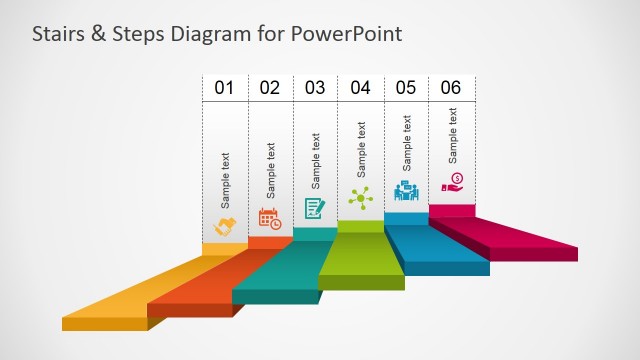
The Next Steps Slides PowerPoint Template is a collection of process sequence diagrams. These are creative diagram templates to help you with various situations where you have to describe subsequent moves. The PowerPoint diagrams are a combination of colorful flat shapes and appealing graphic clipart icons. You can copy desired slide design to display several ideas related to the next step in a process.
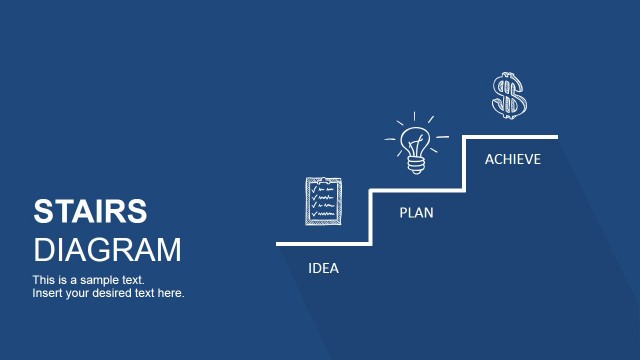
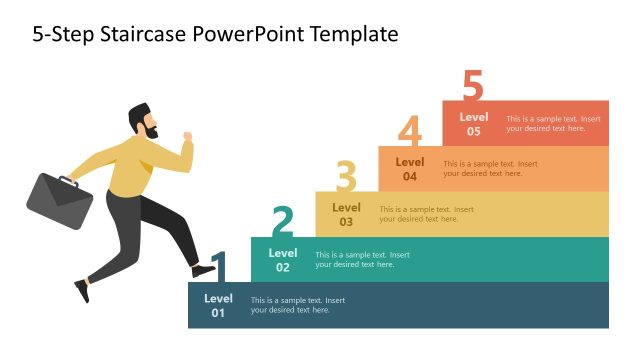
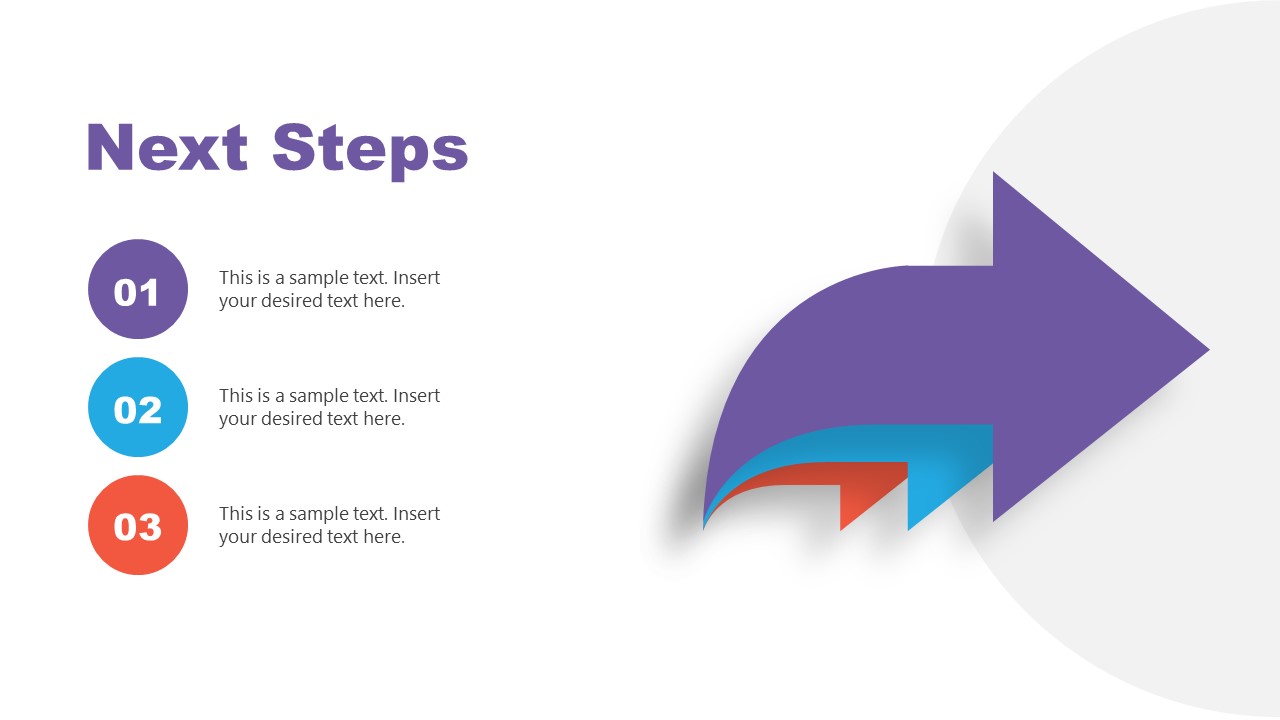
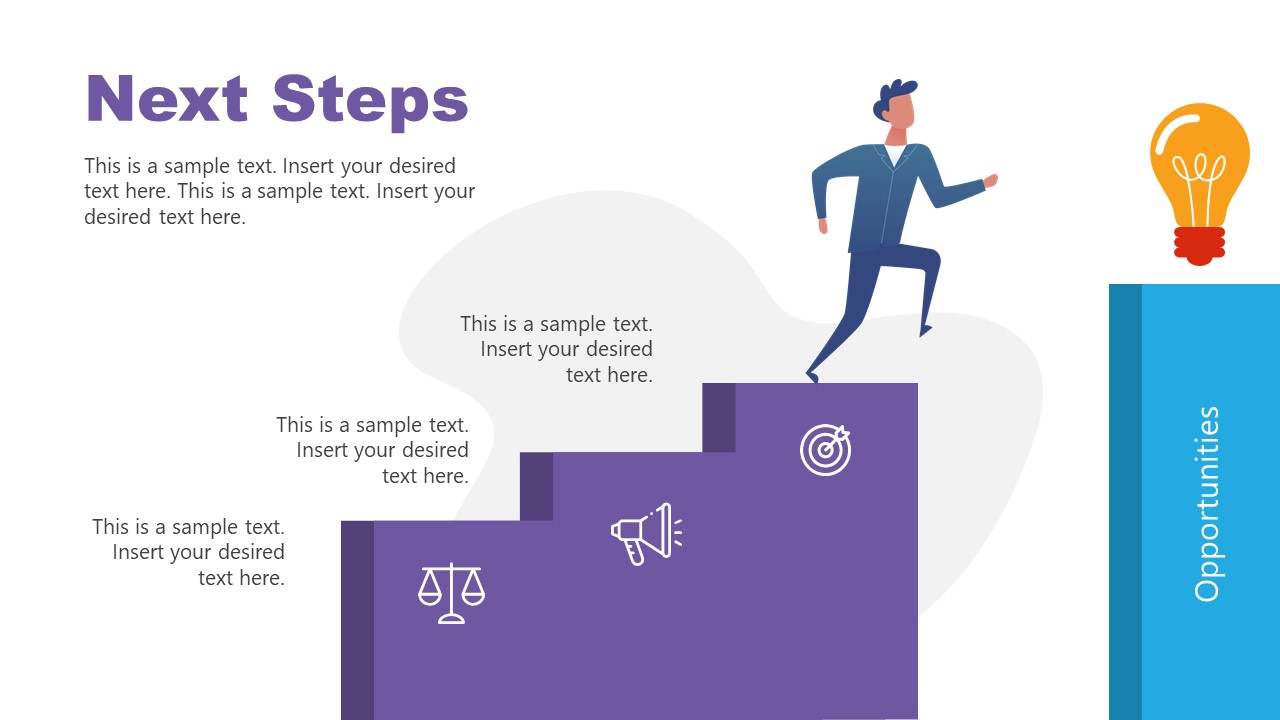
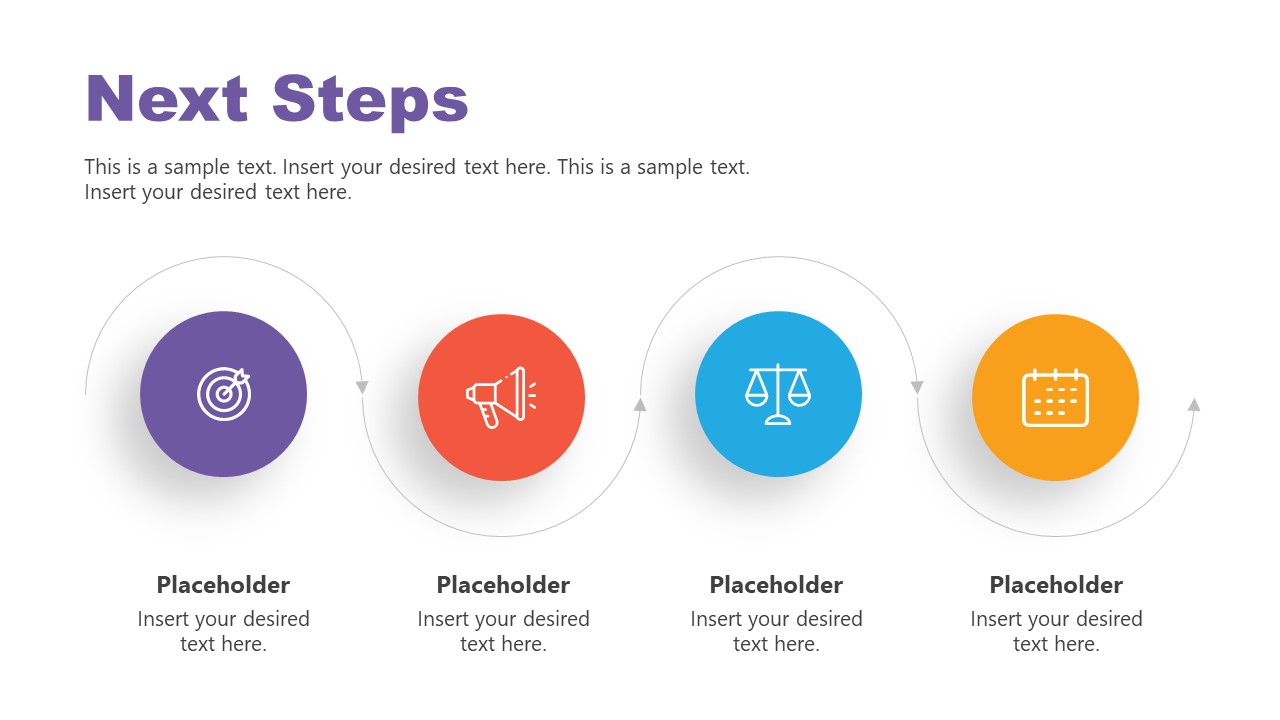
The three steps arrow diagram for the next steps is useful for prioritizing tasks in succeeding moves. The arrows that gradually reduce in size help visualize how items are ranked in order of importance. The next steps slides of 3 steps arrow can facilitate concepts of how to organize, prioritize, and plan work. The PowerPoint template of stair steps visualizes a businessman climbing stair steps to reach opportunities. The lightbulb at the last step indicates goals, career opportunities, or prospects. You can use this slide in the training and motivation seminar to tell a story of reaching potential. The PowerPoint diagram template of horizontal timeline is another creative layout for the graphical representation of time, events, or phases. Four milestones in the curved roadmap template consist of clipart icons that portray actions and succeeding act.
The slide of mountain jumping is a two steps diagram that you can use as an illustrative metaphor for overcoming challenges. A man hiking template good for describing ideas such as take the next step. The next step slide PowerPoint also gives an impression of completing difficult task and moving on to the next one. The next steps slide PowerPoint template include blocks diagram design that shows a man climbing the ladder to the next step. It can present how smaller steps can lead to achieving difficult problems.
The Next Steps Slides PowerPoint Templates are fully editable layouts available for all types of formal and informal presentations. Business professionals can take advantage of step-by-step diagram designs to highlight the next steps in the process on a single slide. You can share topics of following actions or later phases by customizing design. Training professionals and life coaches use next steps slide templates using relatable layout designs that engage and motivate an audience to do more.
What’s inside this template
Example presentation scenarios
- A project manager can use the arrow priority diagram to rank follow-up tasks after a steering committee meeting and assign attention to the most important next moves.
- A trainer can use the stair-step goal path to show learners how small actions build toward a larger opportunity or skill outcome.
- A consultant can use the horizontal milestone timeline to explain the next phases of an implementation plan to a client leadership team.
- A team lead can use the ladder and block diagram to frame a challenge as a climb from the current state to a target state with two clear action points.
Features
- 100% editable presentation template
- Compatible with Microsoft PowerPoint and Google Slides
- 16:9 aspect ratio slides
- Scalable vector shapes, icons and illustrations
- AI-Ready for Microsoft Copilot and Claude
- Instant access and download
Frequently asked questions
Q: How should a presenter use these diagrams to make next steps feel clear rather than motivational only?
A: Start with the layout that matches the decision needed. Use the arrow diagram to rank priorities, the timeline to place actions in sequence, and the stair or ladder metaphors to show progress toward a goal. Keep each text block action-based, such as owner, deadline, or expected result, so the visual metaphor leads to a concrete plan.
Q: Who is this template best suited for in a business presentation?
A: It is best for presenters who need to turn discussion into action: project managers closing a status meeting, consultants outlining follow-up work, trainers explaining learner progress, or coaches showing growth steps. The visible diagrams work well when the audience needs a short path forward rather than a detailed project schedule.
Q: Why do the stairs, ladder, and jumping metaphors help communicate next steps?
A: The visual metaphors make movement visible. Stairs suggest gradual progress, the ladder implies effort toward a higher target, and the gap diagram frames the next action as crossing from one state to another. These shapes help audiences understand that the plan is not abstract; it requires ordered, visible movement.


Next Steps Slides PowerPoint Template
5-slide presentation template with next-step process diagrams, milestone timeline, and stair-step goal visuals
The Next Steps Slides PowerPoint Template is a 5-slide diagram set for presenting follow-up actions, priorities, and progress paths. Visible layouts include an arrow priority diagram, stair-step goal path, horizontal milestone timeline, two-step gap metaphor, and ladder block diagram. It is built for business, training, and coaching presentations in PowerPoint and Google Slides.
- Category
- Diagrams
- Rating

 Loading...
- Aspect ratio
- 16:9
- Item ID
- 20915-01
- Colors
 Microsoft PowerPoint
 Microsoft Copilot
 Claude for PowerPoint
Other formats supported
Subscribe today and get immediate
access to download our PowerPoint templates.