Slide 4 of 20 from Network Diagram Template for PowerPoint
6177-02-network-diagram-template-powerpoint-4
Network Diagram for PowerPoint Slide
- Diagram
- Other
- Concept Explanation Slide
- 16:9
- 100% Editable
The Network Diagram with Firewall and Switch slide from the Network Diagram Template for PowerPoint offers a clear layout ideal for IT infrastructure presentations. This slide template features editable shapes and vector icons to visually explain network security components such as firewalls and switches. It supports detailed discussions in corporate presentations or software development training by providing a balanced design that enhances understanding of network connectivity within a business presentation or slide deck.
What’s on This Slide
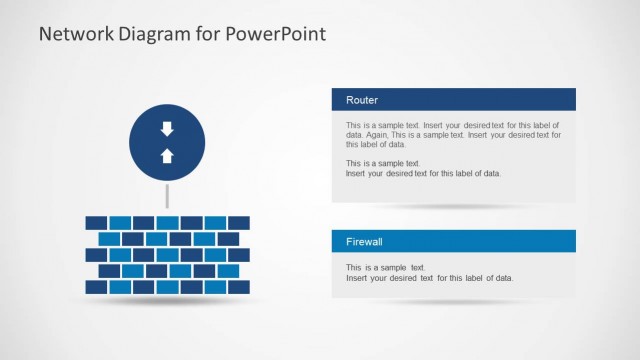
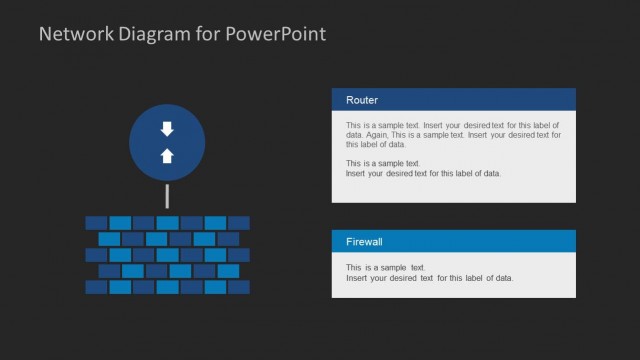
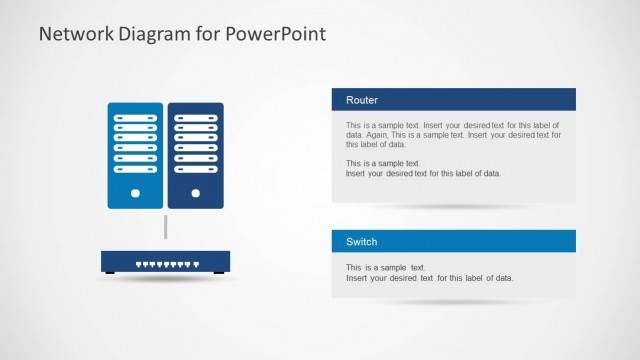
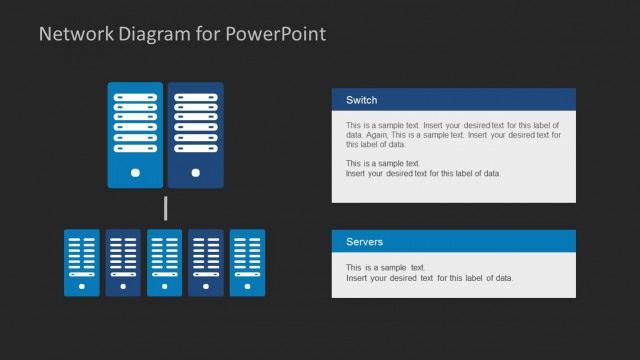
The layout features a network diagram on the left with a firewall represented by stacked blocks above two server icons. The server icons are positioned centrally at the bottom, with a vertical line connecting to the firewall. On the right, there are two text placeholders labeled 'Firewall' and 'Switch' arranged vertically. Each placeholder has a blue background and contains sample text for data insertion. The overall composition is balanced, with a light background enhancing the visibility of the elements.
How to Use It
This layout serves as a network diagram to illustrate components like firewalls and switches within a technical presentation. It fits well in a sequence that discusses network infrastructure or IT systems. Use this slide to explain network security elements and their roles in connectivity. It is suitable for IT training sessions, system architecture discussions, or software development presentations, providing clarity on network configurations.
Text Placeholders & Capacity
Keep your copy within these limits so it fits without resizing. Node body slots can accommodate roughly 30-40 words each.
| Placeholder | Count | Max characters (approx.) |
|---|---|---|
| Item heading | 2 | 50 |
| Item body | 2 | 200 |
Slide Keywords
Download unlimited PowerPoint templates, charts and graphics for your presentations with our annual plan.
DOWNLOADReturn to Network Diagram Template for PowerPoint.