Slide 14 of 20 from Network Diagram Template for PowerPoint
6177-02-network-diagram-template-powerpoint-14
Network Diagram for PowerPoint Slide 14
- Diagram
- Other
- Process Slide
- 16:9
- 100% Editable
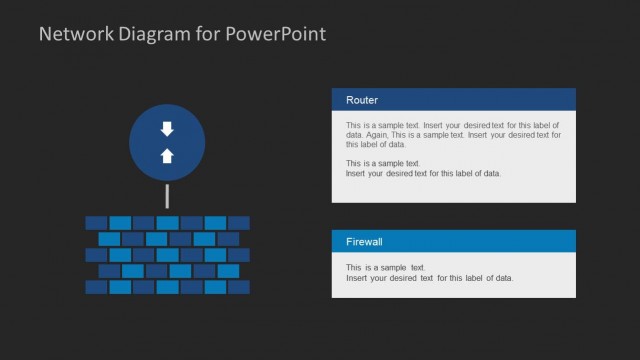
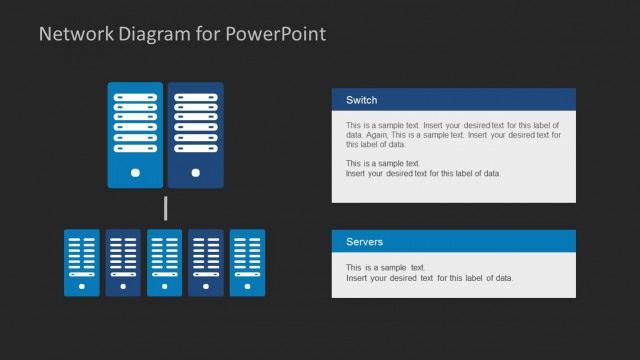
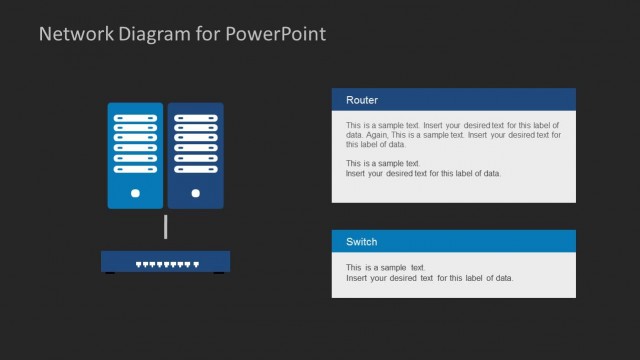
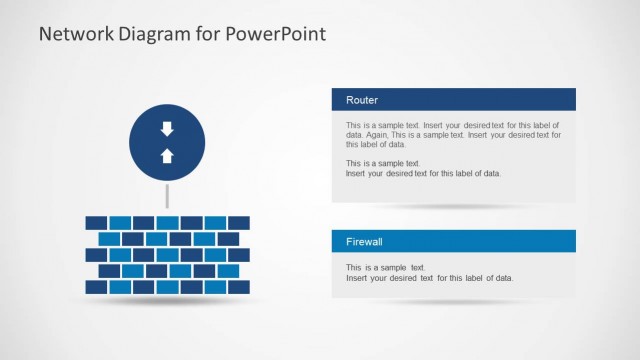
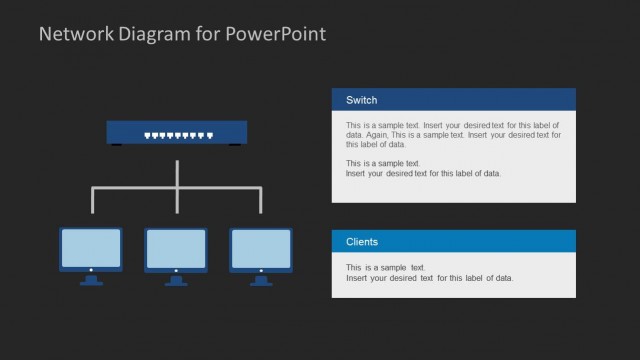
The Network Diagram with Firewall and Switch slide from the Network Diagram Template for PowerPoint offers a clear layout for illustrating IT infrastructure and network security concepts. This slide template includes editable shapes and vector icons to visually represent firewalls, switches, and servers, making it suitable for corporate presentations and technical slide decks focused on system architecture and connectivity.
What’s on This Slide
The slide features a network diagram layout with a dark background. At the top center, there is a horizontal arrangement of blue rectangular shapes representing a firewall. Below, two server icons are placed side by side in the center of the slide. To the right, there are two text boxes labeled 'Firewall' and 'Switch,' each containing sample text placeholders. The text boxes are aligned vertically, with the firewall box above the switch box. The overall layout emphasizes the central server icons and the labeled text boxes.
How to Use It
This layout serves as a network diagram, illustrating components like firewalls and switches. It is suitable for presentations discussing IT infrastructure, network security, or system architecture. The layout can effectively convey technical information in a clear manner. It fits well in a sequence following problem identification, leading into detailed explanations of network components. Use it to explain connectivity and system interactions in a structured way.
Text Placeholders & Capacity
Keep your copy within these limits so it fits without resizing. Node body slots can accommodate roughly 10-12 words each.
| Placeholder | Count | Max characters (approx.) |
|---|---|---|
| Slide title | 1 | 30 |
| Item heading | 2 | 15 |
| Item body | 4 | 60 |
Slide Keywords
Download unlimited PowerPoint templates, charts and graphics for your presentations with our annual plan.
DOWNLOADReturn to Network Diagram Template for PowerPoint.