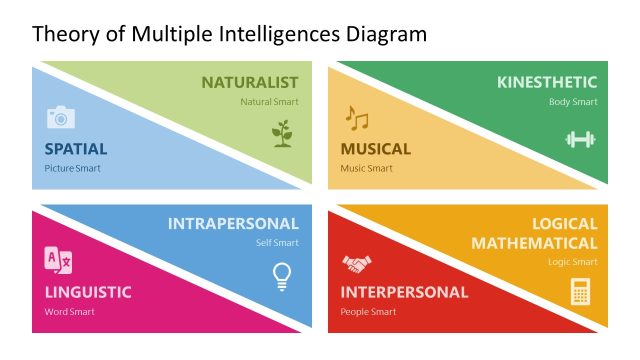
Download our Multiple Intelligences Diagram PowerPoint Template to present different types of intelligence in your training or educational sessions. Howard Gardner’s theory of multiple intelligence states that different types of intelligence range from visual to logical and musical intelligence. He proposed that students learn and acquire information based on the kind of intelligence deeply rooted in them. This is why some people are good analysts, some are exceptional writers, and others are designers or great musicians. Gardner says that the curriculum in schools and colleges should be tailored for the group of students according to their nature and attractions. This can help them polish their very skill and become better human beings in their lives. For instance, organizations that have applied these practices to their employees are more productive.
We have crafted this visually appealing presentation design for corporate trainers and professionals. They demonstrate the significance of multiple intelligence and help board members make decisions accordingly. Scholars can use this template to display various forms of intelligence to students, allowing them to identify their actual skills. Everyone is inclined towards a specific professional or personal life domain. Companies and institutes can use our ready-to-use presentation template to describe complex concepts to the audience in an understandable way. And motivate the decision-makers to establish tailored training curricula for them.
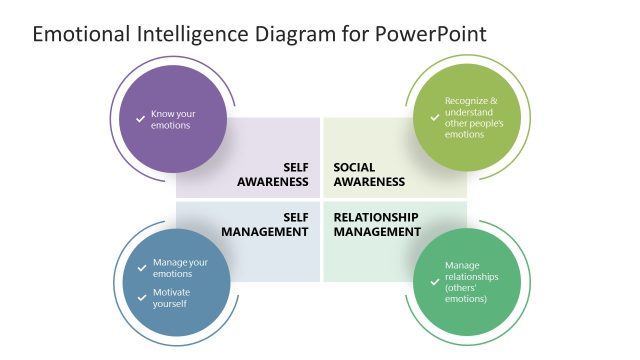
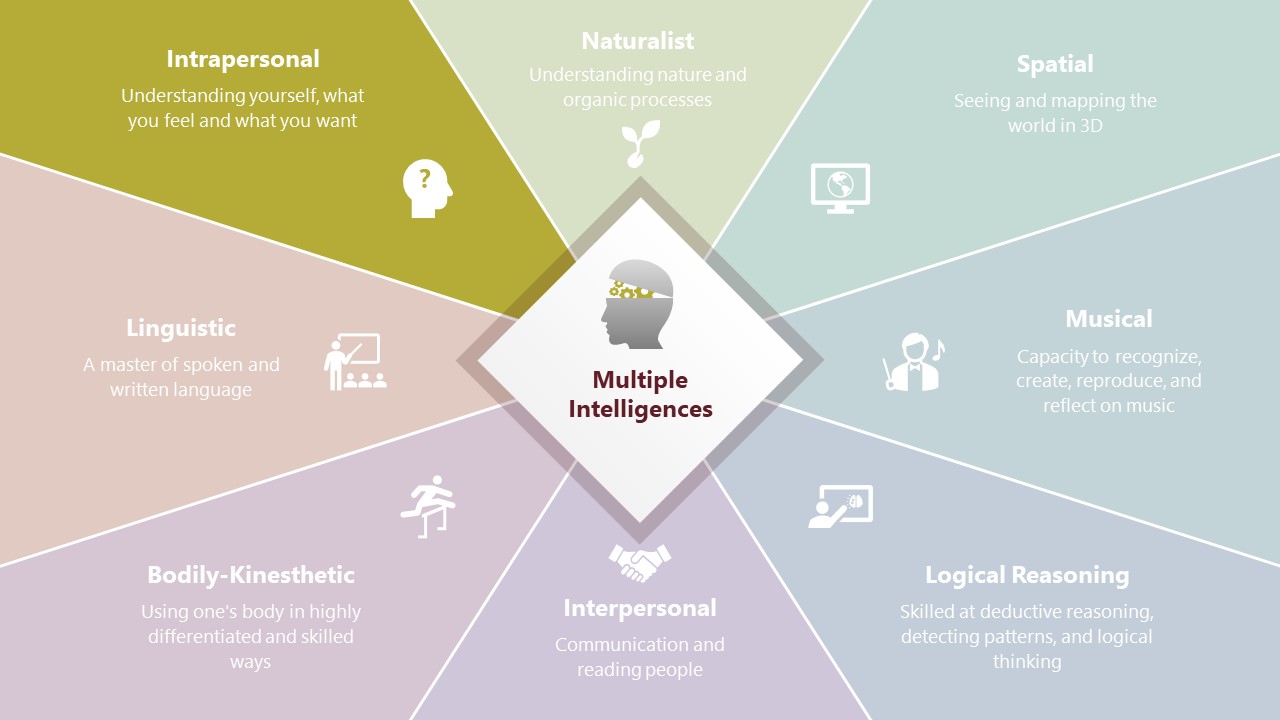
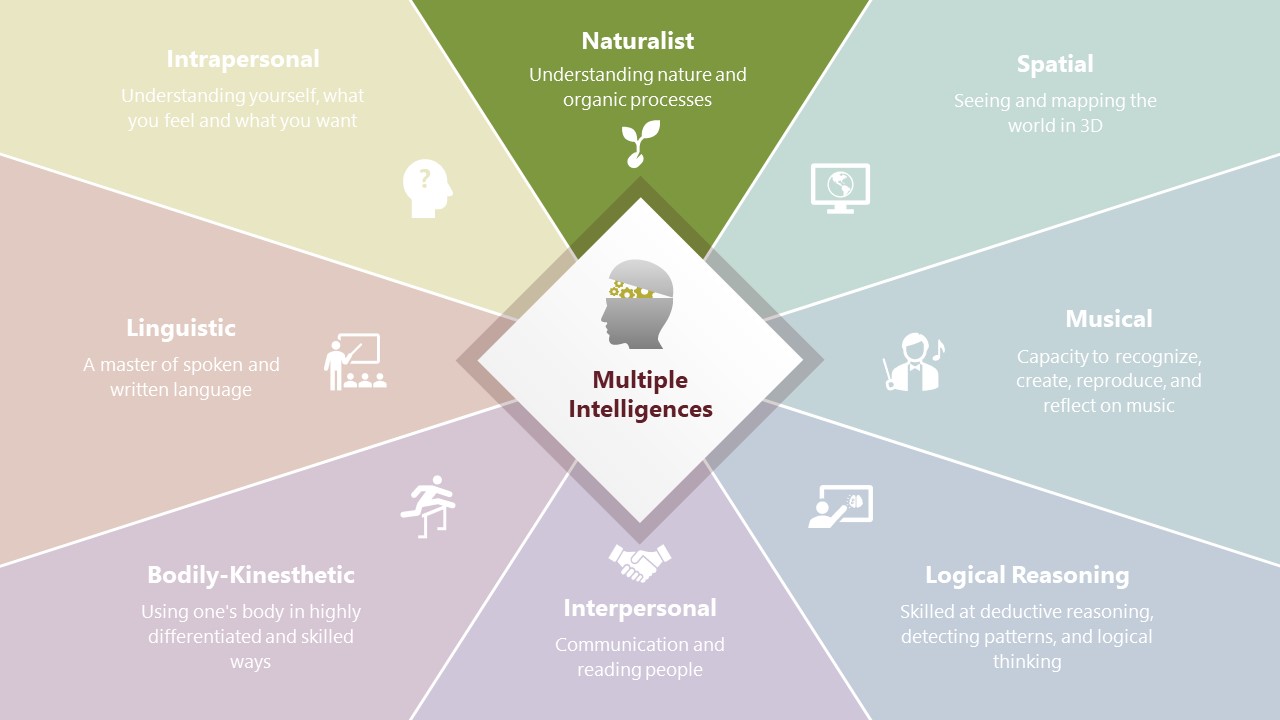
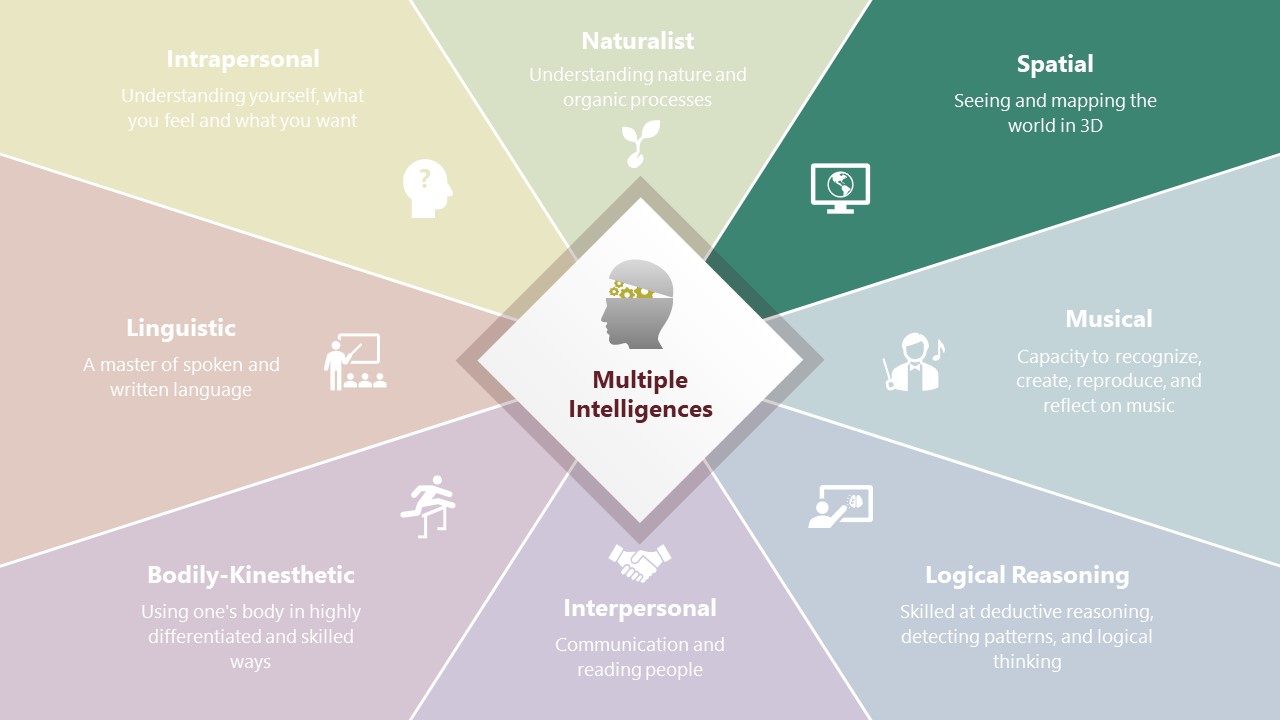
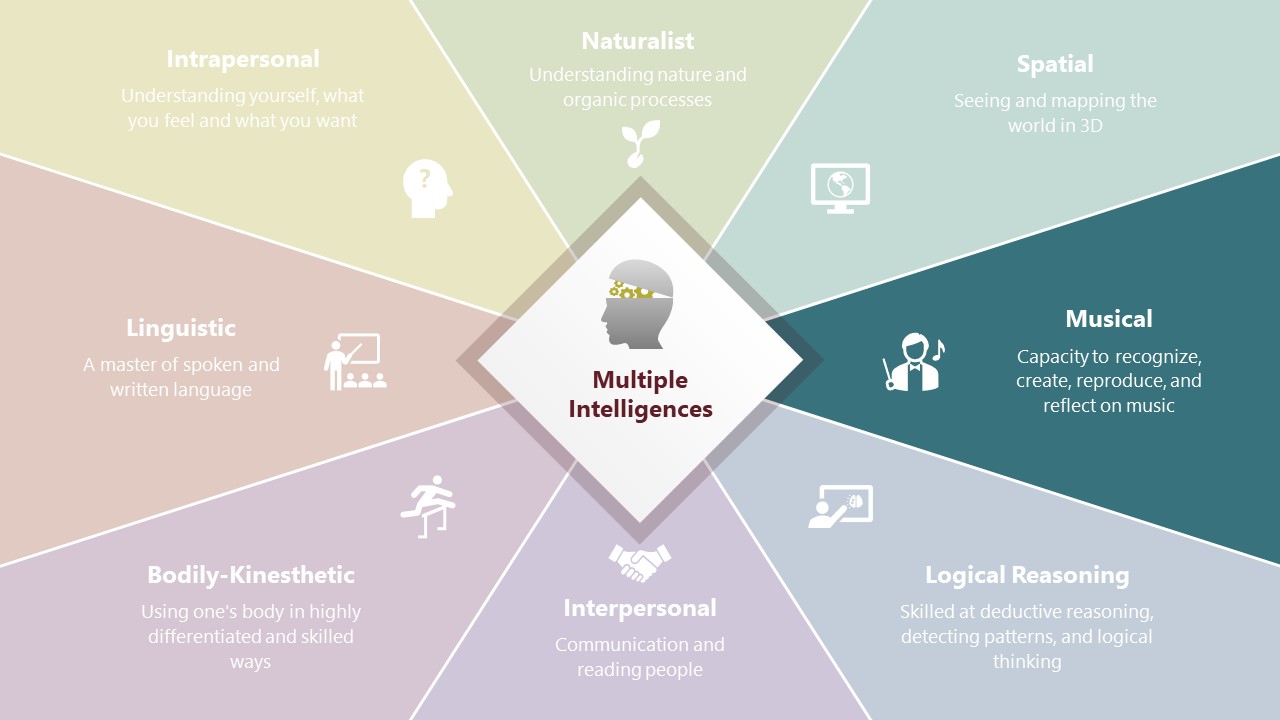
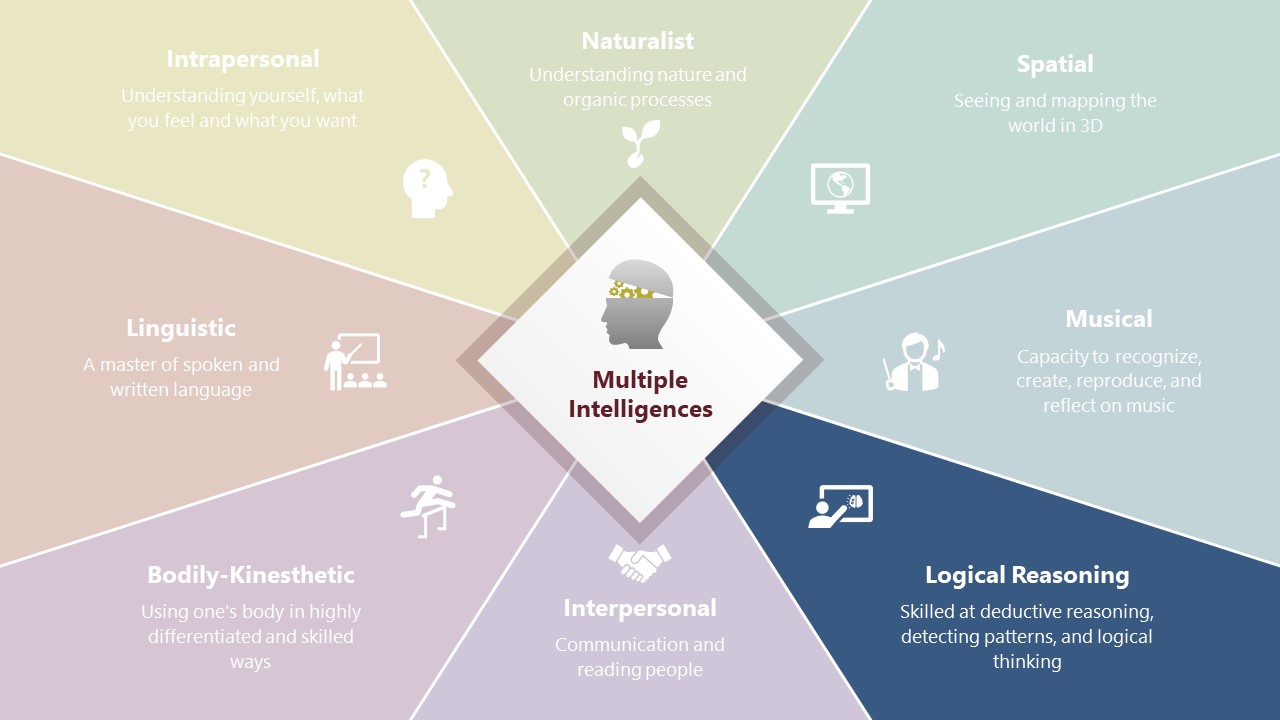
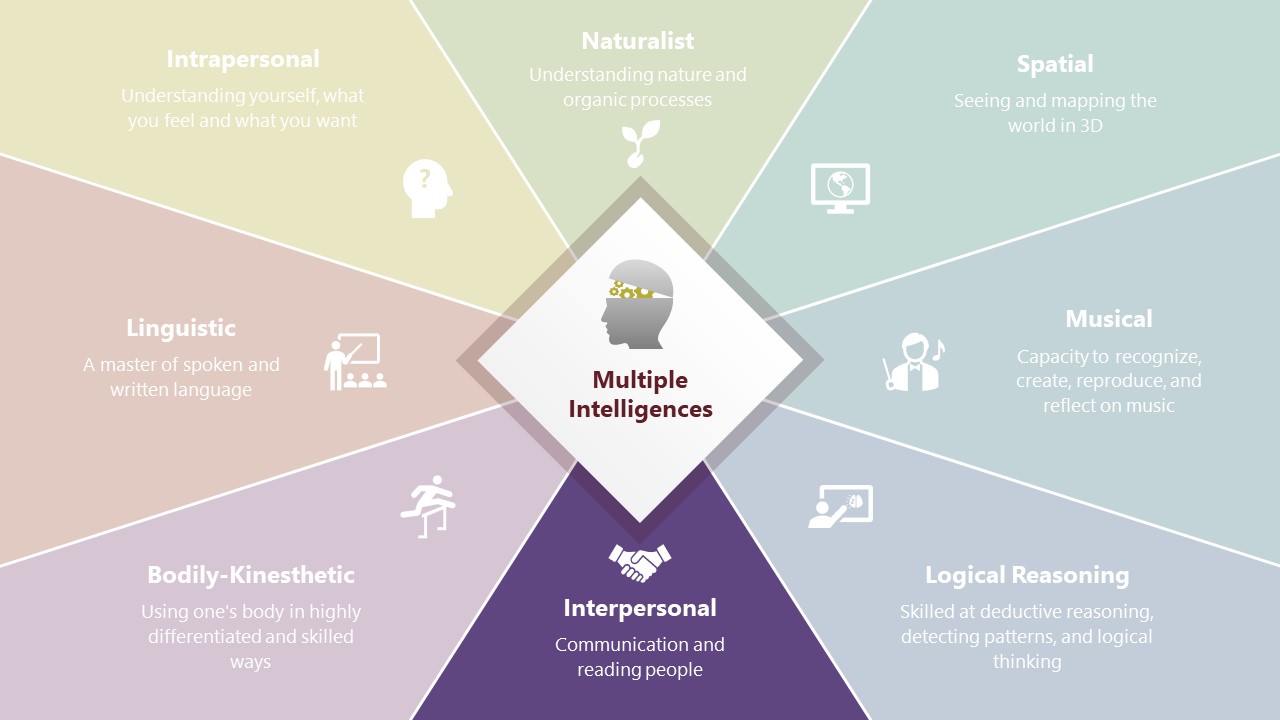
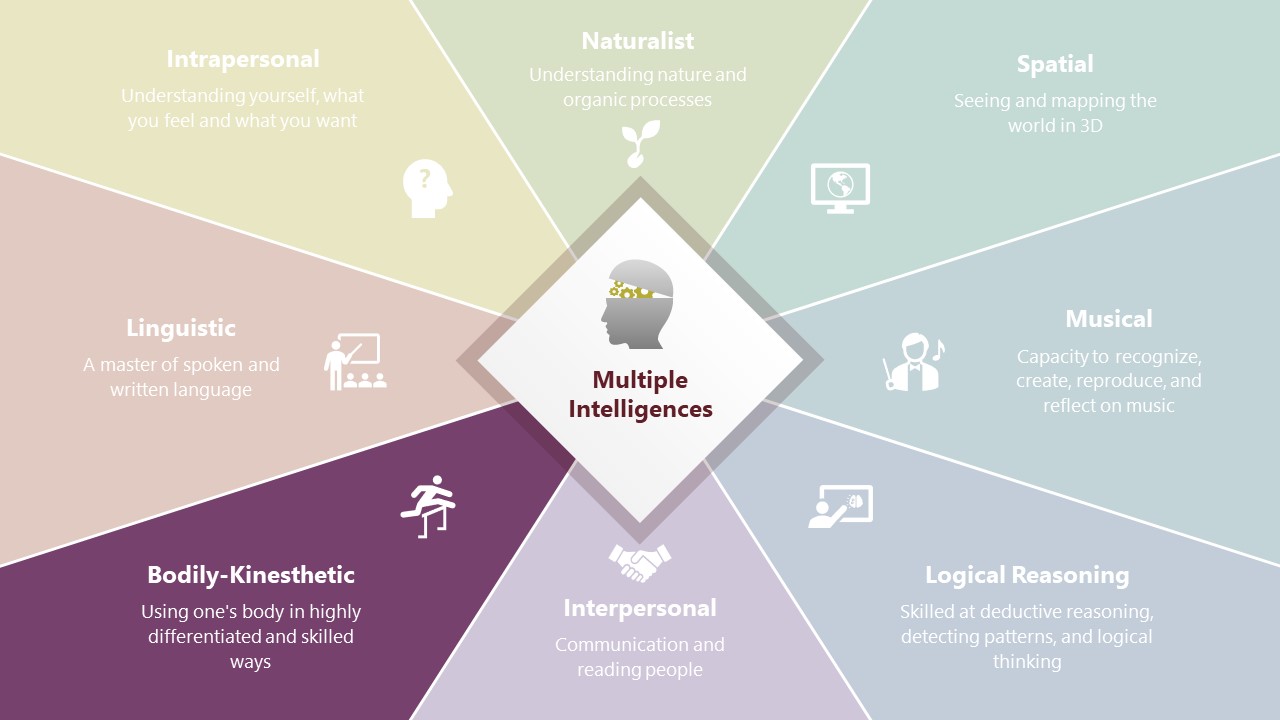
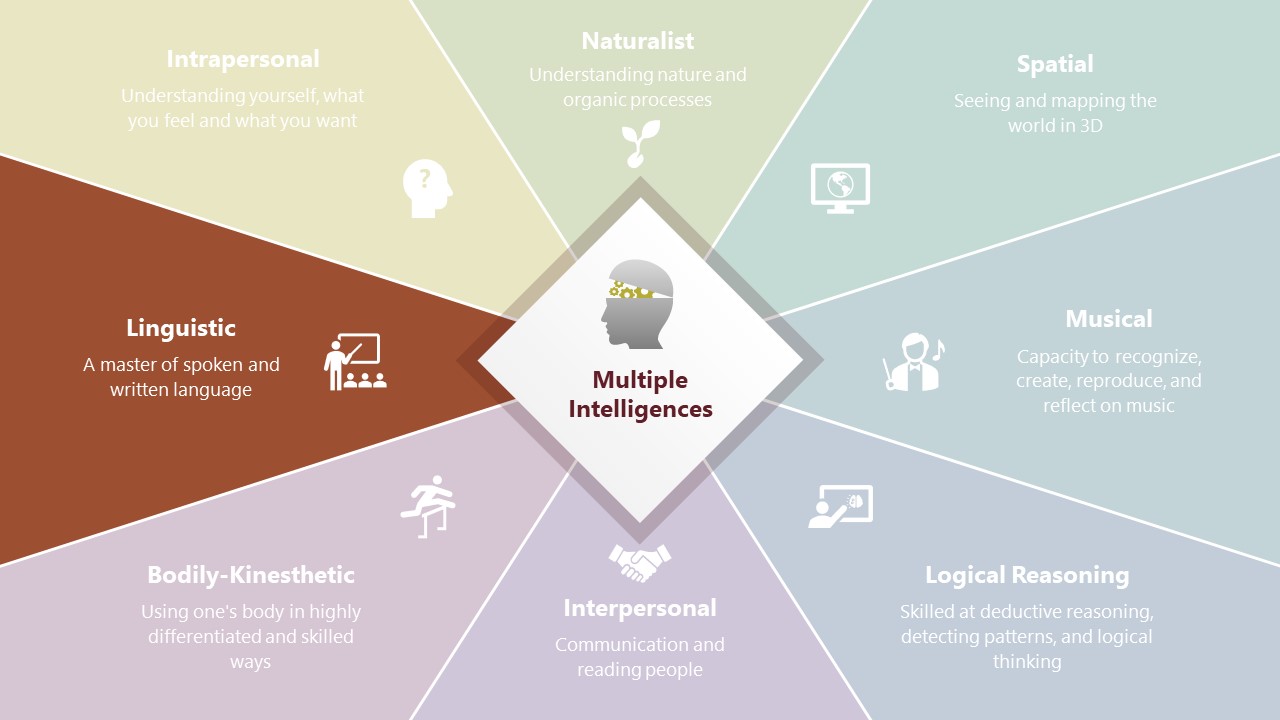
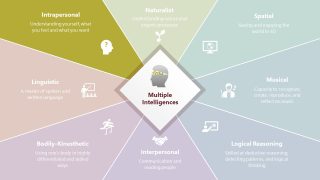
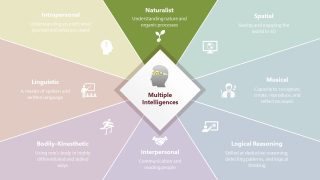
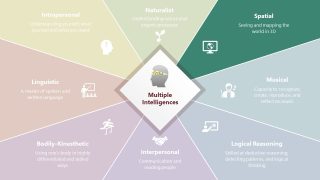
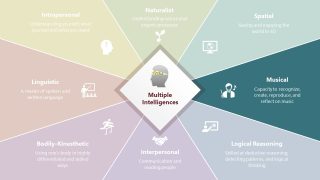
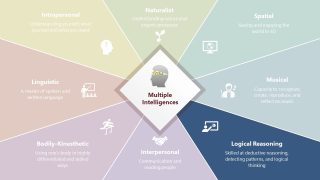
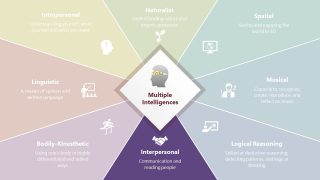
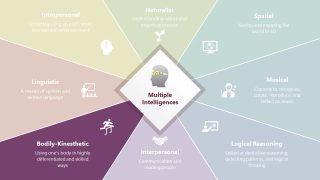
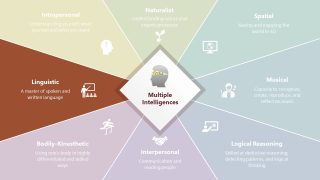
Our creative PowerPoint template starts with a title slide showing a professional diagram. The diagram consists of a kite-like square shape in the slide center. Around it, we have divided the slide into eight segments, one for each intelligence type. Also, we have provided graphical icons and editable text boxes in the sections to display the content visually. Next, in the following slides, each aspect of Gardner’s theory is discussed separately using a color highlight effect on the individual slides. The template’s color scheme is attractive and captures the listeners’ attention. Moreover, professionals, scholars, and trainers can modify the elements of this Multiple Intelligences Diagram PowerPoint Template to fit their presentation needs. Download this interactive PPT template and present your unique ideas about multiple intelligences! Discover our complete gallery of PowerPoint templates and interactive presentations.
What’s inside this template
Example presentation scenarios
- An educator can use the full radial map to introduce learning styles, then present the naturalist, linguistic, and logical reasoning highlight slides during a classroom discussion.
- An HR learning manager can use the individual intelligence wedges to explain why employee development plans should account for interpersonal, intrapersonal, and bodily-kinesthetic strengths.
- A curriculum designer can use the segment highlight slides to align course activities with intelligence types, such as musical learning, spatial reasoning, and language-based tasks.
- A psychology or social science trainer can use the center hub and faded surrounding wedges to explain Gardner's theory while keeping attention on one construct at a time.
Features
- 100% editable presentation template
- Compatible with Microsoft PowerPoint and Google Slides
- 16:9 aspect ratio slides
- Scalable vector shapes, icons and illustrations
- AI-Ready for Microsoft Copilot and Claude
- Instant access and download
Frequently asked questions
Q: How should a presenter explain the eight intelligence types without making the diagram feel repetitive?
A: Start with slide 1 as the complete mental map so the audience understands the full model. Then use each highlighted wedge as a teaching stop, adding examples, activities, or questions for that intelligence type. Keep the center diamond visible as the anchor, and avoid reading every faded segment again.
Q: Who is this template best suited for in a training or education setting?
A: It works best for educators, corporate trainers, HR learning teams, and instructional designers who need to explain learner differences or talent development categories. The radial overview supports a theory introduction, while the eight focus slides help the presenter translate each intelligence type into curriculum choices, workshop activities, or employee development conversations.
Q: Why does the radial diagram improve communication for multiple intelligences theory?
A: The center diamond positions Multiple Intelligences as the shared concept, while the surrounding wedges show the eight areas as related but distinct. The highlight slides dim the nonfocus wedges, which reduces visual competition. This visual metaphor helps audiences see both the whole model and one intelligence category at a time.

Multiple Intelligences Diagram PowerPoint Template
9-slide presentation template for multiple intelligences diagrams, curriculum training, and learning style discussions
This 9-slide Multiple Intelligences Diagram PowerPoint Template presents Howard Gardner's intelligence categories through a radial hub-and-spoke diagram, eight wedge highlight slides, and icon-labeled segment panels. It is built for educators, trainers, HR teams, and facilitators preparing curriculum, employee engagement, or learning-style discussions in Microsoft PowerPoint and Google Slides.
- Category
- Diagrams
- Rating

 Loading...
- Aspect ratio
- 16:9
- Item ID
- 22323-02
- Colors
 Microsoft PowerPoint
 Microsoft Copilot
 Claude for PowerPoint
Other formats supported
Subscribe today and get immediate
access to download our PowerPoint templates.