Slide 1 of 2 from Free Radial Fan Infographic PowerPoint Template
Free Radial Fan Infographic Presentation Template
Radial Fan Infographic Slide Template
- Diagram
- Radial Hub
- Concept Explanation Slide
- 16:9
- 100% Editable
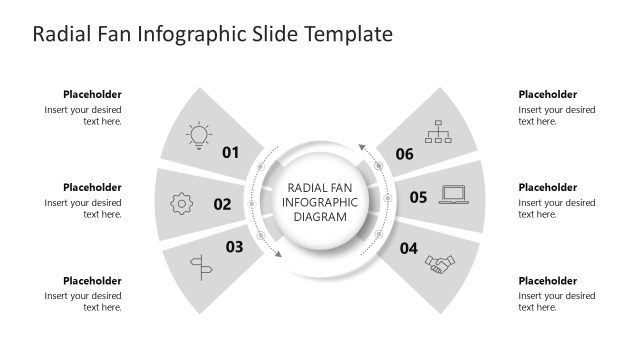
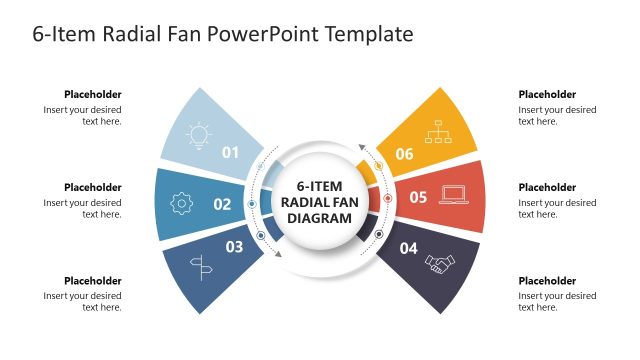
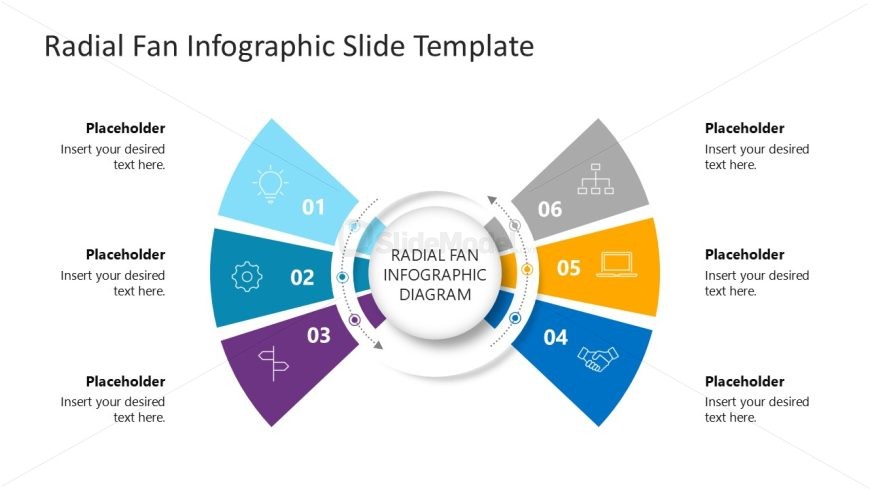
The Radial Fan Infographic Diagram from the Free Radial Fan Infographic PowerPoint Template effectively illustrates interconnected concepts through its six-color segmented design. This layout is ideal for project overviews, strategic planning, and summarizing product features, making it a versatile choice for business presentations. The symmetrical structure enhances clarity, allowing for easy text placement and visual engagement.
What’s on This Slide
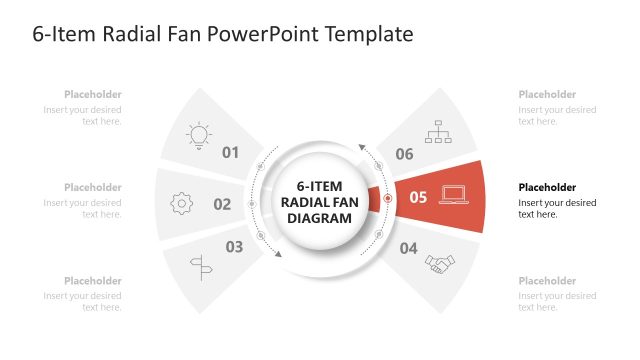
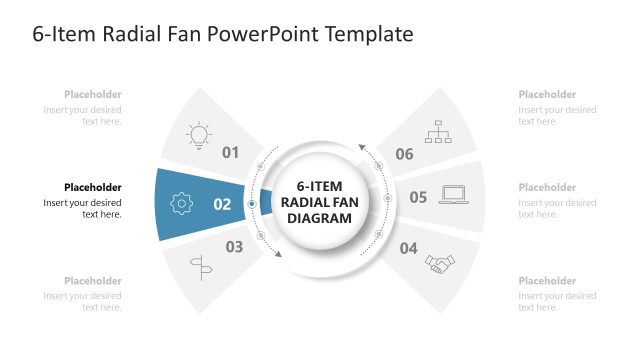
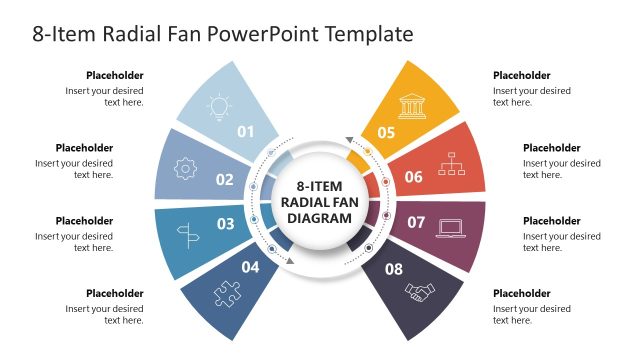
The slide features a radial fan infographic with six segments arranged in a circular layout. Each segment is a different color and contains a placeholder for text, numbered from one to six. The central area includes a circular placeholder labeled 'RADIAL FAN INFOGRAPHIC DIAGRAM.' The segments are visually distinct, with icons representing different concepts. The overall composition is symmetrical, emphasizing the central diagram while allowing for clear text placement in each segment. Background is white, enhancing the visibility of the colorful segments.
How to Use It
This layout serves as a visual representation of interconnected ideas or processes, ideal for summarizing key points in a presentation. It fits well in a sequence after introducing a topic, providing a clear breakdown of components. Suitable for business scenarios such as project overviews, strategic planning, or product features. It can be used to illustrate relationships or steps in a process, making it versatile for various contexts.
Text Placeholders & Capacity
Keep your copy within these limits so it fits without resizing. Node body slots can hold about 5-6 words each.
| Placeholder | Count | Max characters (approx.) |
|---|---|---|
| Item body | 6 | 30 |
| Slide title | 1 | 40 |
Slide Keywords
Download unlimited PowerPoint templates, charts and graphics for your presentations with our annual plan.
DOWNLOAD