Multi-Layered Light Bulb Concept for PowerPoint
What’s inside this template
Example presentation scenarios
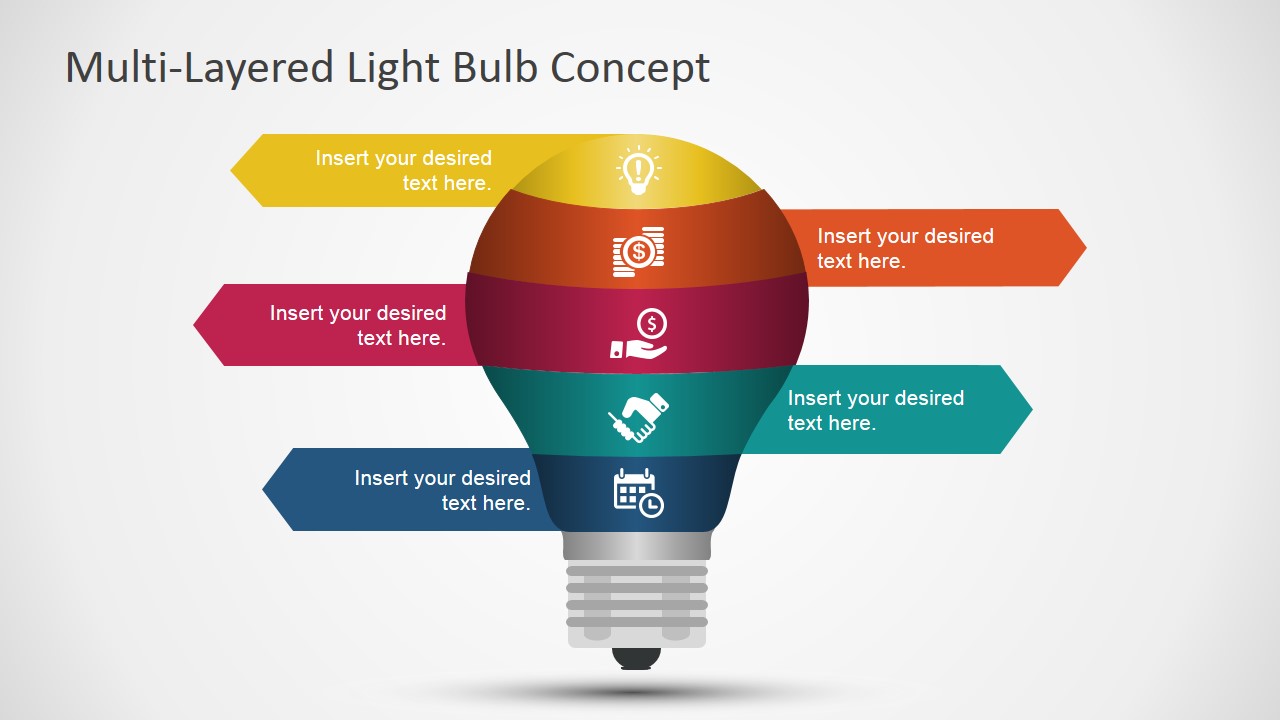
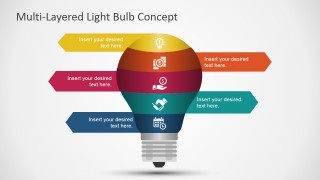
- A strategy consultant can use the five-layer light bulb diagram to explain the components of a transformation model to an executive audience.
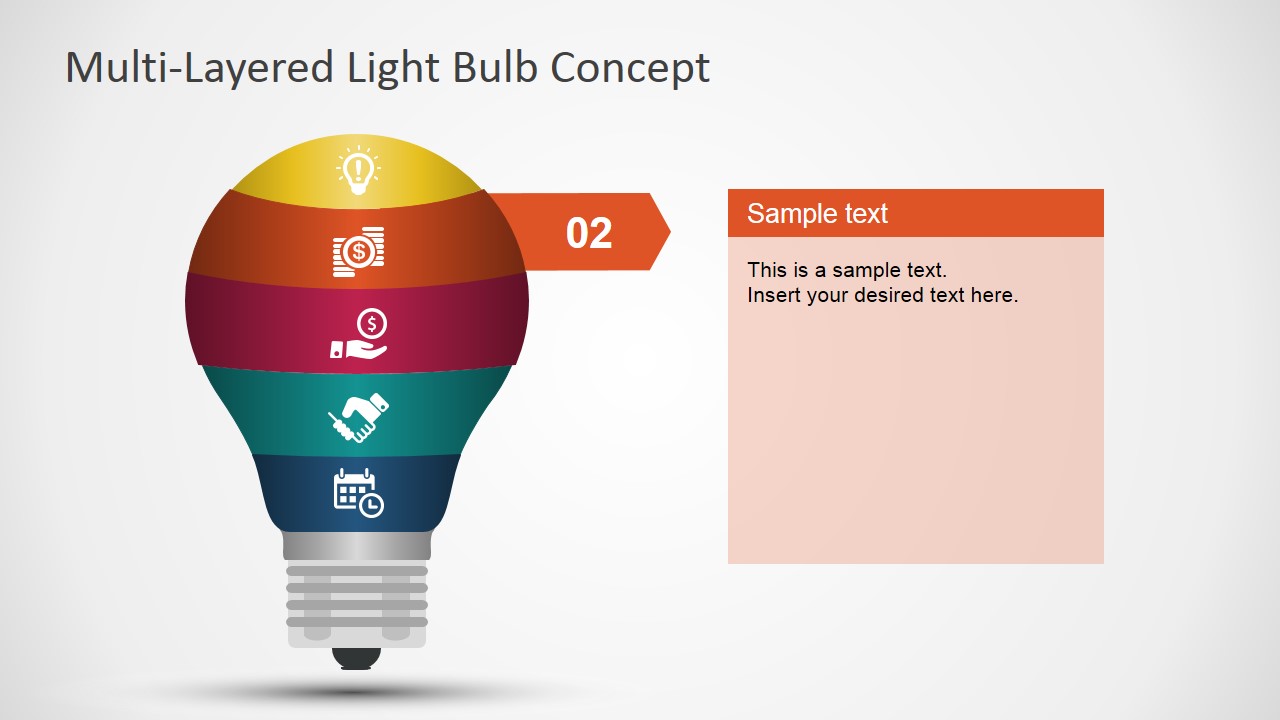
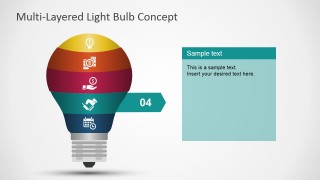
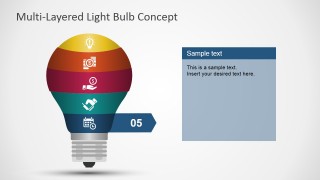
- A product manager can use the Step 01 through Step 05 detail slides to walk stakeholders through product priorities, one layer at a time.
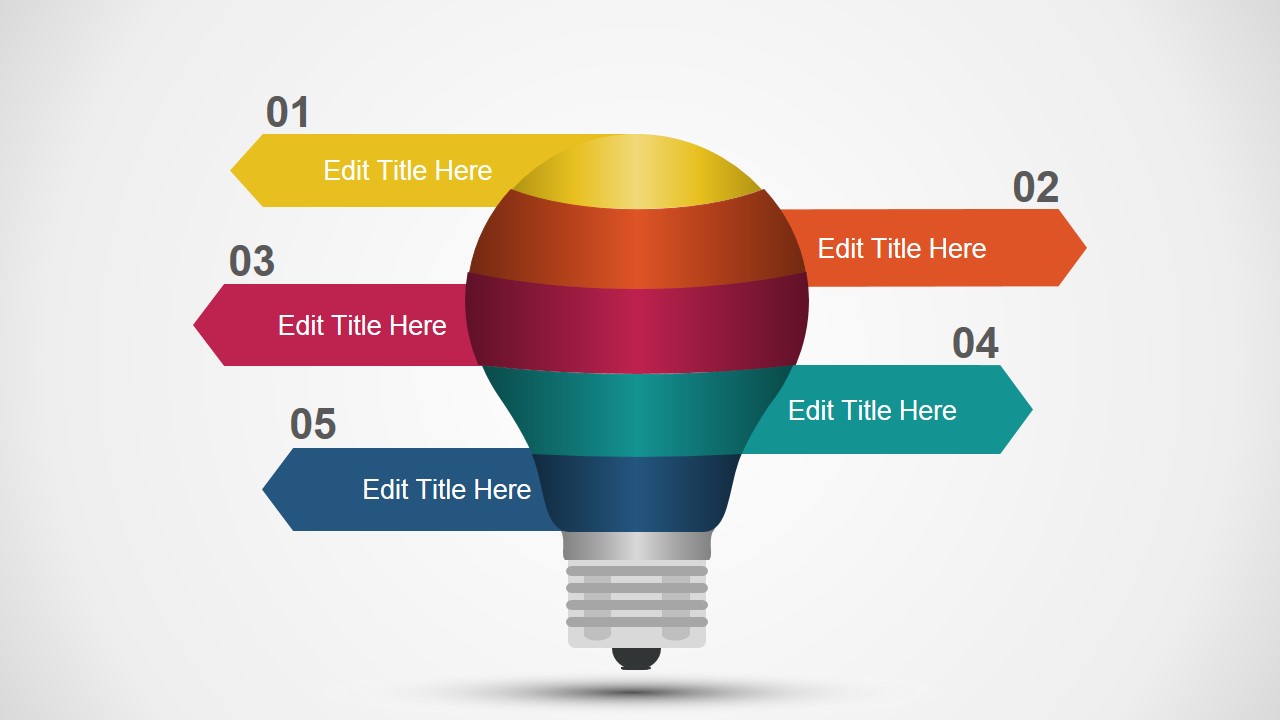
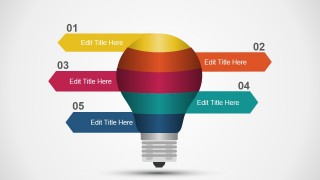
- A training facilitator can use the numbered arrow overview to introduce a five-part learning framework before expanding each topic.
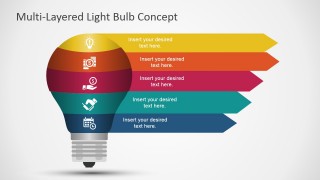
- A startup founder can use the stacked process arrow slide to connect an innovation idea with execution stages and required actions.
Features
- 100% editable presentation template
- Compatible with Microsoft PowerPoint and Google Slides
- 16:9 aspect ratio slides
- Scalable vector shapes, icons and illustrations
- AI-Ready for Microsoft Copilot and Claude
- Instant access and download
Frequently asked questions
Q: How should a presenter structure the message with this light bulb concept?
A: Start with the full five-layer bulb to show the complete idea, then move through the individual Step 01 to Step 05 slides to explain one layer at a time. Keep each layer to one short claim and one supporting point. Return to the overview or stacked arrows when the audience needs to see how the parts connect.
Q: What type of business message fits this template best?
A: This template works best when the presenter needs to make an abstract concept feel organized, such as an innovation model, service methodology, training path, or strategic framework. It fits managers, consultants, founders, and facilitators who need to explain five related components without turning the message into a dense text slide.
Q: Why use a multi-layered light bulb instead of a standard list?
A: The light bulb metaphor signals ideas, insight, and invention, while the colored layers show that the idea has separate parts. The repeated icons and arrows create a visual hierarchy, so the audience can understand both the whole concept and each step. This is stronger than a list when the message depends on connection and sequence.




Multi-Layered Light Bulb Concept for PowerPoint
8-slide presentation template with multi-layer light bulb diagrams, step callouts, and process arrows
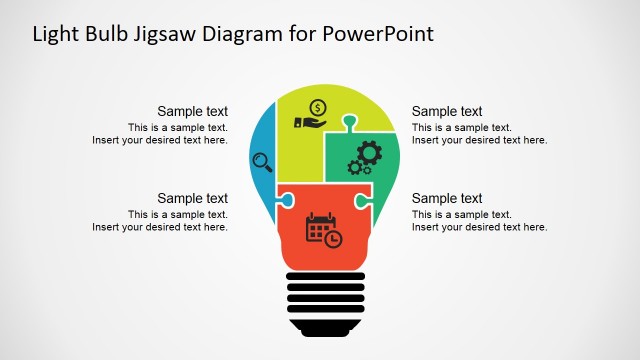
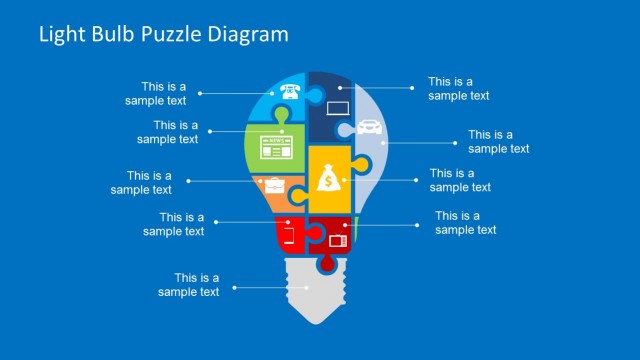
This 8-slide 16:9 presentation template shows a five-layer light bulb concept using editable PowerPoint shapes. It includes a full concept diagram, single-step detail slides, numbered callout arrows, and stacked process arrows. It is for strategy, innovation, product, and training presenters using Microsoft PowerPoint or Google Slides.
- Category
- Shapes
- Rating


 Loading...
- Aspect ratio
- 16:9
- Item ID
- 7174-01
- Colors
 Microsoft PowerPoint
  Microsoft Copilot
  Claude for PowerPoint
 Other formats supported
Subscribe today and get immediate
access to download our PowerPoint templates.