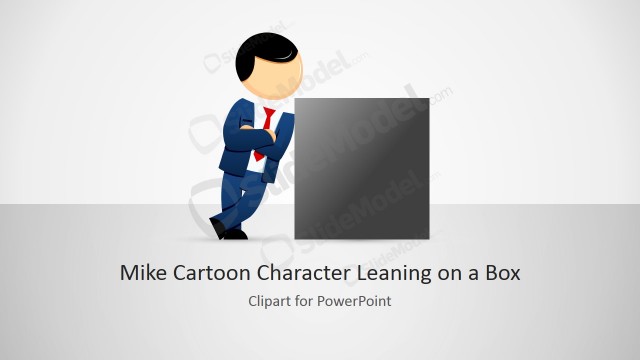
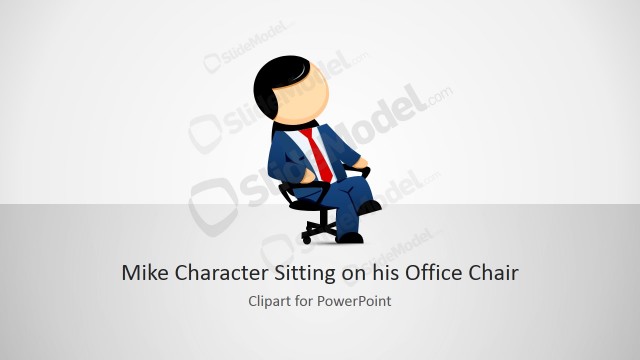
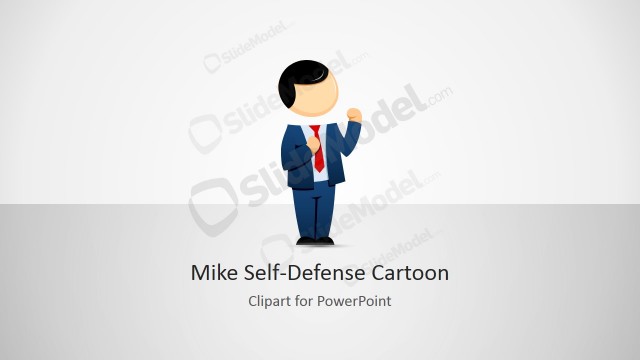
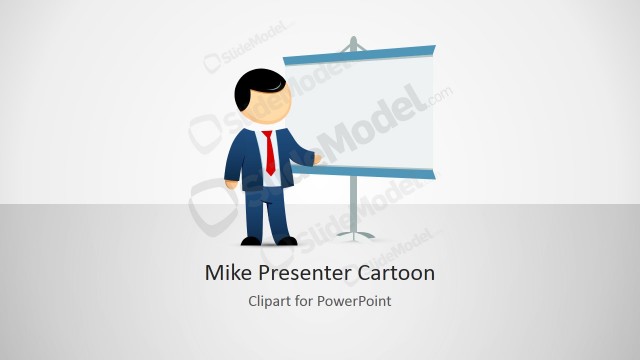
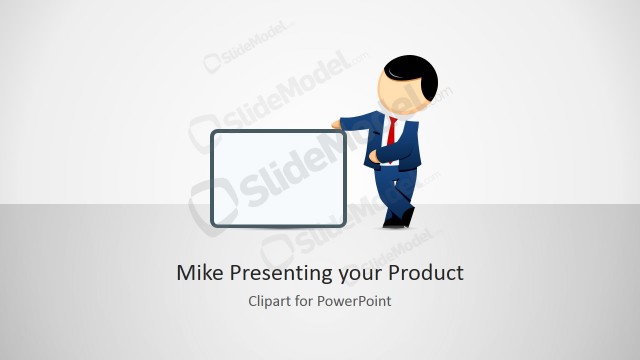
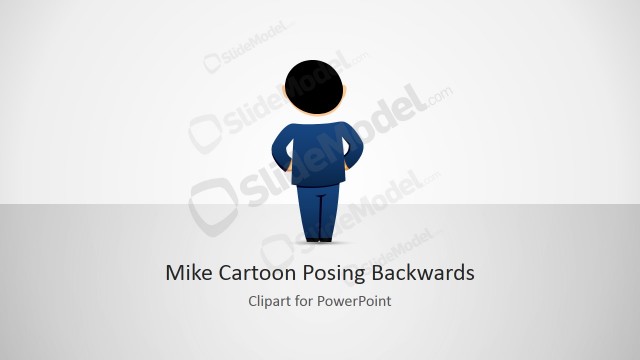
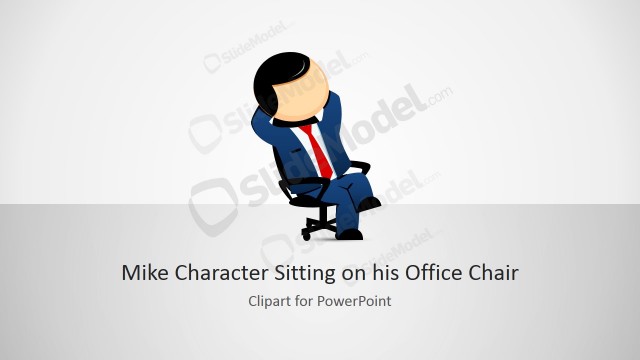
Mike Male Cartoon Clipart Looking Up– Mike is a male cartoon character that can portray a variation of roles. The formal look gives a professional atmosphere to the Microsoft presentation template. The creative toon can be used to decorate personal presentations. It is an effective visual aid for entertaining and quality reports on a wide range of topics.
The set of illustrations is a creative tool ideal for business presentations. It can be used for organizational subject matters. It is perfect for concepts of leadership and decision-making. The user can opt to copy and paste the pictures to personal reports. The PowerPoint template is especially designed to be functional and reusable. Thus, it can be quickly modified using PowerPoint shapes. Mike’s color, size and location can be changed by the presenter.
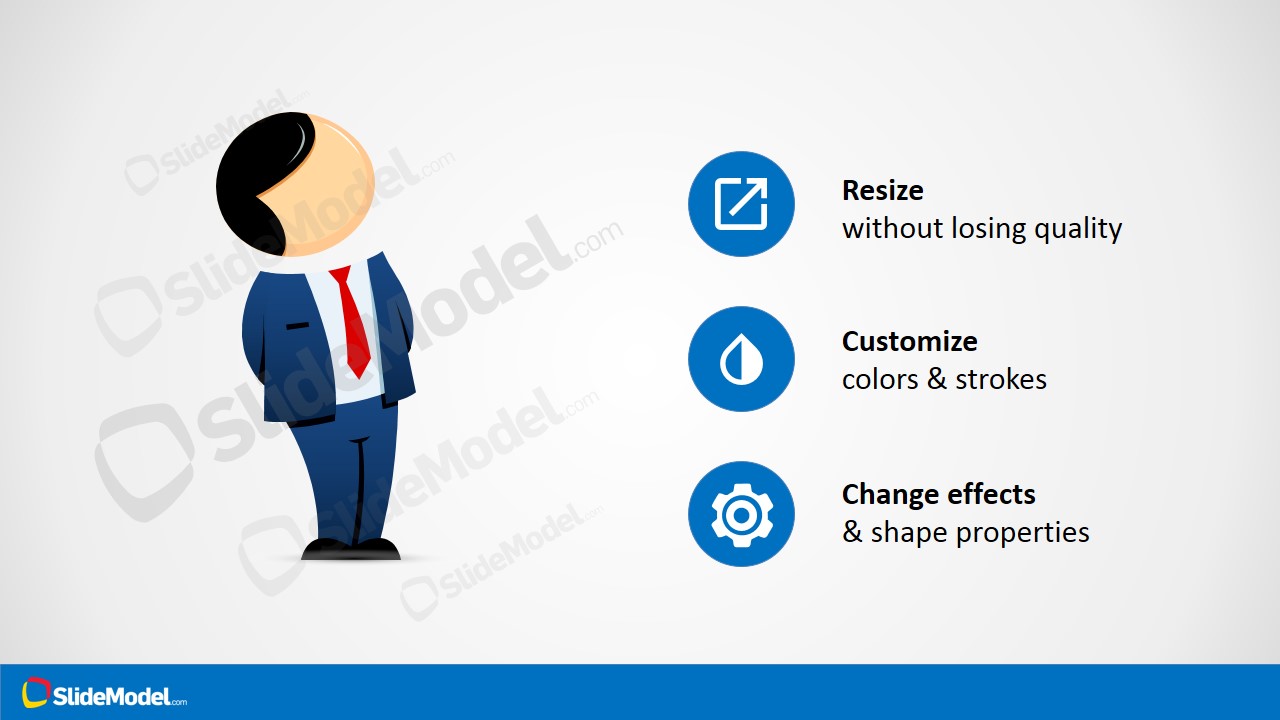
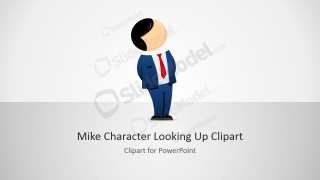
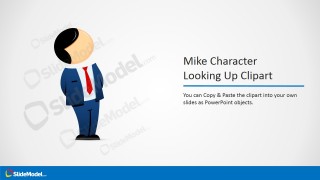
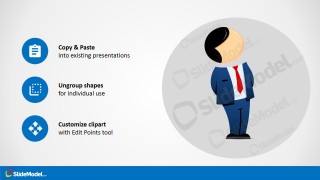
In the first slide, Mike is placed on the center. It has a looking up gesture that can symbolize thinking, thought-processing or decision making. It has a default title Mike Character Looking Up Clipart at them bottom of the slide. A subtitle can be written below it. The second slide allows the speaker to enter a brief description. Here, an overview of the concept can be featured. The 3rd and 4th slides emphasize on the custom-options of the cartoon. They are represented by an icon as follows:
Resize- Square with vertical arrow
Customize- Half-filled droplet
Change effects- Gear
Copy & paste- Notepad
Ungroup shapes- Dotted square
Customize clipart- 4-headed arrow
Clip arts are used to symbolize things, people and objects. They are graphical tools or models used to decorate different presentations. They aim to give a fun and meaningful look. They can bring easy understanding by simplifying long textual contexts.
Mike Male Cartoon Clipart Looking Up contains amusing PowerPoint shapes that can lighten up any presentation. It is a high standard choice that brings easy comprehension. Cartoon PowerPoint Templates is a SlideModel gallery category containing more outstanding cartoon clipart.
What’s inside this template
Example presentation scenarios
- A corporate trainer can use the title layout and Mike character to introduce a lesson about decision-making, then add short teaching notes in the two-column description slide.
- A consultant can place the looking-up character beside a recommendation summary to make an abstract strategy or leadership point feel more approachable.
- An internal communications presenter can use the icon instruction slides to explain how team members should copy, resize, and adapt the character in department presentations.
- An educator can add the cartoon figure to a concept explanation slide where the upward gaze supports themes such as reflection, planning, or asking questions.
Features
- 100% editable presentation template
- Compatible with Microsoft PowerPoint and Google Slides
- 16:9 aspect ratio slides
- Scalable vector shapes, icons and illustrations
- AI-Ready for Microsoft Copilot and Claude
- Instant access and download
Frequently asked questions
Q: How should the Mike looking-up character be used without distracting from the message?
A: Place the character near a question, decision point, or idea statement rather than using it as decoration on every slide. The upward gaze naturally suggests thinking, reflection, or considering options. Keep the body copy short and let the character support one specific concept, especially in training or internal communication settings.
Q: Who is this clipart template best suited for?
A: This template fits presenters who need a friendly human figure to explain concepts that might otherwise feel abstract, such as leadership, planning, or decision-making. It works well for trainers, consultants, educators, and internal teams that want a semi-formal visual aid without using stock photography.
Q: Why does the template include icon callouts about resizing and customization?
A: The icon callout slides turn the template into both an asset and a usage guide. By showing resize, color customization, effects, copy and paste, ungrouping, and edit-point options, the design reduces guesswork for teams who need to reuse the same character consistently across presentations.




Mike Male Cartoon Clipart Looking Up
4-slide presentation template with Mike cartoon clipart, title layout, and customization instruction icons
Mike Male Cartoon Clipart Looking Up is a 4-slide clipart presentation template for Microsoft PowerPoint and Google Slides. It includes a cover slide, two-column description slide, and two instruction layouts explaining resize, customize, effects, copy, ungroup, and edit-point options. The cartoon figure uses editable PowerPoint shapes and vector graphics.
- Rating


 Loading...
- Aspect ratio
- 16:9
- Item ID
- 8127-01
- Colors
 Microsoft PowerPoint
  Microsoft Copilot
  Claude for PowerPoint
 Other formats supported
Subscribe today and get immediate
access to download our PowerPoint templates.