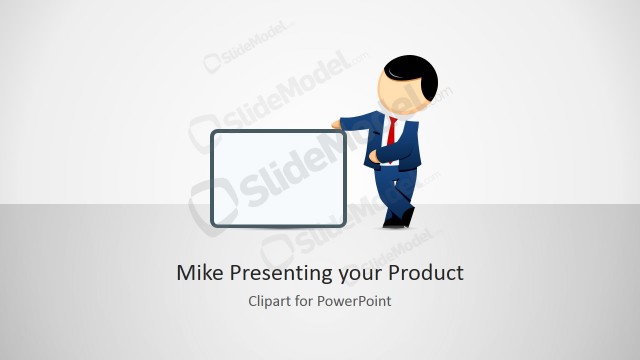
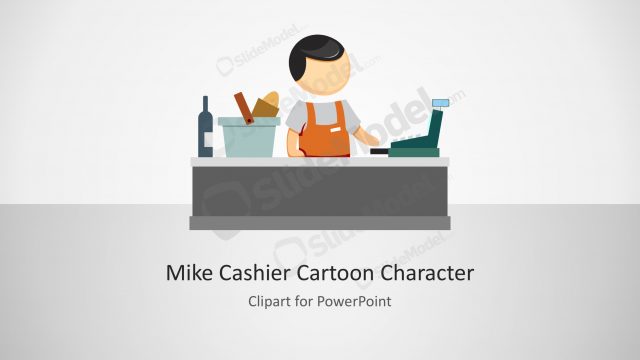
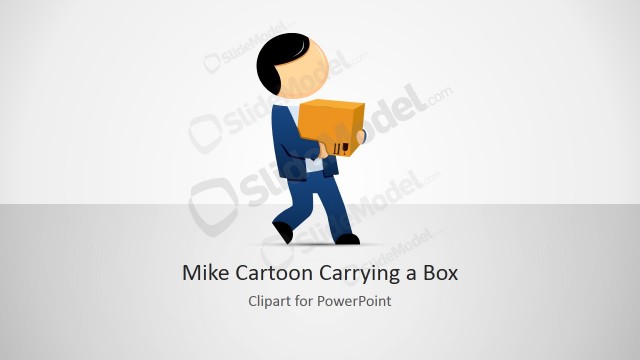
The presenter can use the Mike Carry-On Luggage Cartoon for PowerPoint in many types of business presentations. The creative illustrations are created as vector clipart providing colorful graphics and visual aids to liven up conventional presentations and reports.
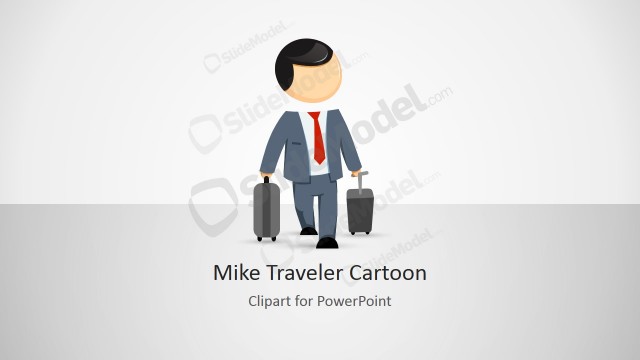
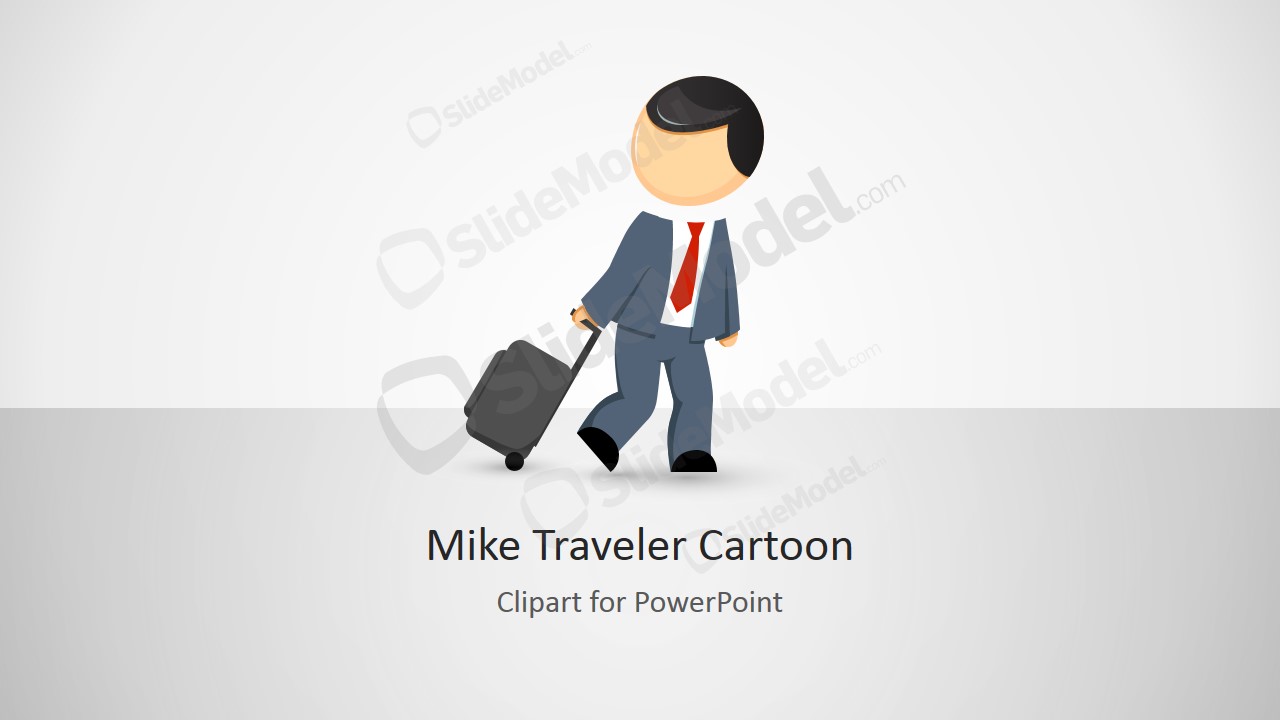
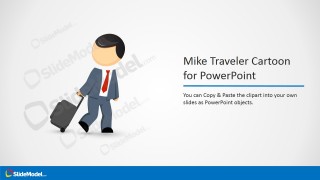
Featured on the PowerPoint template is a vector drawing of an office worker pulling along a carry-on luggage The metaphor helps the audience connect the content to the general theme of the presentation. The vector drawing is suitable for orientations regarding employee benefits and contracts, such as paid vacation leaves and employee severance packages. The presenter can choose to download other PowerPoint templates from the Gallery, such as the Mike Male Cartoon Hero Clipart.
The PowerPoint Shapes can be used to explain the terms of different types of company-sanctioned leaves. For example, discuss the details of vacation.
Globalization has forced companies and sales teams to increase the relocation of personnel and to have a constantly moving sales workforce around the globe to capture new markets and customers. The Mike cartoon represents a sales manager travelling; apply the clipart in the next sales summit to describe your travelling budget plan. Outsourcing tasks as Accounting and IT is generating an increased number of travelling needs, where outsourced personal travels for onsite consultancy or deployment.
All cartoons published by SlideModel are 100% editable, allowing the user to fully customize their appearance to match the
What’s inside this template
Example presentation scenarios
- An HR presenter can use the traveler cartoon and cover layout to introduce a session about paid vacation, business travel rules, or employee leave policy.
- A sales manager can place the luggage character into a travel budget presentation and use the customization icon slide to show that the visual can match the department style.
- A consultant can use the copy-and-paste instruction slide when building a client deck about onsite deployment, staff mobility, or project travel requirements.
- A corporate trainer can use the feature callout slide to teach colleagues how to reuse the character illustration in existing PowerPoint or Google Slides materials.
Features
- 100% editable presentation template
- Compatible with Microsoft PowerPoint and Google Slides
- 16:9 aspect ratio slides
- Scalable vector shapes, icons and illustrations
- AI-Ready for Microsoft Copilot and Claude
- Instant access and download
Frequently asked questions
Q: How should this traveler cartoon be used without making a business presentation feel too informal?
A: Use the character as a visual cue, not as the main message. Place it beside a clear policy statement, travel budget point, or relocation theme. The clean white and gray backgrounds keep the tone businesslike, while the cartoon softens HR, travel, or workforce mobility topics that may otherwise feel administrative.
Q: Who is this template best suited for in a corporate presentation?
A: It fits presenters who need a simple metaphor for travel, movement, or departure, such as HR teams, sales leaders, consultants, and operations managers. The luggage illustration can introduce vacation leave, sales territory travel, onsite consulting, relocation, or staffing mobility without requiring a full process or dashboard deck.
Q: Why does the carry-on luggage metaphor help the audience understand the message?
A: The suitcase immediately signals travel, transition, and readiness to move. That makes the concept easier to grasp before the presenter explains the details. The instruction and customization slides also show how the same character can carry the theme across sections, creating continuity in otherwise text-heavy business content.




Mike Carry-On Luggage Cartoon for PowerPoint
4-slide presentation template with traveler cartoon clipart, luggage illustration, and customization instruction layouts
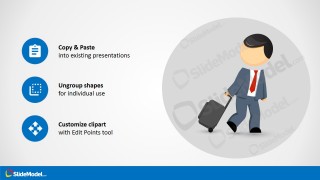
Mike Carry-On Luggage Cartoon for PowerPoint is a 4-slide clipart presentation template for Microsoft PowerPoint and Google Slides. It includes a cover slide, a copy-and-paste instruction slide, a customization icon slide, and a feature callout slide built around a male traveler pulling carry-on luggage.
- Rating


 Loading...
- Aspect ratio
- 16:9
- Item ID
- 8217-02
- Colors
 Microsoft PowerPoint
  Microsoft Copilot
  Claude for PowerPoint
 Other formats supported
Subscribe today and get immediate
access to download our PowerPoint templates.