Slide 10 of 15 from Meetup PowerPoint Template
Use Case Demonstration Slide – Business Meetup PPT Template
Use Case Slide for Presentations
- Text Layout
- Other
- Problem Framing Slide
- 16:9
- 100% Editable
The Use Case Slide from the Meetup PowerPoint Template offers a structured layout ideal for presenting problem-solution scenarios in business presentations. This slide template features editable shapes and vector icons to visually distinguish challenges and their resolutions, making it suitable for case studies, project updates, and workshop presentations within a corporate slide deck.
What’s on This Slide
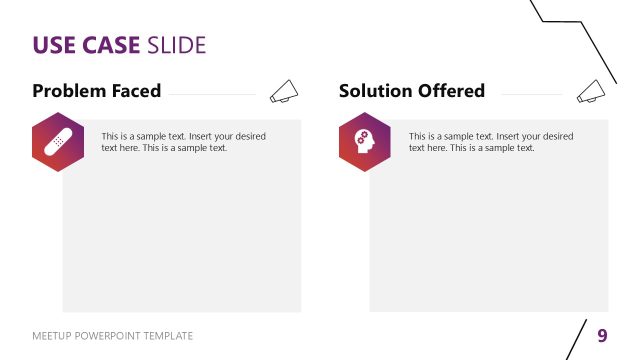
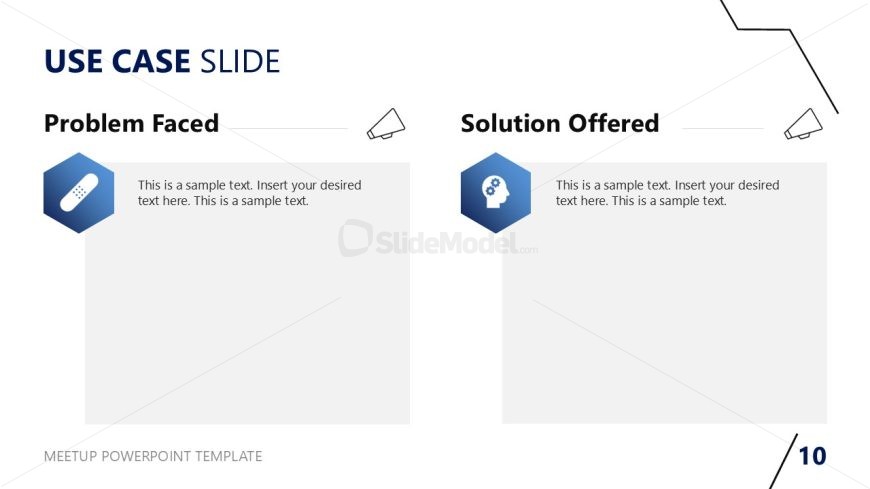
The layout features two main sections, one for 'Problem Faced' on the left and 'Solution Offered' on the right. Each section includes a hexagonal icon, with a band-aid icon on the left and a brain icon on the right, both positioned above text placeholders. The left section has a light blue background, while the right section is white. Text placeholders are aligned to the top of each section, allowing for ample space for content. The overall composition is balanced with a clear visual hierarchy, emphasizing the problem and solution structure.
How to Use It
This layout serves to present a clear comparison between a problem and its corresponding solution. It is suitable for use in business meetings, workshops, or presentations where problem-solving is discussed. The structure allows for easy identification of issues and proposed solutions, making it effective for case studies or project updates. It fits well in a sequence following problem identification and preceding detailed discussions or action plans.
Text Placeholders & Capacity
Keep your copy within these limits so it fits without resizing. Body slots can hold roughly 25-30 words each.
| Placeholder | Count | Max characters (approx.) |
|---|---|---|
| Slide title | 1 | 30 |
| Item heading | 2 | 20 |
| Item body | 2 | 150 |
Slide Keywords
Download unlimited PowerPoint templates, charts and graphics for your presentations with our annual plan.
DOWNLOADReturn to Meetup PowerPoint Template.