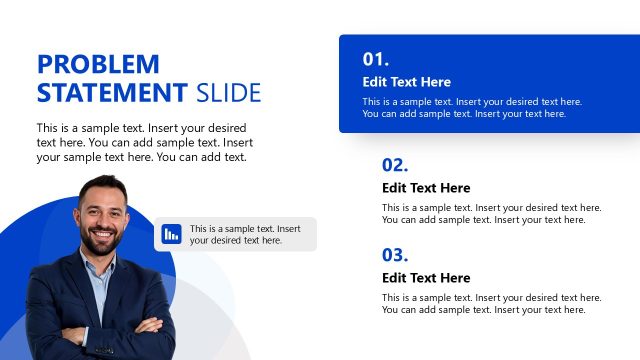
Slide 6 of 15 from Meetup PowerPoint Template
Discussion of Problem Statement In Meetup Template
Problem Statement Slide for Meetings
- Text Layout
- Other
- Problem Framing Slide
- 16:9
- 100% Editable
The Problem Statement Layout from the Meetup PowerPoint Template is designed for clear problem framing in business presentations. This slide template features editable shapes and vector icons to highlight key challenges and rationale, making it suitable for strategic planning and meeting discussions within a corporate presentation or pitch deck template.
What’s on This Slide
The slide features two main sections, each with a blue background. The top section is labeled 'Why This Topic' and contains a chart icon on the left. Below it is a text placeholder aligned to the left, with space for a brief explanation. The bottom section is labeled 'Challenge' and includes a puzzle piece icon on the left. It also has a text placeholder aligned to the left for additional details. The overall layout is structured with a clear visual hierarchy, emphasizing the titles and icons.
How to Use It
This layout serves to present a problem statement effectively, making it suitable for discussions in meetings or presentations. It can be positioned after an introduction slide and before solution-oriented content. This format is ideal for business scenarios where identifying challenges and rationales is essential, such as project kick-offs or strategic planning sessions.
Text Placeholders & Capacity
Keep your copy within these limits so it fits without resizing. Body slots can accommodate around 30-35 words each.
| Placeholder | Count | Max characters (approx.) |
|---|---|---|
| Slide title | 1 | 30 |
| Item heading | 2 | 25 |
| Item body | 2 | 150 |
Slide Keywords
Download unlimited PowerPoint templates, charts and graphics for your presentations with our annual plan.
DOWNLOADReturn to Meetup PowerPoint Template.