Slide 8 of 10 from Corporate Annual Meeting PowerPoint Template
Operational Highlights Slide with Blocks of Placeholder Text
Operational Highlights Slide for Corporate Meetings
- Text Layout
- List Blocks
- Context Slide
- 16:9
- 100% Editable
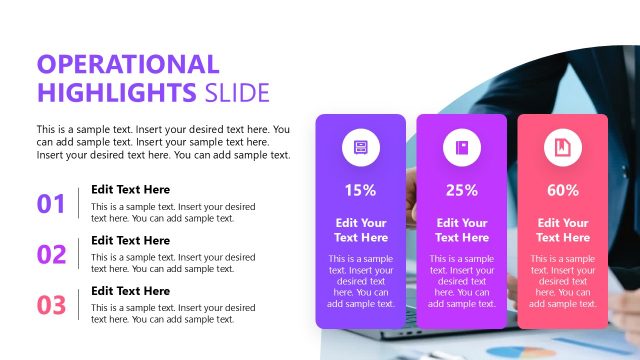
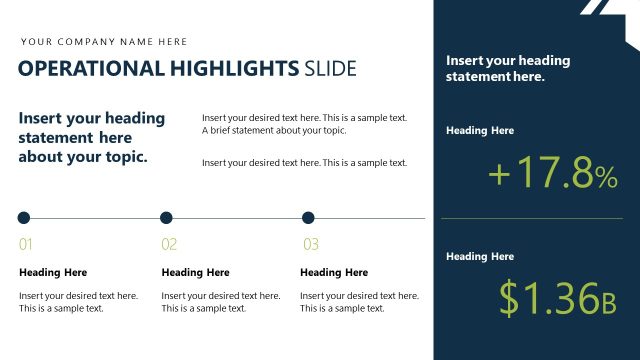
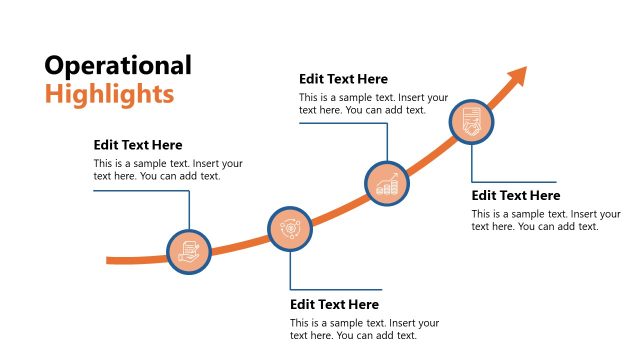
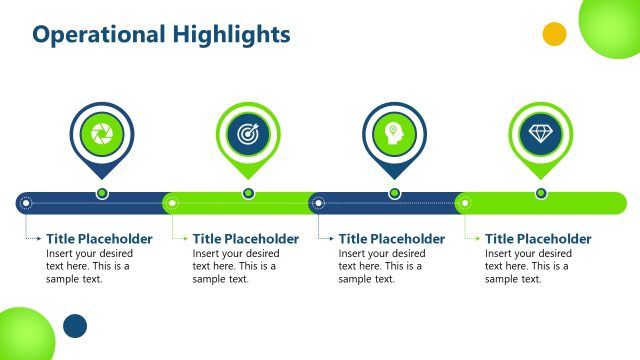
The Operational Highlights Slide from the Corporate Annual Meeting PowerPoint Template provides a structured layout ideal for summarizing key achievements in annual performance reviews or quarterly results presentations. This slide design features editable shapes and text placeholders arranged horizontally for clear communication of project updates or strategic initiatives, making it a practical choice within business presentation slide decks.
What’s on This Slide
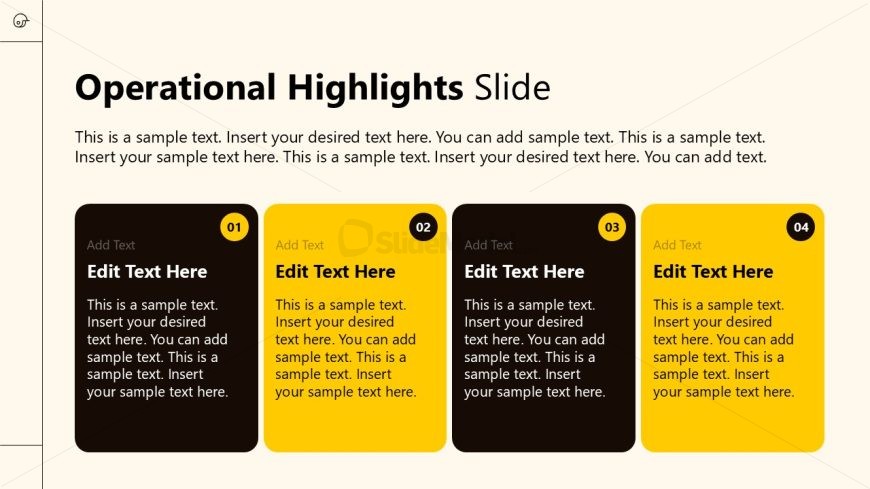
The layout features a title at the top center, labeled 'Operational Highlights Slide.' Below, there are four rectangular text boxes arranged in a horizontal line, each with rounded corners. The first box is black, and the others alternate between yellow and black, numbered 01 to 04. Each box contains a placeholder for text, with the phrase 'Edit Text Here' prominently displayed. The background is a light beige color, providing contrast to the darker boxes. Text placeholders are centrally aligned within each box, maintaining a consistent visual hierarchy.
How to Use It
This layout serves as a summary tool for operational highlights, suitable for presenting key achievements or metrics. It fits within a presentation sequence after introductory content, making it ideal for annual reports or performance reviews. Businesses can utilize this format to communicate quarterly results, project updates, or strategic initiatives. It effectively organizes information for easy comprehension and visual appeal, enhancing audience engagement during meetings.
Text Placeholders & Capacity
Keep your copy within these limits so it fits without resizing. Node body slots can hold about 25 words each.
| Placeholder | Count | Max characters (approx.) |
|---|---|---|
| Slide title | 1 | 30 |
| Item heading | 4 | 20 |
| Item body | 4 | 150 |
Slide Keywords
Download unlimited PowerPoint templates, charts and graphics for your presentations with our annual plan.
DOWNLOADReturn to Corporate Annual Meeting PowerPoint Template.