Slide 4 of 5 from Magnifier Glass Shape for PowerPoint
9076-magnifier-glass-shape-wide-4
Magnifier Glass Shape for PowerPoint
- Shape Object
- Other
- Concept Explanation Slide
- 16:9
- 100% Editable
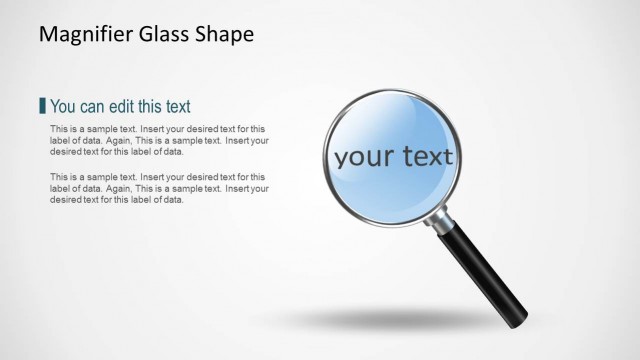
The Magnifier Glass Shape slide from the Magnifier Glass Shape for PowerPoint template uses a central magnifying glass graphic to emphasize key information and research findings. This slide layout is ideal for business presentations and pitch deck templates that require clear focus on product features or analytical content. Its editable shapes and balanced text placeholders support effective communication in corporate presentations and slide decks.
What’s on This Slide
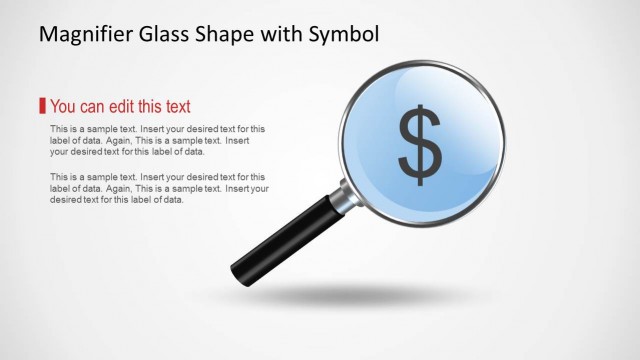
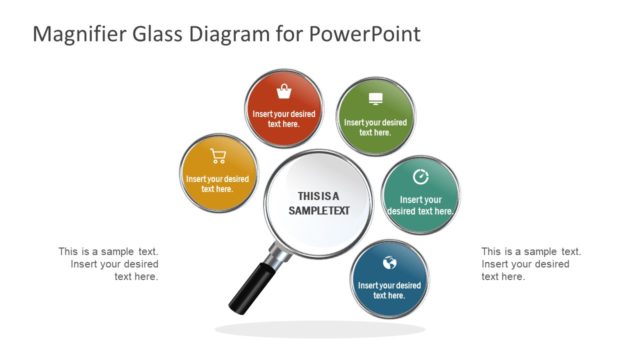
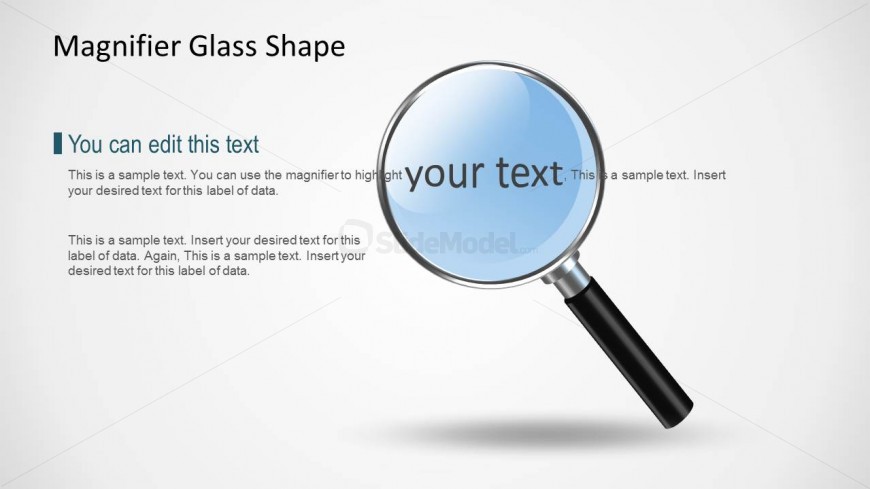
The slide features a magnifying glass shape prominently positioned in the center. The glass area is circular, showcasing a light blue color, while the handle is black. Text placeholders are arranged to the left and right of the magnifier. The left placeholder contains a title and a brief description, while the right placeholder includes a larger text area for highlighting specific content. The background is a light gradient, enhancing the visibility of the magnifier. The overall composition emphasizes the magnifier as a focal point, guiding the viewer's attention.
How to Use It
This layout serves as a visual highlight tool for emphasizing key information or data. It fits well in presentations that require a focus on specific topics, such as research findings or product features. The magnifying glass metaphorically represents scrutiny and detail, making it suitable for R&D discussions or analytical reports. It can be effectively used in business contexts where clarity and emphasis on particular points are necessary, such as strategy sessions or project updates.
Text Placeholders & Capacity
Keep your copy within these limits so it fits without resizing. Body slots can hold about 15-20 words each.
| Placeholder | Count | Max characters (approx.) |
|---|---|---|
| Slide title | 1 | 30 |
| Body paragraph | 3 | 100 |
Slide Keywords
Download unlimited PowerPoint templates, charts and graphics for your presentations with our annual plan.
DOWNLOADReturn to Magnifier Glass Shape for PowerPoint.