Slide 2 of 5 from Magnifier Glass Shape for PowerPoint
9076-magnifier-glass-shape-wide-2
Magnifier Glass Shape for Presentations
- Text Layout
- Other
- Concept Explanation Slide
- 16:9
- 100% Editable
The Magnifier Glass Shape slide from the Magnifier Glass Shape for PowerPoint template offers a clear layout to emphasize key data and introduce topics effectively. This slide uses editable shapes and text placeholders arranged around a magnifying glass graphic, making it suitable for business presentations or pitch deck templates that require focused explanation of features or analytical insights.
What’s on This Slide
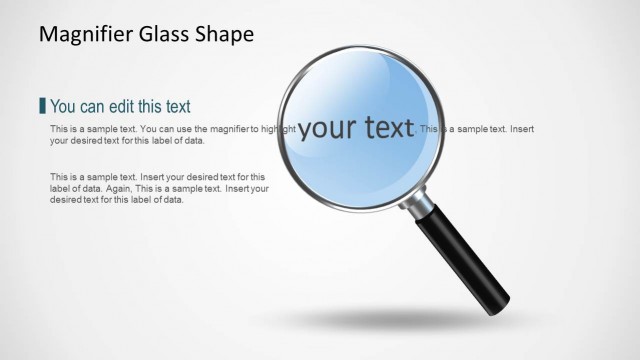
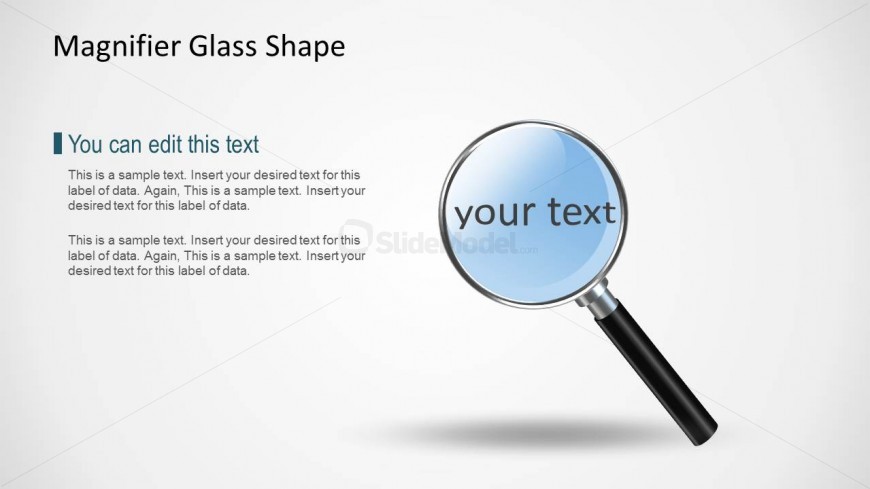
The slide features a magnifying glass shape positioned on the right side, with a circular lens displaying editable text. The handle extends downward, creating a visual emphasis on the lens. To the left, there are text placeholders arranged vertically, with the top placeholder labeled 'You can edit this text' in a smaller font. Below this, two additional text placeholders are present, each containing sample text for data labels. The background is light, enhancing the clarity of the elements. The overall layout is balanced, with a clear focus on the magnifying glass.
How to Use It
This layout serves as a visual tool for emphasizing key information or data points in a presentation. It is suitable for contexts such as research findings, product features, or analytical insights. Positioned early in a presentation, it can introduce topics that require detailed exploration. The magnifying glass symbolizes focus and attention, making it ideal for scenarios where clarity and detail are essential. It can be used in business meetings, educational settings, or marketing presentations to highlight important content.
Text Placeholders & Capacity
Keep your copy within these limits so it fits without resizing. Body slots can hold roughly 15-20 words each.
| Placeholder | Count | Max characters (approx.) |
|---|---|---|
| Slide title | 1 | 30 |
| Body paragraph | 3 | 100 |
Slide Keywords
Download unlimited PowerPoint templates, charts and graphics for your presentations with our annual plan.
DOWNLOADReturn to Magnifier Glass Shape for PowerPoint.