Slide 1 of 2 from 5-Step Magnifying Glass PowerPoint Template
5-Step Magnifying Glass PPT Template
Magnifier Glass Diagram for PowerPoint
- Diagram
- Other
- Process Slide
- 16:9
- 100% Editable
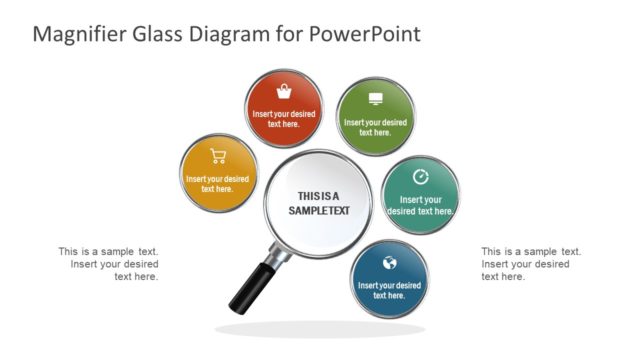
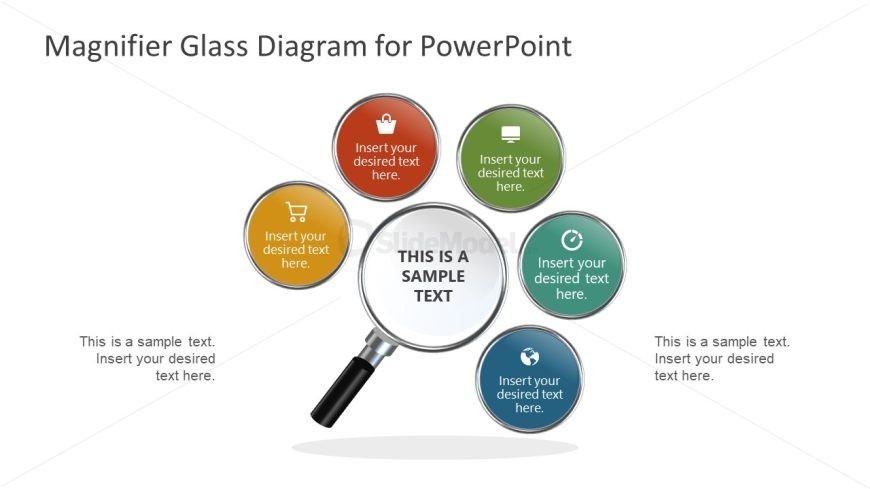
The Magnifier Glass Diagram slide from the 5-Step Magnifying Glass PowerPoint Template offers a clear visual process layout ideal for business presentations and brainstorming sessions. This slide template features editable shapes arranged around a central magnifying glass, supporting idea generation and project phase explanations. Its balanced design and use of vector icons enhance clarity, making it a practical choice for slide decks focused on process presentations and corporate communication.
What’s on This Slide
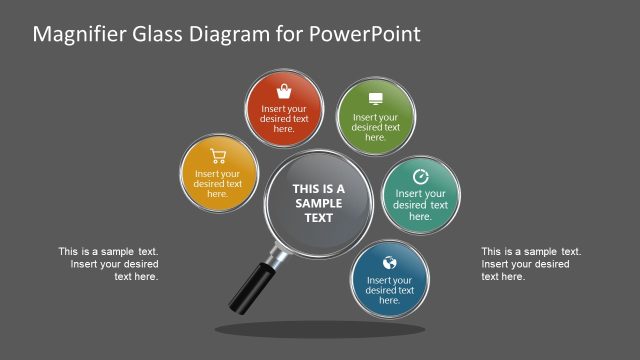
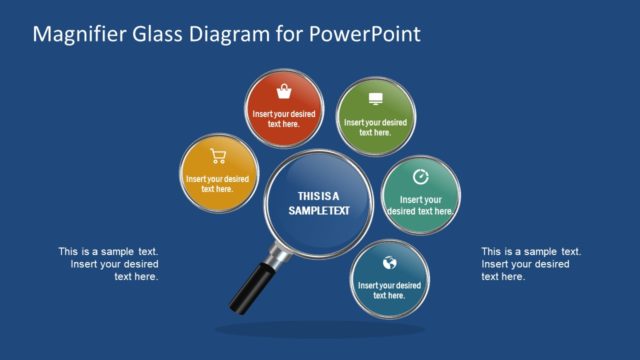
The layout features a central magnifying glass shape, surrounded by six circular nodes. The central node contains a placeholder for sample text, while the surrounding nodes are colored in orange, red, green, blue, and two shades of gray. Each node has a placeholder for text, aligned centrally within the circles. The overall composition is balanced, with the magnifying glass at the center and the nodes evenly spaced around it. The background is light, enhancing the visibility of the colored nodes and the central glass.
How to Use It
This layout serves as a visual representation of a process or set of ideas, suitable for brainstorming sessions or multi-step presentations. It can be effectively used to highlight key points or phases in a project. In a presentation sequence, it fits well after an introduction slide, transitioning into detailed discussions of each step. This structure is ideal for business scenarios requiring clarity in presenting multiple concepts or stages.
Text Placeholders & Capacity
Keep your copy within these limits so it fits without resizing. Node slots can accommodate roughly 5-6 words each, while body slots are tight, roughly 10 words each.
| Placeholder | Count | Max characters (approx.) |
|---|---|---|
| Item body | 6 | 30 |
| Body paragraph | 4 | 50 |
| Slide title | 1 | 40 |
Slide Keywords
Download unlimited PowerPoint templates, charts and graphics for your presentations with our annual plan.
DOWNLOADReturn to 5-Step Magnifying Glass PowerPoint Template.