Slide 3 of 5 from Magnifier Glass Shape for PowerPoint
9076-magnifier-glass-shape-wide-3
Magnifier Glass Shape with Symbol for Presentations
- Shape Object
- Other
- Context Slide
- 16:9
- 100% Editable
What’s on This Slide
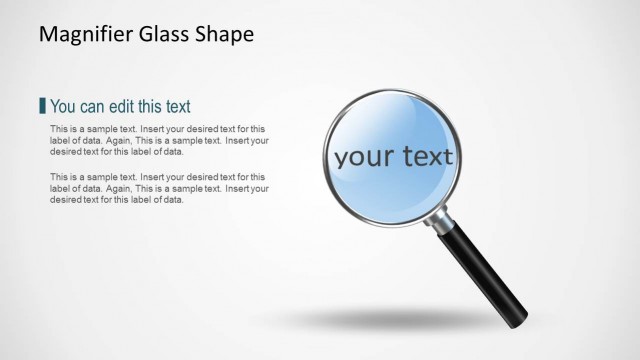
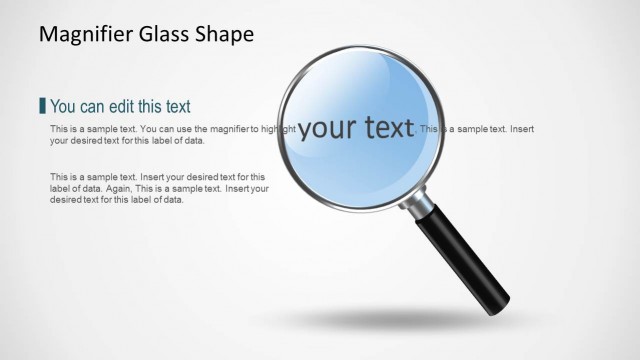
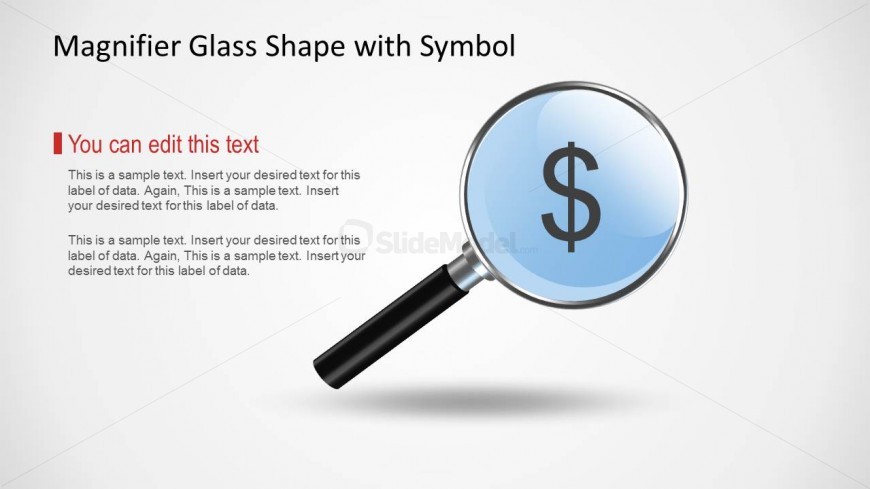
The layout features a magnifying glass shape positioned centrally, with a circular lens displaying a dollar symbol. The handle extends to the left, providing a clear visual focus. Above the magnifier, there is a title placeholder aligned to the left, while a prominent text placeholder is positioned on the left side, allowing for editable content. Below this, another text placeholder is present for additional information. The background is light, enhancing the visibility of the shapes and text. The overall composition emphasizes the magnifier as the central theme.
How to Use It
This layout serves as a visual representation for highlighting key financial data or insights. It is suitable for presentations that focus on analysis, research, or financial discussions. Positioned after introductory slides, it can effectively transition into detailed discussions about specific financial metrics. This format is ideal for business meetings, reports, or educational contexts where financial topics are emphasized, allowing for clear communication of important information.
Text Placeholders & Capacity
Keep your copy within these limits so it fits without resizing. Body slots can hold roughly 25-30 words each.
| Placeholder | Count | Max characters (approx.) |
|---|---|---|
| Slide title | 1 | 30 |
| Body paragraph | 2 | 150 |
Slide Keywords
Download unlimited PowerPoint templates, charts and graphics for your presentations with our annual plan.
DOWNLOADReturn to Magnifier Glass Shape for PowerPoint.