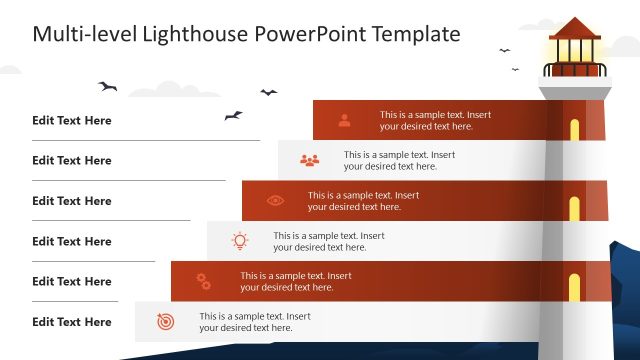
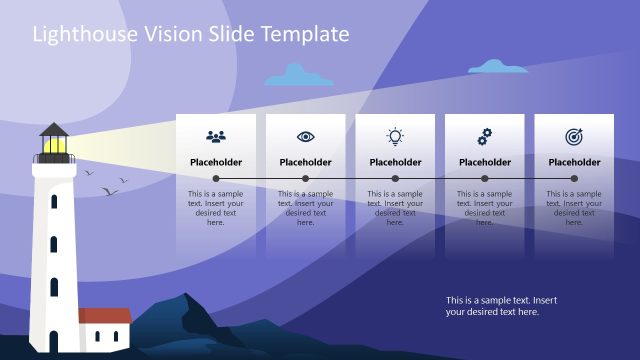
Lighthouse Stages Diagram Template for PowerPoint is a presentation design featuring a lighthouse diagram & PowerPoint graphic. You can download this creative lighthouse PowerPoint template to make a diagram containing multiple layers or stages, for example to describe a process of up to four steps.
You can use the lighthouse diagram to make a PowerPoint to present the vision, mission and values of an organization while conducting a business plan presentation.
The real benefit on using this PowerPoint presentation with multiple levels and lighthouse shape is that you can easily customize the graphics in this PowerPoint presentation by changing the shape properties or ungrouping the shapes on individual parts.
What’s inside this template
Example presentation scenarios
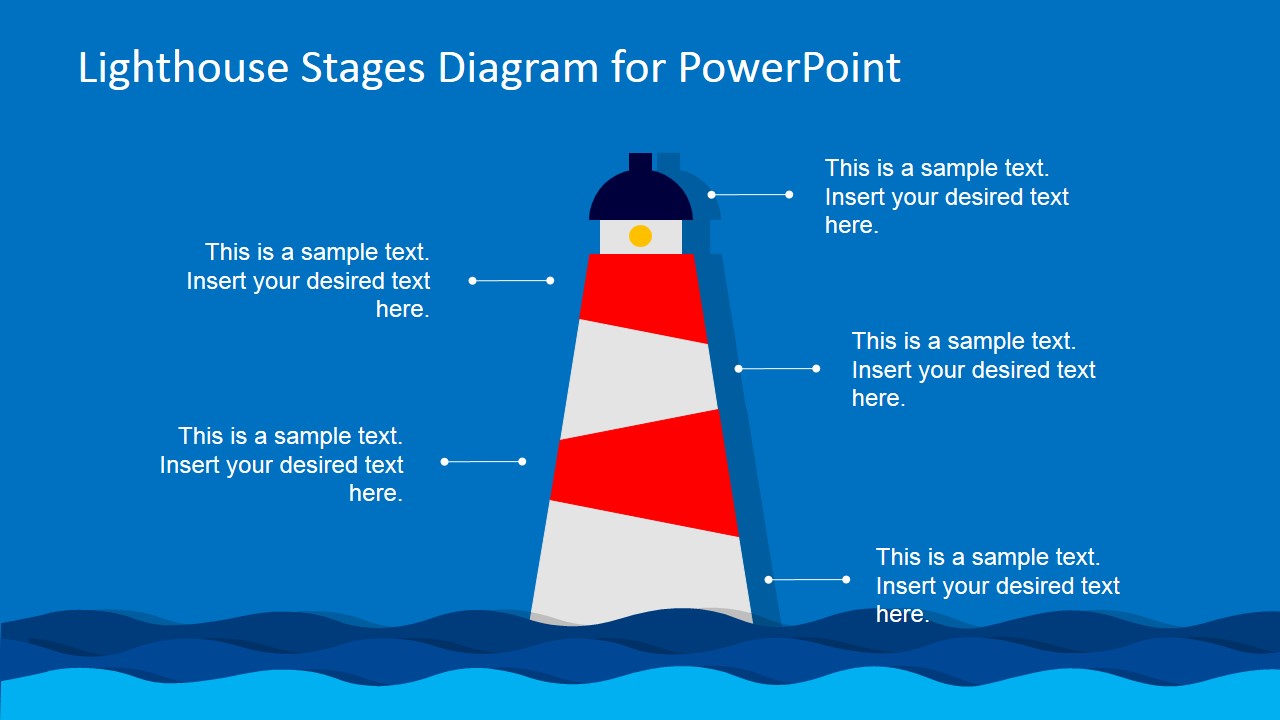
- A strategy leader can use the four callout lighthouse diagram to connect vision, mission, values, and execution themes during a business plan presentation.
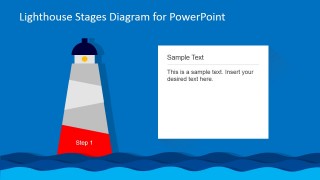
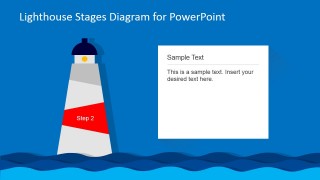
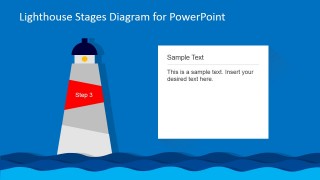
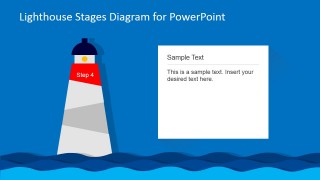
- A project manager can present a phased implementation plan by assigning each Step 1 to Step 4 spotlight slide to a milestone, decision point, or workstream.
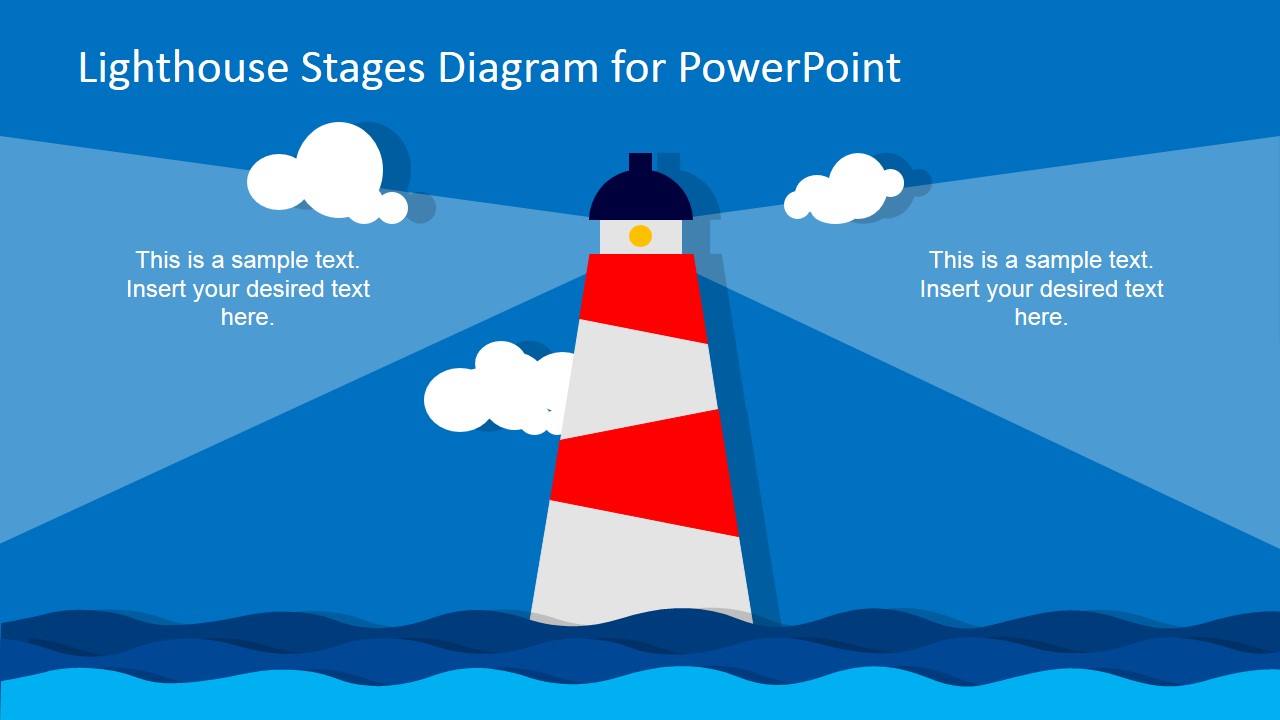
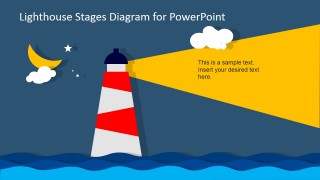
- A consultant can use the night beam slide to frame uncertainty and show how a recommended direction guides the client toward the next action.
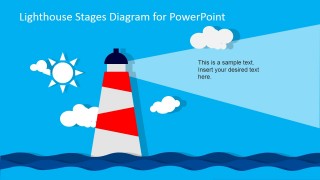
- A training facilitator can use the day scene and individual step cards to introduce a learning path, then explain each stage in sequence.
Features
- 100% editable presentation template
- Compatible with Microsoft PowerPoint and Google Slides
- 16:9 aspect ratio slides
- Scalable vector shapes, icons and illustrations
- AI-Ready for Microsoft Copilot and Claude
- Instant access and download
Frequently asked questions
Q: How should a presenter structure a message around the lighthouse stages?
A: Start with the lighthouse as the main idea: the beam represents guidance and the tower segments represent stages. Use Slide 2 to preview all four stages, then move through Slides 3 to 6 so the audience can focus on one stage at a time. Reserve the day or night scene for context, risk, or direction.
Q: Who is this lighthouse diagram best suited for?
A: This template fits presenters who need to explain direction, alignment, or progress without relying on dense process charts. Strategy leads, consultants, project managers, and trainers can use it when the message is more conceptual than numerical, such as mission alignment, change guidance, customer onboarding, or a four-part operating model.
Q: Why does the lighthouse metaphor help the audience understand the message?
A: The lighthouse creates a clear visual metaphor: it stands firm, marks direction, and projects light across uncertainty. That makes it useful for messages about leadership, navigation, priorities, and staged progress. The highlighted tower bands focus attention on one part at a time, while the beam shows where the audience should look next.


Lighthouse Stages Diagram Template for PowerPoint
8-slide presentation template with lighthouse stages diagram and process step layouts
This 8-slide presentation template uses a lighthouse metaphor to explain staged processes, guidance, vision, or mission themes. Visible layouts include a two-sided lighthouse beam slide, four callout diagram, individual Step 1 to Step 4 explanation slides, and day or night scene variants for Microsoft PowerPoint and Google Slides.
- Category
- Diagrams
- Rating

 Loading...
- Aspect ratio
- 16:9
- Item ID
- 6620-01
- Colors
 Microsoft PowerPoint
  Microsoft Copilot
  Claude for PowerPoint
 Other formats supported
Subscribe today and get immediate
access to download our PowerPoint templates.